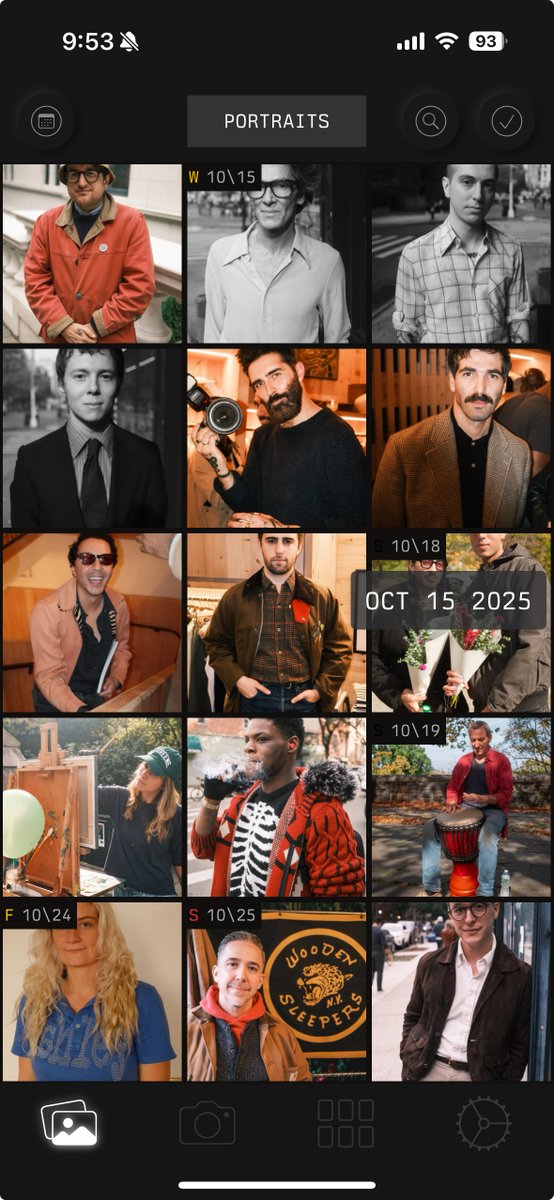
@beccaihaveknown@yungchomsky Hey, that shouldn’t be happening. I’d need some more info to look into it — if you could email [email protected] and let me know what model iPhone and version of iOS you’re on, and attach a screen recording of what happens when you open the app, that would help!
I just published a new version of @Phomo_App for iOS 🎉
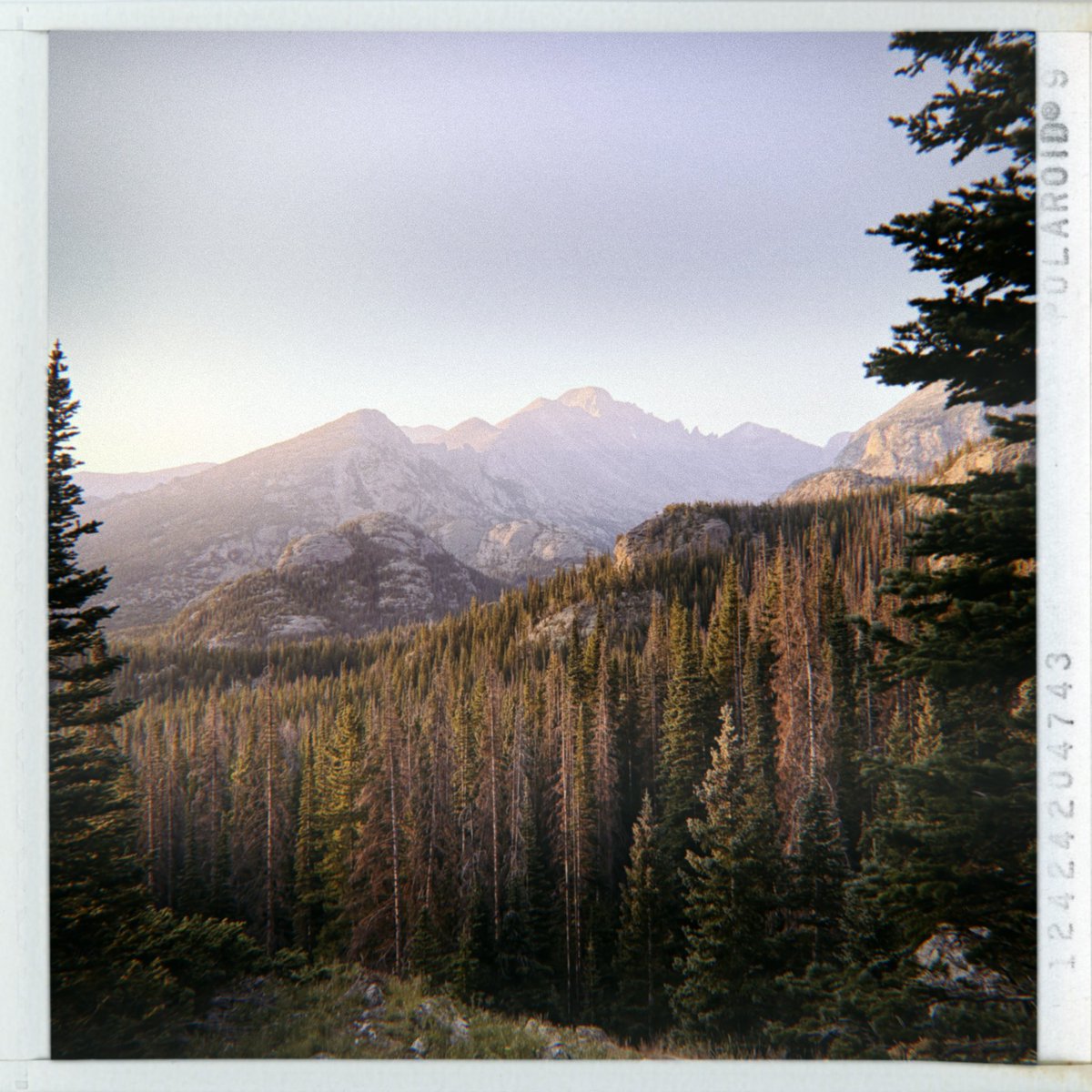
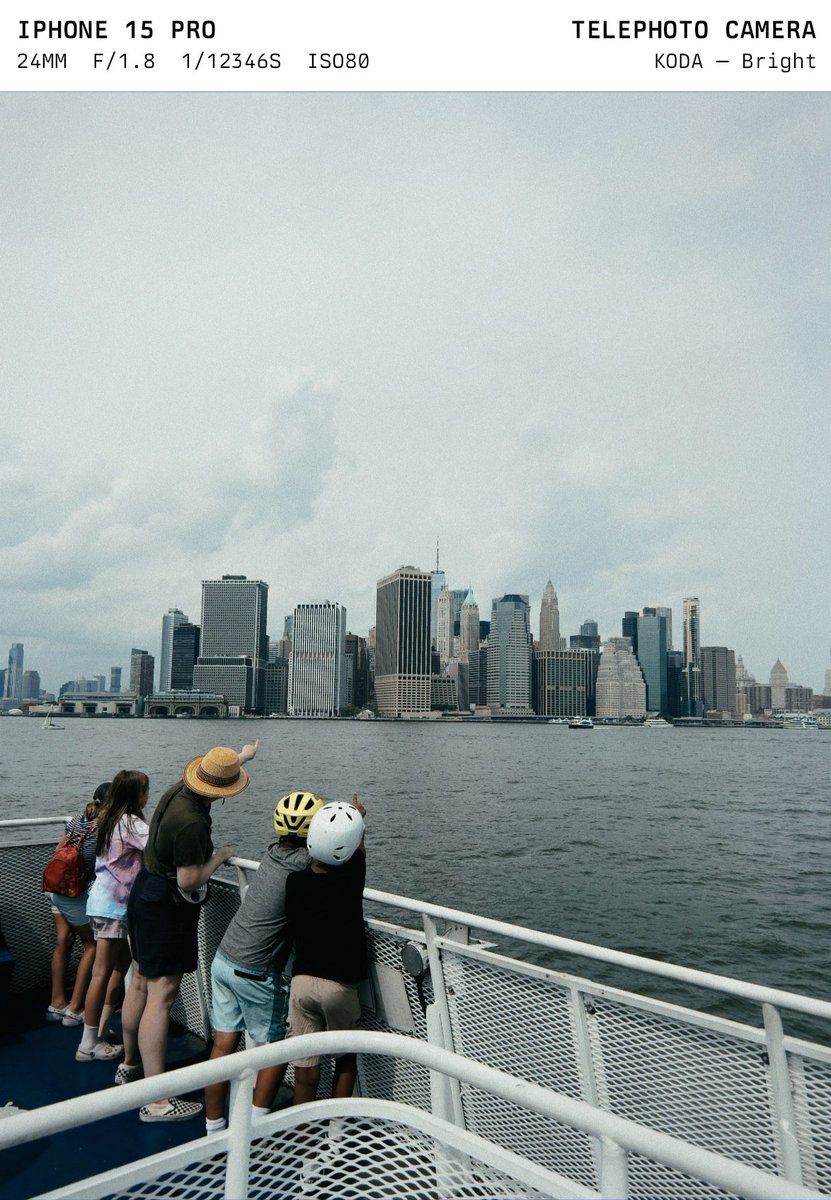
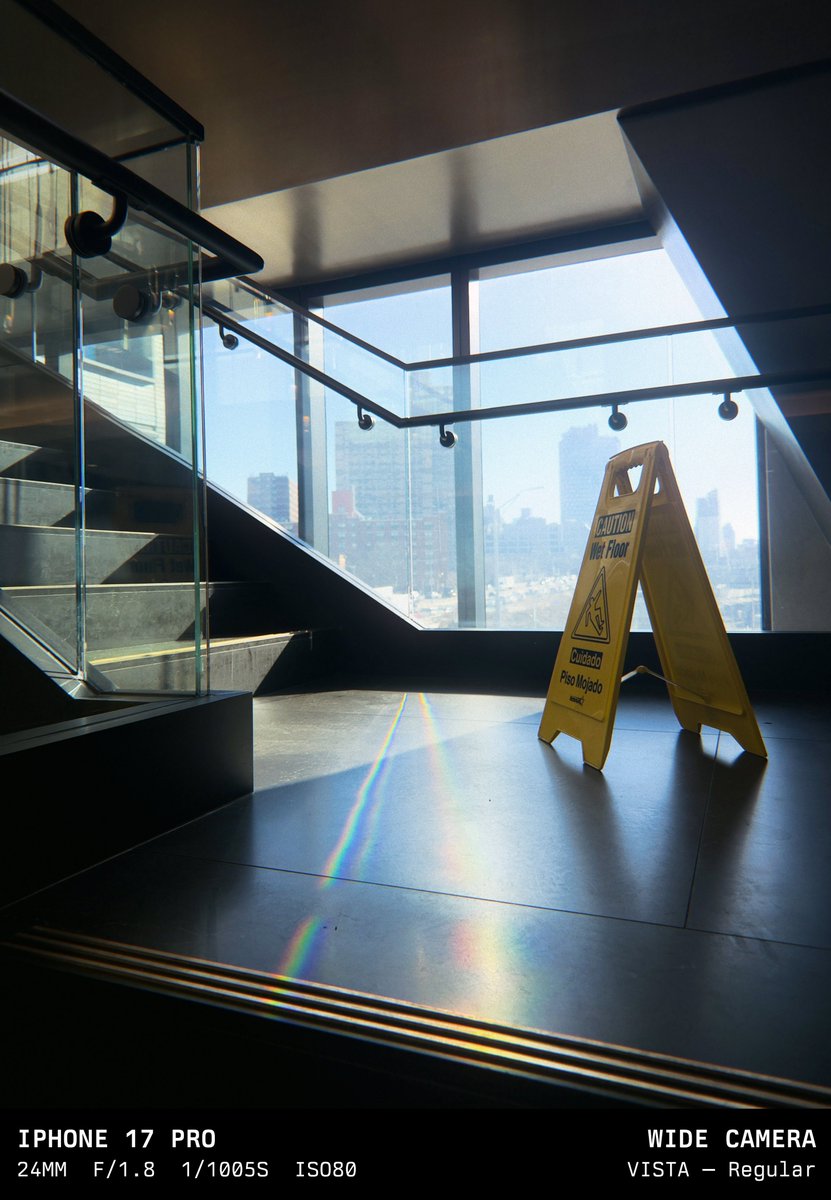
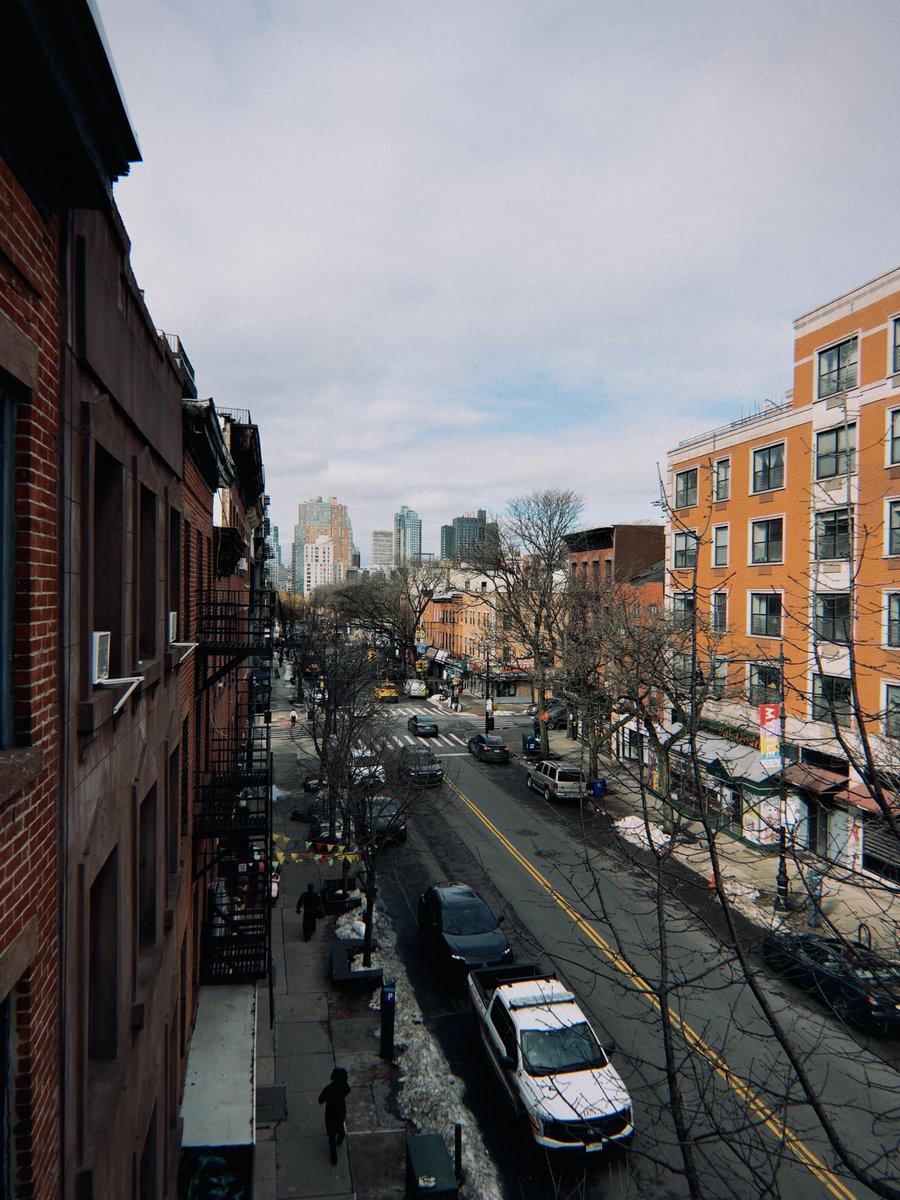
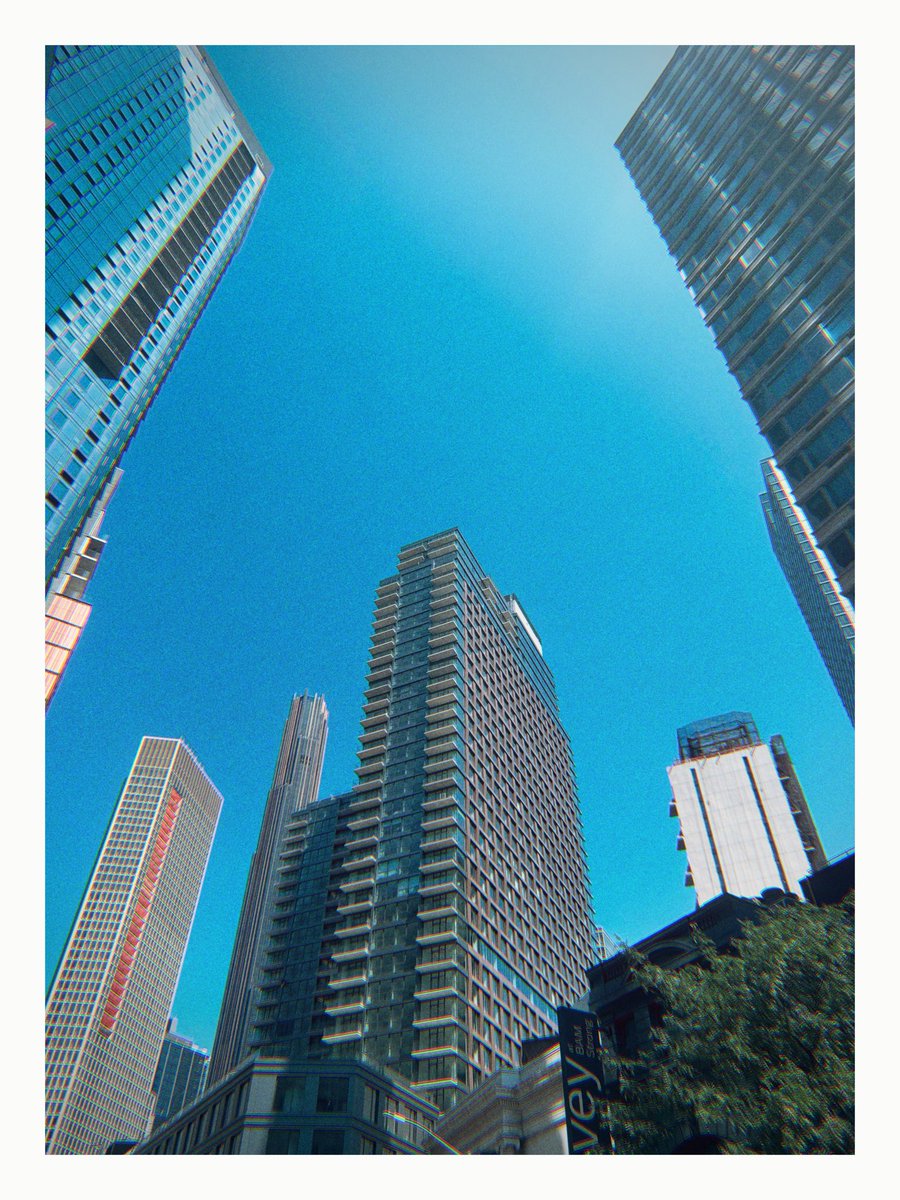
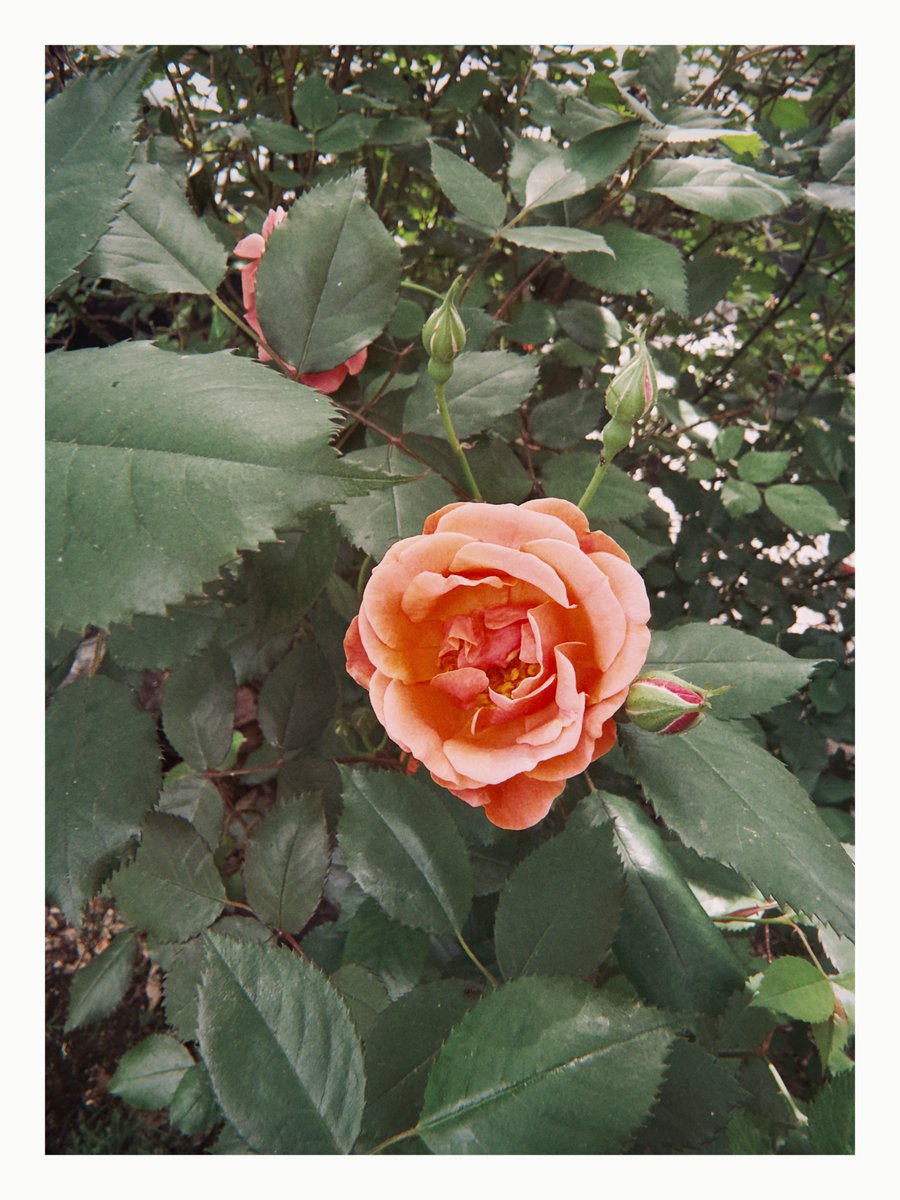
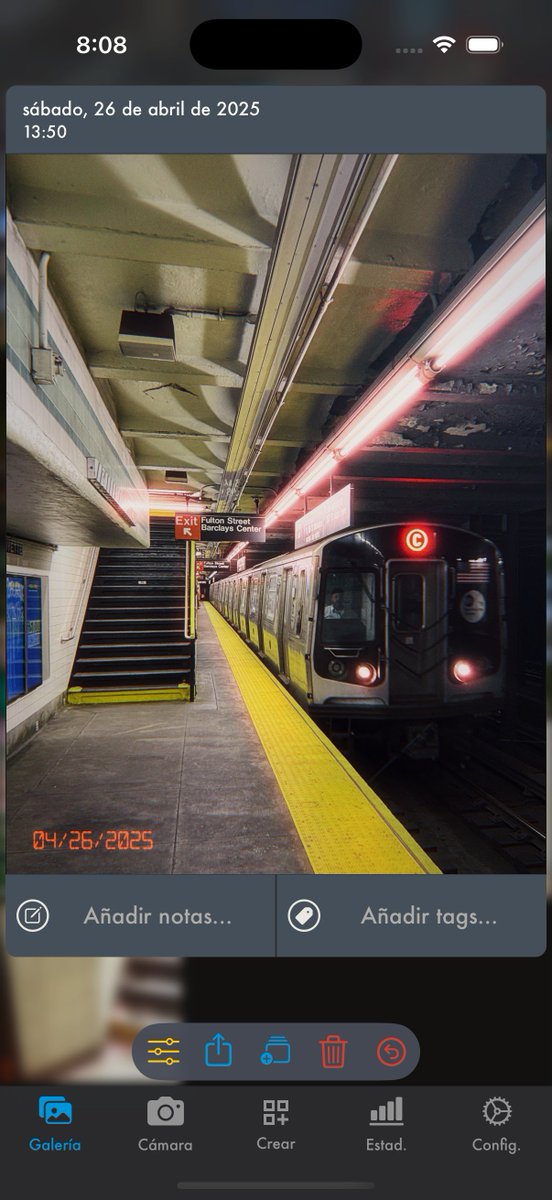
This update adds data frames — display the device model, film style, and EXIF data in a border around your photo.
Use @Phomo_App and stop taking boring iPhone photos 📸
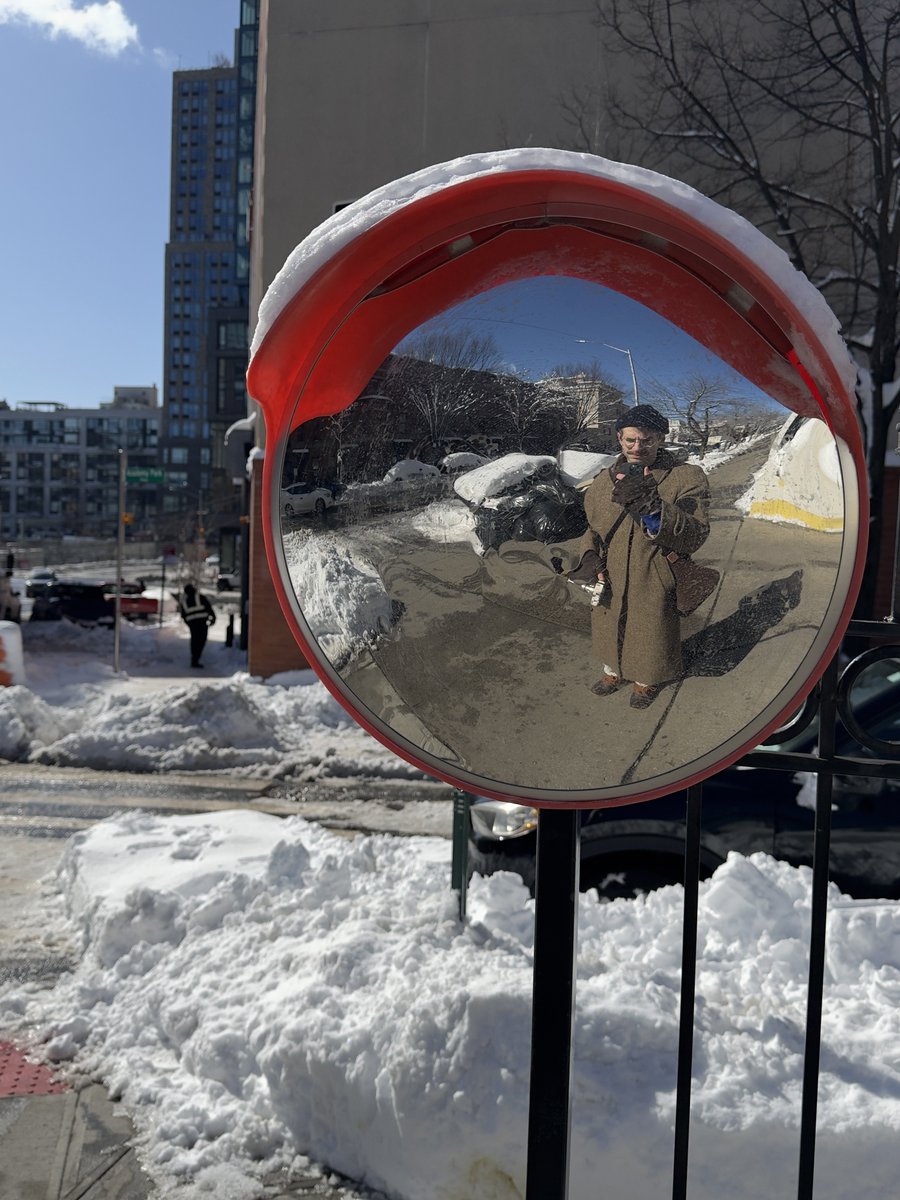
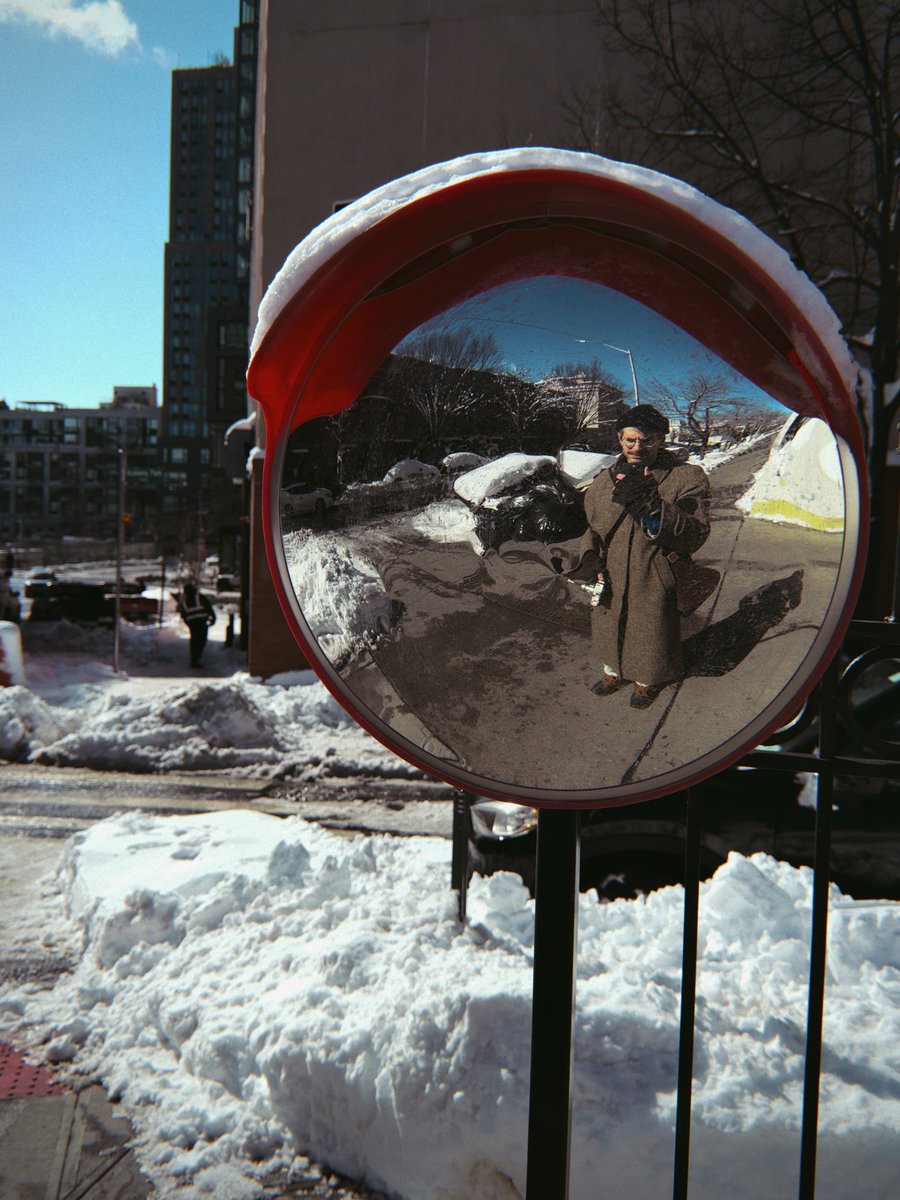
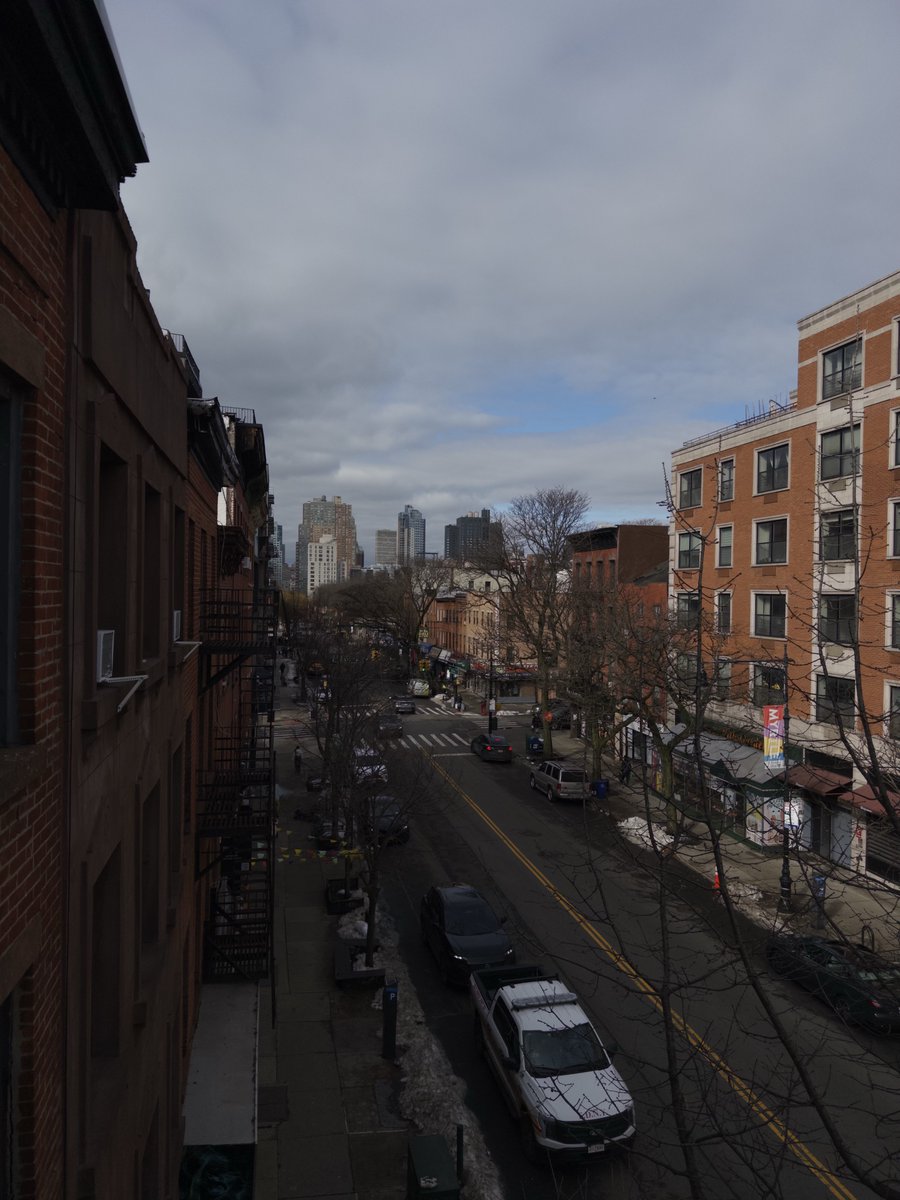
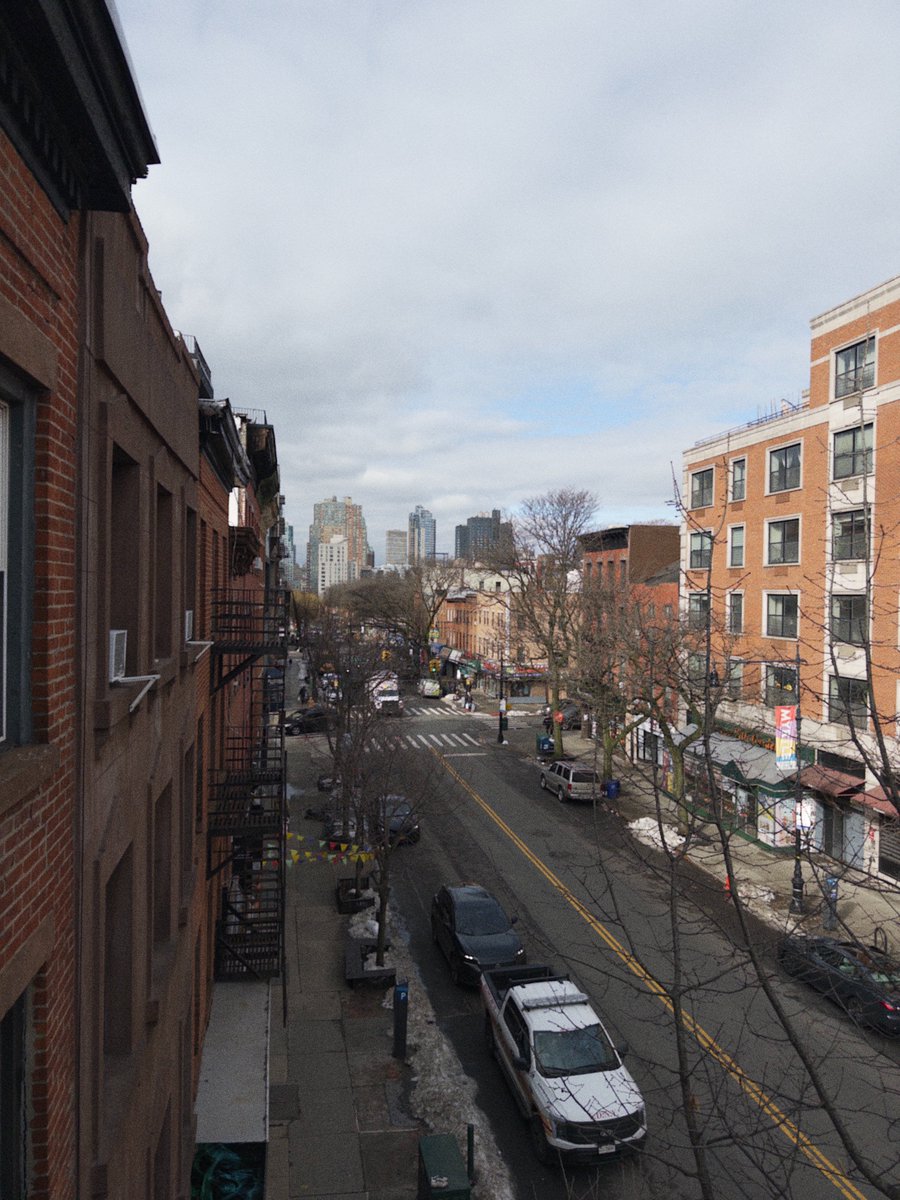
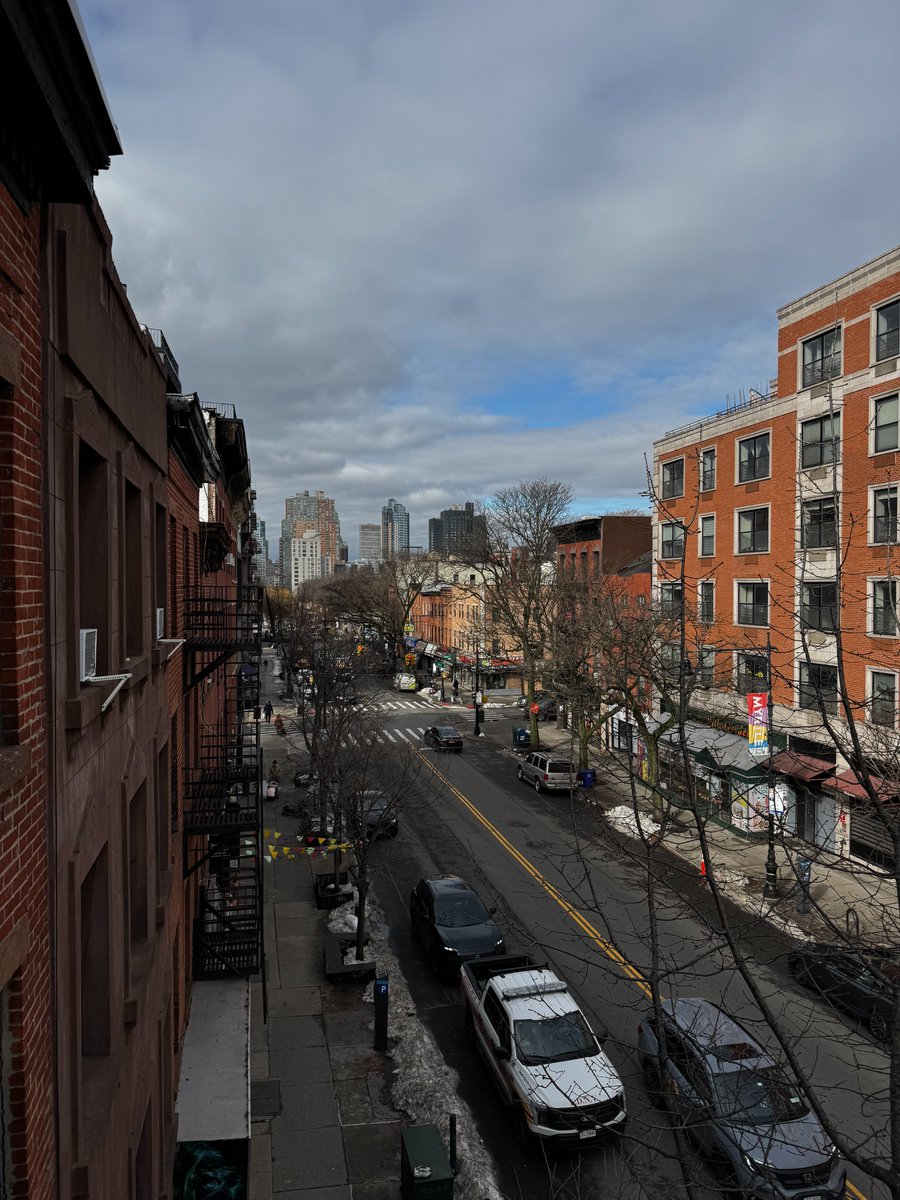
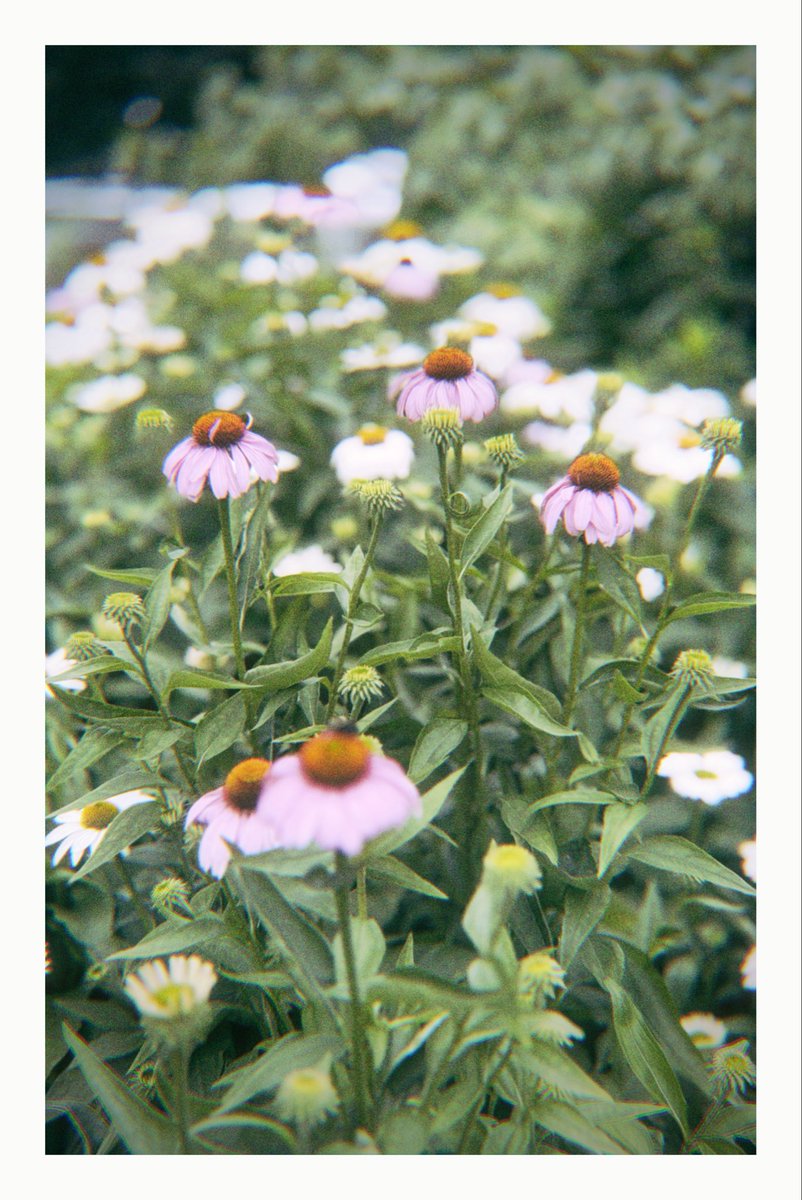
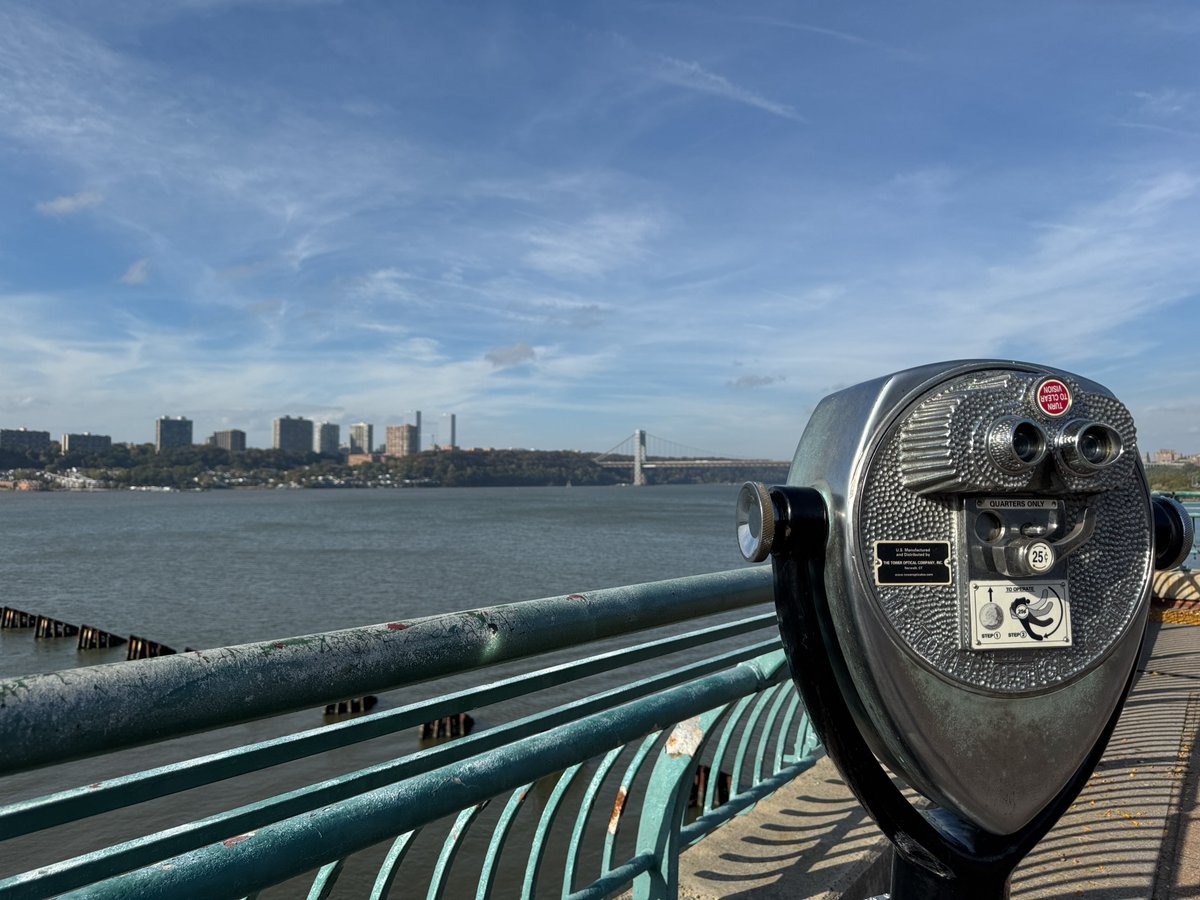
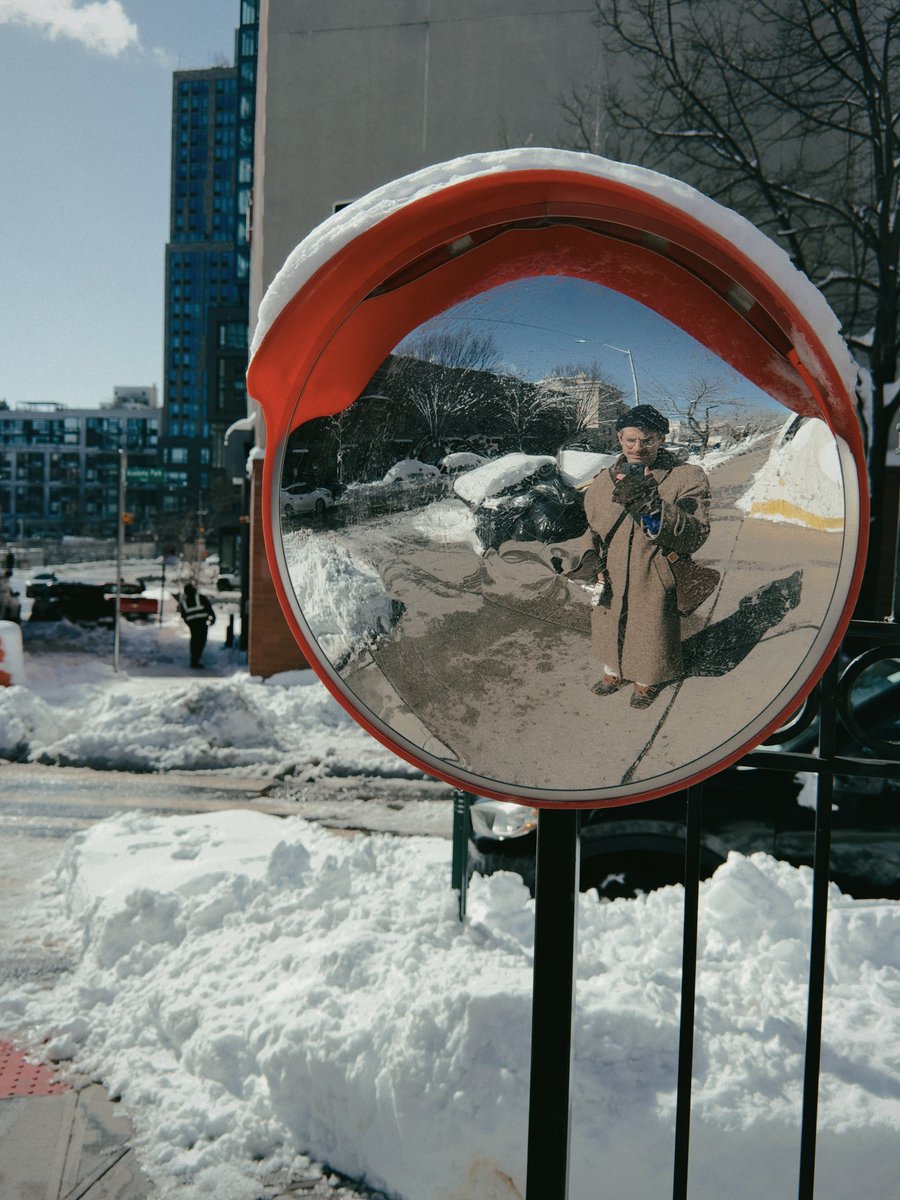
One photo, three different film presets:
1. iPhone default
2. KODA — Bright
3. SUPER — Contrast
4. Tri-X — Dark
All iPhone photo apps use the same APIs. They're competing on taste and marketing, not image quality.
Same scene 4 ways on iPhone 15 Pro:
1. iPhone default processing
2. Halide 3 (Process Zero + film)
3. Moment 2 (Natural processing)
4. @Phomo_App (Vista - Cool preset)
@jimprosser@yungchomsky It’s easier to see the grain if you load in 4K, but Phomo’s grain strength varies by film preset, and is adjustable with the “vintage” slider. There are lots of subtle differences — if you’re curious, download the app and see for yourself! You can use Phomo for free 😎
If you're a beta tester for @Phomo_App, you can now install version 3.0 via TestFlight. This is a huge update and I need you to test it thoroughly!
If you're not in the beta test and would like to be, DM me your email and I'll add you. (iPhone users only)
I wrote a decoder for @Phomo_App to handle raw image formats (DNG, CR2, ARW, etc).
This allows the film emulation pipeline to produce more authentic results, while still allowing for unlimited re-edits. I also learned a lot about photography in the process 🤯
Coming soon!