@TechSmith has a new product launching soon. Camtasia online.
Get notified by following on @ProductHunt
https://t.co/tvusnMYPYA
Browser-based video creation, lots of looks, and collaboration.
BTW, FREE.
@RX7966 JKL are the hotkeys for J- playhead goes in reverse. K- Stop the playhead & L- playhead moves forward. Push the J or L key multiple times to speed it up.
If you haven’t tried it - give it a go.
And yeah - I’ll see that we can add some clarity.
Save $500 on your full conference pass for Learning & HR Tech Solutions in Orlando, FL, April 23-25.
Register for your conference pass at https://t.co/kt3FjfNUO6 before April 19 with exclusive promo code SPEAKER94 to save.
I'll be there speaking on #Asyncvideo & #AsyncWork
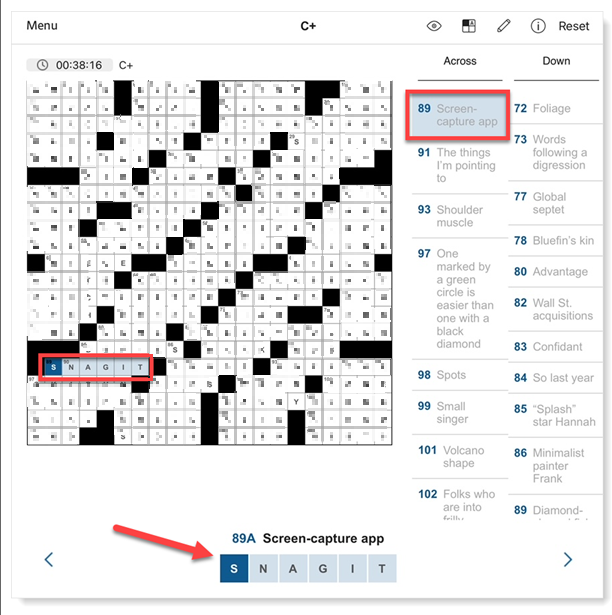
Hopefully, you did Saturday, March 16th @WSJ Crossword on, but if you haven't -- SPOILERS!!!
But we're SUPER PUMPED!
Don't worry; we used the blur tool to cover up all but one answer...
.
.
.
.
.
.
.
.
89 Across.... "Screencapture app"
Take a guess... 🎉
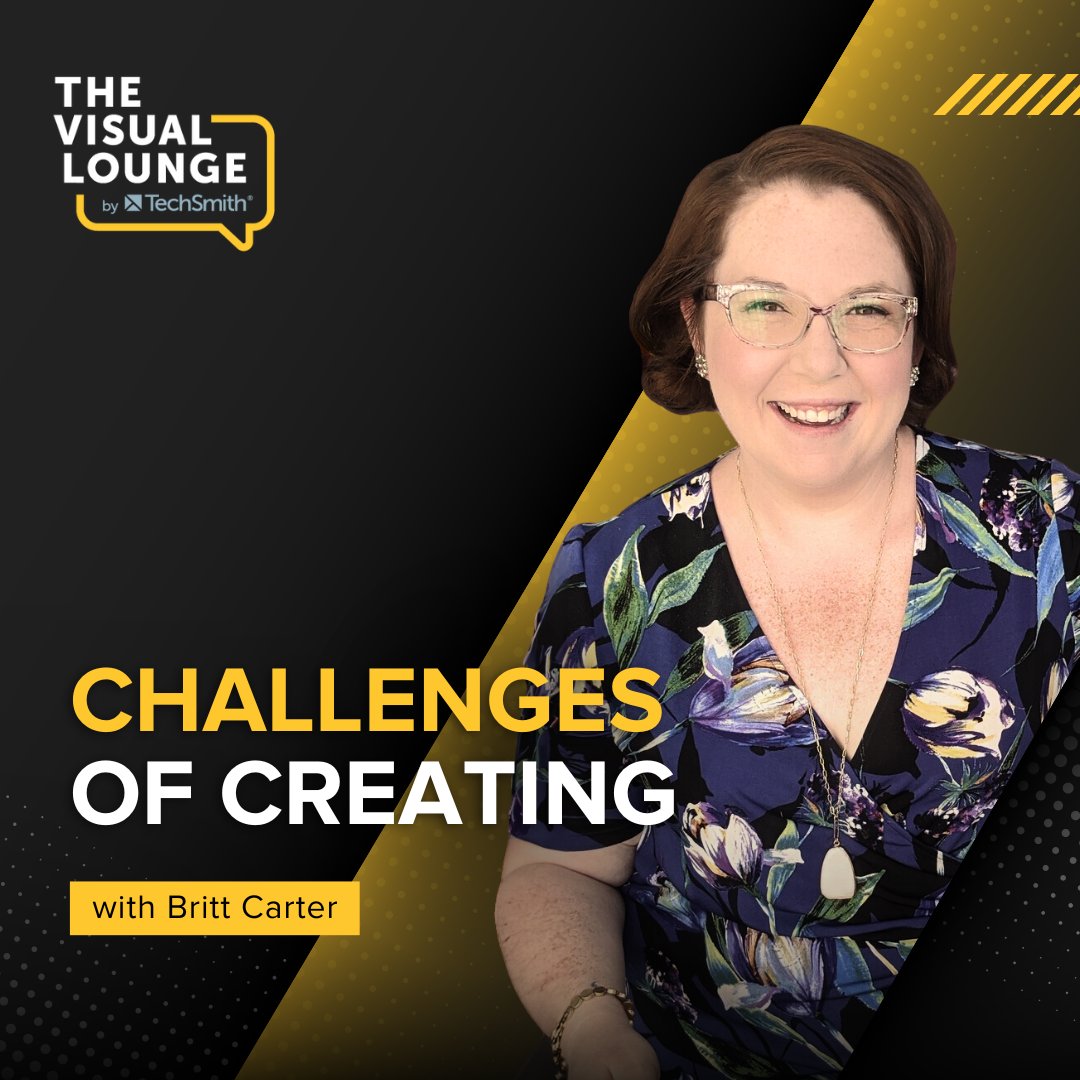
@piercemr has a great conversation with Britt Carter, Creator Success Manager and creator of The Betting Belle YouTube channel, about the realities of being a content creator.
Check it out here: https://t.co/6khe8Nyu3P
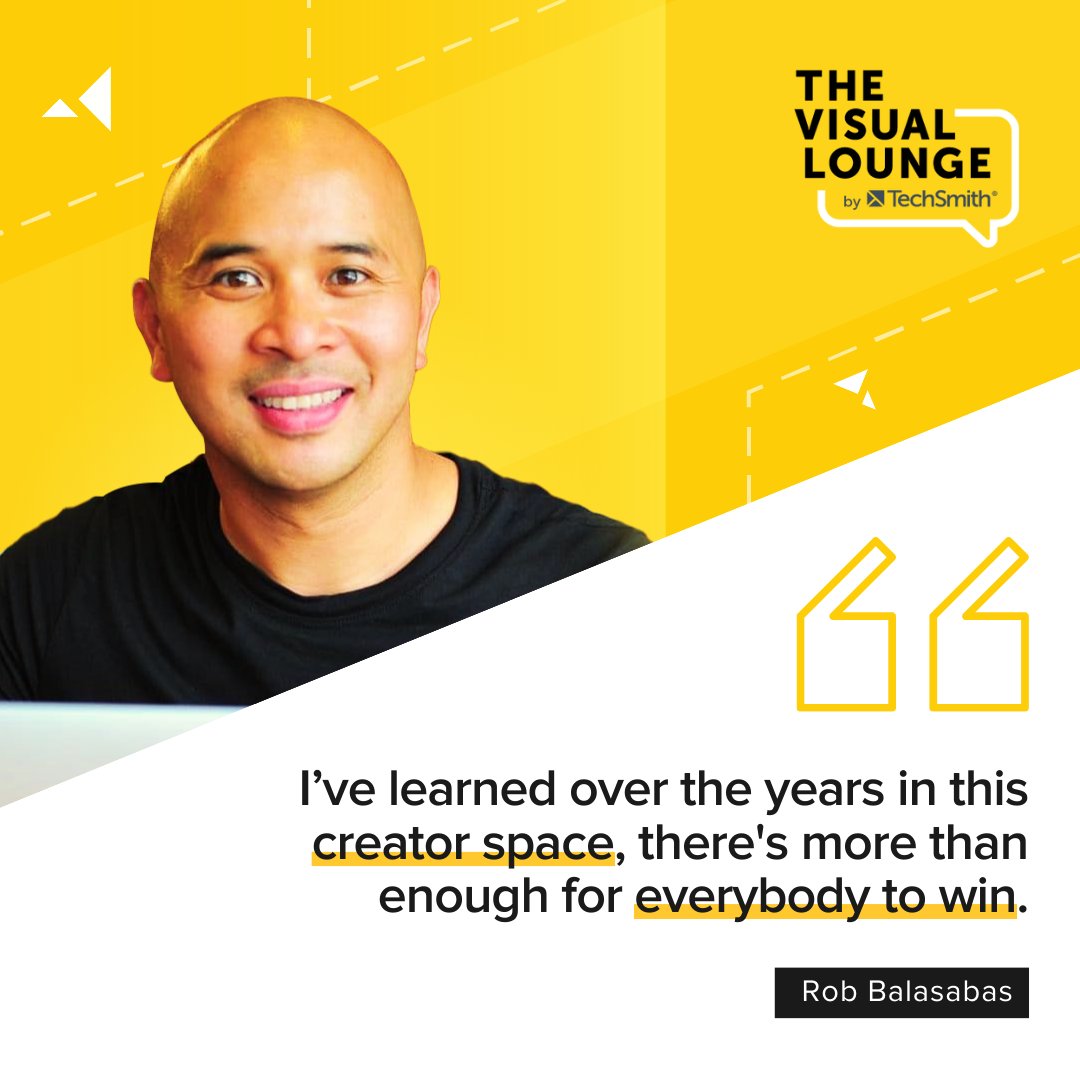
I joined Matthew Pierce on the @Camtasia@TechSmith Podcast to talk about collaborations, competition, working with brands as a creator and then, on the flip side, how brands can hire creators in-house.
Full episode here: https://t.co/ocuJ9xTJGj
@editblog@TechSmith It is not as easy as the star - but it gives you lots of control, and you can set up as many as you want. Plus those can have all sorts of properties set on the placeholder.
Hope that helps. Will definitely share this with the dev team.
@editblog@TechSmith When you save - make sure you use Save to Canvas size to keep all the settings.
Then, you can add that placeholder to any project. Then drag and hold the media over the placeholder to add it. It will keep the settings.
@editblog@brandbuzz@AdobeVideo@TechSmith Great question.
Not as easy as clicking to add to favorites. But I think you can create a placeholder, then add the scale & position. Then add it to either the project or library.
I’m mid-flight- so can’t check other options, or if that will work. But will check.
@CaptivateTeachr@Camtasia Definitely pass in the suggestion.
For screen content theres an older feature- SmartFocus, but windows only and it’s in need of some updates.
@CaptivateTeachr are you thinking for face, screen content, both?
TOP TIP!
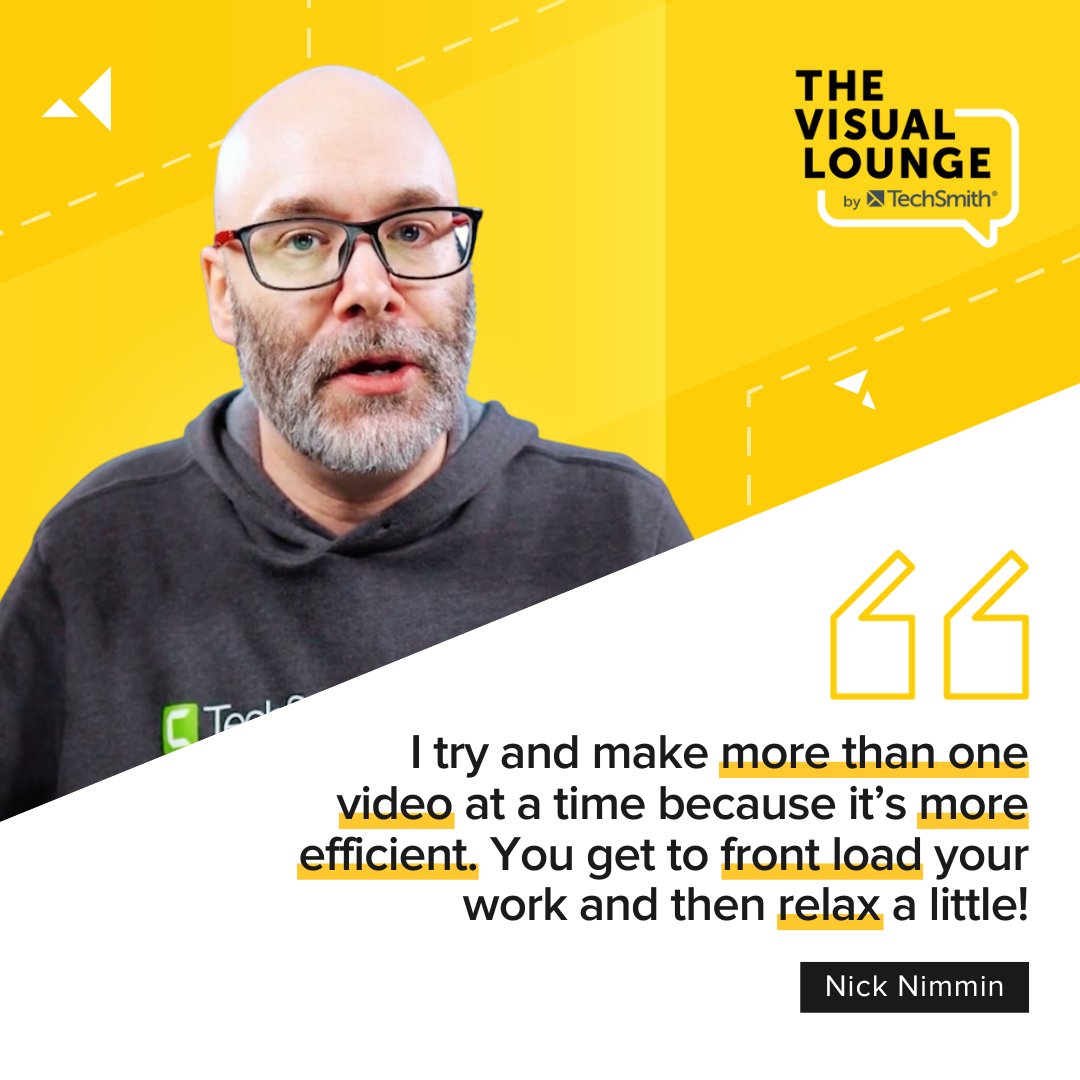
YouTube creator Nick Nimmin explains why he batch records videos and how it could save you time and energy.
🎧 For more, find Nick and @piercemr on The Visual Lounge: https://t.co/6khe8Nyu3P
#thevisuallounge
🤖 Can AI speed up video creation?
YouTube creator and speaker Nick Nimmin explains how AI tools can support your processes, but why you should avoid letting them do the whole job.
🎧 Tune into The Visual Lounge with @piercemr for more: https://t.co/6khe8Nyu3P
#thevisuallounge
🚨We are LIVE with our biggest sale of the year!
Enjoy 25% off on Snagit, your go-to screen capture and recording software. Designed for creators of all levels to create pro results!💡📸
Deal ends Friday, December 1st at 11:59 p.m. PT ⏳✨
https://t.co/2tPzjuLiFn
🤔 Want to make your presentations feel more genuine?
Script your start, end and key questions (and bullet-point what’s in between), says Senior Director, Customer Education, Leslie Chamberlain. Episode 185 of The Visual Lounge with @piercemr is on your go-to podcast app now.
Do you celebrate diversity and inclusion in your work?
Lainey Yehl, Graphic Designer and Illustrator explains why it should always be top of mind on episode 182 of The Visual Lounge with @piercemr. Listen on your podcast app 🎧
https://t.co/aTnuJVPGQz