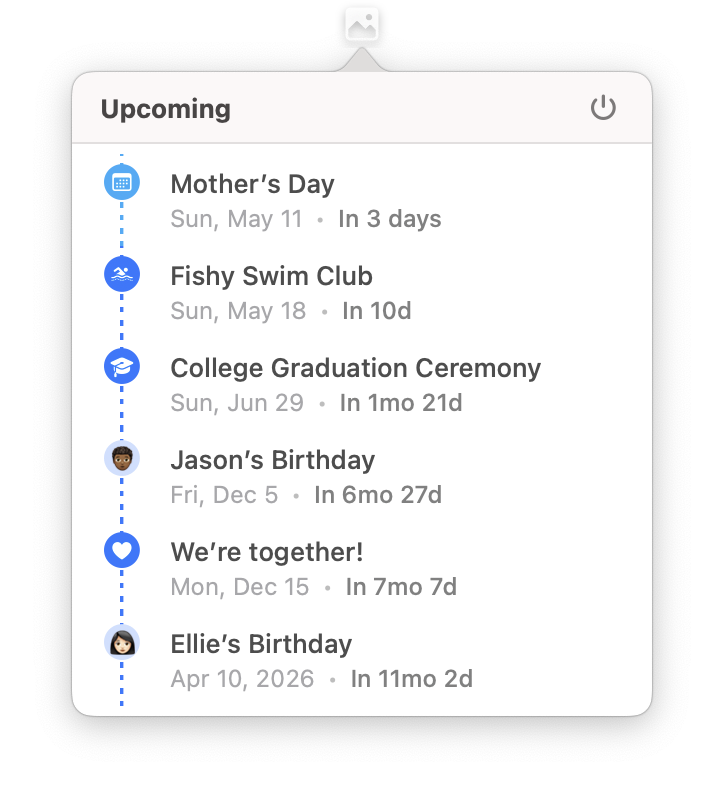
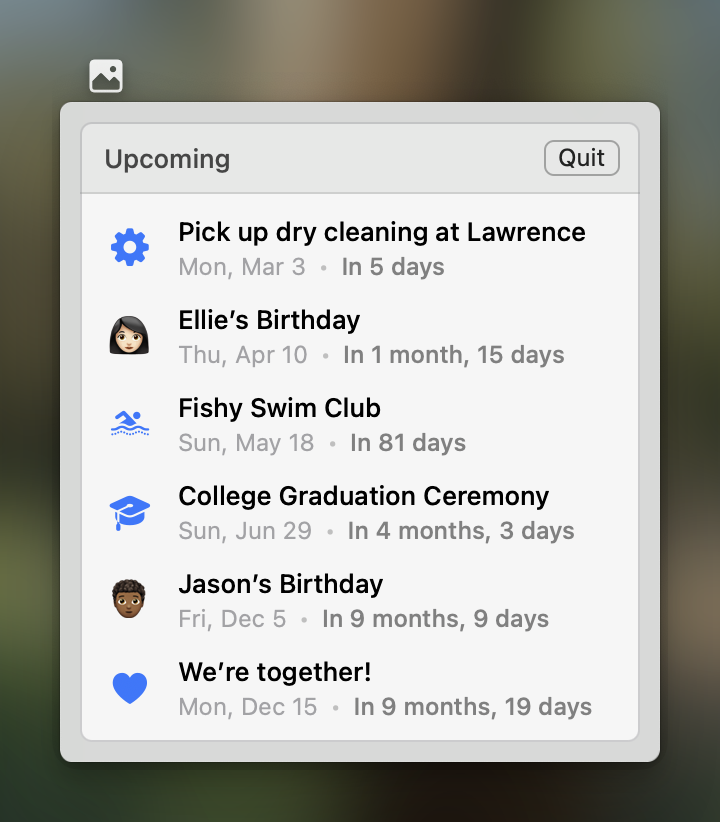
New versions of Pinning for both macOS and iOS is live on App Store. You can now manage tags via context menu. We also fix a lot of minor UI issues on macOS Tahoe.
The Mac app should feel better than ever! Update the app at App Store now: https://t.co/MbclsLX2Om
A little tip for the menu bar app.
You can click the event in menu bar app to show in Pinning. You can also ⌘-click the event to show in either the Calendar app or or the Reminders app.
A new version of Pinning for macOS is live on the Mac App Store.
Due to our mistakes, the menu bar app that should have been in the app two months ago was not included in the production build.
Now it’s finally here, a great addition to the app.
A new version of Pinning for macOS is live on the App Store with new feature custom icons for notebooks and events.
Style your notebooks and events with a personal touch.
We also make an extra effort to support SVG so that you can use the enormous icon sets on the Internet.
With the new version released, Pinning now supports French, German, Spanish, Portuguese, Korean and Japanese.
These localizations are not perfect. If you spot any errors in your language, please report to us [email protected].
A new version of Pinning for macOS is live on Mac App Store with new features like menu bar icon, managing shared notebooks and filtering events by date.
After four rejections from app review over two days, Pinning for macOS is finally live on the Mac App Store.
Also, we will increase the price of the lifetime plan before long. Now it’s a great time to get on board if you haven’t already.
With the latest version of Pinning, you can now set calendar or reminder list as the source of the widgets.
It’s could be useful for someone to view upcoming calendar events separately. We hope you enjoy it.
The app is not properly tested. So it would help us a lot if you can report the bugs you find to us via email [email protected].
The link is here: https://t.co/N5YvrcvLkm
Hi everyone! We’ve been working on Pinning for macOS for a while, which it’s a native app built with AppKit and SwiftUI.
While the app is still in early stage, we would love to invite you for TestFlight so that you can help decide what features should be included in 1.0.
@chris__cote Hi Chris. Email is the preferred way to contact us because we don’t monitor the account constantly.
Regarding the feature, if only works if the event type is birthday.
Alternatively, you can tap the calendar-plus icon to create a birthday event from calendars.
A new version of Pinning is released with new date range presets (Past and Future) for notebooks and improvement for shortcuts.
It’s a small update. But some of you will enjoy this because these improvements came from our users directly.
@chris__cote It’s meant for attaching the contact info to the event, optionally setting the birthday if the contact has one. The title will only be set with contact name if it’s empty.
Pinning is versatile.
One of the things you can do with Pinning is to track project milestones.
For example, the milestones of Pinning are kept in a notebook in Pinning. With tags and event intervals, you get the development pace of Pinning at a glance.