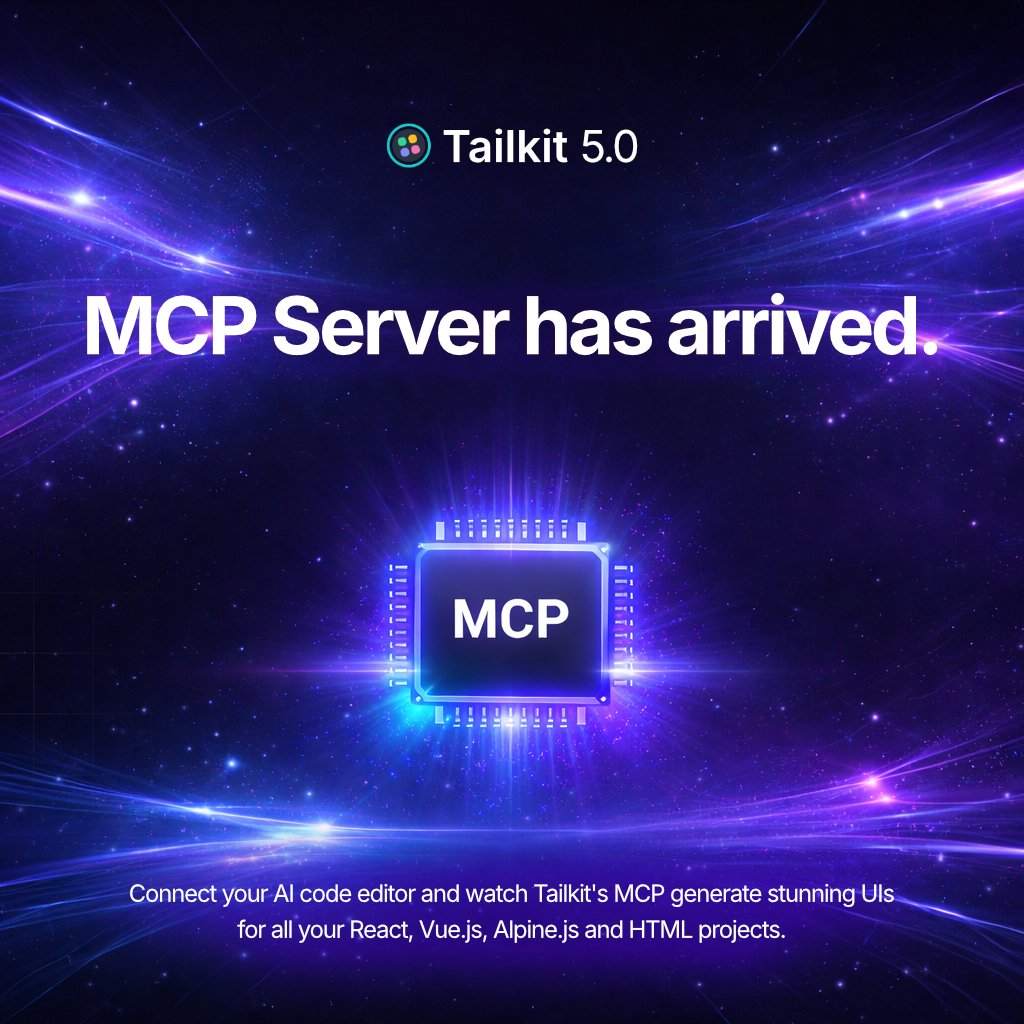
Tailkit 5.0 with MCP Server has arrived and as always, FREE! 🥳
This is the future of Tailkit and I am really excited about this new direction.
For the past 2 months I have been working very hard on something that a lot of people have been asking for: a completely custom Tailkit MCP server that lets your AI code editor work directly with all the components and code snippets the library has to offer.
If you are building with AI tooling, this makes it much easier to browse, search, and pull component code straight into your workflow.
You can also let AI build fully custom page designs for your projects based on Tailkit's design system.
You can specify what components and layouts you need (using the brand new AI identifier each component now has) or describe what you want and let the MCP server put any design together for you.
React, Vue.js, Alpine.js and HTML projects are all supported.
The MCP Server supports OAuth and streamable HTTP transport and is available to everyone who already has a Tailkit license.
If you try Tailkit 5.0 and need some help getting started feel free to let me know. I will do my best to help you out.
Thank you all your continued support! 🙏
Happy prompting!! 👩💻👨💻🚀
I asked AI to build me dashboards for the gym landing pages.
Which model did a better job this time?
Left
- GPT 5.5 + Tailkit MCP
Right
- Opus 4.7 + Tailkit MCP
Prompt (in the same agent from previous design):
"Perfect, now generate a dashboard for this gym using Tailkit components."
Which model did a better job?
Left
- Composer 2.5 + Tailkit MCP
Right
- Opus 4.7 + Tailkit MCP
Prompt:
"Use Tailkit components and build me a landing page for a gym. Use yellow as the primary color, stone for secondary. Populate the page with real-life data. Don't use contextual colors, keep it as simple and modern as possible. Populate with dummy images where is needed. Add unique touches ideal for a gym website. Dark mode should be the default one."
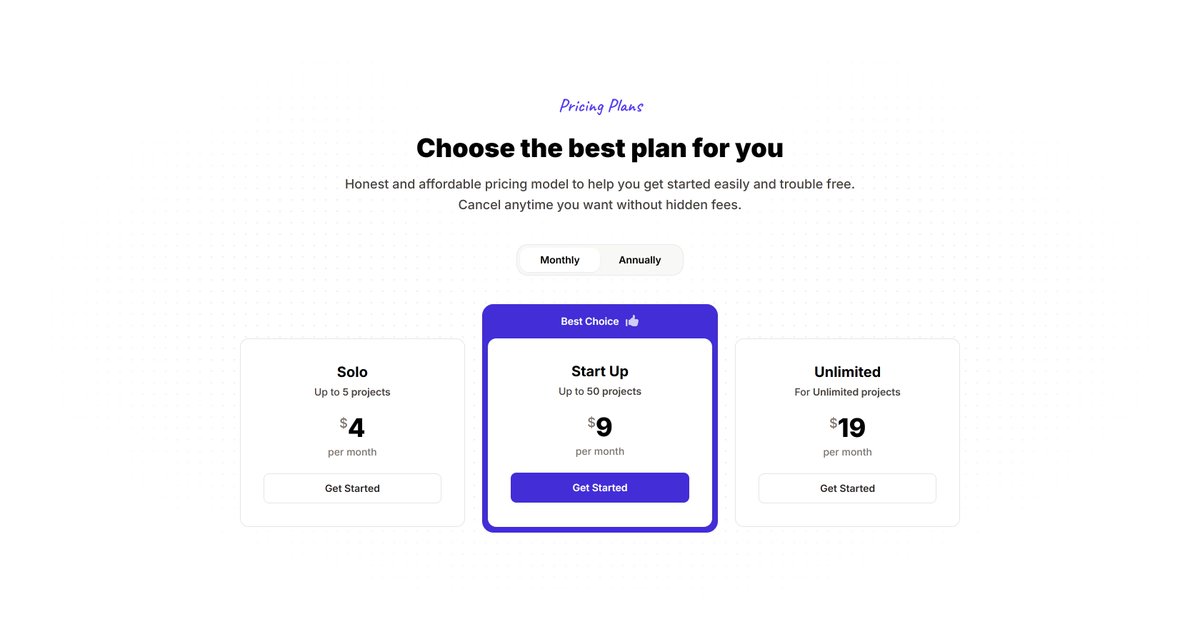
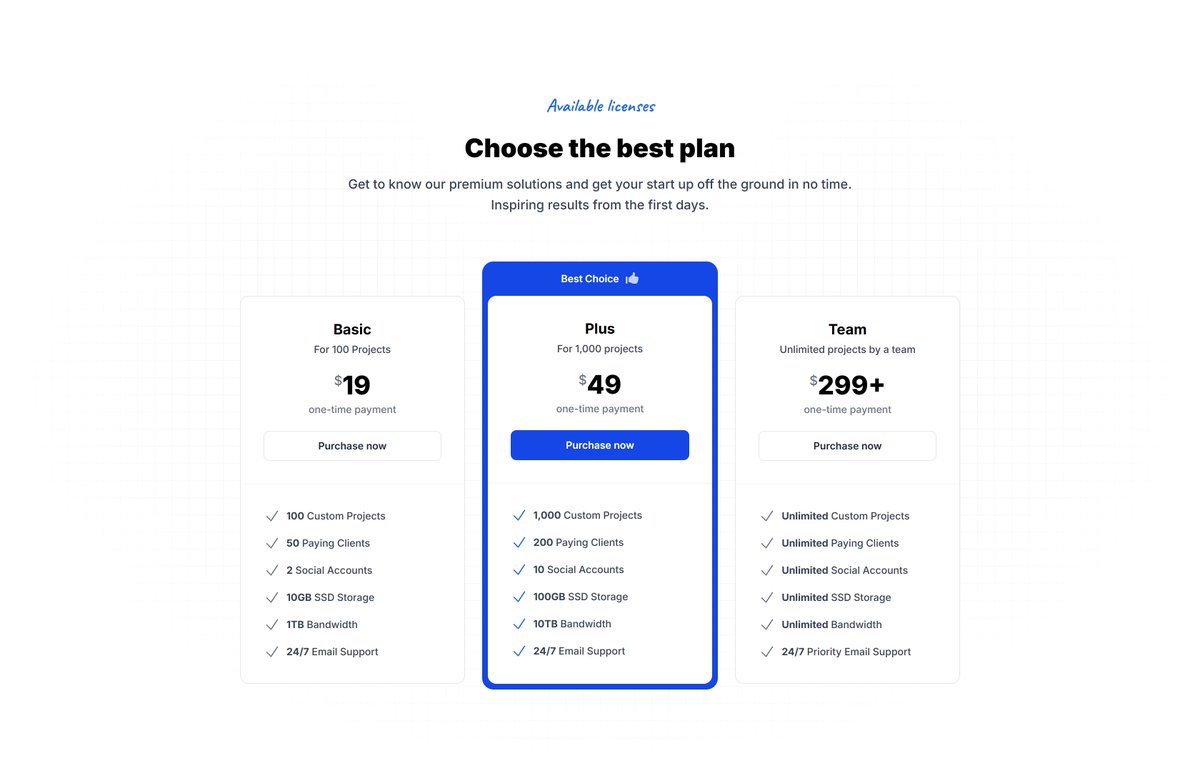
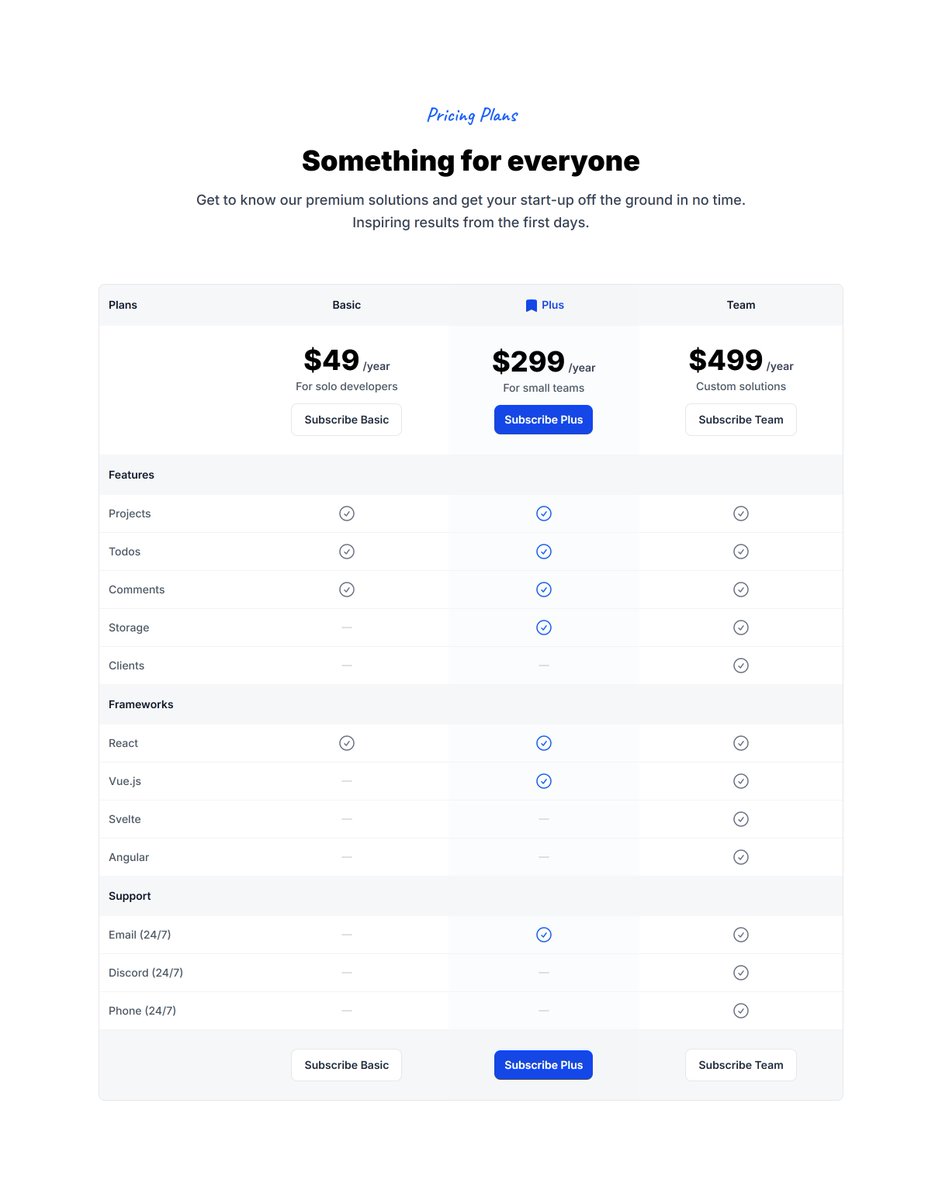
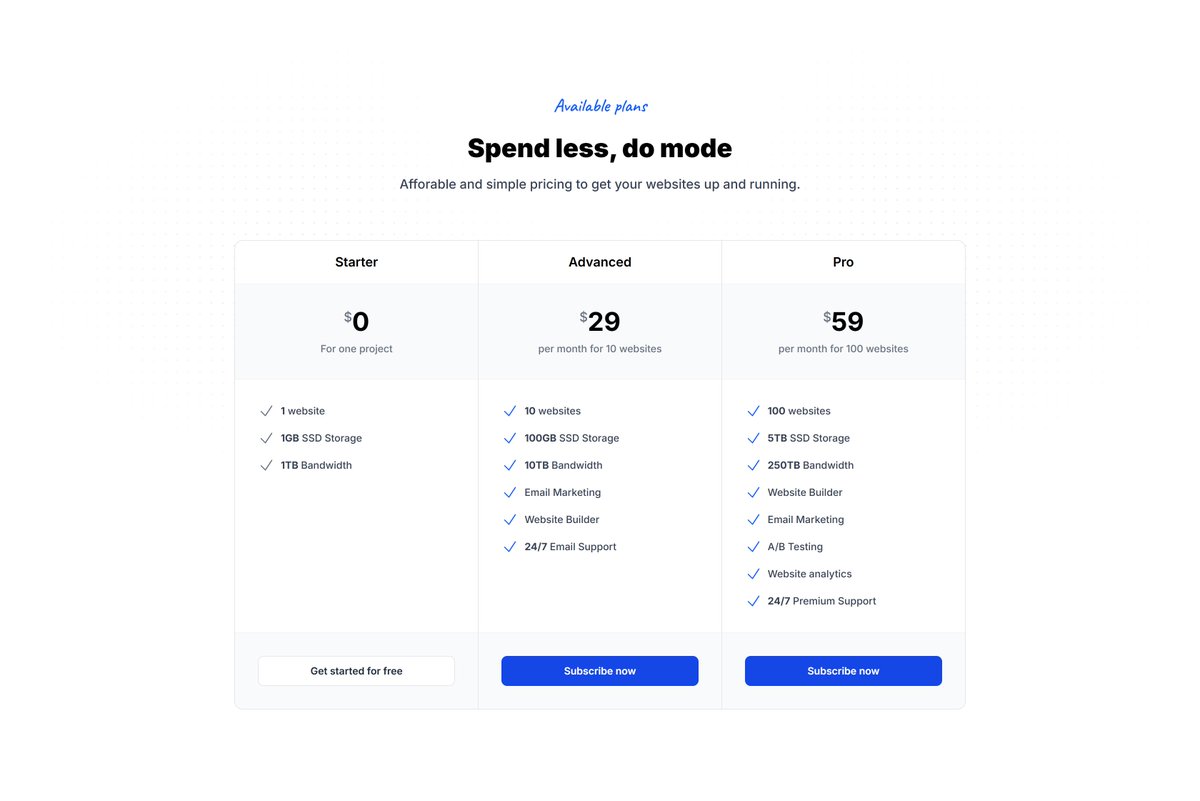
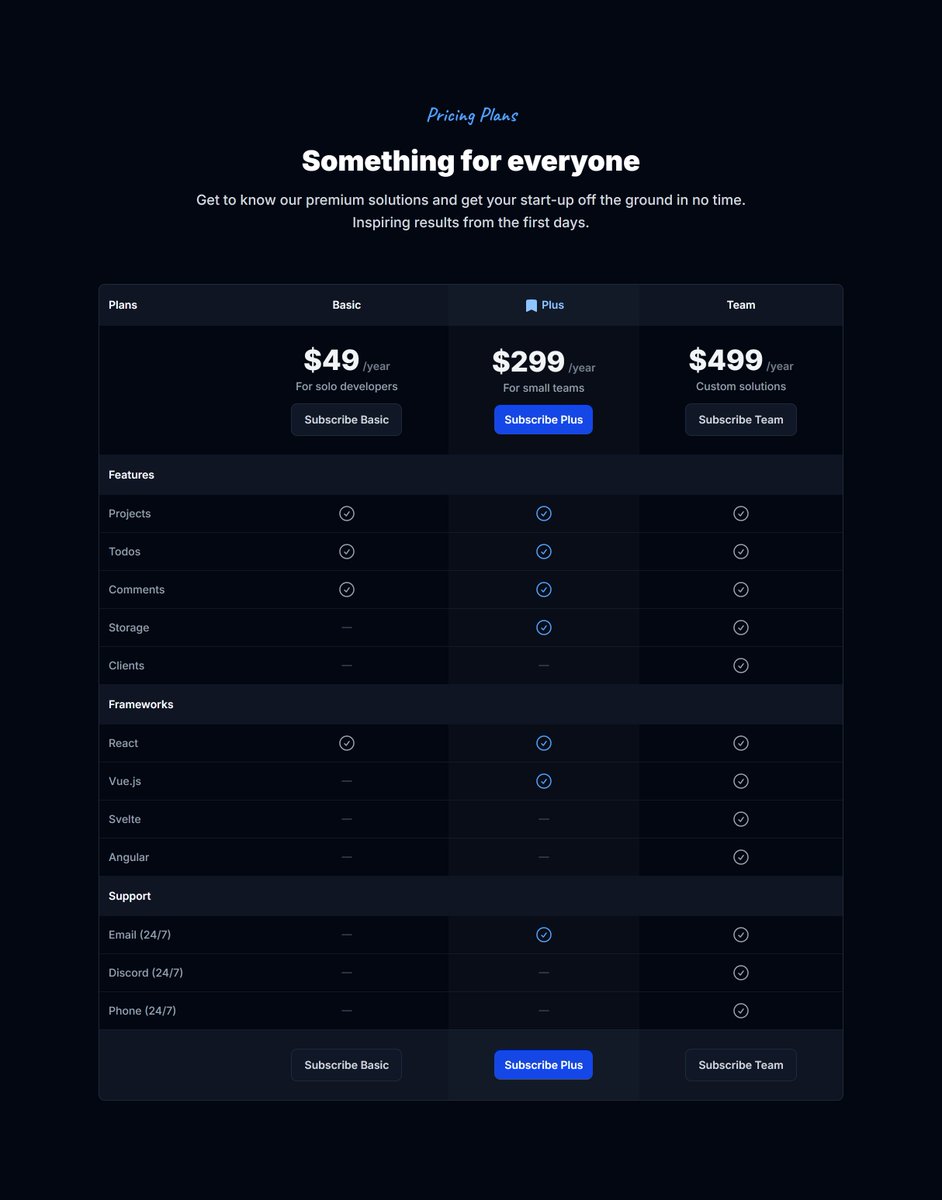
I just refreshed 2 more pricing sections and the whole category now looks better than ever.
- Simple
- With Features
These also include working snippets with pricing toggling for React, Vue.js and Alpine.js
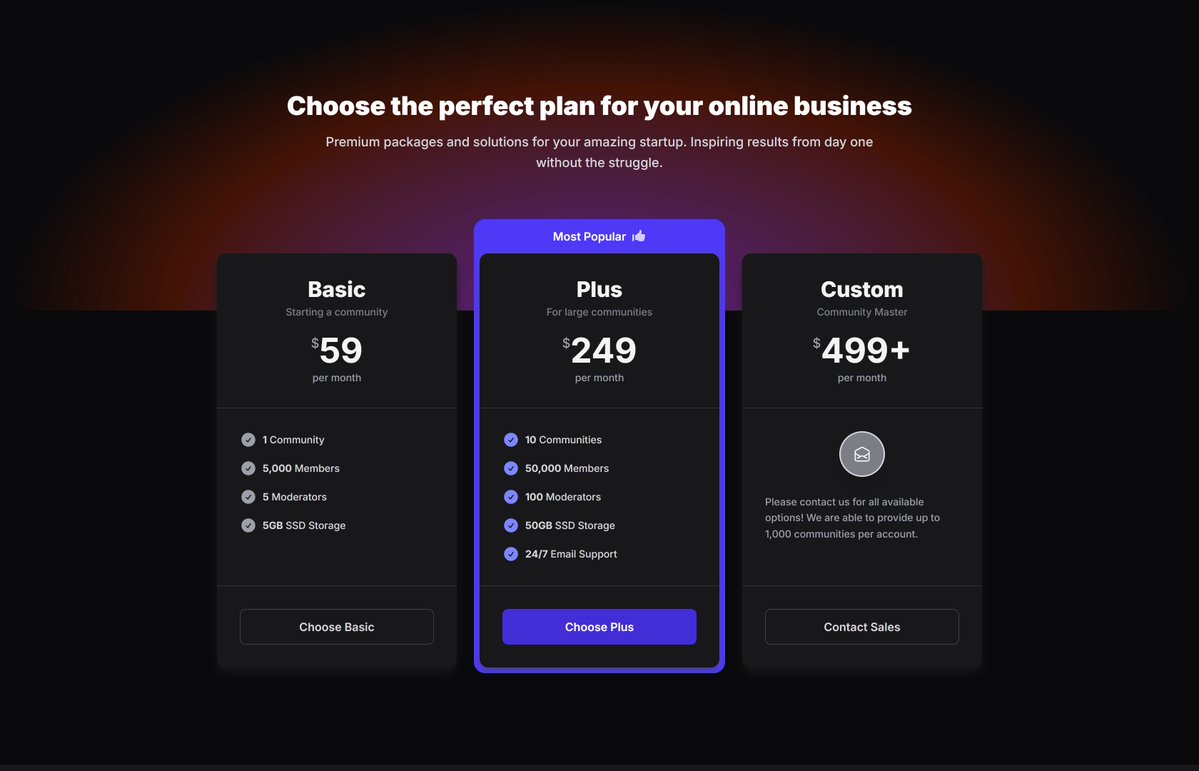
New day, new redesigns.
Pricing sections with subtle radial gradients are now looking better than ever.
75 marketing sections already got a refresh in the Tailkit library!
Do you still create dashboard UIs by hand or fighting through tons of AI prompts?
Tailkit's MCP can build your fully responsive interactive dashboards in just a few minutes.
One prompt can get you to 99% percent:
"Use Tailkit and build me a dashboard page for a banking UI system. Use a-l-stacked-04 as the base layout. Make sure the design is consistent and add dummy data that feels real. The designs from Tailkit support dark mode. The default should be the light mode but add a dark mode toggle to the header to toggle dark mode on/off. Use indigo as the primary color and neutral as secondary. Prefer these colors and only use contextual colors if absolutely needed. Now let me drink my coffee while you are working. Many thanks!"
Still settling for generic AI-generated dashboards for your projects?
Meet Tailkit’s MCP Server.
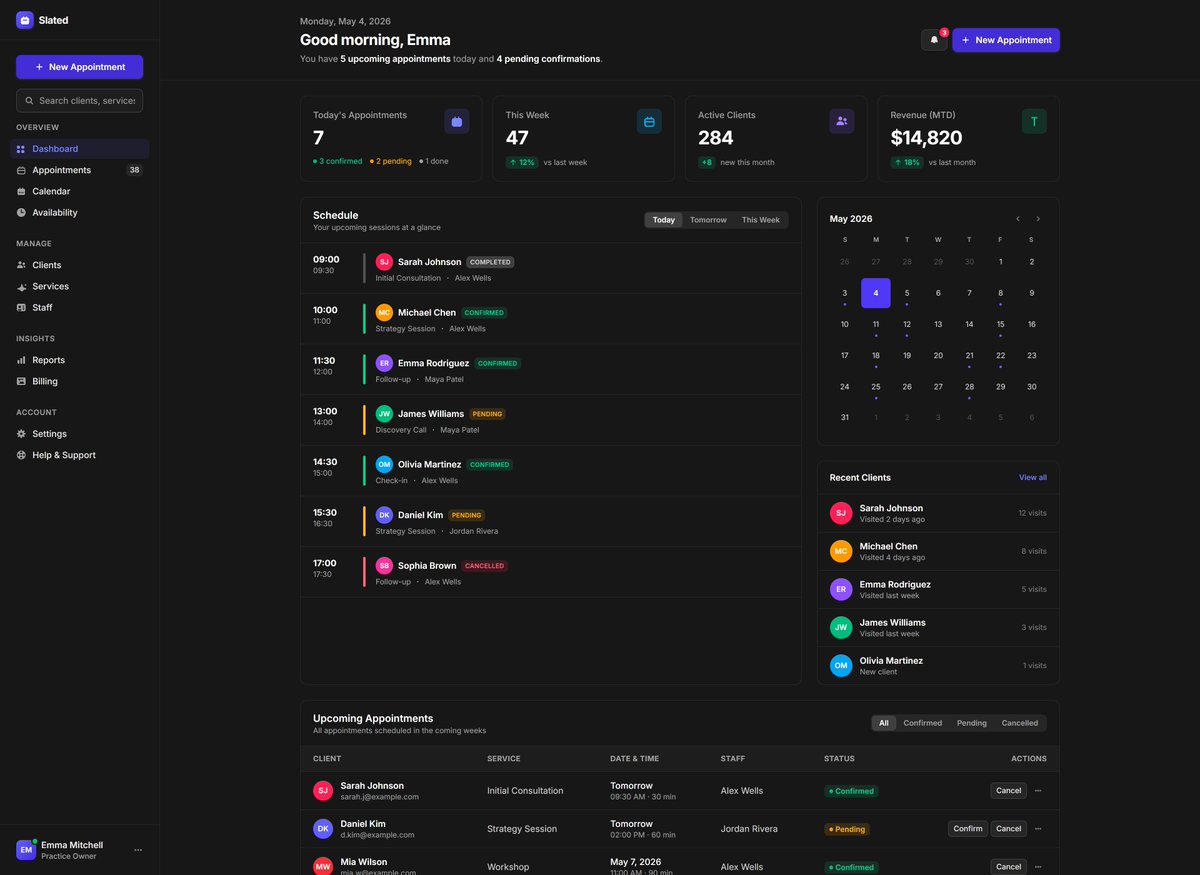
Handcrafted quality dashboards, one shotted in minutes.
Here’s all it takes:
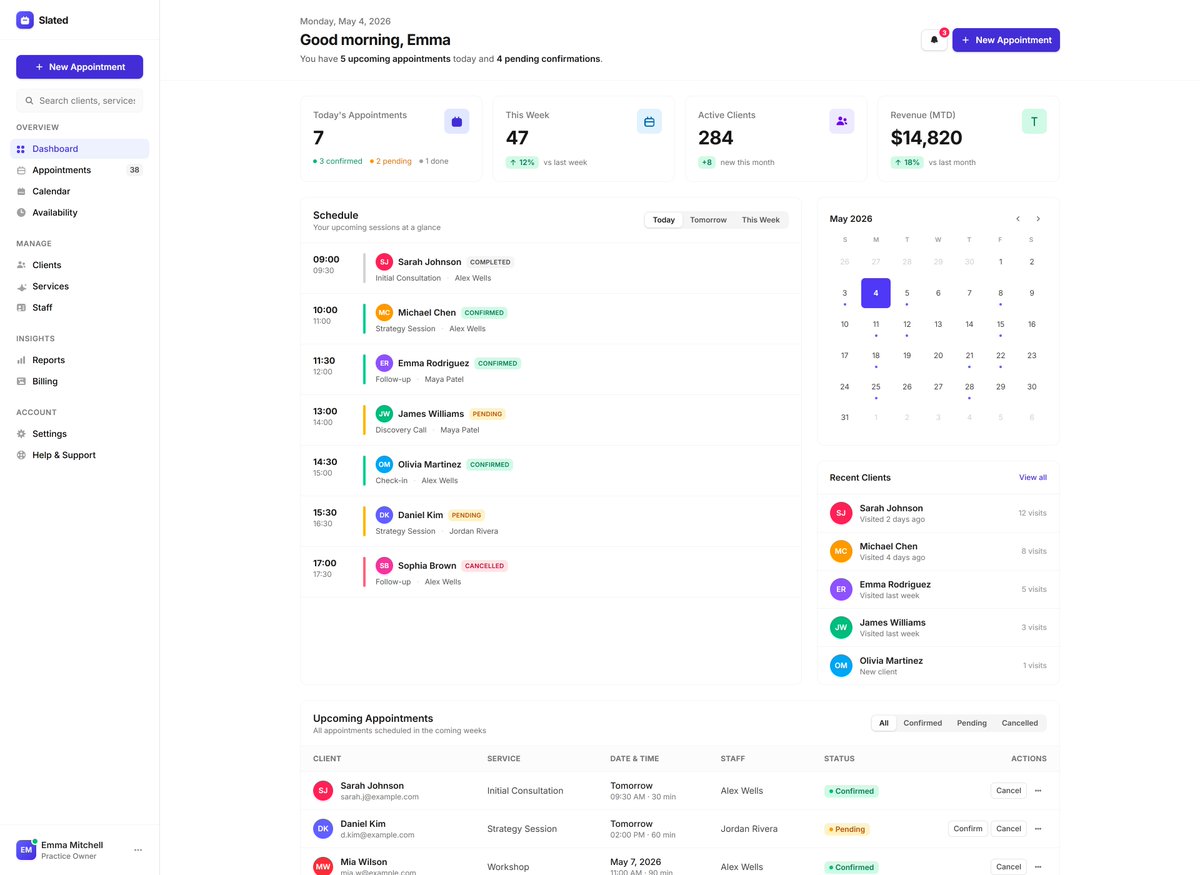
“Use Tailkit and build me a dashboard page for an appointment system. Use a-l-various-01 as the base layout.”
Would you like to also add a command palette type component for searching customers, products and orders which is accessible, fully responsive and supports dark mode out of the box?
Just a prompt away ↓
"Add a command palette from Tailkit "a-c-command-palettes-02" for searching everything using the search on the header. Add dummy search data including customers, products and orders. Use the Alpine.js snippet."