With the Planbook Version 12 launch this month, we are introducing Stickers! In V12, stickers are a way to decorate Events in your plans and make sure they catch your attention. Which events do you think these stickers could be for?
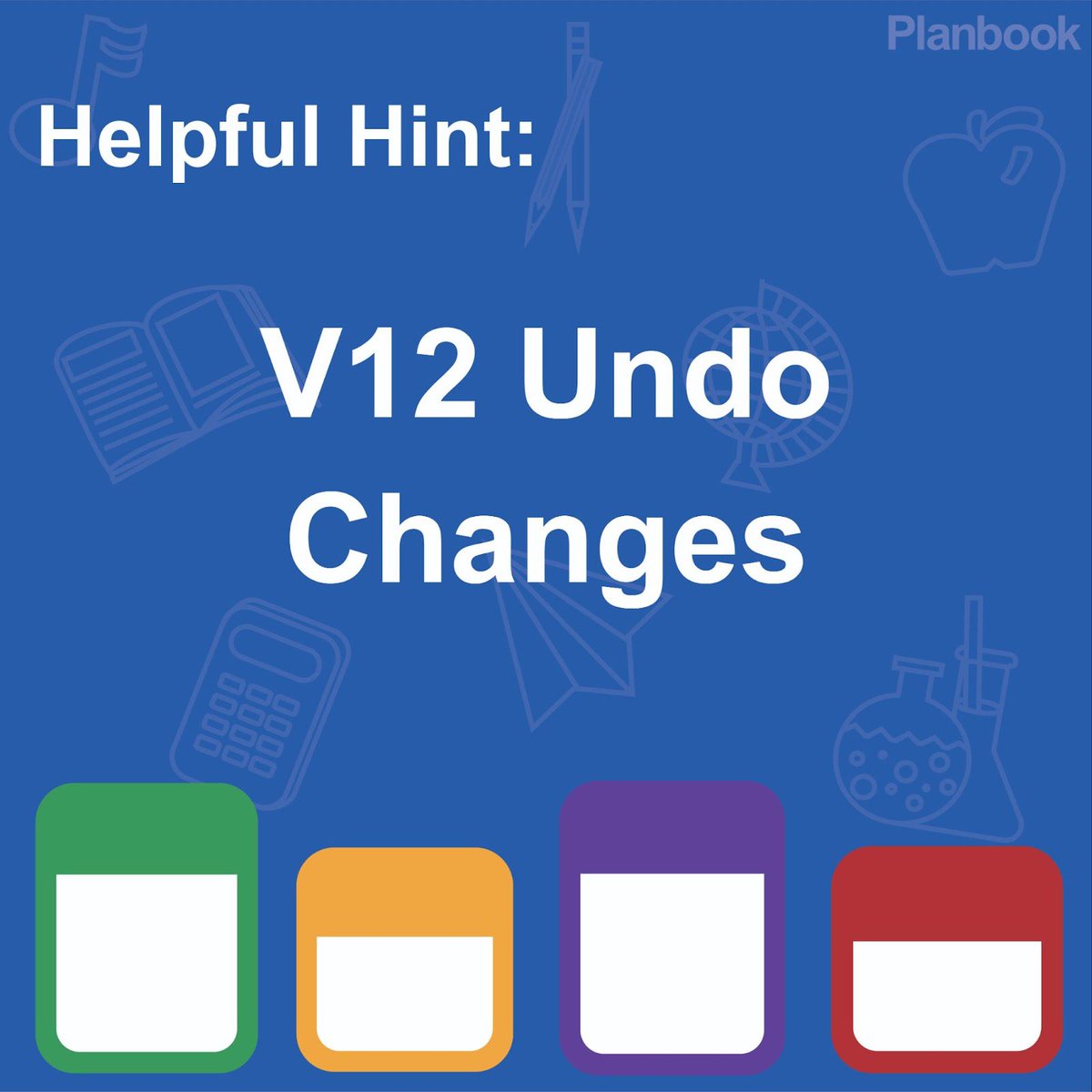
Undo changes in Planbook v12 with Change History! Simply click User Settings and select Change History from the menu that appears. This will allow you to review changes made to your lessons and undo any accidental updates!
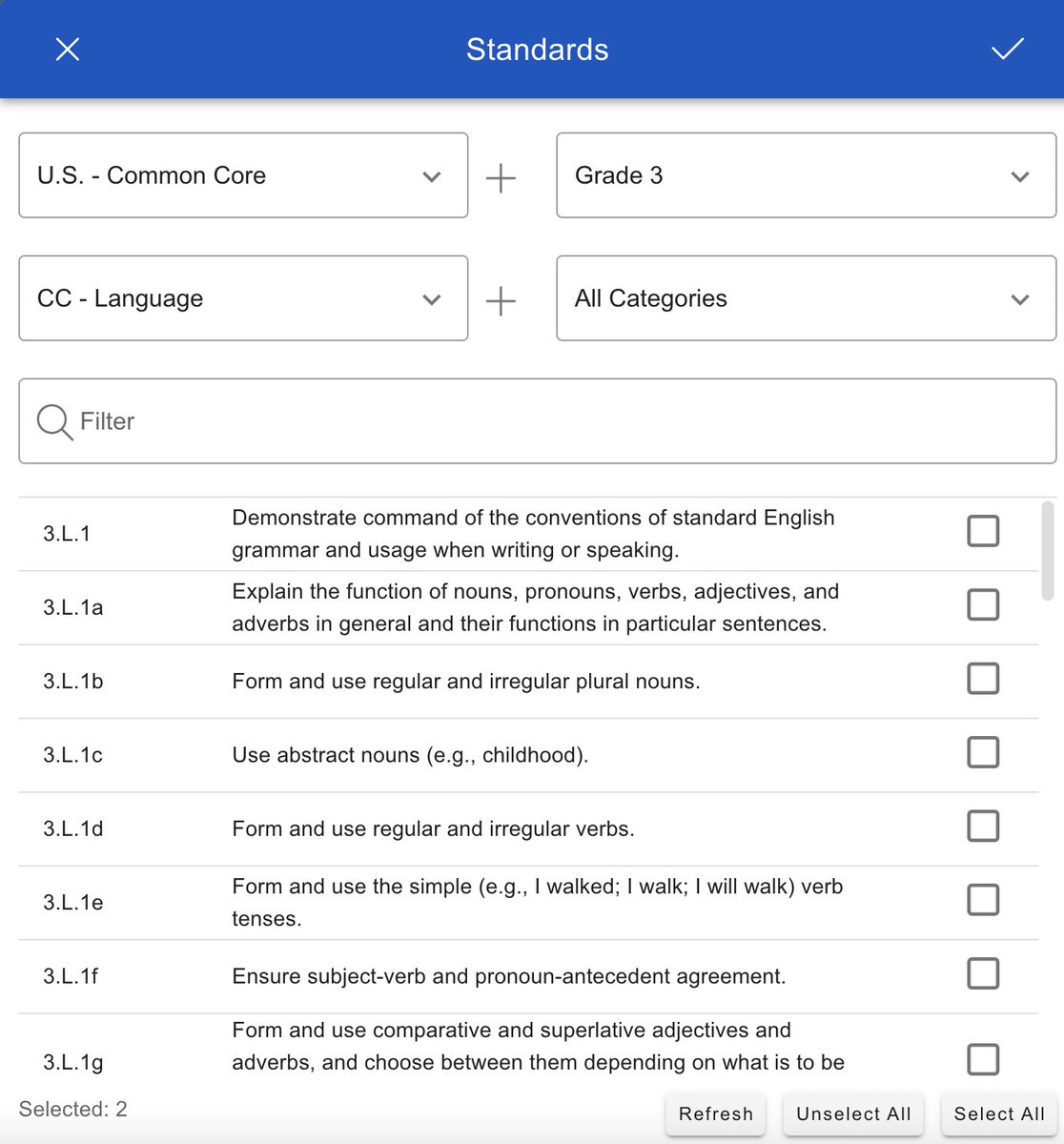
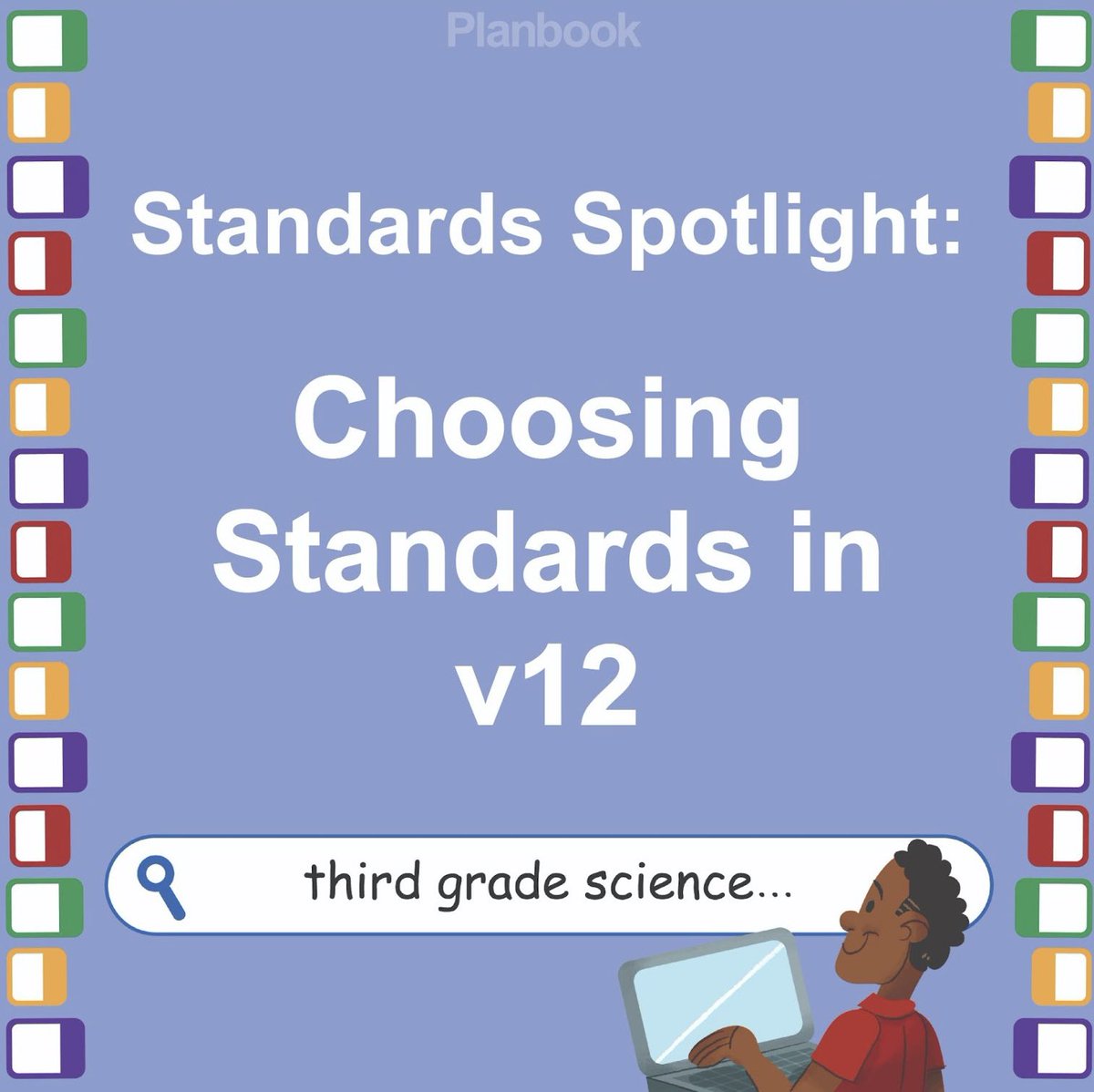
Selecting standards in Version 12 of Planbook is the same process with an updated look! Check out our new user interface when Planbook V12 launches in July.
Sprig Learning's articles have been cited by @planbookcom, an amazing online lesson planning tool for teachers. "The ABCs of Supporting Reading Specialists" is referenced in "Meet Your Teaching Team: The Role of Reading Specialists in Schools."
https://t.co/nWgd13Vet5 (1)
#edu
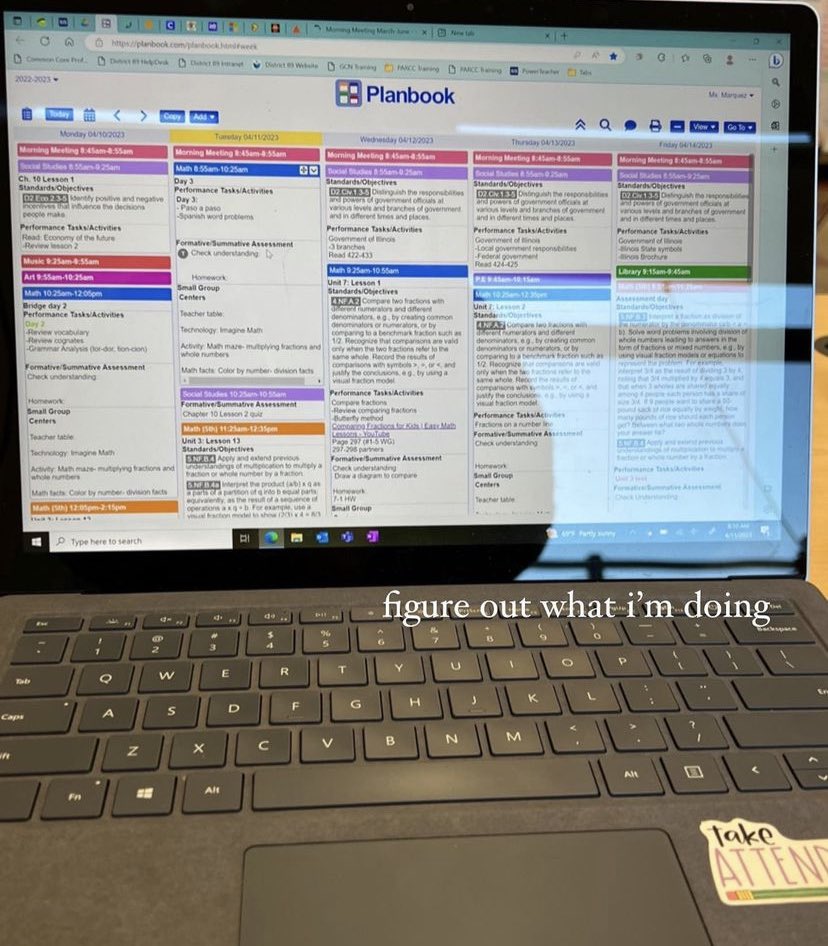
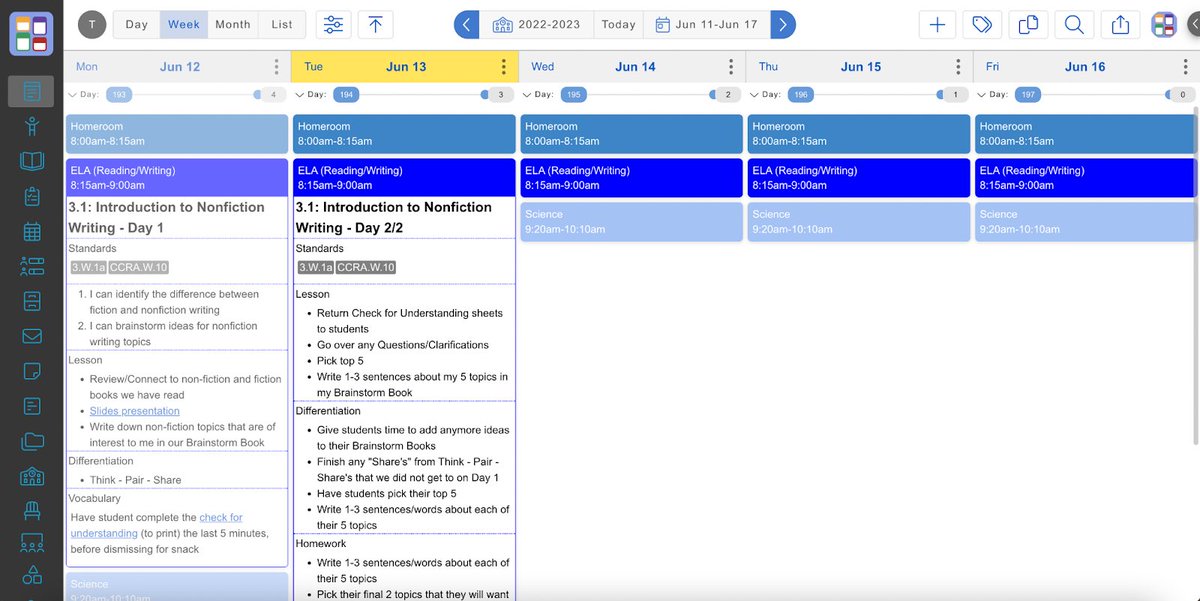
We are so excited to share a sneak peek of Planbook Version 12, launching later this summer! Can you see some of our brand new features hidden in plain sight here?
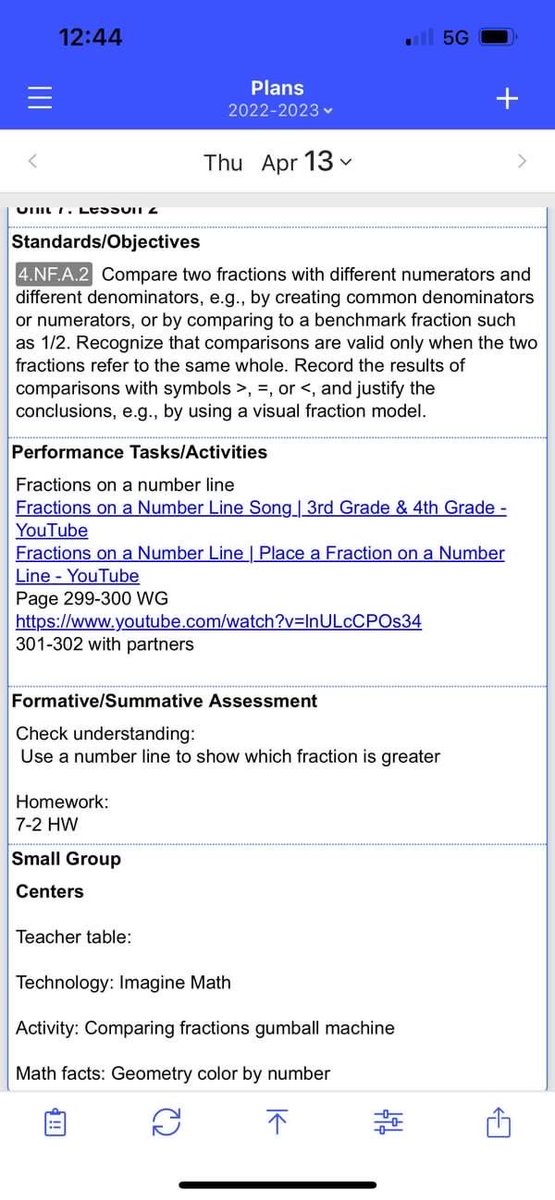
This week, we are highlighting another innovative Planbook Teacher: Jasmine! Jasmine is a 4th grade math teacher. Her favorite feature is “that you can push back lessons as needed!”