No more AI Slop that look nothing like your brand, introducing Design Systems...
Create your own with Polymet or import from Figma, tell your story, stay on-brand.
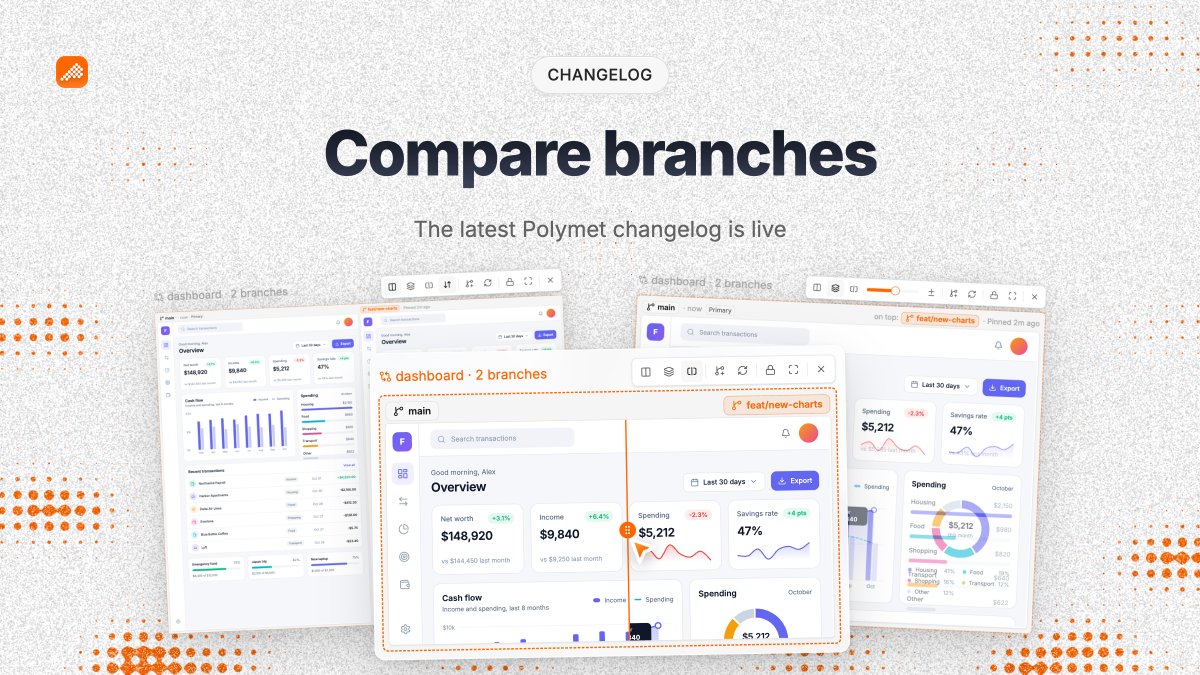
Want to try a dark version of your site without touching the live one?
Make a branch. Main stays exactly as it is.
Then put both on the canvas and swipe between them to see what changed.
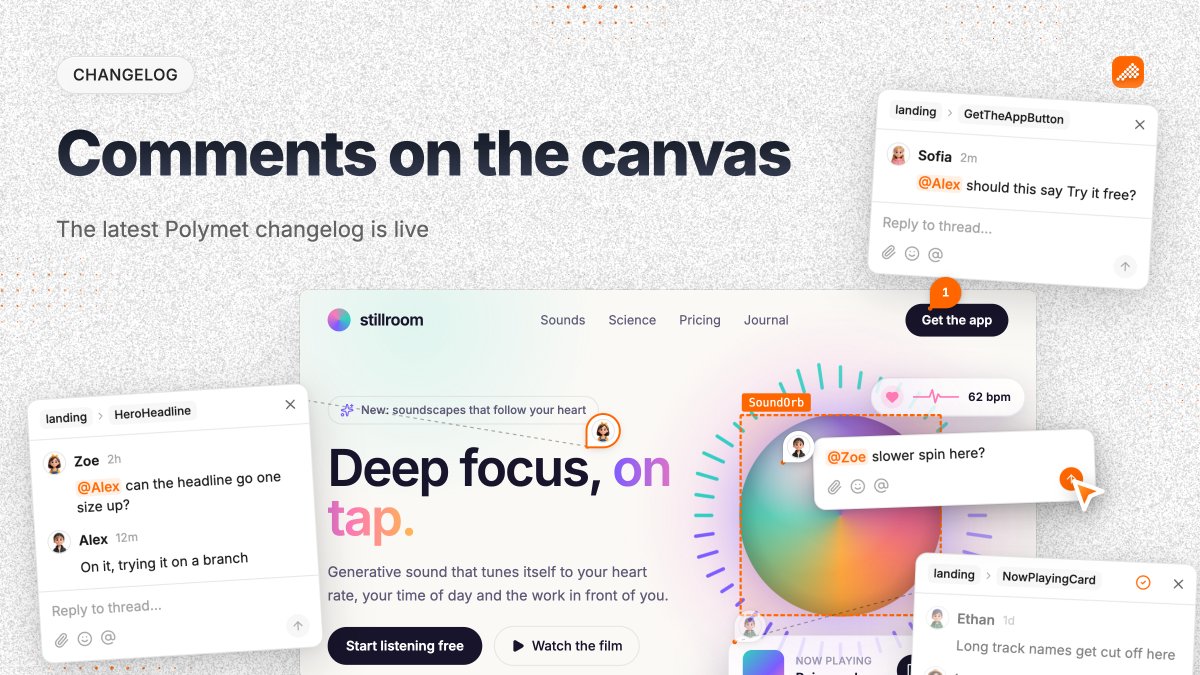
Review designs together, right on the canvas!
→ Pin a comment to any element - mention a teammate, reply in a thread, and resolve it when it's done
→ The agent saves and merges its own work - versions with short notes as it goes, and it asks before every merge
→ Project Settings, redesigned - colors, typography, shadows and radius, each with a live preview next to it
→ Branches that are easier to follow - every thread opens on its own branch, and you can see which one is generating
→ Claude Fable 5.2 is now in the model picker
More below 👇
Compare every branch!
→ Overlay, swipe or side by side - the previews scroll together, so you're always looking at the same spot
→ Connect tools without leaving the chat - when the agent needs one of your tools, it asks right there and picks up where it left off
→ A better @figma import - paste a link, pick your frames, and add them to a new or existing project without leaving the page
More below 👇
Every idea gets its own branch!
→ Branch your project - every branch gets its own canvas and previews, and generates on its own
→ Merge it back when you're happy, and if it conflicts, Solve with AI sorts it out
→ See which teammate is on which branch and who's generating where, live
→ @github connected projects keep their branches in sync both ways
More below 👇
Sonnet 5.5 and Gemini 4 Argon are here!
→ Two new models - both in the picker, on every plan
→ Jump between prompts - a dot for every prompt you've sent, hover to read it, click to jump
→ Readable results - connector results come back neatly formatted, and code blocks now have syntax highlighting
More below 👇
designers now start in code and refine in design tools. the flow flipped.
agents write the code in minutes so there's nothing to hand off anymore, you design on the real thing. claude design imports your codebase, cursor shipped design mode, everyone's moving there.
we've been building this at @polymetai since apr 2025. this is the way
designing a new scrollbar for long agent chats. one dot per prompt, hover to peek, click to jump
designed in polymet itself, old scroll on the left, new one on the right
designing a new scrollbar for long agent chats. one dot per prompt, hover to peek, click to jump
designed in polymet itself, old scroll on the left, new one on the right
here is what we changed to ship faster. we cut our agent rules and skills at @polymetai from 4,000 lines to 820, and the agents got better, the ones i drive and the automated runs.
every mistake used to become another rule, one planning doc hit 1,179 lines and the agents just skimmed it. now every rule is one line with its reason, anything irreversible is blocked by code, and repeated work runs as a skill.
not done cutting yet...
Onboarding that knows what you do!
→ A new onboarding - four quick steps, and each role gets one that looks like its own work
→ React 19 and Tailwind 4 - your project runs the exact versions in your package.json
→ What's new and support in one corner - a bell for updates, a question mark for support chat
→ Product tour, any time - seven short sections, open it from your profile menu
More below 👇
one ai design is the model's taste. ten designs, and the one you pick is yours.
asking for one is the trap, you end up nudging the model's default all afternoon. ask for ten, put them next to each other, your eye finds the good one in seconds. @garrytan calls it the design shotgun, ai draws 3 directions and he cuts the overcomplicated one.
generating is cheap now, your time isn't. we've had variations in @polymetai since day one, now the canvas lays them out side by side. generate wide, cut hard