I’ve tested 100s of productivity tools over the past few years.
Here are my top 3 (free) must-use tools that save me hours every single day:
1. Notion: Organize your life and work in one place.
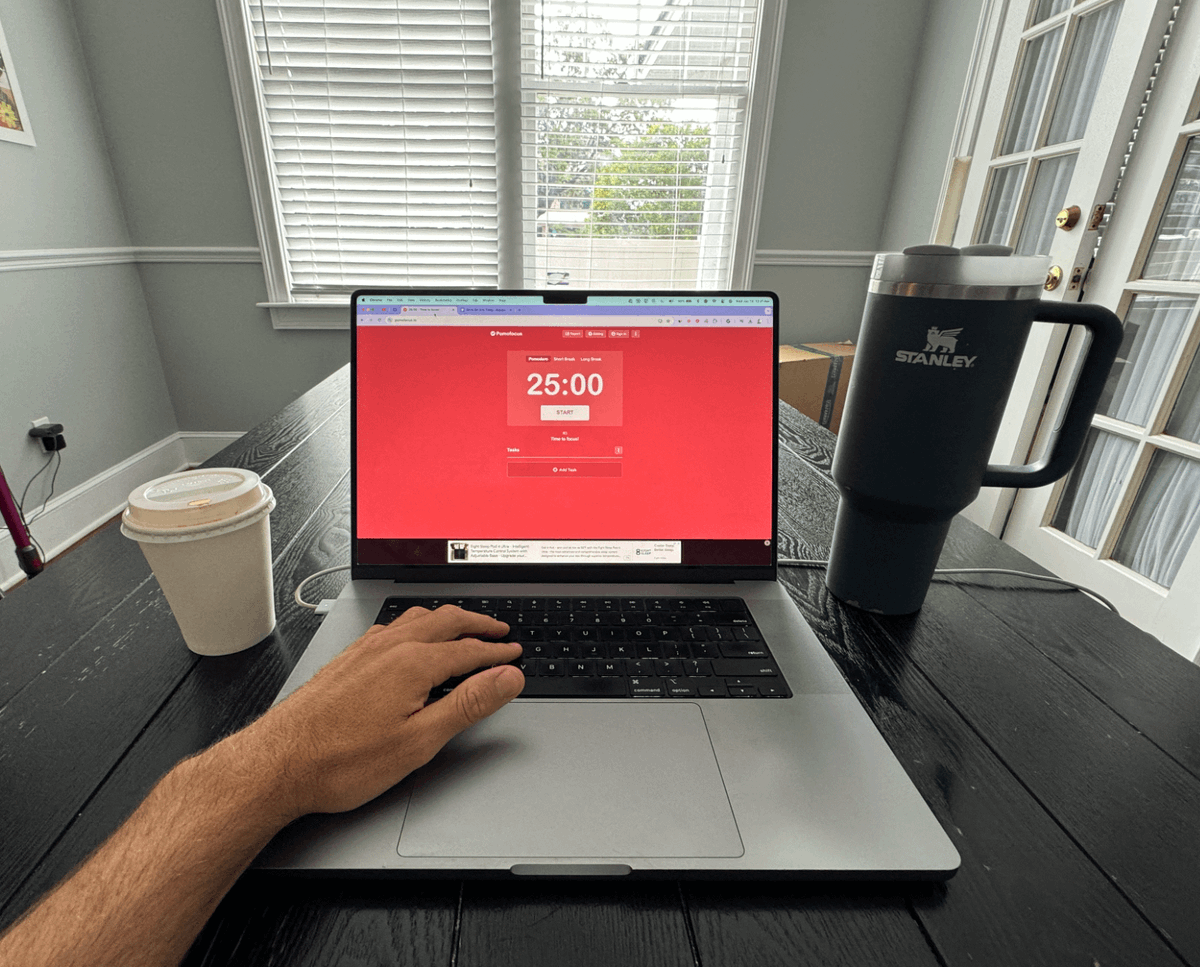
2. Pomofocus: Time-block your day using the Pomodoro technique.
3. Clockify: Track your time and see where it’s actually going.
I use these tools every single day to stay on top of my goals and get more done.
Here’s a short blueprint on how I use them:
1. Plan in Notion
Start each morning by creating a daily task list in Notion.
Break tasks into manageable chunks and prioritize them based on deadlines and impact.
2. Set timers with Pomofocus
Use Pomofocus to work in 25-minute sprints with 5-minute breaks.
Pro Tip: Assign one task to each sprint for laser focus.
3. Track time with Clockify
Log how long each task actually takes to spot inefficiencies.
Example: Discover where distractions happen and refine your workflow.
4. End-of-day review in Notion
Review what you accomplished and roll over any incomplete tasks to the next day.
Why these tools work for me:
→ Notion simplifies planning and keeps me organized.
→ Pomofocus helps me work without burning out.
→ Clockify provides data-driven insights to improve my time management.
This system cut my daily work time in half
From 10 hours to 5, while keeping me just as productive.
Stop feeling overwhelmed.
Start feeling in control.
These tools will help you get more done in less time.
PS. I use this exact system to write my book, build a side hustle, and free up my weekends.
4 websites that helped me stay productive as a developer:
https://t.co/7FHD1PUlsL - organize everything
https://t.co/45lPxNVjg8 - task tracking
https://t.co/jTslOJkiTU - focus timer
https://t.co/9EJ8e0NMav - focus music
Coding is easy. Consistency is the hard part.
Long day ahead.
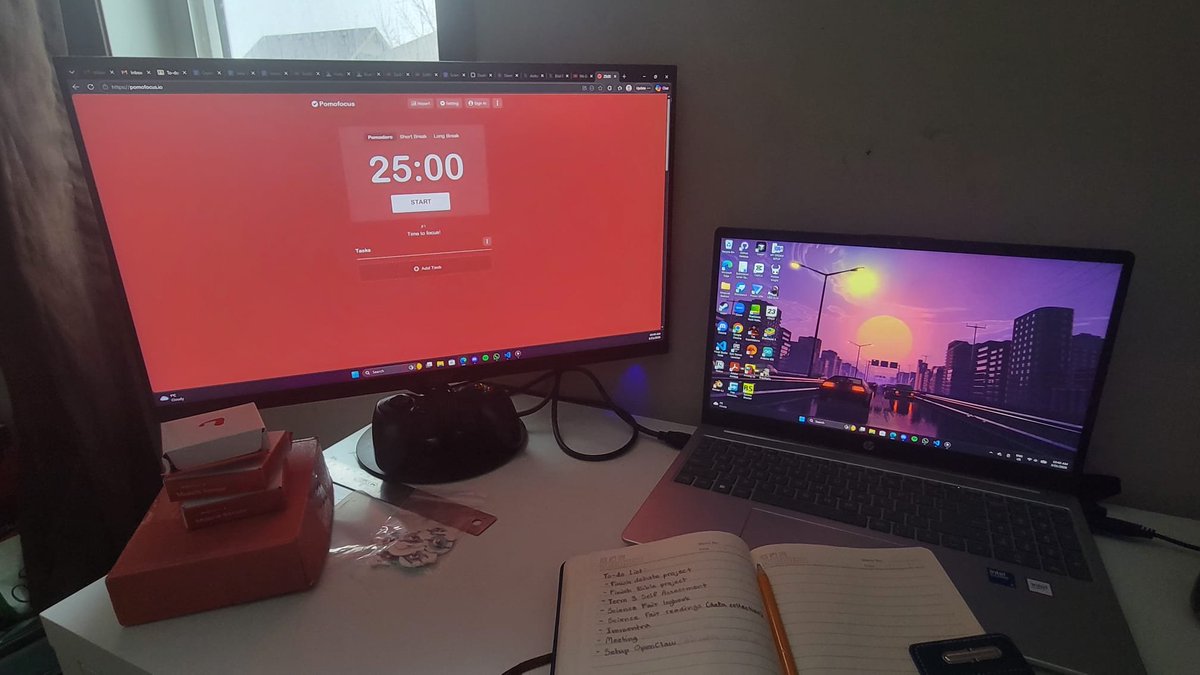
Today's to-do list:
- Finish 3 major school projects
- Science fair logbook
- EMG data collection
- Immentra final testing
- Meeting with cofounder
- Set up OpenClaw
I'll check back tonight with what I got done.
Time to lock in.
Hi @NotionHQ , the "/embed" function no longer recognizes @pomofocus as iframe embeddable and turns it into a link instead. We had no issues doing so before. What changed?
@pascalsnail Hi, the app version is actually just a wrapper of the web version, so it is still dependent on the internet.
About the close function, you can do that by right clicking the icon in the task bar.
@2MPythonDev@_almaroja@JRocCrypto Yes, that's what I was thinking at first. However, this particular case is still occurring even if I fixed the major cause (which was related to database server).
So, I'm assuming other causes.
The issue has been fixed!
Sorry again for the trouble many times🙏
We have just performed the biggest server update in years and the service has been unstable because of that.
We will try to make it in order as much as possible!
@_almaroja@JRocCrypto@2MPythonDev Thank you for sharing.
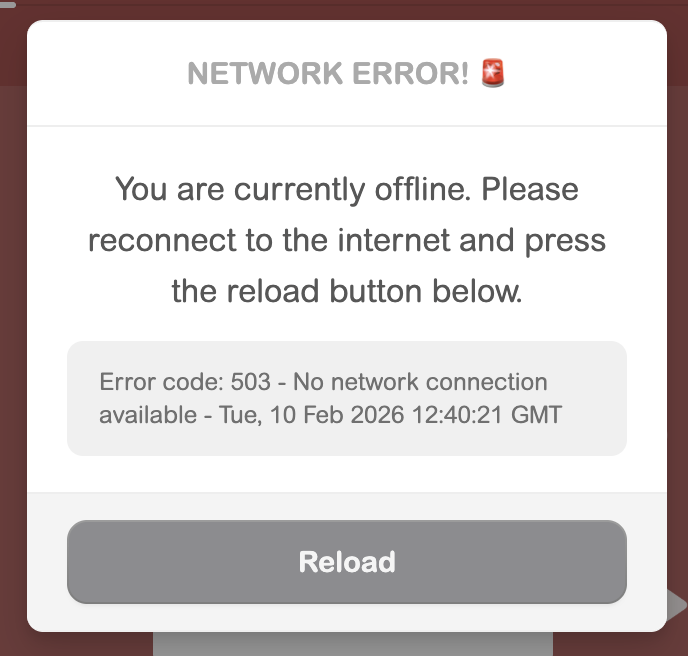
It means that the network wasn't available when the timer hit the alarm.
Is your phone awake when the timer hit the alarm?
Productivity tools that actually work ✨
• Notion — one place for your whole life
• Google Calendar — time-block everything
• Todoist — simple > complex
• Forest — focus without burnout 🌱
• Pomofocus — short sprints, real progress
• Google Keep — catch thoughts fast
• Canva — plan, but make it cute
• Notion templates — skip setup, start
Productivity isn’t discipline.
It’s design.
@_almaroja@JRocCrypto@2MPythonDev Sorry about this.
We need to identify the exact cause.
We have added detailed information, so if you see this window, could you send the grayed message part?