If you're wondering how the GTA 6 PC ports are being made I've gathered some of the prompts I've found from watching dev streams.
No this isn't a joke.
Here's a thread of some of the best:
@mankrip I ended up buying the dip. Long term, I think other teams will deliver hardware to accelerate specific workloads to break the NVIDIA hold a bit, but it's still the case that for every $1 of AI spend, $0.80 goes to NVIDIA.
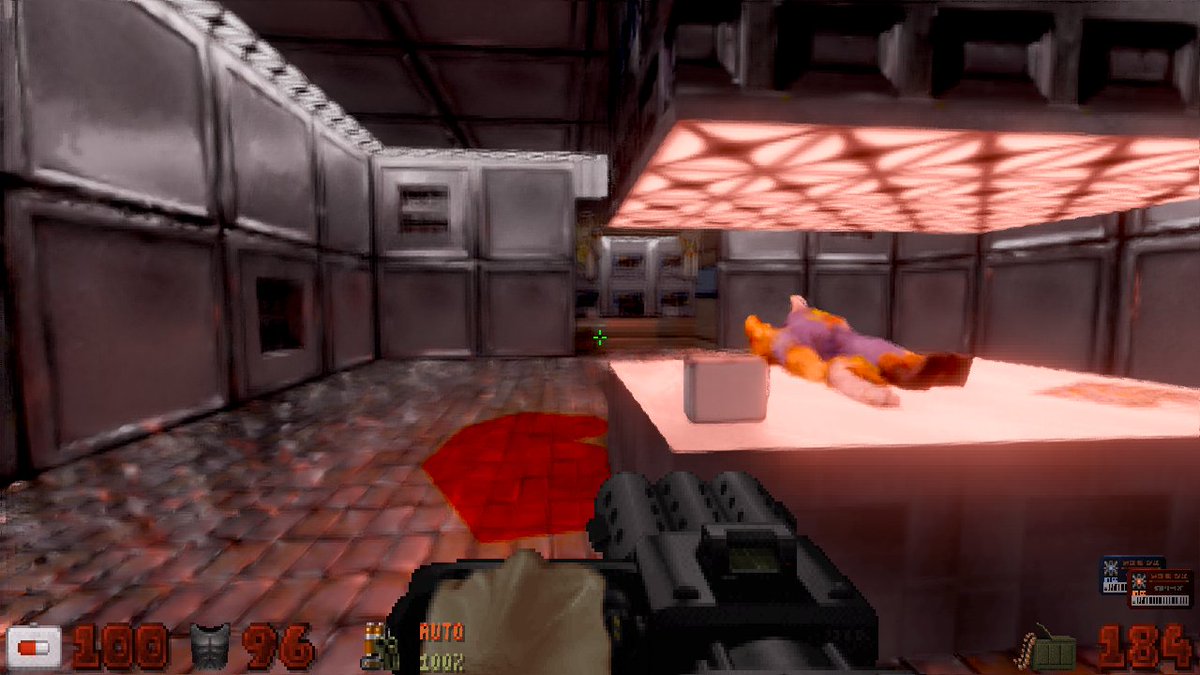
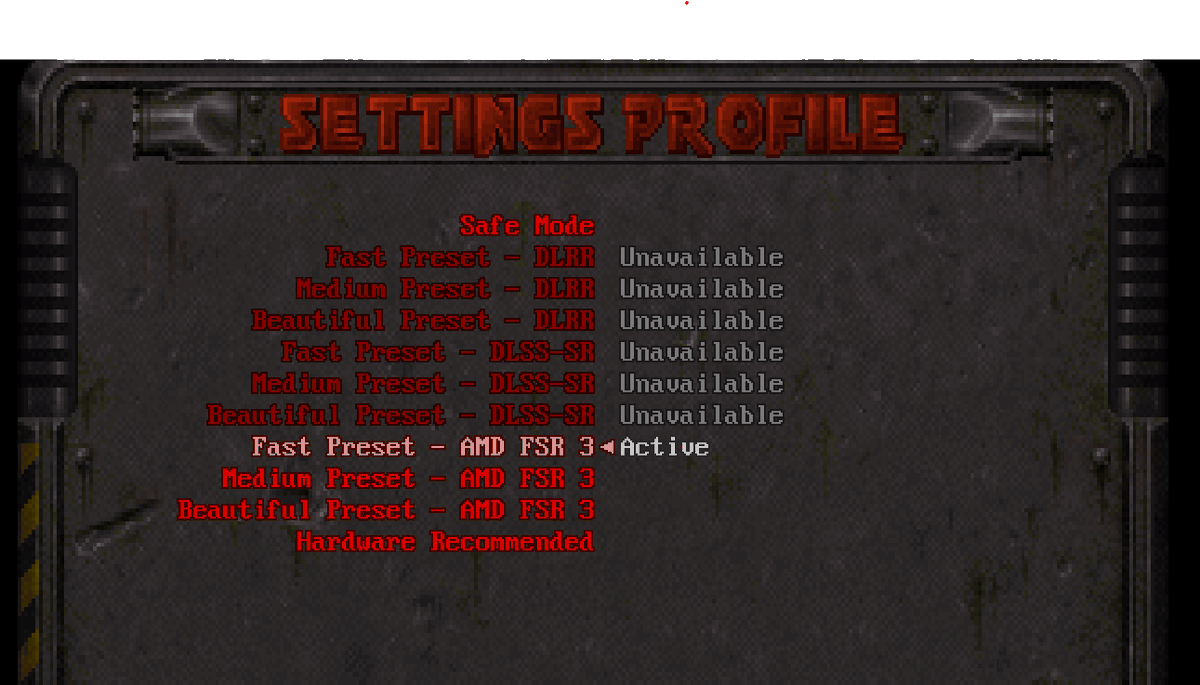
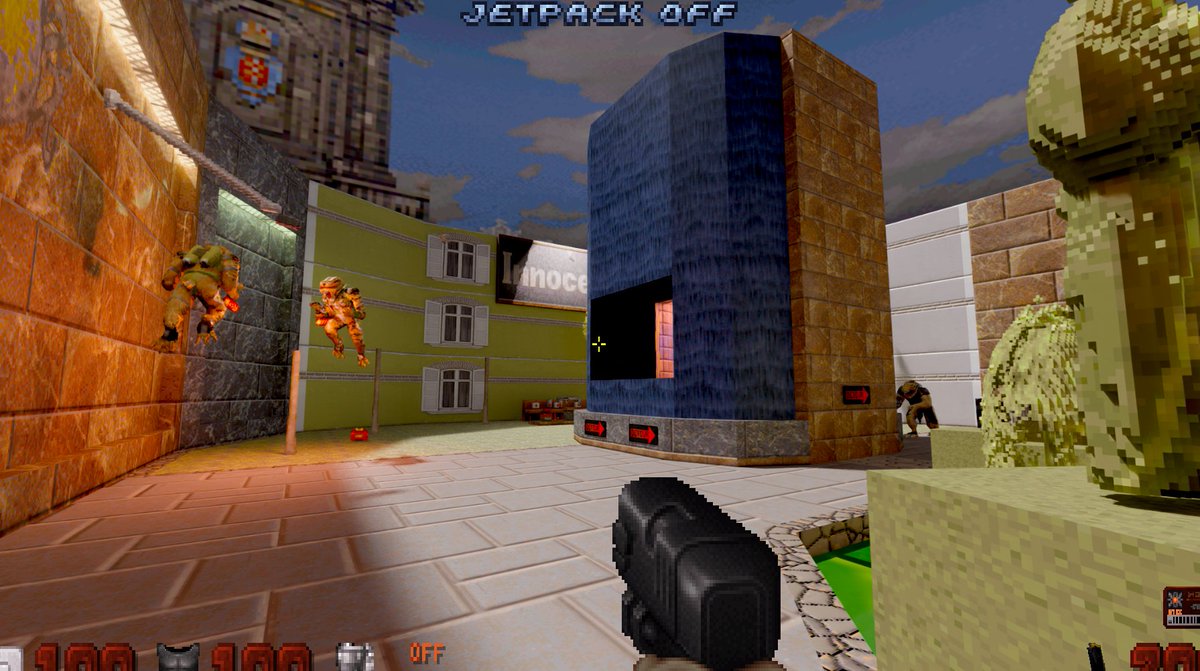
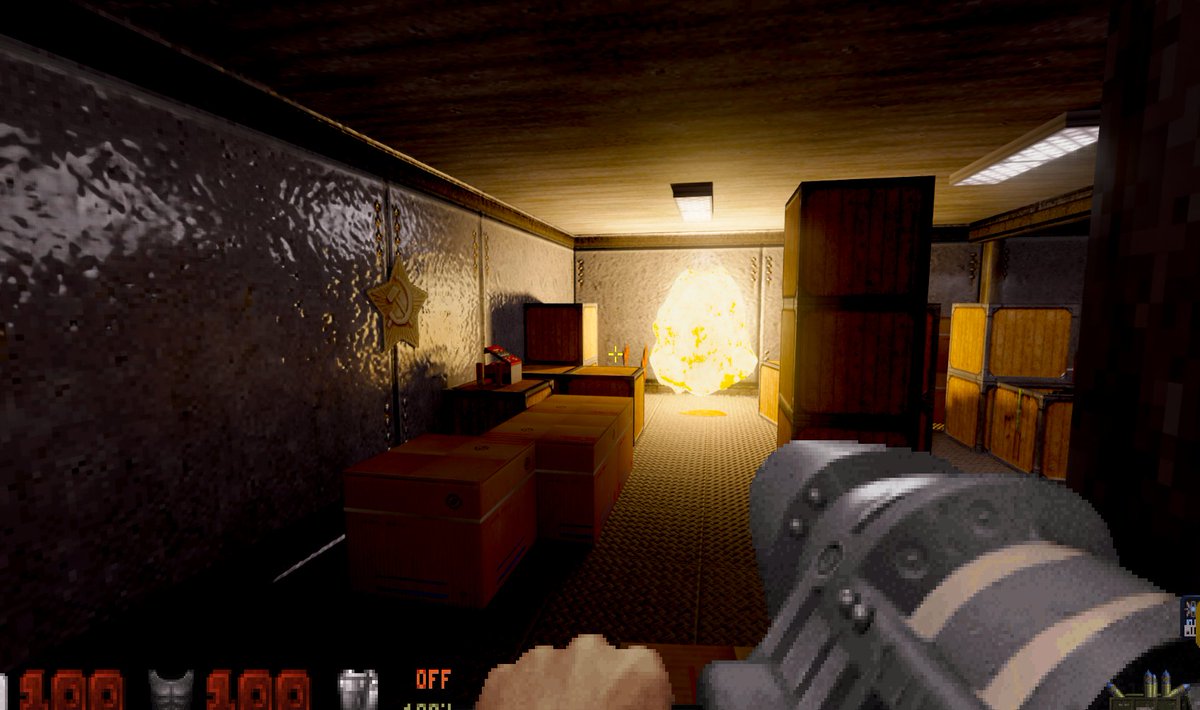
Just dropped Duke-RT 0.6.0 for Windows and Linux! AMD support is no longer experimental. I've tanked the pain of using the lowest-tier GPU you can buy that still supports the ray-tracing driver extensions Duke-RT uses in order to get AMD fully supported. YOU'RE WELCOME.
Oh yeah and there's some notion of automatic, hardware-driven graphics configurations. It happens when you first launch, and it can be triggered manually. Basically just uses VRAM capacity as a proxy for which mode to start you off in.
Somewhat better loading screens too.
Introducing Normal Mapping on Dreamcast
I know I JUST posted a short video, but I deleted it, because I immediately realised I could do much better than a slightly better version of Dreamcast's own PVR bump mapping, so I have created a technique that blends it with my HOT pass to light the light-catching side of texture pixels.
Unlike traditional bump maps on Dreamcast, which are already rare, they only draw one-sided dark areas. I KNEW the Dreamcast could do normal maps somehow, so it drove me to do directional normal mapping immediately after. The light now correctly lights the facing side of the light and the dark spots away from the light source.
Shadow Pass: the PVR bump texture stores each texel's surface slope as one angle byte (S). The hot pass turns that into a facing value [or sin(S × π/2 / 255) for you nerds]. That's roughly how much the texel faces the viewer.
Hot Pass: this is the same blend the flashlight's centre boost uses. The pass multiplies the frame already drawn by 1 + g instead of adding a colour. A pixel that is already light gets pushed further towards white, and a dark one barely moves. This gives the illusion of a texel facing the player become white hot in a bright light as you near its face.
Strength: it's drawn only over the cells the torch or gunfire already lights, and the vertex colour carries the cell's strength times a boost. It follows your aim and gunfire through that strength.
This was a fun challenge and, despite the 64x64 Shadow and Hot passes to achieve the 360 normal mapping, I am pretty happy with it and it feels fairly performant, which I kept to a feathered distance to prevent wasting precious CPU cycles computing too much.
I have pushed this to my SH4DER-PVR library for you free to use on your own Dreamcast development projects.
I've been doing research on the Dreamcast's PVR and found a solution to introduce subsurface scattering--or at least something that looks exactly like it. Here is a real hardware capture on Sega Dreamcast. Despite being a fixed-function GPU, there is a LOT more you can do with it than you think.
I've worked in visual effects for film and TV for almost 9 years now, so when I started thinking of the PowerVR chip as a supercharged compositing and layering suite (not unlike a living Photoshop), I started to get some real workhorse out of it.
Every wave, colour and reflection is computed on the console: rolling swells that move the actual geometry, fine ripples catching the light, a sky gradient fading into horizon fog, the sun reflected across the water, and wave crests that shadow the water behind them.
How it works:
The SH4 CPU builds the water every frame. Four sine swells, each travelling in its own direction, displace the water mesh. Three shorter waves only bend the surface normals, so you get fine ripple detail without adding triangles. Slopes come straight from the wave formulas, so neighbouring heights never need recalculating. Mesh rows are spaced evenly in screen depth rather than world distance, which puts detail where you can actually see it. Far away, ripples too small for the mesh to resolve fade out instead of shimmering. A small heightfield pass then checks which crests block the low sun and shades the water behind them. All of the maths goes through SH4ZAM, a maths library built around the SH-4's vector and fast-reciprocal instructions built by @falco_girgis.
I also had contributed by having Fable 5.2 Max Ultracode ("Lord SH4ZAM" as I call him) create additional SH4ZAM routines in a layered approach to find approaches to maths that Falco hasn't implemented yet:
1. shz_dce_project_vertices: a fast fused vertex routine where every row of the water's roughly 11,700 vertices goes through, with transform and screen projection in one pass.
2. shz_dce_vec3_normalize_safe: turns the view and sky directions into unit length.
The PowerVR2 GPU handles the look. The whole upper sky lives in one 512×512 texture, and each vertex's bent normal decides where the water reads from it. That means the sun's reflection streak forms out of the waves themselves rather than being painted on. A Fresnel term sets how much the water reflects versus shows its own colour: the PVR multiplies the sky texture by vertex colour for the reflection, then adds its "offset" colour for the deep-water tint and the light glowing through thin crests. The PVR's built-in fog table blends far water into the exact horizon colour between 55 m and 520 m, at no cost. The sky gradient is dithered when it's generated, so 16-bit colour doesn't band.
Where this could go:
Ocean and lake surfaces for racing, sailing, flight or island games, and big outdoor horizons, all at almost no disc space since the scene is generated. The crest-shadow trick works for terrain too, with hills shadowing valleys from a low sun. Building reflections from bent normals is a cheap way to fake environment reflections on fixed-function hardware.... but you will need to scope down the effects. Obviously, you would not run the water as heavy as I did (turn off SH4DOW-DC or limit its range), but I am pretty pleased with this result.
I pushed this to the limit for demonstration purposes to show what our little white console can do.
Jackass from ebay sent me the AMD GPU in a ziploc bag inside a soft mailer meant for a jar of vitamins or something...
Cooling fins are bent, but it does work at least. At any rate, Duke-RT is now running on an RX 6500 XT with only 4gb of VRAM. Release soon.
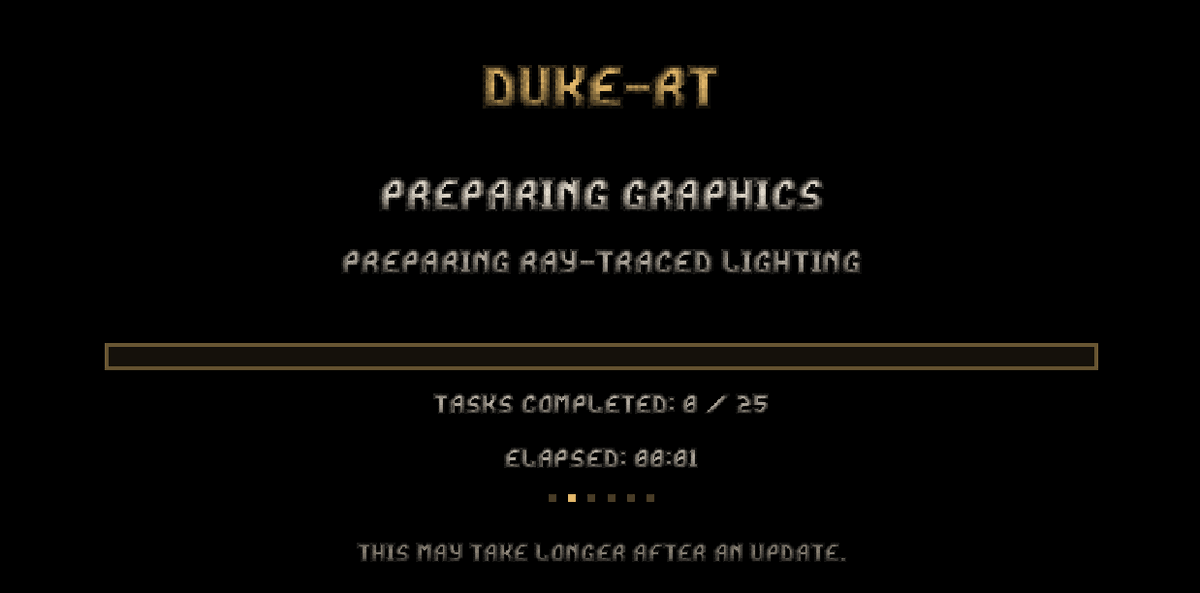
As for new features, a bunch more things glow, and there's now a shader compilation progress screen on launch, so the engine no longer seems like it's crashed.
Just improved CPU perf on my min spec device for some of the most problematic Duke-RT levels by between 56.9% and 72.2%!
Ended up remodeling my CPU pipeline a fair bit to both reduce redundant work, and enable parallelization.
I also fixed a ton of bugs like geometry gaps, bad screenshot (and save thumbnail) color on HDR, and areas with bad lighting or light switch response that wasn't configured/tuned correctly.
@bonecompiler Welcome! Any feedback is greatly appreciated. It's been a really interesting transition going from smaller render experiments to a full-blown modern render pipeline. Plus I get to nostalgia trip super hard
Special thanks to 3DMasterNL on GitHub for writing up detailed issues for my lighting in Duke-RT. Totally didn't know about the Enterprise secret area in E2L3 until I read the ticket. Gave it some much needed attention!
@mankrip I try to be very responsive with replies and let them know I appreciate their effort. There have been many different people reaching out via Discord, YouTube, here, and GitHub that have absolutely helped me improve the project!
@yutaktik That said, levels that use appropriate-ish light fixture textures on ceilings or other surfaces, for which I've already made emissive maps, will often "just work" in a really magical-feeling way. Even then, they still need a lighting pass in many places.
I finished my sector color transfer implementation in the latest Duke-RT release! I no longer apply gameplay palette changes directly to materials, and instead transfer them to nearby light sources (tunable with my editing tools). The end of episode 1 and episode 2 benefit most.
@yutaktik Respect! It's not even close, sadly. I have created appropriate PBR maps for many of the textures built into Duke, but new textures would need a full treatment, and many maps just don't have physically motivated lighting at all, necessitating a manual and laborious art pass.