Every website you visit.
Every video you watch.
Every AI prompt you send.
Ultimately comes down to billions of tiny switches turning ON and OFF.
That's it.
That's how computers work.
🎥 New Video:
How Computers Work: From Transistors to Software
#Computers#CPU#Linux #ComputerScience
https://t.co/J2cvtYYSuN
How Linux Works ? The Journey of a Simple ls Command
https://t.co/9AHKC4kHyJ
Step 1 — User Types Command
Step 2 — Shell Receives Input
Step 3 — Shell Finds Program
Step 4 — Create Child Process
Step 5 — Load ls Program
Step 6 — Load Executable Into Memory
Step 7 — Scheduler Assigns CPU
Step 8 — CPU Begins Executing ls
Step 9 — ls Needs Directory Data
Step 10 — Request Directory Information
Step 11 — Kernel Takes Control
Step 12 — System Call Handler
Step 13 — VFS Receives Request
Step 14 — Locate Directory
Step 15 — Check Page Cache
Step 16 — Cache Hit or Cache Miss
Step 17 — Read Directory Entries
Step 18 — Return Data To Kernel
Step 19 — Copy To User Space
Step 20 — ls Receives Data
Step 21 — Format Output
Step 22 — Write To Terminal
Step 23 — Terminal Displays Result
Conclusion
@insidecomput Linux uses a layered and modular architecture that separates applications, user interfaces, system libraries, kernel operations, and hardware management.
This design provides:
Stability
Security
Scalability
Flexibility
High performance
How Linux Architecture Works ?
https://t.co/7TA2LLaKbY
A simple Linux workflow looks like this:
User enters a command in the shell
The shell interprets the command
System libraries translate requests into system calls
The kernel processes the request
Device drivers communicate with hardware
Results return back to the user application
@insidecomput Want to see CPU information?
Read a file:
/proc/cpuinfo
Want to access a hard drive?
Use a file:
/dev/sda
Want to throw away output?
Linux even gives you a special file:
/dev/null
Linux File System Architecture - Beginner Friendly Explained
https://t.co/drSwy1RAN9
Linux File System Architecture
Chapter 1 — The Root Directory. Everything in Linux begins with this single directory.
Chapter 2 — Why the Linux Hierarchy Matters
Chapter 3 — /bin and /sbin directories - /bin directory contains essential command-line programs /sbin contains administrative commands used mostly by the root user.
Chapter 4 — /etc Configuration Philosophy - stores system configuration files
Chapter 5 — /home and /root directories. /home directory stores user data /root - home directory for the root administrator account
Chapter 6 — Everything Is a File
Chapter 7 — /dev directory. hardware devices appear as files.
Chapter 8 — /proc directory. a virtual filesystem generated dynamically by the Linux kernel
Chapter 9 — /var dir. Runtime Data including log files Chapter 10 — /tmp dir. Temporary Files
Chapter 11 — /usr dir . Including User Applications Chapter 12 — /lib Shared Libraries
Chapter 13 — /boot and the Startup Process
Chapter 14 — /mnt dir and Mount Philosophy
Chapter 15 — /sys and Modern Kernel Interfaces
Final Chapter — Why Linux Won
Most people think Linux is complicated.
https://t.co/LhLquIuylL
But the core idea is simple:
Applications should not directly control hardware.
Instead, Linux uses a layered architecture:
Applications
→ System Calls
→ Kernel
→ Drivers
→ Hardware
When an application needs something, it asks the kernel through a system call.
@insidecomput What the root directory is
Why Linux organizes files this way
The purpose of the major directories
How Linux separates system files from user files
Why Linux treats devices and processes like files
And why this design became one of the foundations of modern computing
Linux File System Hierarchy Structure https://t.co/I8MJsVdYBU
Linux treats almost everything as a file.
That single philosophy unified:
Devices
Processes
Storage
System information
Hardware interfaces
Into one consistent model.
And the Linux File Hierarchy Structure became the organizational map for the entire operating system.
Once you understand this structure, Linux stops feeling mysterious. Instead, it starts feeling logical. And elegant.
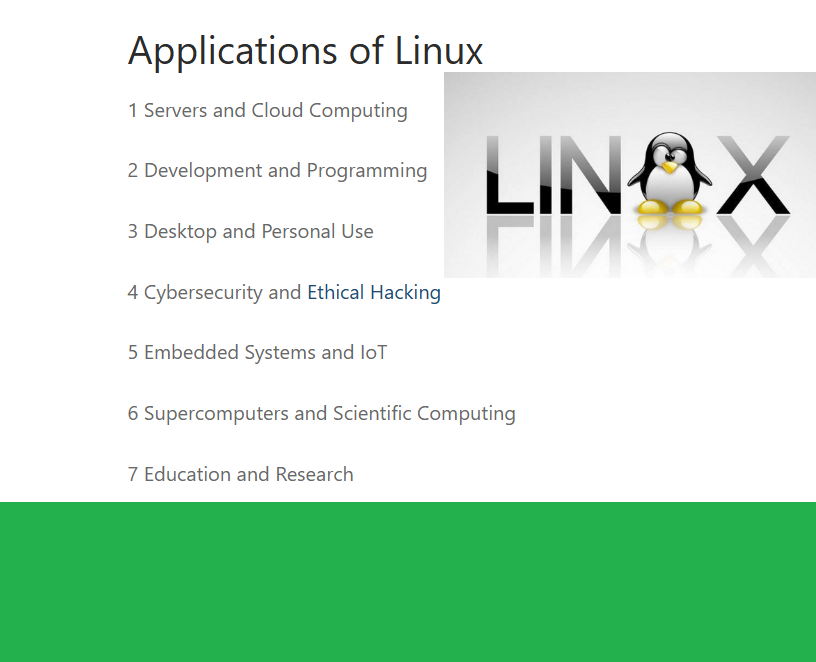
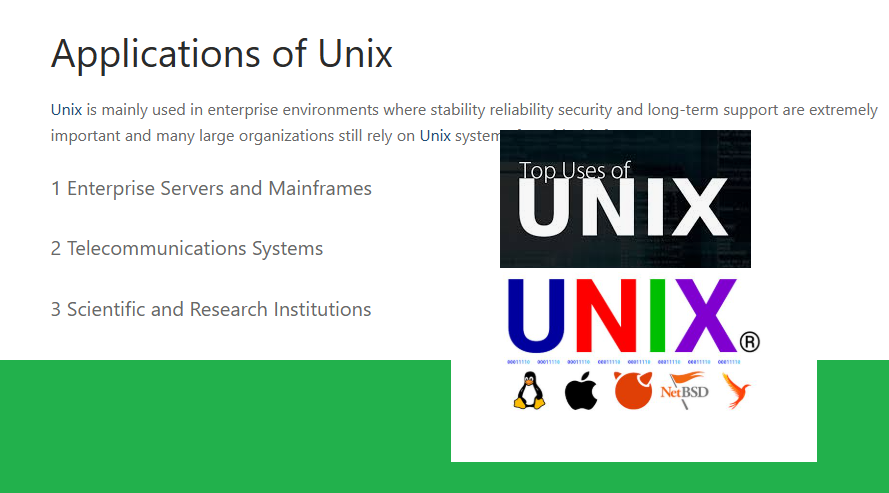
Applications of Linux and Unix, Limitations of Linux and Unix. If you want to know the difference between Linux and Unix.
You must know the applications of Unix and Linux
https://t.co/dmUG8uvdS3
The Limitations of Unix and Linux, and the Market Trends.
@riscvprogram Windows needs more hardware.
Linux needs less.
That’s not magic.
That’s design.
No bloat
No unnecessary services
No heavy UI required
Linux doesn’t waste resources.
It uses them
Why Linux Is Better Than Windows 11: The Real Six Advantages Explained #linux#windows#fpga#kernel
https://t.co/ZIQtXLGvqe
Windows is designed to be used. Linux is designed to be controlled.
If Linux disappeared tomorrow, most of the internet would stop working.
Cloud platforms would fail.
Servers would go offline.
Embedded systems would break.
But if Windows disappeared, your personal computer would be affected — not the global infrastructure.
That alone tells you something very important.
Linux operates at the core of the digital world.
1. Control (Most Important)
2. Performance & Efficiency
3. Stability & Reliability
4. Security (By Design)
5. Automation & CLI Power
6. Cloud & Engineering Ecosystem
Linux dominates servers, cloud, and infrastructure for one simple reason: It was built for control — not convenience.
@riscvprogram ⚠️ Why this is dangerous:
• Works on most Linux distros
• Requires only local user access
• No race condition → highly reliable
• Fileless (modifies memory, not disk)
• Can impact containers
This is the kind of bug attackers love.