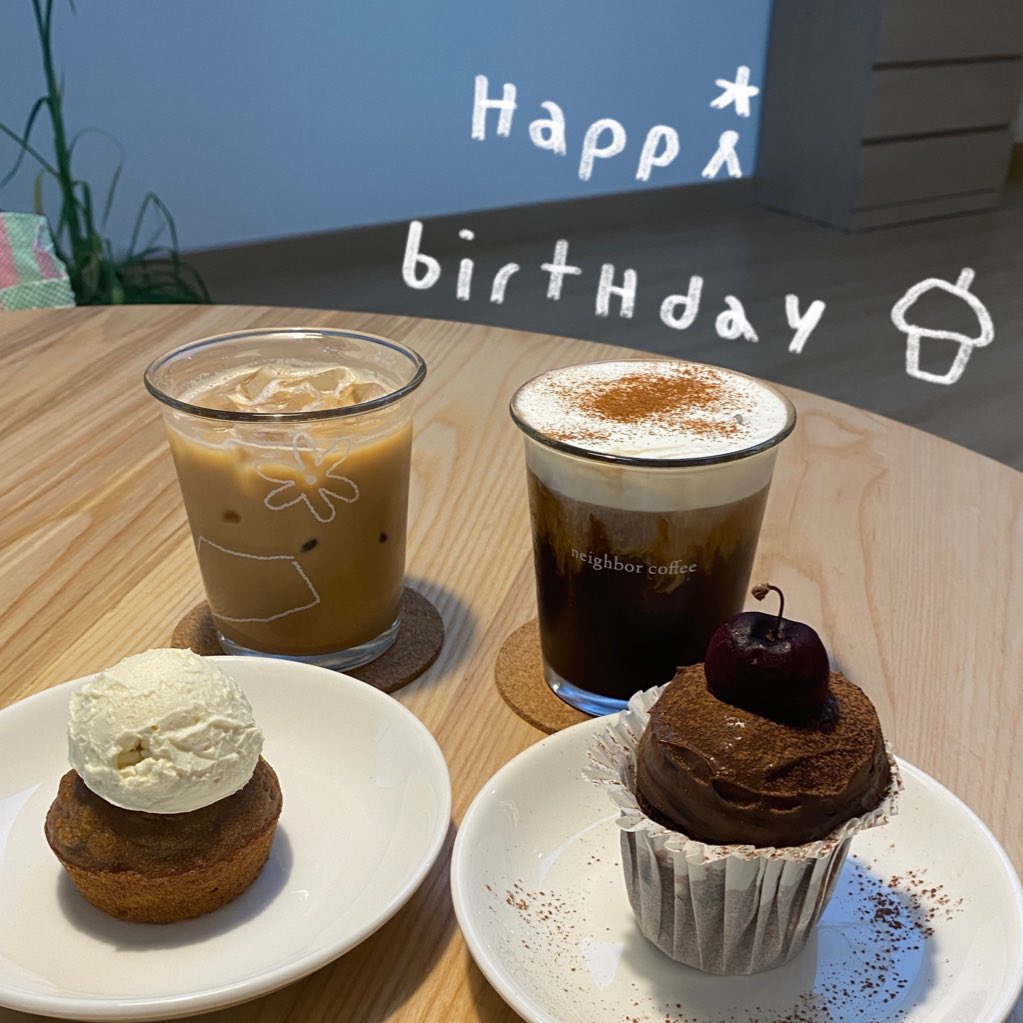
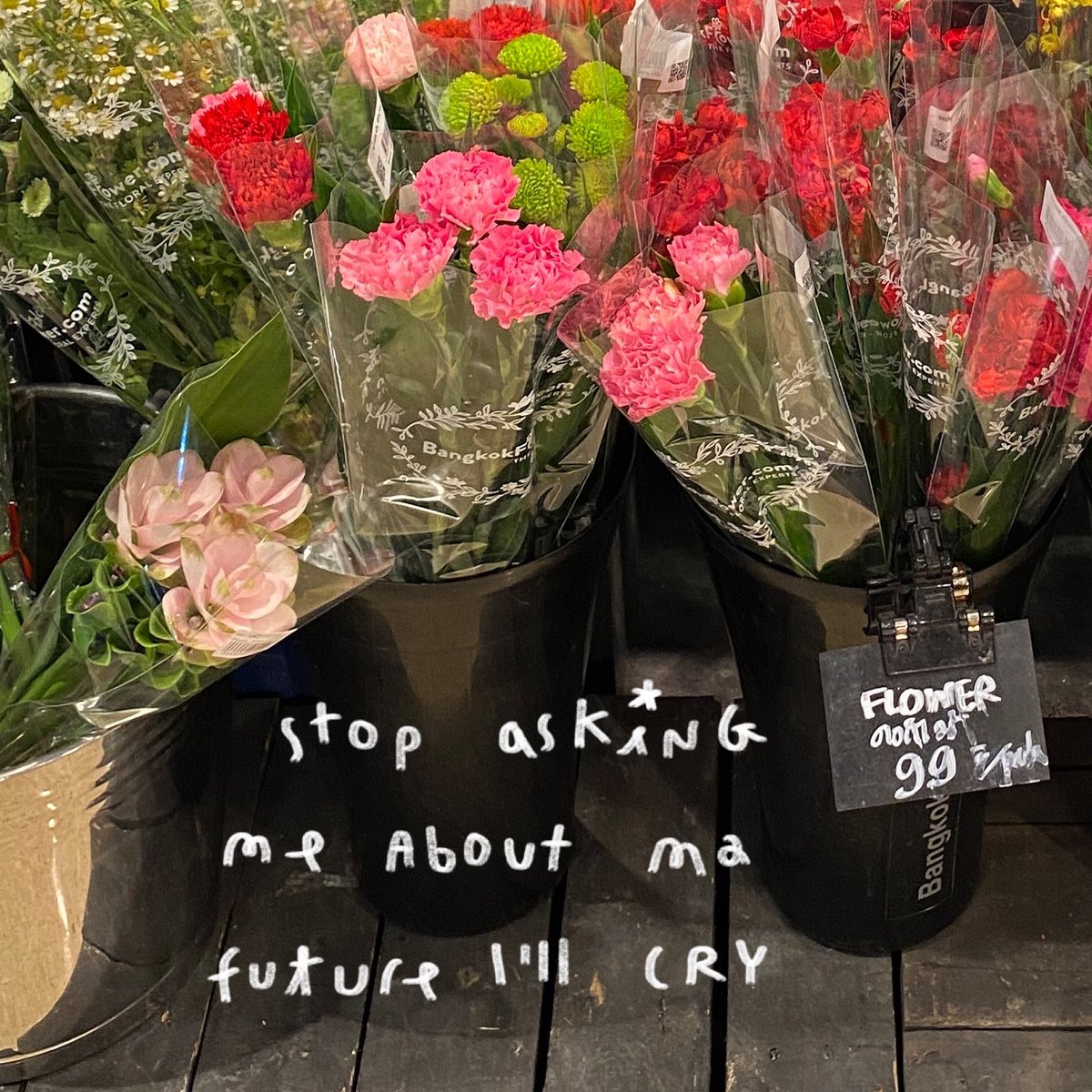
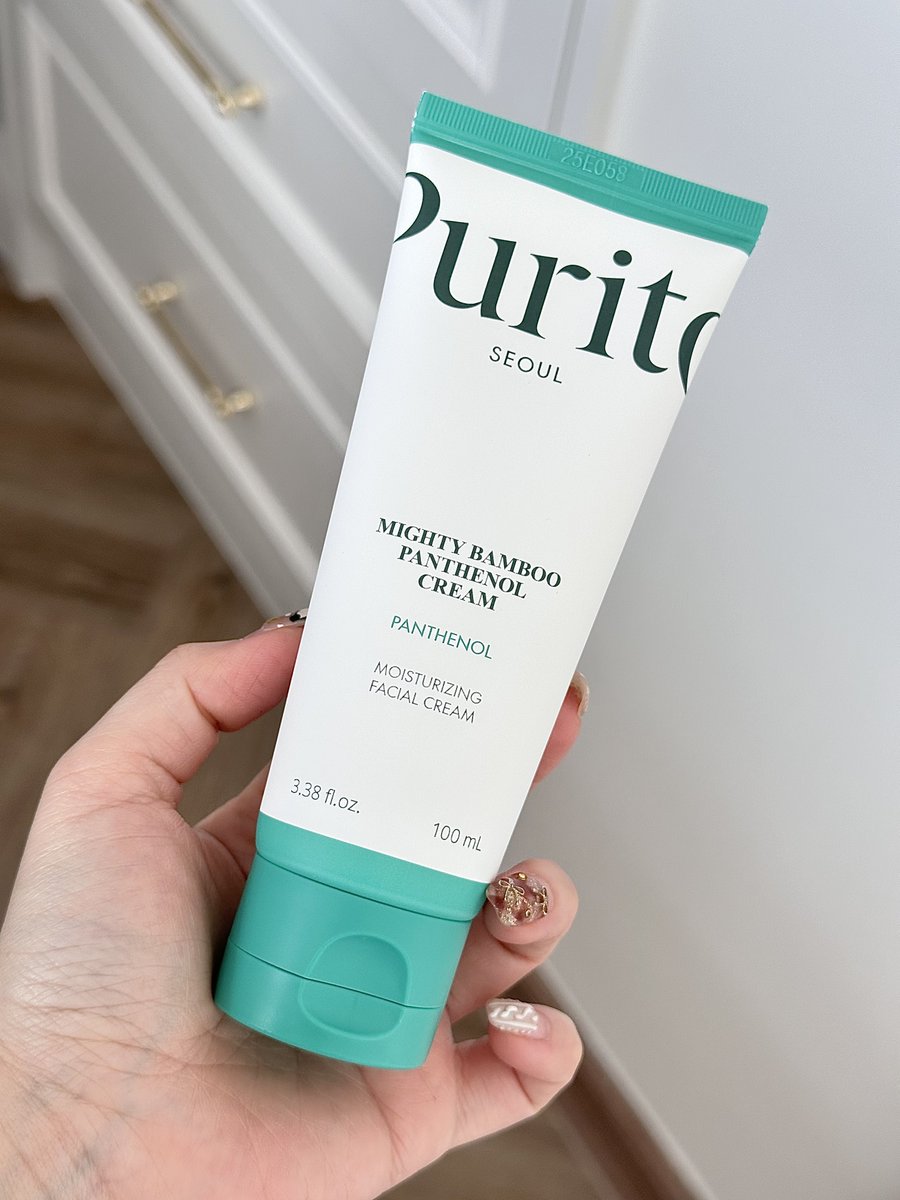
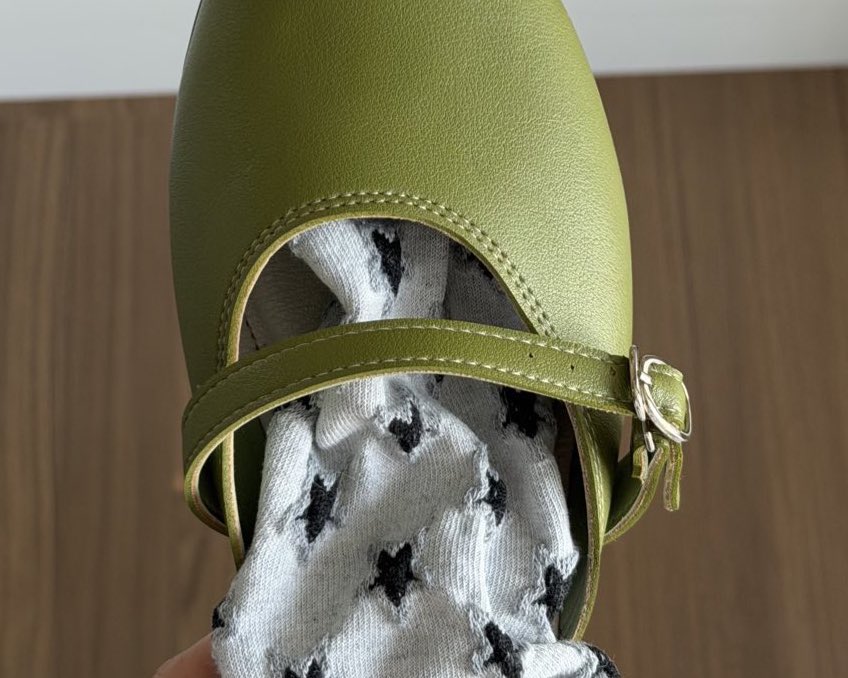
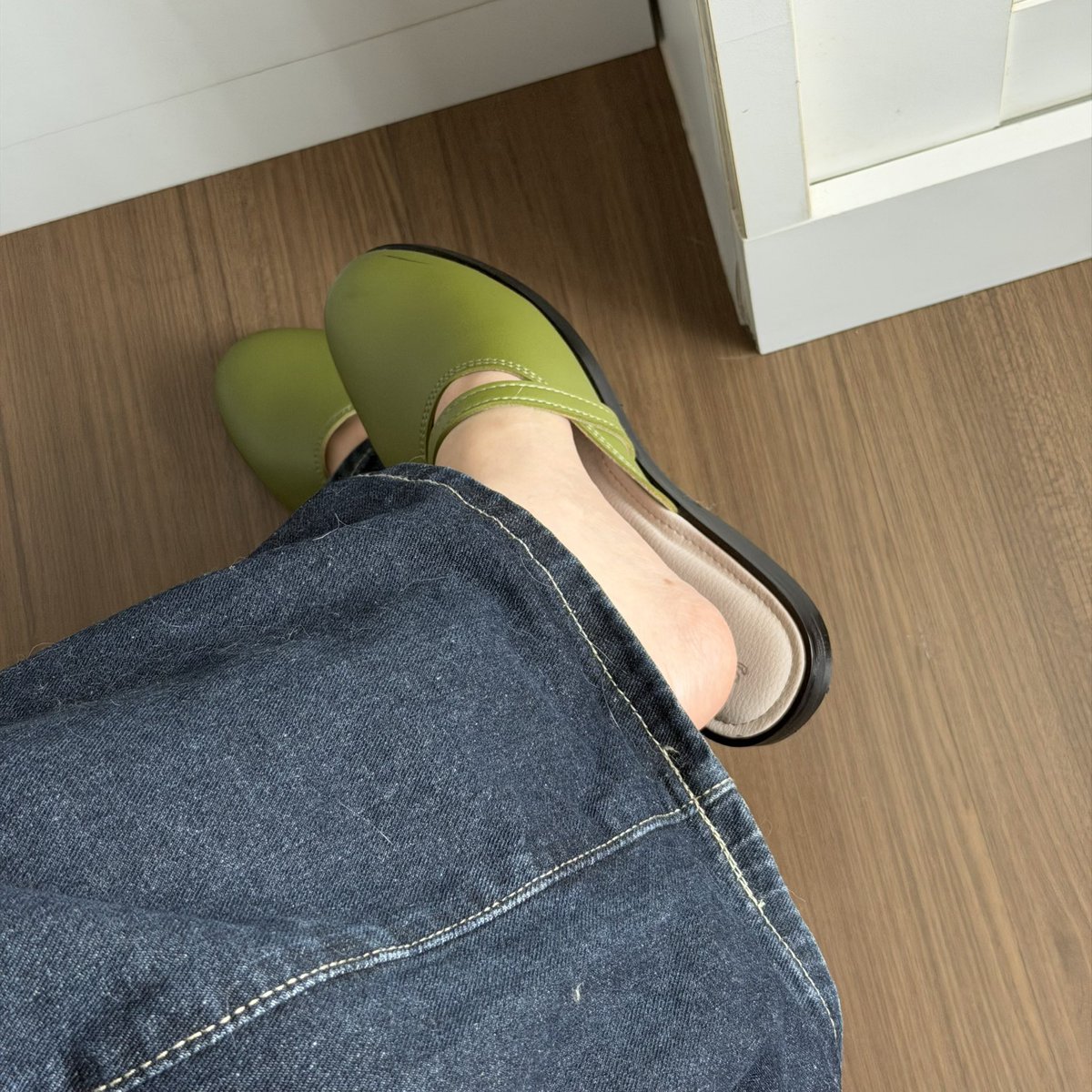
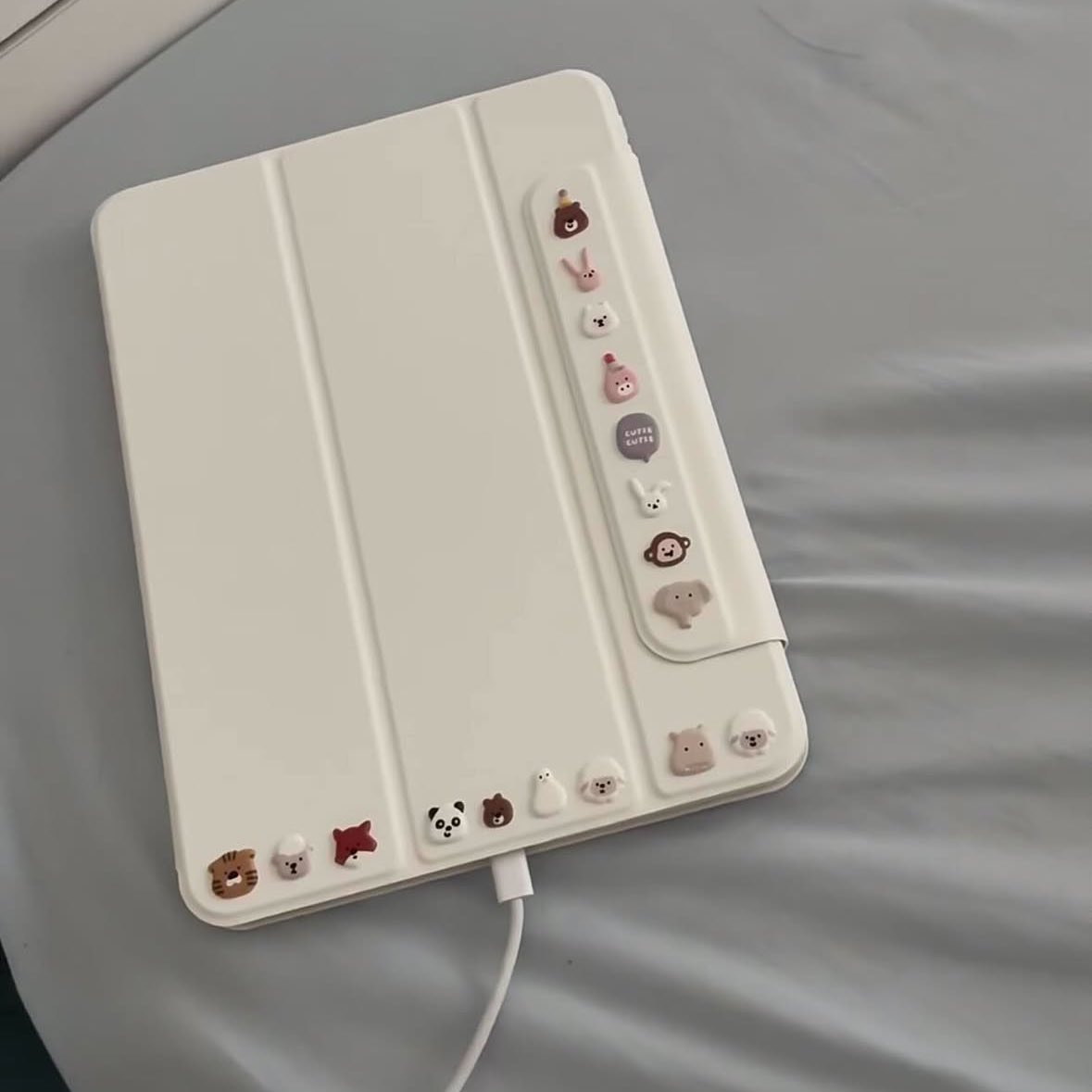
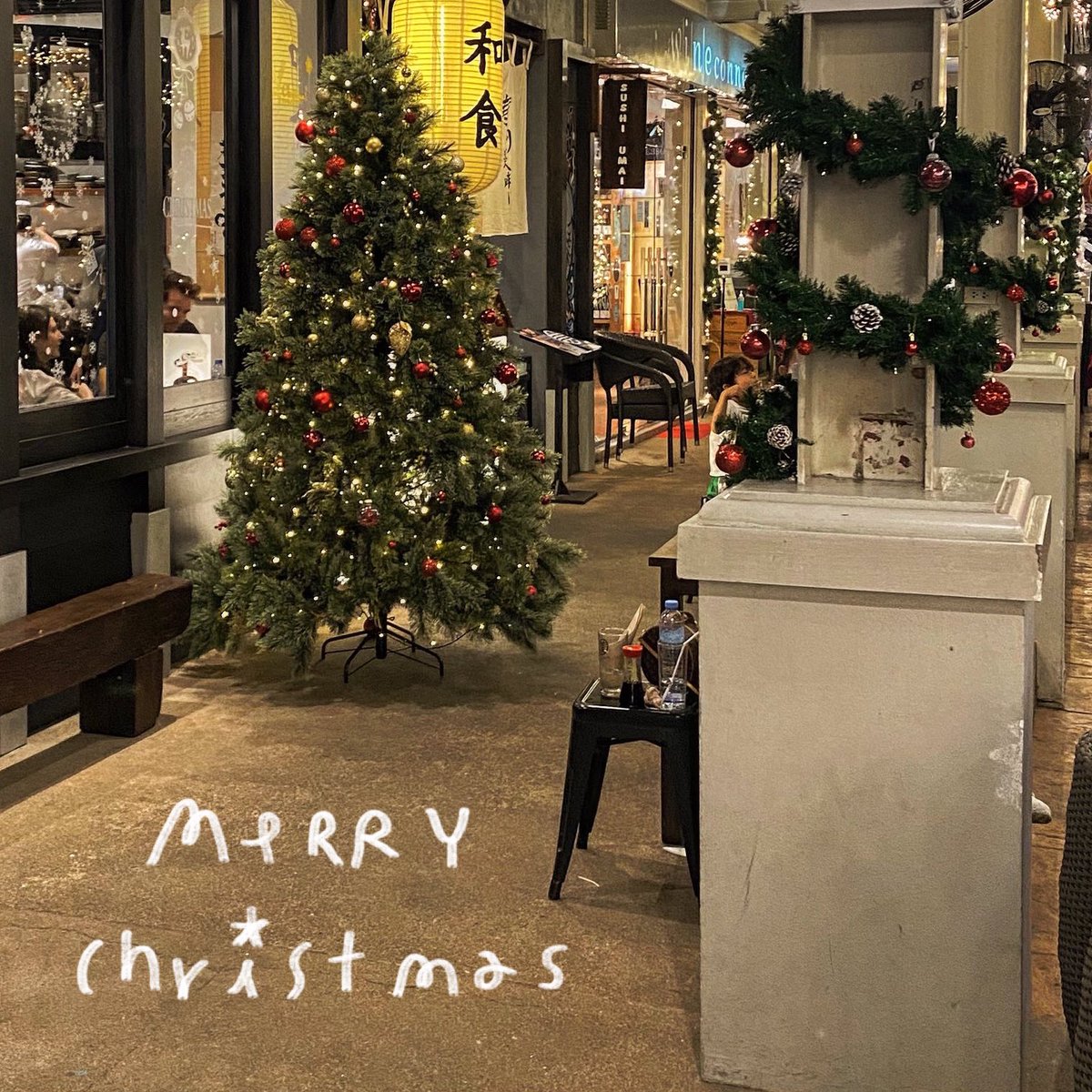
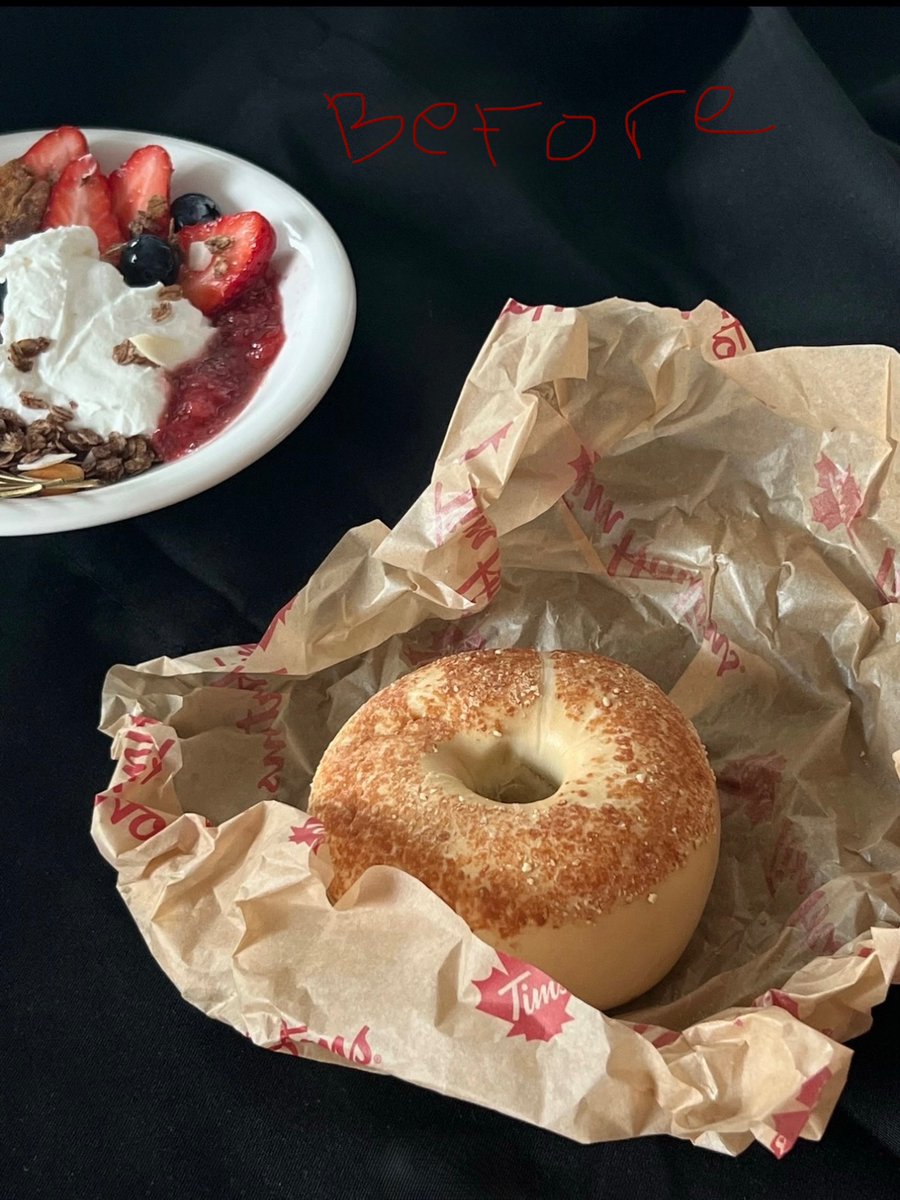
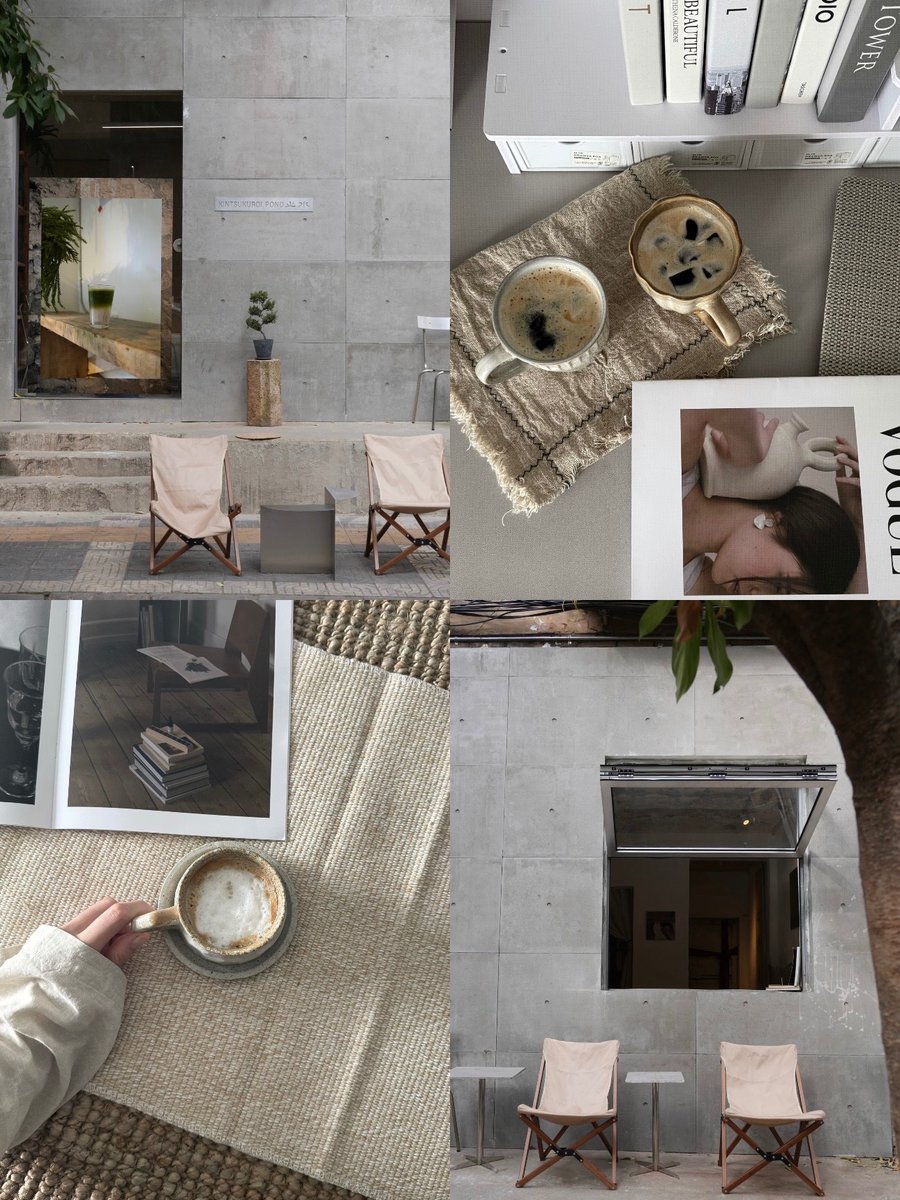
Before & After edited with the original iPhone camera
Here are the settings I used:
▪️Brilliance -35
▪️Highlights -75
▪️Contrast +5
▪️Black Point +15
▪️Natural Saturation -25
▪️Sharpness +100
My goodness... tried it, iPhone can really bring out the Fujifilm vibe!!
iPhone filter: Contrast color
•Exposure: -5
•Vividness: -8
•Highlights: +15
•Shadows: -10
•Natural saturation: -6
•Color temperature: -10
•Tone: +6 (I prefer a bit more red)
•Vignetting: +10
•Adjust according to the picture
▫️ My go-to settings for that Korean-style gray-toned Insta look
iPhone color grading:
•Exposure -15
•Contrast +10
•Highlights -10
•Saturation -25 (this is the magic number!)
•Sharpening +50
💭 Remember to tweak these a bit depending on your lighting~