🚨 TIL about Microsoft Designer 🚨
Microsoft Designer is a free online tool that helps you create professional quality graphics in minutes. You can use Microsoft Designer to customize your images generated by #BingAI chat powered by #DALLE3, or to create your own designs from scratch. You can also use Microsoft Designer with other Microsoft products, such as PowerPoint, Word, Excel, Outlook, and Teams.
Microsoft Designer works by using AI to assist you in every step of your design process. You can use Microsoft Designer to:
- Upload your own images or create AI-generated images from text prompts, similar to Bing Chat.
- Access a rich library of fonts, icons, images, and shapes that you can use to create your designs.
- Customize your designs with colors, gradients, filters, and effects that suit your style and purpose.
- Get writing assistance and automatic layout suggestions that help you communicate your message effectively.
- Use the Generative tools to erase, fill, or expand parts of your image with AI, such as removing backgrounds or objects, filling in missing or damaged areas, or extending or enlarging borders or backgrounds.
- Download your designs in high-quality formats such as PNG, JPG, SVG, or PDF, or share them online via email, social media, or QR code.
- Get content credentials and an invisible digital watermark to confirm the provenance of your image as AI-generated and protect your intellectual property rights.
Microsoft Designer is easy and fun to use. You don’t need any design skills or experience to create amazing graphics with Microsoft Designer. You can also choose from a variety of templates for different purposes, such as social media posts, invitations, digital postcards, graphics, and more.
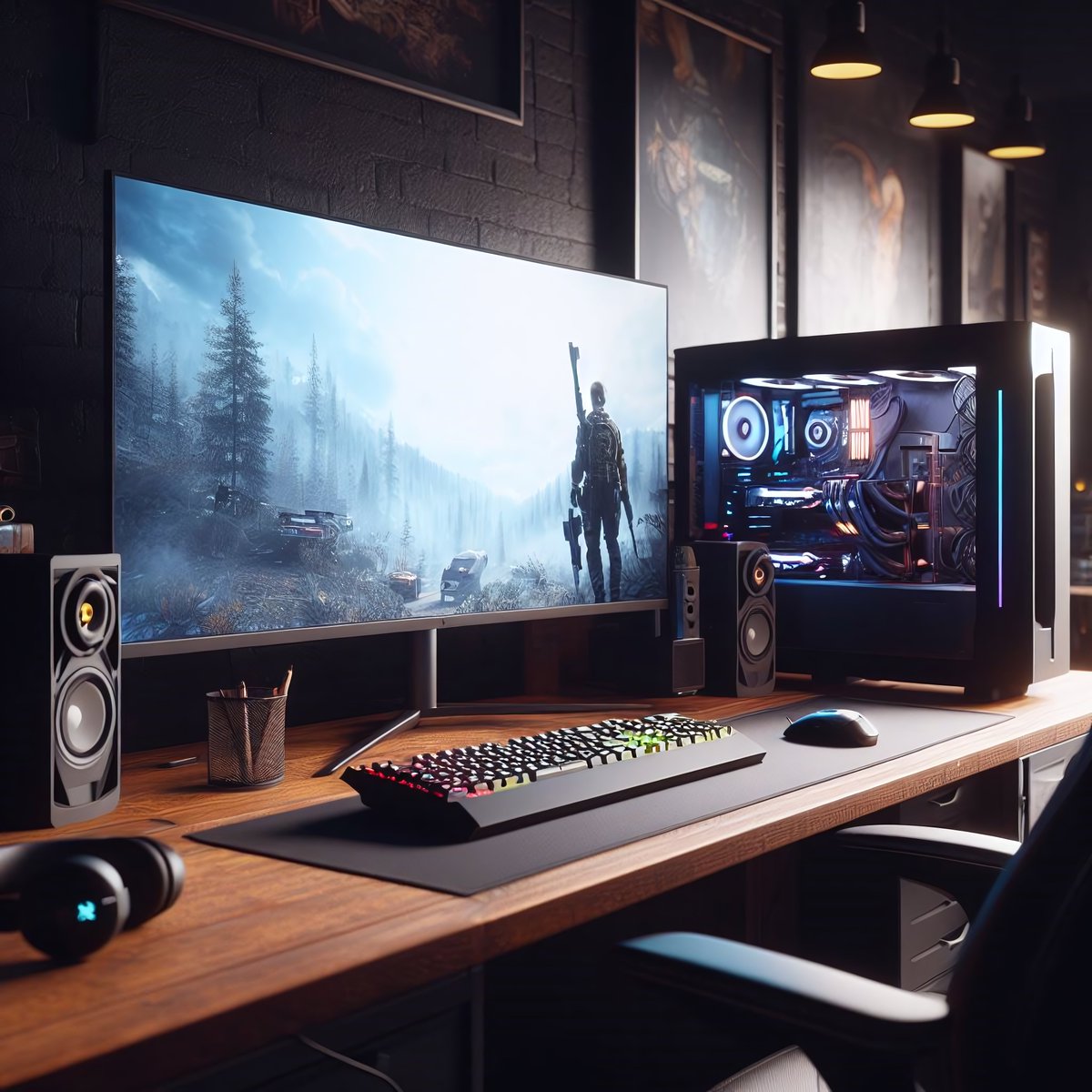
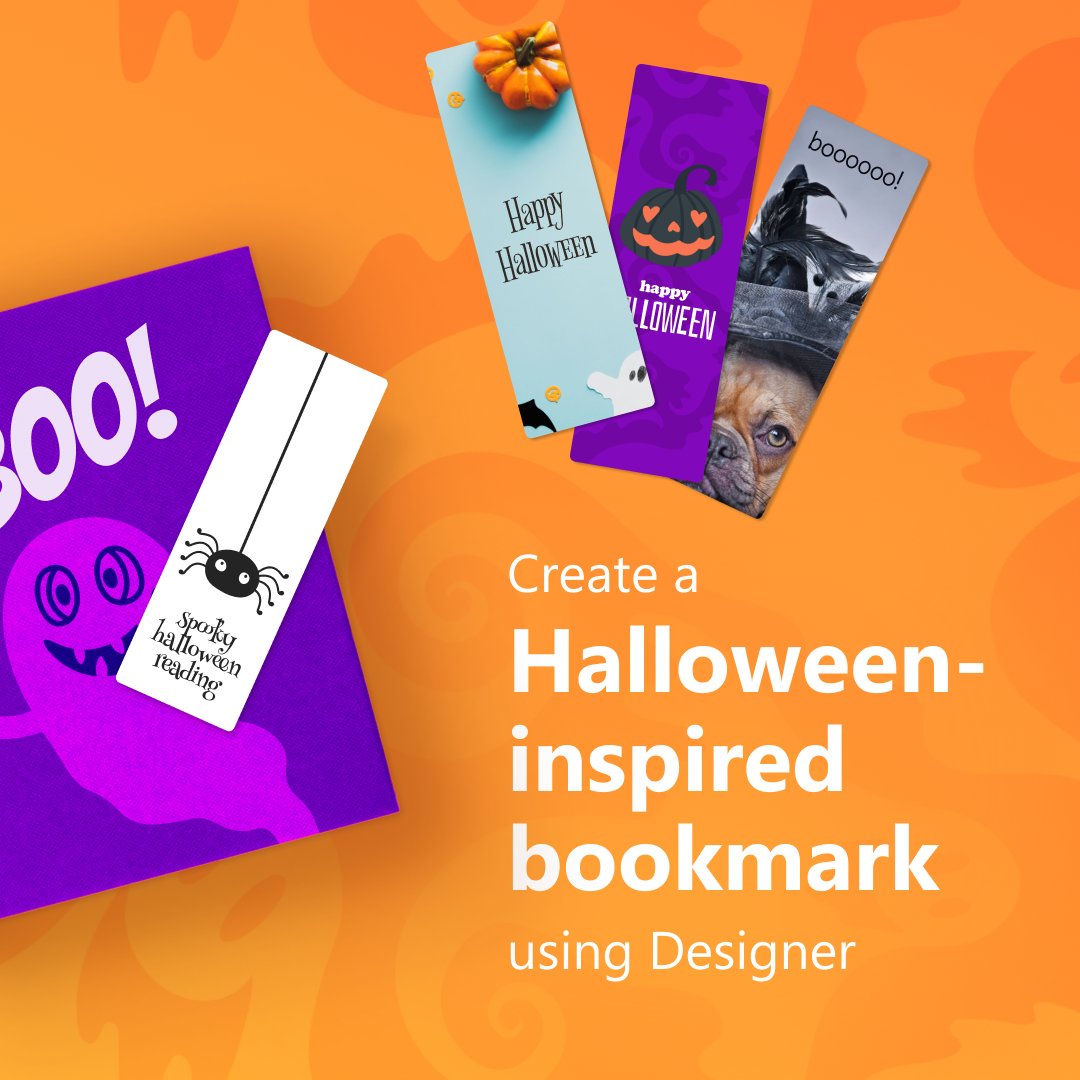
This was created in a few seconds using Microsoft Designer.
🚨 TIL about Microsoft Designer 🚨
Microsoft Designer is a free online tool that helps you create professional quality graphics in minutes. You can use Microsoft Designer to customize your images generated by #BingAI chat powered by #DALLE3, or to create your own designs from scratch. You can also use Microsoft Designer with other Microsoft products, such as PowerPoint, Word, Excel, Outlook, and Teams.
Microsoft Designer works by using AI to assist you in every step of your design process. You can use Microsoft Designer to:
- Upload your own images or create AI-generated images from text prompts, similar to Bing Chat.
- Access a rich library of fonts, icons, images, and shapes that you can use to create your designs.
- Customize your designs with colors, gradients, filters, and effects that suit your style and purpose.
- Get writing assistance and automatic layout suggestions that help you communicate your message effectively.
- Use the Generative tools to erase, fill, or expand parts of your image with AI, such as removing backgrounds or objects, filling in missing or damaged areas, or extending or enlarging borders or backgrounds.
- Download your designs in high-quality formats such as PNG, JPG, SVG, or PDF, or share them online via email, social media, or QR code.
- Get content credentials and an invisible digital watermark to confirm the provenance of your image as AI-generated and protect your intellectual property rights.
Microsoft Designer is easy and fun to use. You don’t need any design skills or experience to create amazing graphics with Microsoft Designer. You can also choose from a variety of templates for different purposes, such as social media posts, invitations, digital postcards, graphics, and more.
This was created in a few seconds using Microsoft Designer.
🚨 TIL about Microsoft Designer 🚨
Microsoft Designer is a free online tool that helps you create professional quality graphics in minutes. You can use Microsoft Designer to customize your images generated by #BingAI chat powered by #DALLE3, or to create your own designs from scratch. You can also use Microsoft Designer with other Microsoft products, such as PowerPoint, Word, Excel, Outlook, and Teams.
Microsoft Designer works by using AI to assist you in every step of your design process. You can use Microsoft Designer to:
- Upload your own images or create AI-generated images from text prompts, similar to Bing Chat.
- Access a rich library of fonts, icons, images, and shapes that you can use to create your designs.
- Customize your designs with colors, gradients, filters, and effects that suit your style and purpose.
- Get writing assistance and automatic layout suggestions that help you communicate your message effectively.
- Use the Generative tools to erase, fill, or expand parts of your image with AI, such as removing backgrounds or objects, filling in missing or damaged areas, or extending or enlarging borders or backgrounds.
- Download your designs in high-quality formats such as PNG, JPG, SVG, or PDF, or share them online via email, social media, or QR code.
- Get content credentials and an invisible digital watermark to confirm the provenance of your image as AI-generated and protect your intellectual property rights.
Microsoft Designer is easy and fun to use. You don’t need any design skills or experience to create amazing graphics with Microsoft Designer. You can also choose from a variety of templates for different purposes, such as social media posts, invitations, digital postcards, graphics, and more.
This was created in a few seconds using Microsoft Designer.
🚨 TIL about Microsoft Designer 🚨
Microsoft Designer is a free online tool that helps you create professional quality graphics in minutes. You can use Microsoft Designer to customize your images generated by #BingAI chat powered by #DALLE3, or to create your own designs from scratch. You can also use Microsoft Designer with other Microsoft products, such as PowerPoint, Word, Excel, Outlook, and Teams.
Microsoft Designer works by using AI to assist you in every step of your design process. You can use Microsoft Designer to:
- Upload your own images or create AI-generated images from text prompts, similar to Bing Chat.
- Access a rich library of fonts, icons, images, and shapes that you can use to create your designs.
- Customize your designs with colors, gradients, filters, and effects that suit your style and purpose.
- Get writing assistance and automatic layout suggestions that help you communicate your message effectively.
- Use the Generative tools to erase, fill, or expand parts of your image with AI, such as removing backgrounds or objects, filling in missing or damaged areas, or extending or enlarging borders or backgrounds.
- Download your designs in high-quality formats such as PNG, JPG, SVG, or PDF, or share them online via email, social media, or QR code.
- Get content credentials and an invisible digital watermark to confirm the provenance of your image as AI-generated and protect your intellectual property rights.
Microsoft Designer is easy and fun to use. You don’t need any design skills or experience to create amazing graphics with Microsoft Designer. You can also choose from a variety of templates for different purposes, such as social media posts, invitations, digital postcards, graphics, and more.
This was created in a few seconds using Microsoft Designer.