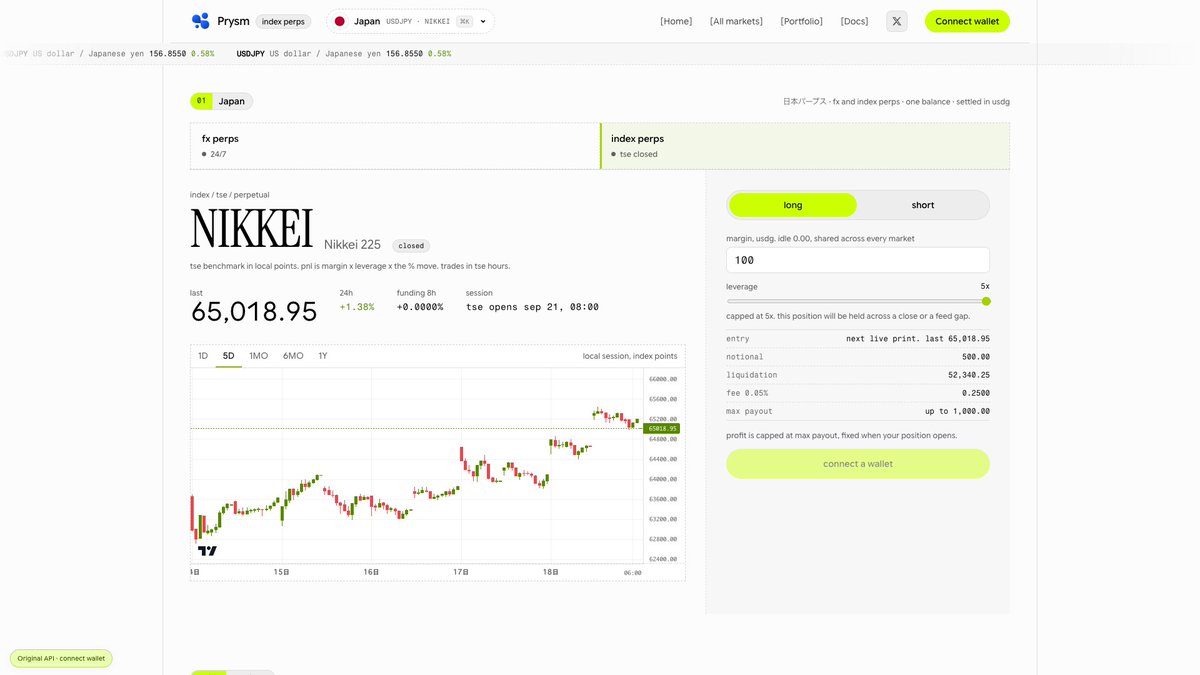
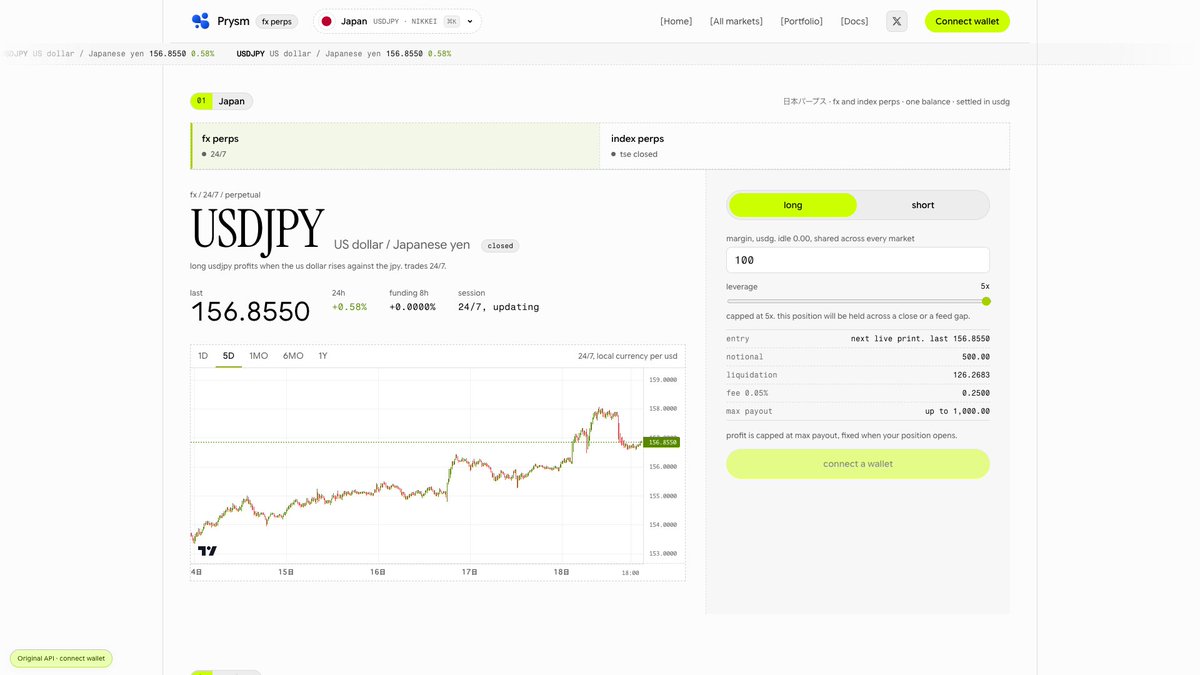
A country's benchmark, in your trading view.
CA:0x97385da4cc668280ad7829c622ae282371348de5
Explore index perpetuals like the Nikkei 225 on Prysm. Check the chart, exchange session and order details together. Index trading follows local exchange hours.
Choose your direction. Set your parameters.
Adjust long or short, margin and leverage on Prysm—and review the updated notional, fee and liquidation estimate.
Long or Short starts with a clear order ticket.
Choose your direction, enter USDG margin and adjust leverage. Review notional size, fees and the estimated liquidation level before signing.
Find a market without leaving the terminal.
Press / to open Prysm's market picker. Search a country, currency or index, filter FX or index perps, then jump straight to the market.
Your market search starts here.
Browse FX pairs, compare 24h moves and funding, or search by currency or pair. Open a market to bring its chart and order ticket into view.
How Prysm works:
1. Connect a wallet & deposit USDG.
2. Pick an FX or index market.
3. Choose Long/Short, margin & leverage.
4. Review the ticket and sign.
5. Manage positions in Portfolio.
Meet Prysm in action.
Explore FX & index perpetuals, switch chart timeframes, and set your direction, margin and leverage—all in one interface.
Watch the walkthrough.