Chrome extensions can't be tested with normal browser
automation. The popup is browser chrome. The MV3 service worker has no tab. Chrome 137+ refuses --load-extension outright.
So most of us test by hand, forever.
I built pikabo to fix that.
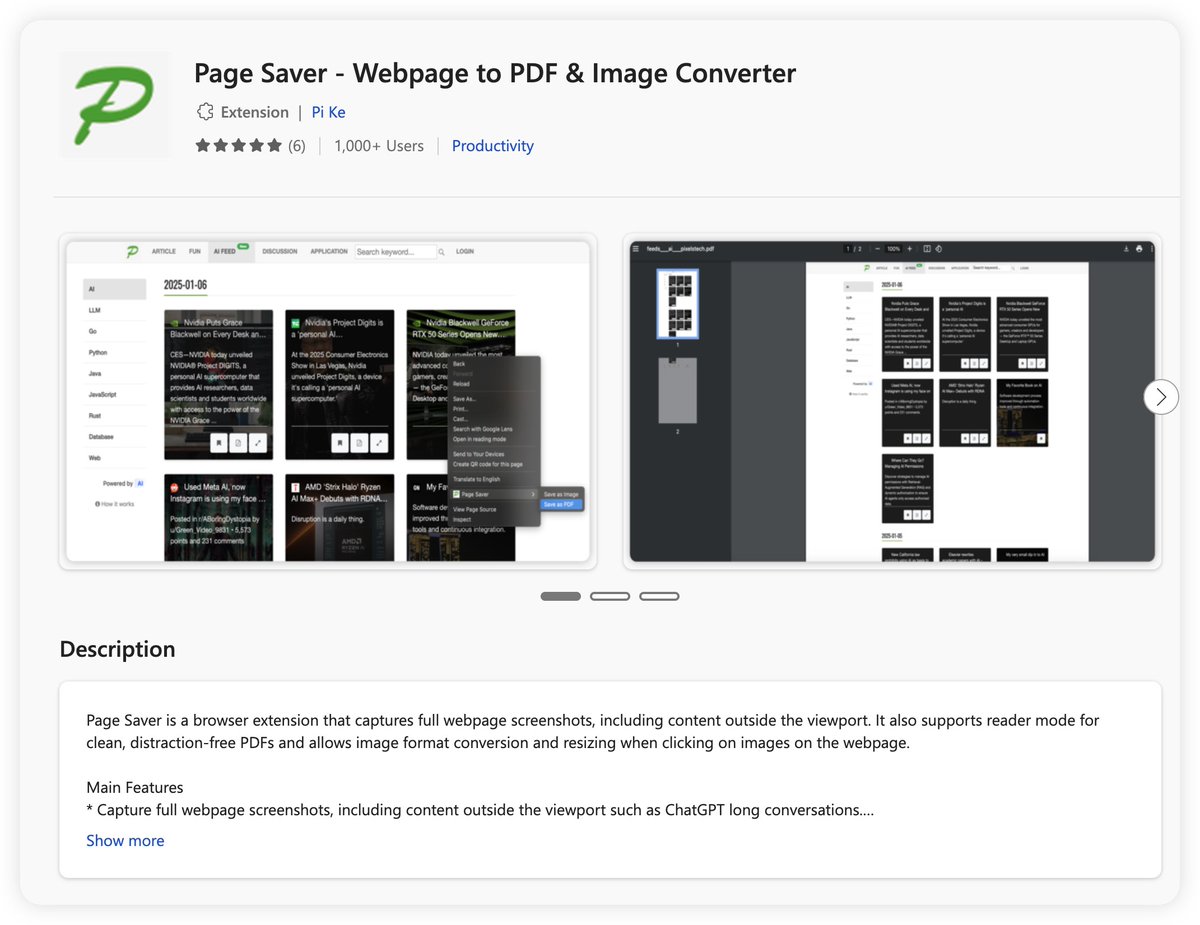
Very happy to share that Page Saver has more than 1000 users on Edge now. This is a key milestone for us since launch. Looking forward to seeing the next 10K and more users joining us. 🙏 #pagesaver#OCR
https://t.co/j18pQDCShZ
🖼️ Need to extract text from images effortlessly?
Discover our free OCR tool!
🔹 Convert images to text in seconds
🔹 Supports multiple languages
🔹 No installation required—entirely web-based
Try it now: https://t.co/AP5dAtZ9Sy
#OCR#ImageToText#ProductivityTools#Pixelstech
This is the best video I have watched so far for leaning LLMs. It is not that difficult to understand even for those who have not done much research in AI field yet gives enough technical details. It is recorded by Andrej Karpathy. Worth reading!
https://t.co/QeYvTt1VAH
Setting up a local web development environment on macOS is streamlined using Homebrew. This guide walks through installing and configuring Apache, PHP 8.3, and MySQL. It covers verifying Apache’s installation, integrating PHP by installing the appropriate version and modifying Apache’s configuration, and setting up MySQL, including starting its service and securing the installation. The tutorial emphasizes understanding each component’s role, offering a hands-on approach to building a local development setup.
https://t.co/PfBxZkOq3S
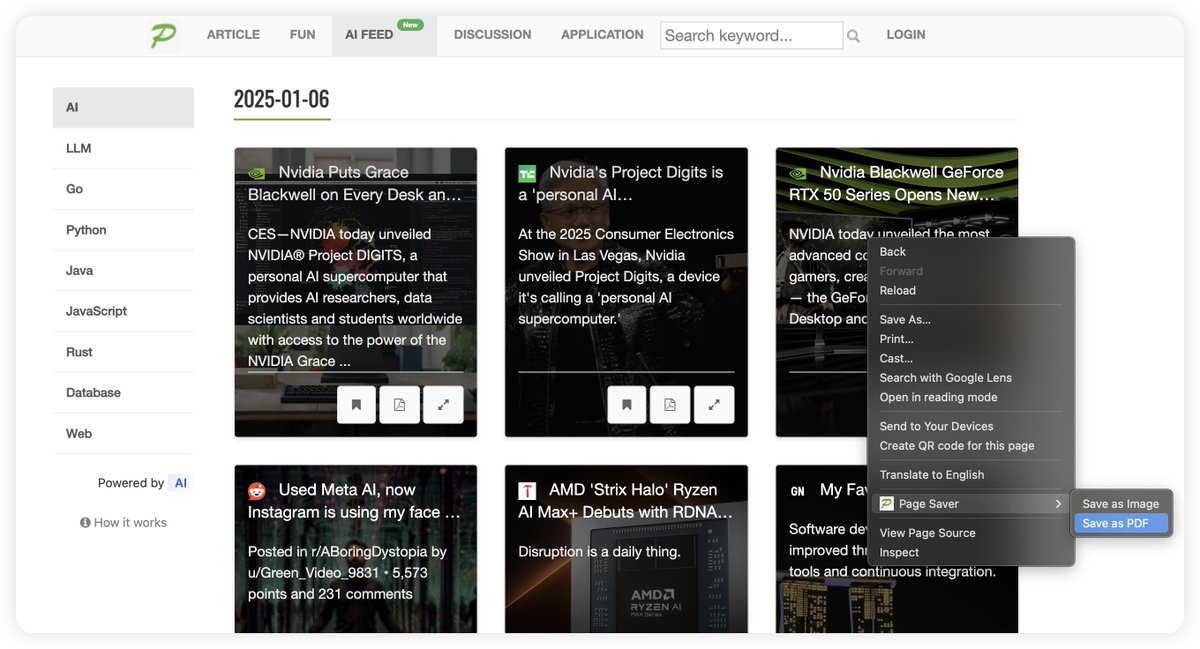
A browser extension that captures full webpage screenshots, including content outside the viewport. The captured page can be saved as a PNG image or a PDF. It also supports reader mode for clean, distraction-free PDFs. https://t.co/OGOisOAeHG
More details: https://t.co/ehHnAzCJFu
🚀 Tired of losing important web pages? PageSaver lets you save full web pages as PDFs or images with one click! 📄✨ Never lose valuable content again.
🔗 Try it now: https://t.co/xrMv6Ncod5
#Productivity#SaveTheWeb#PageSaver
Some tips for coding with cursor.
1. Do commit frequently, recommend doing commit for every big change (a new feature such as a new button added for some function, some big UI change like added some new component changing the UI layout a bit)
2. Test everything (regression testing) after doing big change with cursor, it may affect existing functions when adding new features, you think should not impact other parts
3. If trying to add a new complete feature including changes to multiple places (FE, BE etc), please using Composer instead of Chat
4. When working with UI changes (FE), be careful of needing forth and back of changes. one recommendation is you write the skeleton yourself, then ask cursor to fill in the missing components.
5. When giving instructions, use bullet points and state clearly about the requirements (write the step-by-step instructions) would have better result.
These tips are based on working with one side project (was trying to test cursor's capability): https://t.co/BwAsBpyObm