Whoa ... have you seen all of these FREE PowerPoint templates???
In TRUE #TechLAP style, make learning feel like Snapchat, Instagram, Twitter, game shows. There's even an interactive notebook template!
Download for FREE: https://t.co/riUvWqCWbo
#DitchBook
To reuse your #googleForms from last year DO NOT COPY them! Just go to the Responses tab and select "Unlink form" and "Delete all responses." #googleEDU
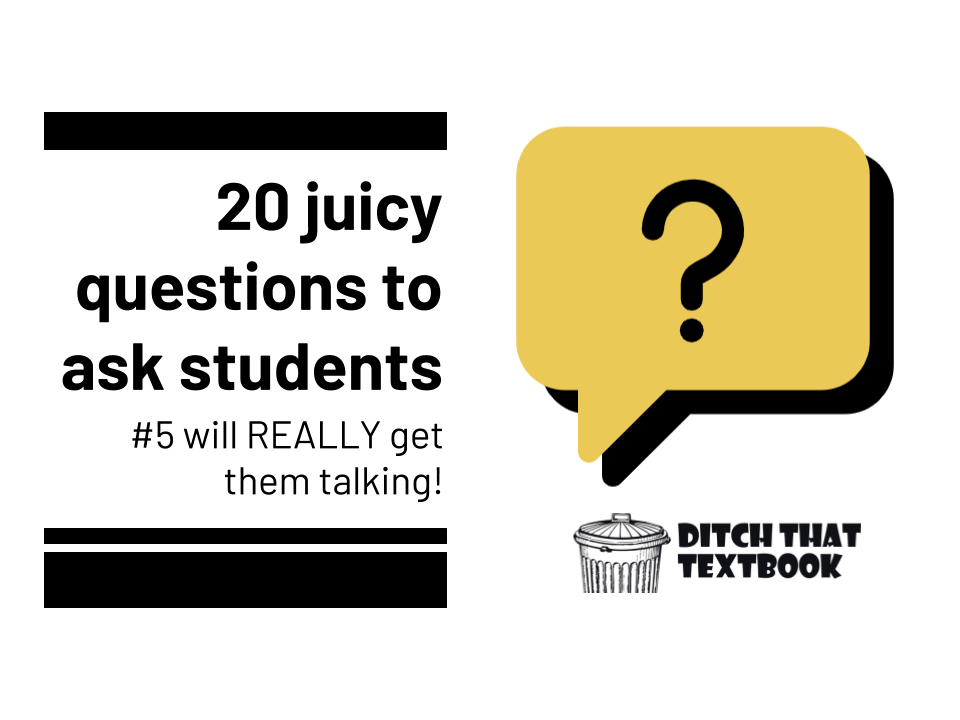
🤔A great question can make or break a learning activity. Here are some ideas for asking juicy 🍊 questions.
➡️20 juicy questions to ask students (#5 will REALLY get them talking!🤯)
https://t.co/b1iqbbKGIY #ditchbook
A font in Google that reduces visual stress? And supports those with dyslexia?
LEXEND. Nice.
Also, I have nerdy love that its variants are named mega, giga, tera and peta.
We'd like to introduce you to...
🔢 ANALYTICS
You can now view how many times a book has been read (and where in the world!)
💫 REMIXING
Access other books online and add them straight into your library with a simple click
Learn more at https://t.co/3FZSGfdX8g
#ISTELive
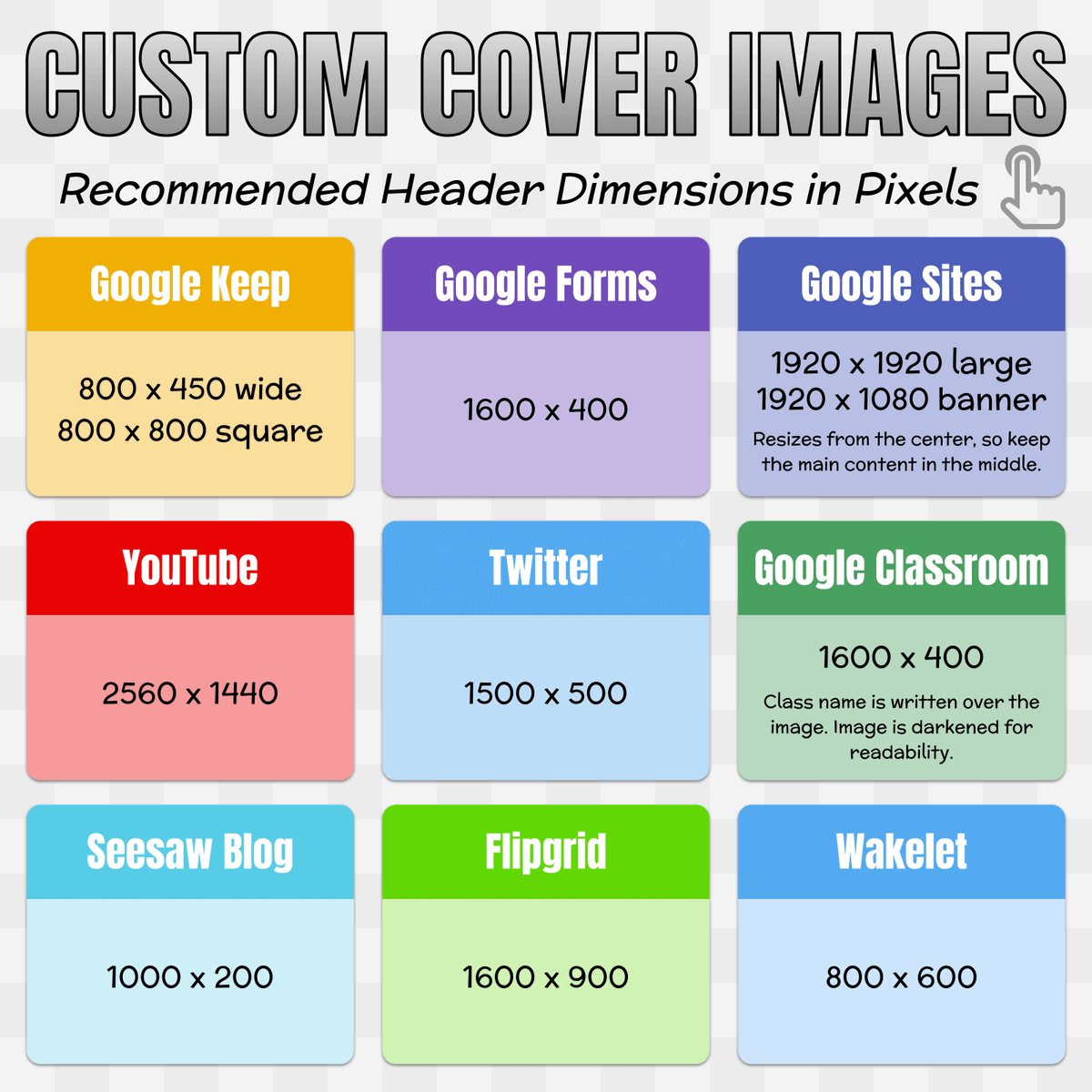
📏 This chart lists the recommended header sizes for sites and services you might use. #ISTELive#ISTE21#ClassyCreations
When creating custom headers, change the page or canvas size to the recommended dimensions in pixels. (In Google Slides go to File → Page Setup → Custom)
Learn more about our latest #GoogleWorkspaceEdu update, smart canvas. This new experience enhances collaboration in the apps that you use every day—like Docs, Sheets, and Slides—by making them even more interactive and intelligent 👏 https://t.co/jOOyNXYH3G. #TheAnywhereSchool