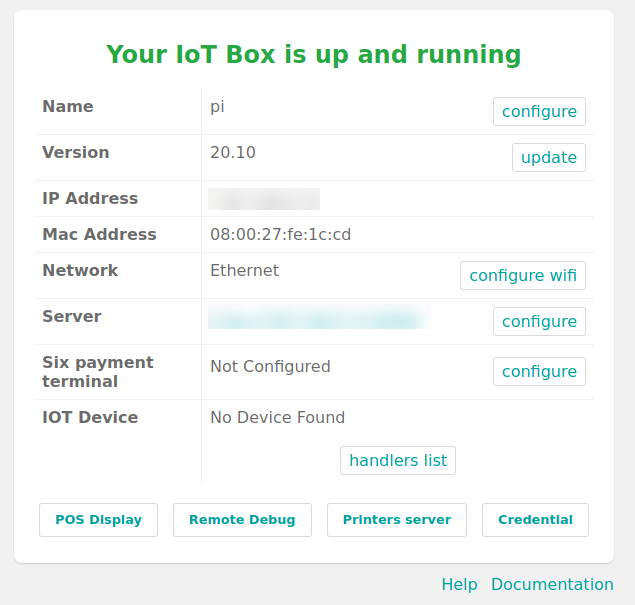
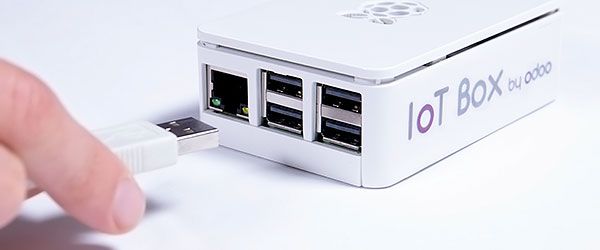
#odoo#IoT Release of the new IoT Box V20_10
- Possibility to add printer manually
- Improve stability of DHCP lease
- Pairing IoT with a unique number
- Allow you to add ways to search for devices
- Add possibility to switch keyboard and scanner type
- Now with Raspberry Pi OS
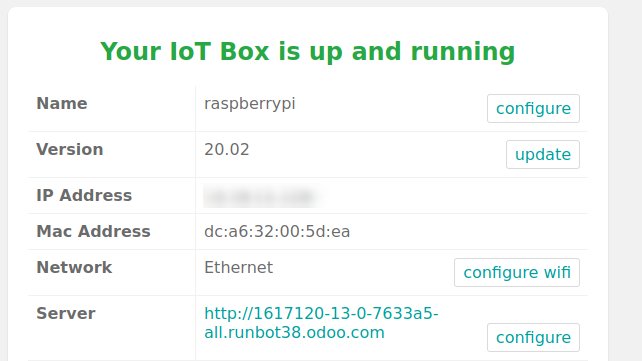
#Odoo#IoT Release of the new IoT Box V 20_20
- Integration of "auto-flash" to perform a self flash for next version of IoT Box
- From this version the box use branch of connected DB
- Release of documentation for developer: How implement your own driver https://t.co/LGHGL2r9rK
#Odoo Official release of the new IoT Box V 19_12
- Support of the new Raspberry pi 4
- Support of 2 screen up to 4K usable for the customer display or other advertisements messages
- For those who buy it at Odoo it comes with a particularly efficient aluminum box
@odoo@iot @odooiot
Today we release a new version of our IoT Box V19.10
This version add a lot of new feature:
- Use of payment terminals
- Use of real SSL certificate for IoT Box
- Devices are all usable in Odoo
- Improved WIFI connection
- ...
https://t.co/SxAToODdw5
Presenting Odoo Scale-Up! (EN and FR versions) at @educode_belgium in Uccle, Brussels!
Join us and get a free copy!
Venez !
#learning#teaching#superpowers
Have you seen our new SmartClasses? The IoT is a technical revolution and your company shouldn't miss out! Check out the class taking place 30 September to 1 October, just before #OdooExperience! https://t.co/mfib6zhZJA
#odoo#iot#odooiot
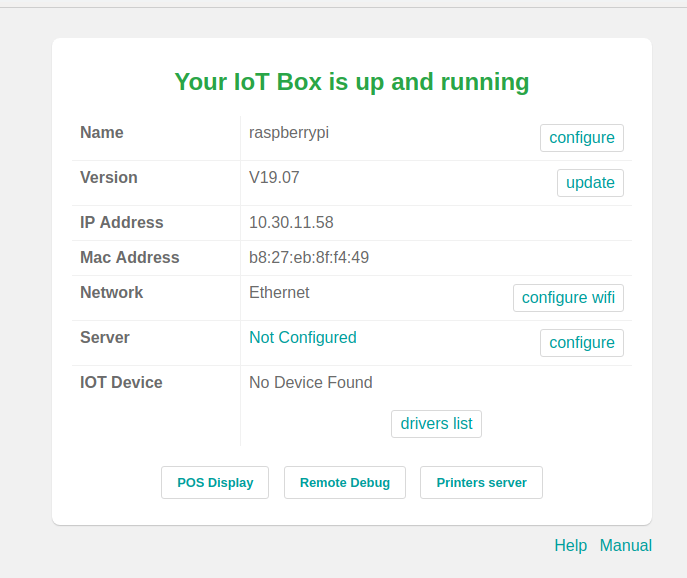
Today we release a new version of our IoT Box V19.07
Now the date is updated to avoid problems of "cross origin" with the https
And small stability improvements...
https://t.co/rkrrQiA9IV
@alphouine@Odoo@OdooCommunity And in V13 no more problems with arabic or chinese language. All are compatible.
In the IoT Box your printer is automatically installed. But if you make a specific configuration you can modify this in cups. Or load a specifi driver for your printer.
@Odoo@IoT @OdooIoT
@alphouine@Odoo@OdooCommunity Yes actual we use escpos for print ticket from pos
But in the new version of IoT Box 19_04 Cups is already installed and you can use your printer in Odoo.
But not now in the POS.... Sorry
In Odoo V13 All printers installed in cups will be available in POS include network printer