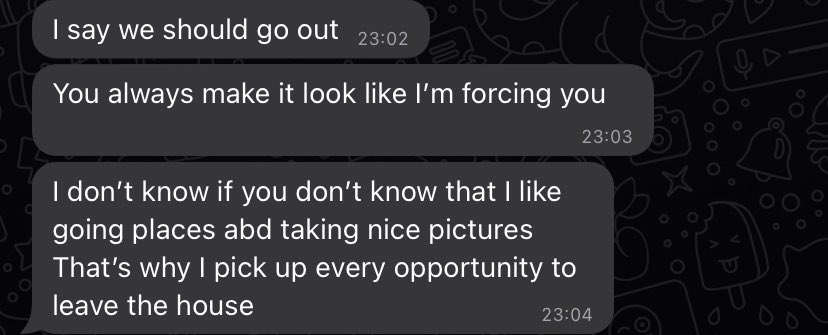
if you notice something that doesn’t sit right with you during the talking stage, walk away. stop convincing yourself that the red flag will magically disappear.
📱If you're unable to create an Apple Account due to phone number verification issues, try this.
1. Go to Settings > General > Date & Time.
- Toggle "Set Automatically" off.
- Select the correct Time Zone for your location.
- Make sure the date and time are accurate.
2. Go to Settings > Privacy & Security > Location Services.
- Turn Location Services on.
3. Go to Settings > General > Language & Region.
- Set the Region to the country you're currently living in.
4. Restart your iPhone and try verifying your phone number again. It should work.
▫️📱 If the message you're getting is "Your account cannot be created at this time," try this:
1. Go to Settings.
2. Scroll. Then click on Apps.
3. Select Mail, then tap Mail Accounts.
4. Tap Add Account, select iCloud, then tap Create a New Apple Account.
5. Enter the required details and complete the setup.
(This has worked for many people.)
But if it still doesn't work, try these additional steps:
- Connect to a strong Wi-Fi or mobile data.
- Turn Airplane Mode on for about 30 seconds, then turn it off.
- You can also update your iPhone to the latest iOS version available.
- If you've made too many verification attempts, wait 24 hours before trying again because Apple may temporarily block further attempts.
- If your phone number was previously used on another Apple Account, you may need to remove it from that account or contact Apple Support.
- If you're unable to verify the number through your iPhone, try signing in throuh another person's iPhone or Apple device.
- You can also try to sign in through Apple's website (account . apple . com OR icloud . com). You can do this on any other device, whether iPhone or even Android or a laptop. Try using an incognito or private tab, in fact.
After trying these steps, let me know if it works.