🔥 أرسل ملفاتك مباشرة إلى أي شخص في العالم.
أي حجم، ونقل مباشر بين الأجهزة دون الحاجة إلى رفع الملفات إلى السحابة.
مشروع مجاني ومفتوح المصدر، يدعم Windows وmacOS وLinux وAndroid، بالإضافة إلى المتصفح.
• بدون حسابات
• بدون حدود للحجم
• بدون تخزين سحابي
فقط نقل مباشر بين الأجهزة مع تشفير شامل من الطرف إلى الطرف. 🔒
اسم الموقع يقول كل شيء: F*ckSignups.
مكتبة تجمع أكثر من 170 أداة مفتوحة المصدر تعمل مباشرة من المتصفح، بدون إنشاء حساب، بدون بريد إلكتروني، وبدون تتبع.
إذا كنت تكره صفحات التسجيل قبل تجربة أي أداة، فهذا الموقع يستحق الحفظ.
10 websites you’ll wish you found sooner:
1. https://t.co/YOFQNMh8S4
Convert JPGs and PNGs into editable SVG vector graphics.
2. https://t.co/HL8M0HjxSC
Free tools for PDFs, images, videos, AI writing, and file conversion.
3. https://t.co/v5e9KpJ7rq
Convert documents, images, videos, audio, and archives between hundreds of formats.
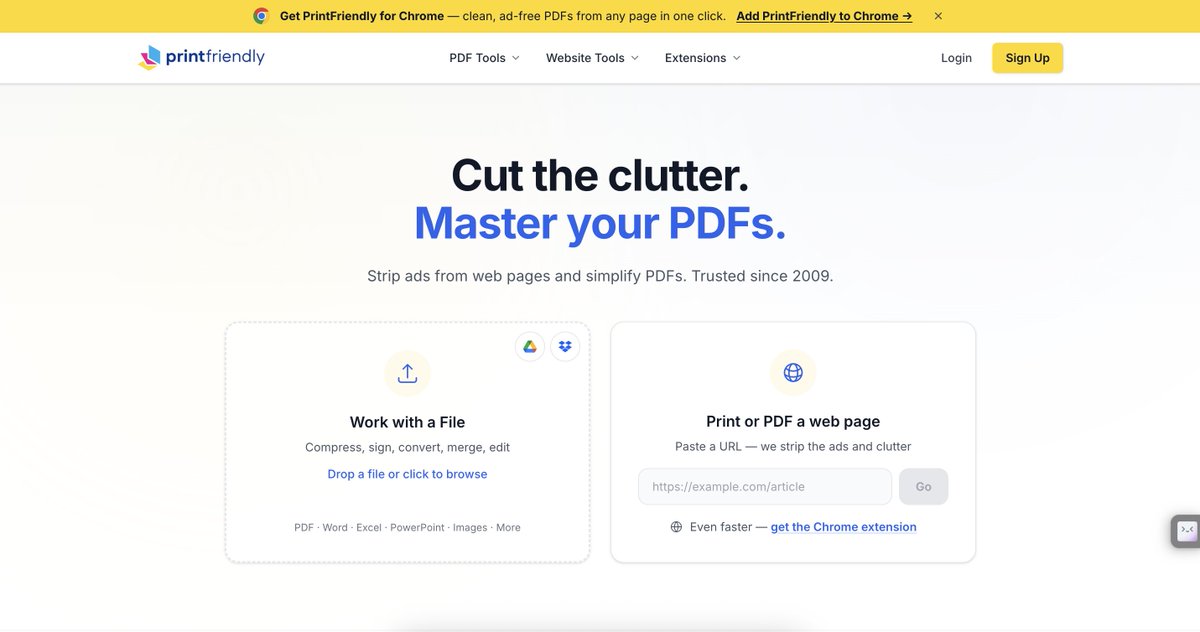
4. https://t.co/6Zg0OUurNL
Remove ads and clutter from webpages before printing or saving as a PDF.
5. https://t.co/5L1lg650Fk
Find direct links to permanently delete online accounts.
6. https://t.co/Lo77b30B5P
AI coding assistant for generating, explaining, and debugging code.
7. https://t.co/GAUXtZHHRM
Remove video backgrounds automatically without using a green screen.
8. https://t.co/UEgXumM8Si
Edit, annotate, and fill out PDFs directly in your browser.
9. https://t.co/9TfkuSZRmG
Generate temporary email addresses for quick signups and spam-free testing.
10. https://t.co/DXH7ToJjr6
Download free stock videos, music, sound effects, and video templates.
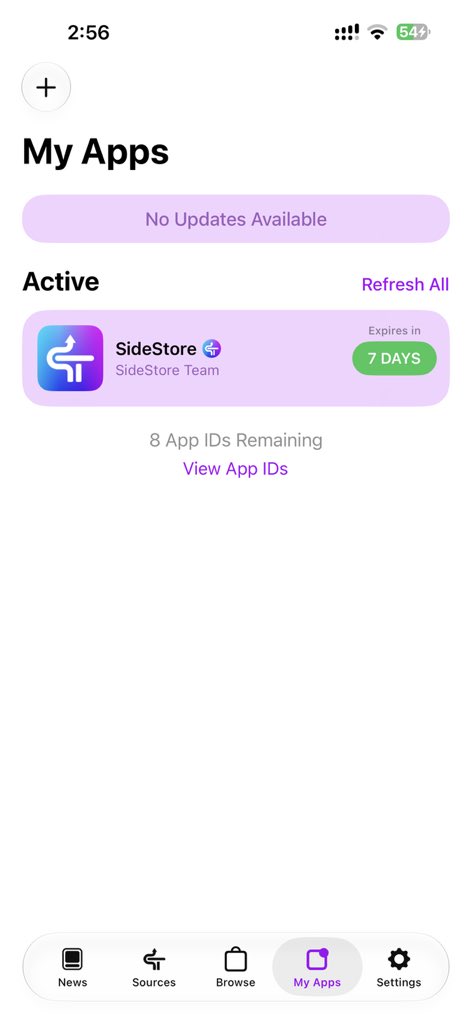
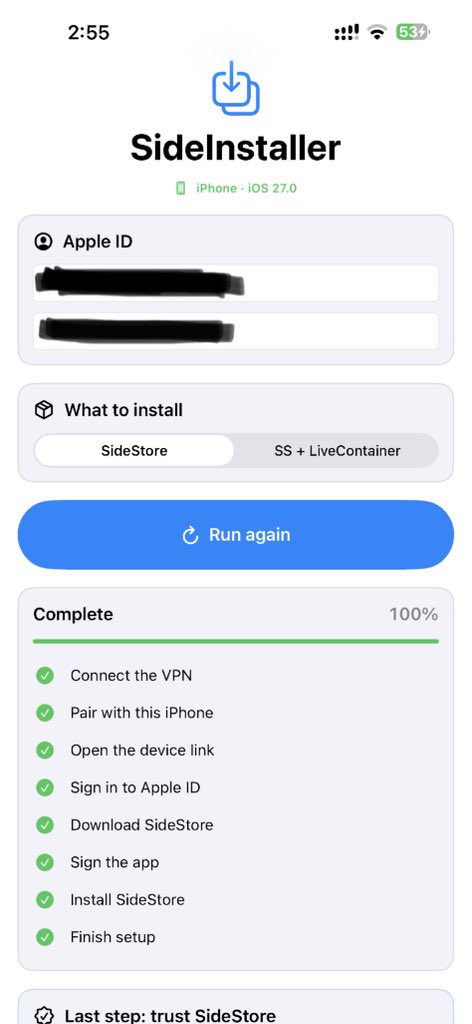
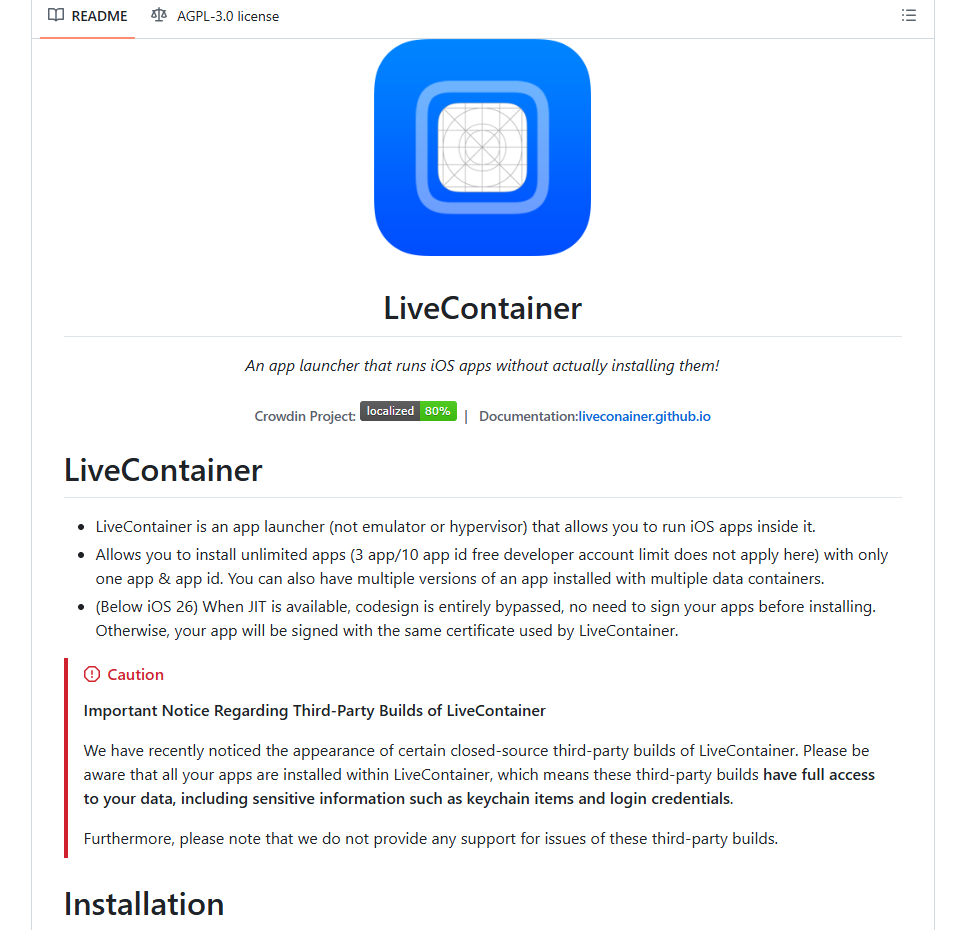
أخيرًا أداة تثبت SideStore أو SideStore + LiveContainer
مباشرة من الآيفون بدون كمبيوتر وبدون AltStore 🔥📱
المتطلبات
• iOS 27
• تطبيق LocalDevVPN
الخطوات
1️⃣ ثبّت LocalDevVPN وفعل الاتصال بالـ VPN.
2️⃣ افتح صفحة الأداة وثبتها باستخدام أي شهادة متوفرة. او اذا عندك شهادة ثبت التطبيق بصيغة ipa
3️⃣ بعد اكتمال التثبيت افتح التطبيق.
4️⃣ سجّل الدخول بحساب Apple الخاص بك.
5️⃣ اختر
Install Sidestore
أو
Install Sidestore + Livecontainer
6️⃣ انتظر حتى يتم تثبيت التطبيق الذي اخترته مباشرة على جهازك
المشروع جديد ومفتوح المصدر
Installing SideStore usually starts with one problem.
You need a computer.
SideInstaller changes that.
Highlights:
• Install SideStore without a PC
• Install LiveContainer in one tap
• Fully on-device setup
• Automatic pairing
• Automatic provisioning
• Local Apple ID processing
• Open-source
• No telemetry
• No account required
You'll only need:
• iOS 27
• LocalDevVPN
• Wi-Fi or hotspot
Everything runs directly on your iPhone, making sideloading more accessible than ever.
Would you ditch your computer for iOS sideloading?
Imagine if Stremio had a power-user edition.
That's basically what Harbor delivers.
Built with Rust + Tauri, it adds:
• Native libmpv playback
• Intelligent stream ranking
• Watch parties
• Live TV, DVR & Multiview
• HDR support
• Anime4K upscaling
• Built-in casting (Chromecast, AirPlay, DLNA & Roku)
• Theme Studio with deep customization
• Trakt integration
• Discord Rich Presence
• Picture-in-Picture
• Zero telemetry
The latest release also adds:
• Experimental ad skipping
• Improved autoplay
• Better window resizing
• Stremio OAuth sign-in
• More playback and UI improvements
Available on:
• Windows
• macOS
• Web
• Linux (native build coming soon)
What's your favorite feature, or what would you add to Harbor?
Easy way to stream football and movies ⚽️ 🎦
The simplest way to stream world cup games & the best tv channels… 📺
Download “IPTV Smart Player”
Click on playlist > import playlist
Name the plalist : TV
Paste the URL : https://t.co/blZP7211KY
Save and enjoy 😊
Works for iOS, windows & android.
🚨 نزل تحديث Harbor رقم 0.9.26 وحل أغلب مشاكلنا
- تم حل مشكلة ترجمة عناوين وبوسترات الأفلام والمسلسلات
- تم أضافة خيار لجودة المحتوى بفئاتجودة (منخفضة - متوسطة - عالية الدقة) لتناسب أجهزة المشهادين
- تم اضافة قسم تعليقات لكن الأعمال الفنية وتقييم خاص بموقع Trakt اسفل عل عمل
- تم تحسين التعريب بنسبة 90% وشكراً لاخوي ياسر الحربي على الترجمة المرتبة وشغالين انا وياه على مشروع بفيد محبين الأفلام والمسلسلات
- تم تحسين عرض HDR و4K على الشاشات المدعومة
- بالأضافة الى تحسينات بسرعة التطبيق واستجابته وحل أغلب مشاكل الـFullscreen
🔸 اذا للآن تواجهون مشاكل بالتطبيق او مو عارفين كيف تستخدموه توجهو للدسكورد او اكتب مشكلتك بالتعليقات وازهلو
🔹اسوي شرح مقطع كيف تثبت التطبيق وتشغل عليه المحتوى وكيف تربطه بديبرد؟ بس المشكلة وين انزلة حتى ما ياخذ كوبي رايت وينحذف
https://t.co/w1nr0DqCCv
You don't need an Android TV box to run Google TV.
Using Android Studio, you can install the official Android TV emulator on your PC.
Supported platforms:
• Windows
• macOS
• Linux
Features:
• Official Google TV interface
• Android TV app testing
• Google Play support (supported images)
• Adjustable CPU, RAM & storage
• Hardware acceleration
• 1080p TV profiles
• Keyboard & mouse controls
Getting started is simple:
1. Install Android Studio.
2. On the "Welcome to Android Studio" screen, go to More Actions → Virtual Device Manager.
3. Create a new virtual device, select TV, choose a Google TV/Android TV system image, and launch it.
Perfect for developers, testing Android TV apps, or simply exploring Google TV without buying extra hardware.
Would you try Android TV on your PC?
Every time I needed to edit a PDF, I ended up on another website asking me to upload my file.
That never felt right.
So I started looking for a self-hosted alternative.
That's when I found Stirling PDF.
It's an open-source PDF platform available for:
• Windows
• macOS
• Linux
• Web Browser
• Docker
• Kubernetes
It packs more than 50 PDF tools into a single application:
• Edit
• Merge
• Split
• OCR
• Convert
• Compress
• Sign
• Redact
• Password protect
• REST API
• Automation workflows
Everything runs locally or on your own server, giving you complete control over your documents.
It's become one of the first apps I install on every new machine.
What's your favorite open-source alternative to Adobe Acrobat?
🪂A new method to browse unlimitedly for free.
You can now access the internet for free and browse unlimitedly without worries!
How to get Started?
🪜Step 1.
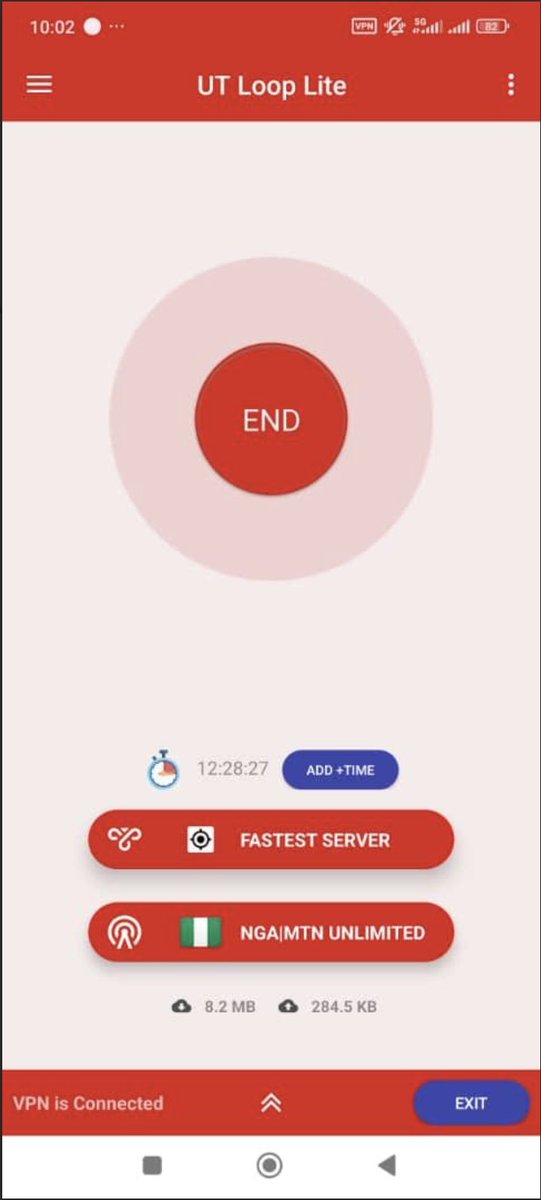
Download UT Loop Lite or Pro from Playstore "both are FREE";
👉Download lite here; https://t.co/xY11l5LzBt
👉Download️pro here; https://t.co/v22FZ80mCP
🪜Step 2.
👉Open any of the downloaded app above with like 1mb on any sim card with data to load the servers and networks.
👉 For the servers, choose Fastest or any location you want like 🇩🇪 Germany, 🇨🇦 Canada or 🇫🇷 France which is more stable.
Germany seems to be the fastest now but you can always switch between c0untries to pick the one that works best for you.
👉 On tweaks, use the search and type NGA to quickly locate 🇳🇬 Nigeria tweaks.
🪜Step 3.
👉Choose 🇳🇬 MTN Unlimited 2026.
👉Now Tap on BEGIN to connect to start browsing.
📌Note; Use an airplane mode if it doesn't connect immediately, or switch to 3G, Then connect and switch to 4G while still connected.
🕹️🏮Additional info; UT Loop Pro has an additional MTN Unlimited tweak which is V2RAY, It connects instantly and doesn't even need consistent airplane mode.
🚥This looks like the fastest and the most stable vpn right now!
Android users should still be enjoying this for now while we work on a way for i-phone users as well.
Enjoy!
*⃣Research fully done by; @realWisdomUche,
Kindly give him a follow and turn on his post notification for more updates like this.