Still feel stuck? We hear it all the time: "I know Documint can do this, but I'm not sure how to set it up."
That's why we run Open Office Hours every Wednesday at 03:00 PM EST.
It's not another webinar. Bring your questions, share your screen, and leave with a clear path forward.
Join us: https://t.co/HLbVBKZ0dp
Want to see how powerful @realDocumint is without spending hours in a sandbox?
We built Quickstart Guides for the top no-code stacks. Clone a template, connect, and generate your first automated PDF in under 5 mins.
⚡️Choose your weapon:
🔗 Airtable
🔗 Make
🔗 Zapier
🔗 Coda
https://t.co/qkQV4s7bvL
#Docutip #NoCode #Automation
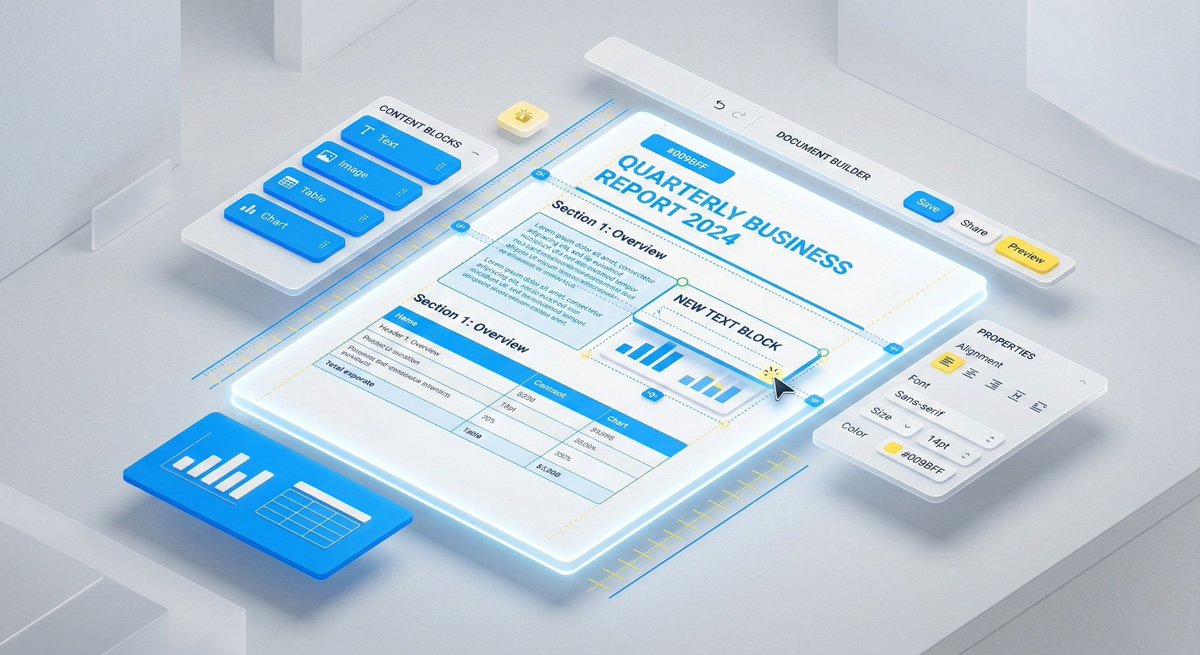
Structure is everything. Documint's builder gives you absolute control:
📏 Custom Page Sizes: From standard A4s to precise shipping labels.
📄 Multi-Page Mastery: Lock in custom headers & footers across unlimited pages.
🔲 Structured Spacing: Lock your paddings so dynamic data doesn't ruin the layout.
Pro tip: Always use the real-time previewer with sample data before you finalize.
Stuck on a tricky layout? Let’s build it together. 🤝We're hosting Open Office Hours TODAY at PM EST. Not another webinar—a live, interactive session to unblock your workflows.Bring your questions. Share your screen. Leave with a path forward.
https://t.co/HLbVBKZ0dp
Most people overcomplicate document automation.
They try to design and build at the same time. That’s a recipe for frustration.
Introducing #Docutips: Bite-sized hacks to master your workflow.
Tip 01: The Wireframe Method 🧵👇
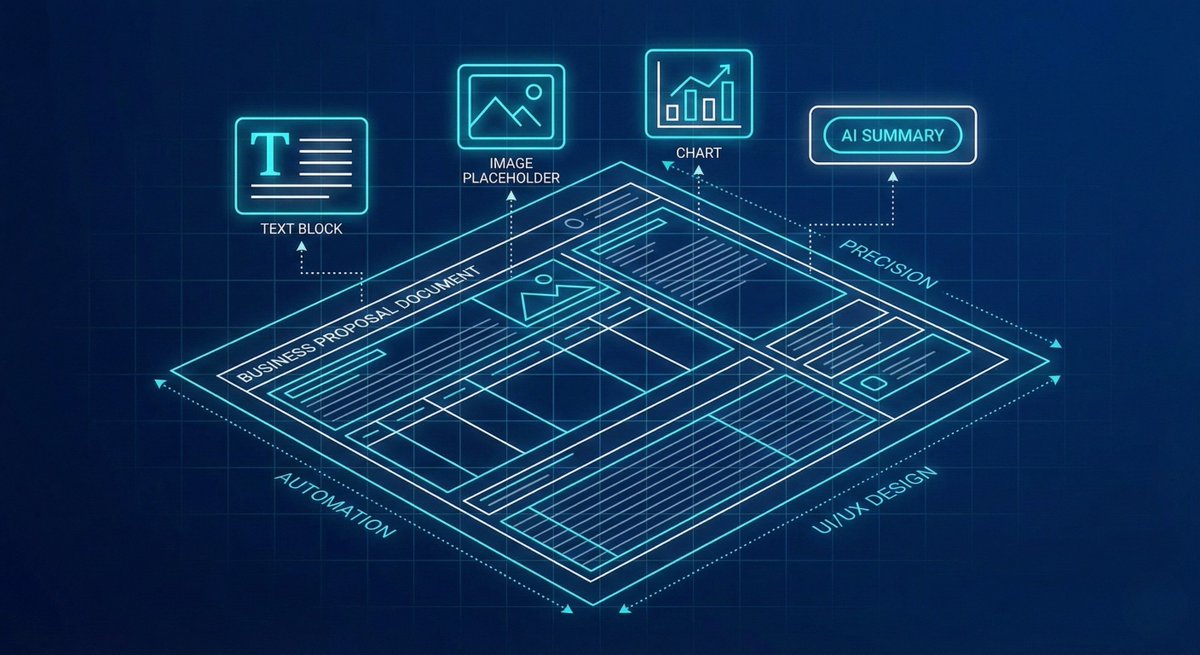
Before you type a single word, build the skeleton.
1/3 Identify your sections. Drag in your Rows. Set up your Columns.
2/3 Create the "home" for your data before you invite the data in.
3/3 When you wireframe first, the drag-and-drop builder becomes effortless. Elements snap to the grid. The document creates itself.
Need help visualizing this?
We run Documint Office Hours every Wednesday at 3 PM EST.
Hop on a live call with our team. We’ll help you untangle your template.
https://t.co/HLbVBKZ0dp
We're launching something new 👋
Documint Open Office Hours — a weekly live session where you can ask questions and get help directly from our team.
No slides. No pitch. Just real support.
Every Wednesday at 03:00 PM - EST
Bring your questions. We'll bring the answers.
Join us : https://t.co/Beou3iXJyT
#DocumentAutomation #SaaS
🚀 Official launch: Documint e-Signature is here! Native e-signs built into Documint – generate → send → sign → done. No external tools, legally valid, zero friction. Ideal for contracts, offers & HR docs.
Your top request, available NOW on higher plans. Speed up your workflow!
Learn More: https://t.co/0Svvdg7H3Z
#Documint #ESignatures #SaaS
As 2025 draws to a close, a heartfelt thank you to every Documint user—from trials to power users—for trusting us with your workflows. Your community and feedback fueled our wins in template innovation and seamless integrations this year. From the Documint team, we're grateful with you all. We're excited for 2026 and the opportunities to keep making document automation even smoother. Here's to more efficiency ahead!
Josh Mamroud
CEO, Documint
Automation does more than save time — it saves sanity.
Fewer errors. Happier clients. Stronger teams.
Time is just the start
#Automation#Saas#FutureOfWork
Big drop: 26 brand-new templates are live in Documint!
From proposals to contracts to onboarding docs—you can now generate even faster.
Log in & try them today 👉 https://t.co/1uQ1mKtYcE
#SaaS#Automation#Productivity#Templates#Documint
Documint helps teams get more done — faster.
Here’s what users are seeing:
⏱️ 3–5x faster workflows
📉 70% less manual work
💰 Dozens of hours saved every month
Start today, measure the ROI, and see the results firsthand.
Big news: Google Fonts are here in Documint!
That means your templates can finally speak in your brand’s style — whether that’s sleek, bold, playful, or classic.
Available today for everyone, no extra steps required.
We can’t wait to see what you create!
Folders are finally in Documint!
Now you can organize your templates into structured, shareable folders. Whether you're a solo freelancer or managing a big team, staying organized has never been this easy.
Clean UI, drag & drop, and coming to all workspaces next week. Save time, reduce clutter. Try it now — and let us know what you'd name your first folder!"
Let’s be honest—following the paper trail can be tough. So, let’s vent!
What’s your biggest struggle when creating documents from scratch?
Vote below. We’ll use your answers to shape Documint’s next features!
Stop wasting hours creating your shipping labels!
Our upcoming webinar will teach you how to automate your label creation and save time!
📅 November 26th | ⏰ 2:00pm ET
Spots are limited—register now!
👉 https://t.co/RflpfiLWUl
🚀 Big News: Documint now supports custom objects in HubSpot!
More customization, more control, and a faster way to build document workflows that fit your needs exactly. Ready to elevate your HubSpot experience?
🔗https://t.co/axlcDVlDq5
Automate your real estate docs & boost efficiency! Check out our latest blog on document automation, covering best practices and key tips. 👉 https://t.co/gjNoaGS456