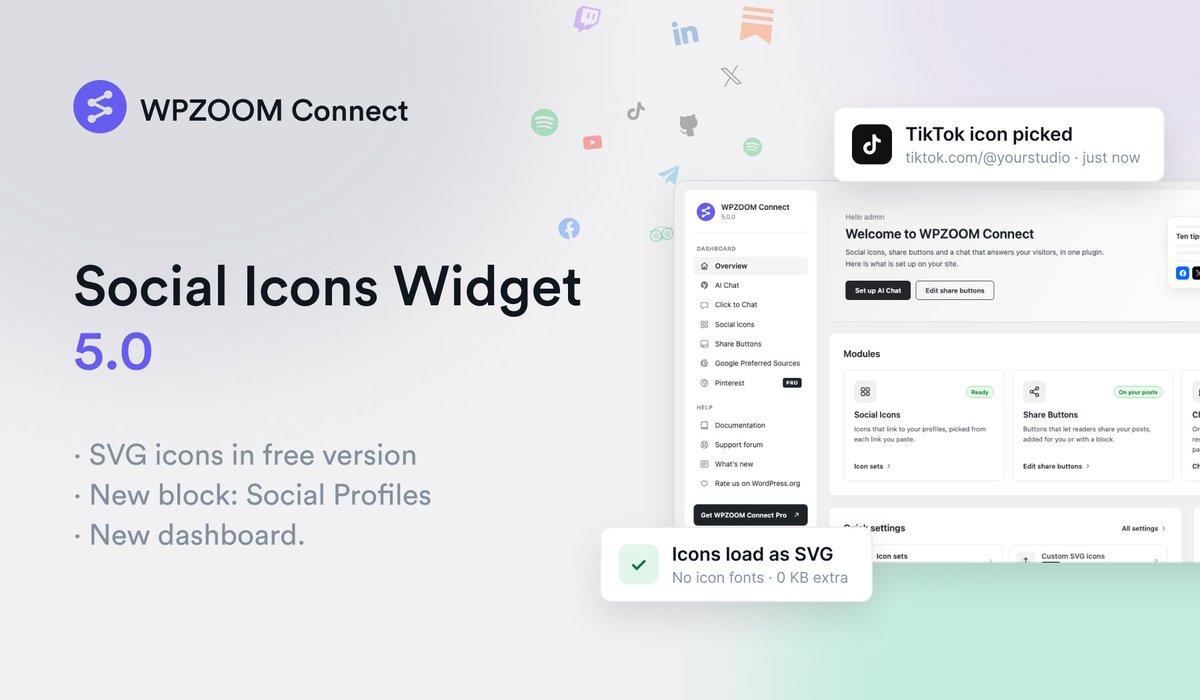
Social Icons Widget 5.0, also known as WPZOOM Connect, is out!
- SVG icons in the free version
- New blocks
- Google Preferred Sources button
and much more!
Read more: https://t.co/m5uLnnLfU7
New demo: https://t.co/L3hYHBe0KD
A classically trained chef with 650K Instagram followers picked Recipe Card Blocks for her blog.
The Salad Whisperer runs every recipe on it 🥗
https://t.co/PMYI24P3sE
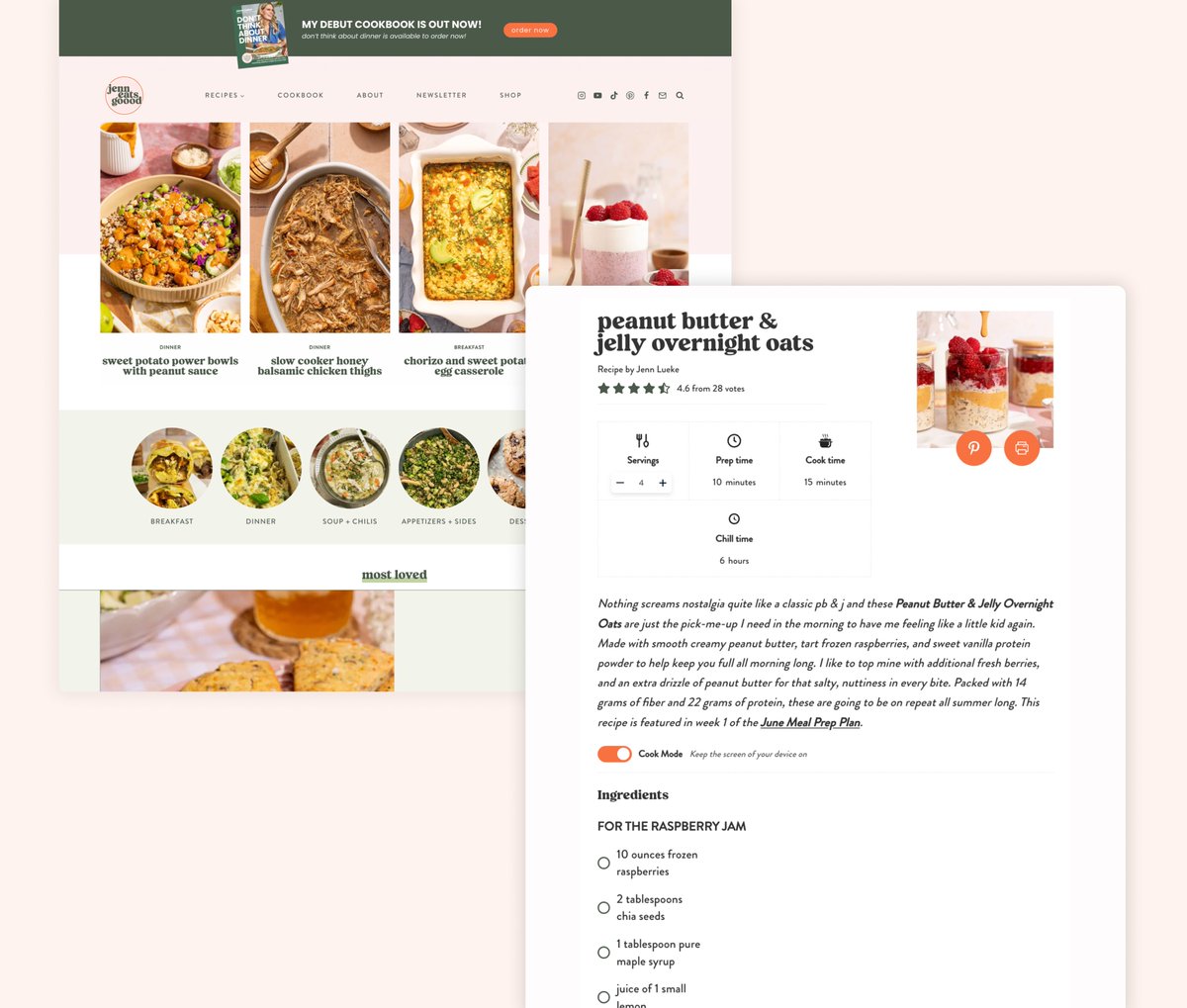
When a creator with 1.7M Instagram followers picks a recipe plugin for her blog, that's the best review we could ask for.
Jenn Eats Goood runs every recipe on Recipe Card Blocks — adjustable servings, Cook Mode, full recipe schema 👌
https://t.co/xUZdxPYEn7
📱 We've redesigned the Recipe Index block for mobile devices for a true app-like experience.
Slide-up filter panel, live result count, 2 recipes per row, and cook time on every image.
Available in the latest update of the PRO version.
View demo: https://t.co/tZzzMtKJm8
Major update: meet Foodica PRO 5.0 🍳
New face, major improvements, built for the modern block editor.
Highlights:
☑️ New Minimal layout fully block-based
☑️ 20+ block patterns for flexible layouts
☑️ Performance improvements
Read more 👇
https://t.co/0DZdOz5OsS
Recipe Card Blocks PRO 7.0.0 Is Here: Faster Performance, New Styles & More
Read more: https://t.co/1kKcRYWFOq
New style demo: https://t.co/TYPlyWwOrK
🥘Fresh from the oven: Recipe Card Blocks PRO major update!
Biggest addition? Manage Ingredients section.
Save ingredients to a library and reuse them across recipes. No more retyping the same ingredients over and over.
Plus: Icons now use SVG for faster rendering. 🤩
🍳 Recipe Card Blocks PRO v6.0 is live!
🔗 NEW: Grow by @Mediavine integration - visitors can save recipes directly from your cards
🎯 Global customization system - set colors & templates once, apply everywhere
🎨 Redesigned settings
👉 Read more: https://t.co/dXb012t4iI
Have you seen the new @WooCommerce integration added recently to our plugin?
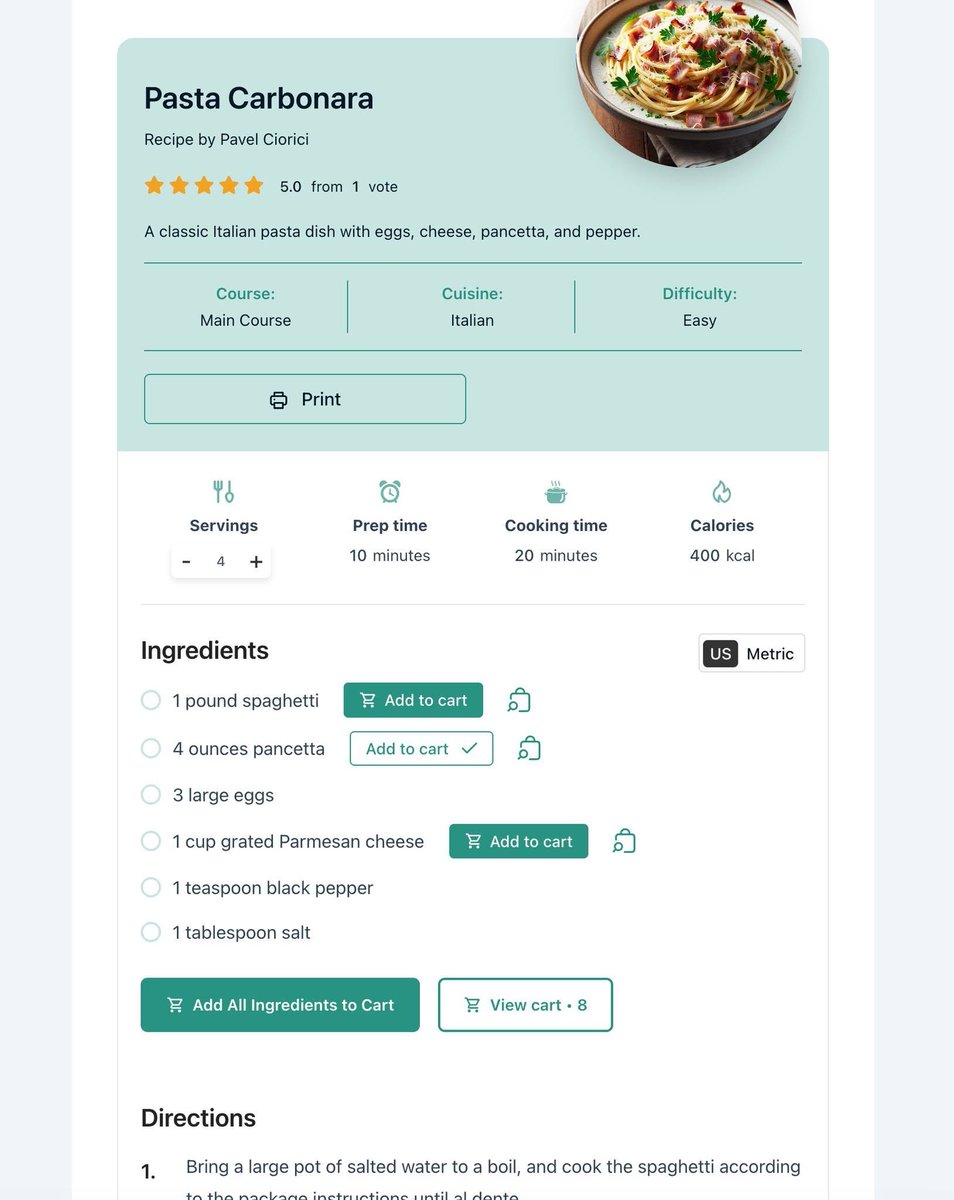
With our recipe plugin, you can now easily create shoppable recipes and allow your visitors to purchase ingredients mentioned in the recipes.
Learn more 👇
https://t.co/CMydLLAdqb
https://t.co/1ijZo8L2ib
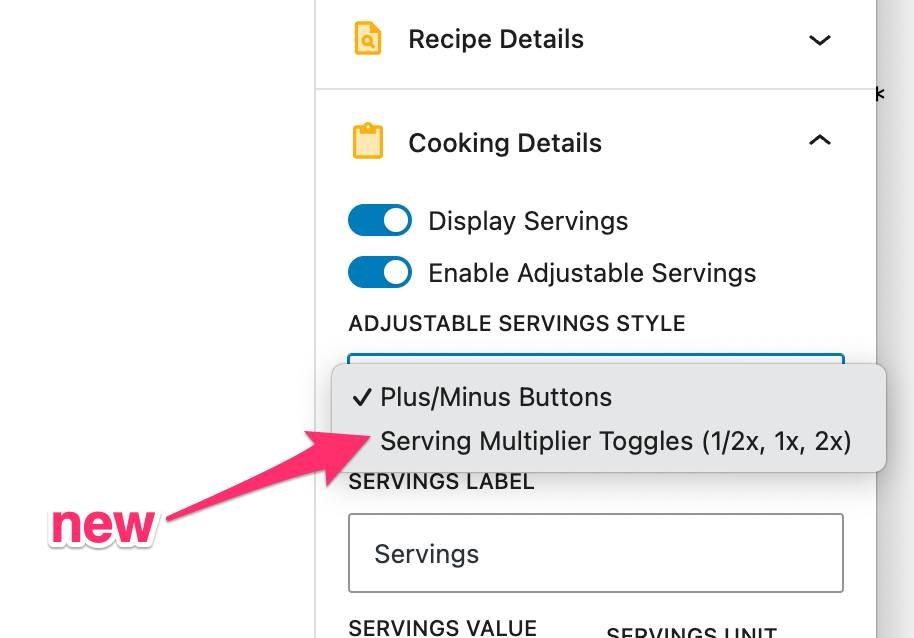
We added a new style for the Adjustable Servings feature. Now you can display multiplier toggles, such as 1/2 and 2x.
See it live here:
https://t.co/PB235X35HT
🚀 NEW: WooCommerce Shoppable Recipes for Recipe Card Blocks
Stop losing sales when readers leave to buy ingredients elsewhere.
Now, they can click on any ingredient and purchase it directly from your store.
⏱️ Setup: 5 minutes 💻 Coding required: Zero
https://t.co/1ijZo8L2ib
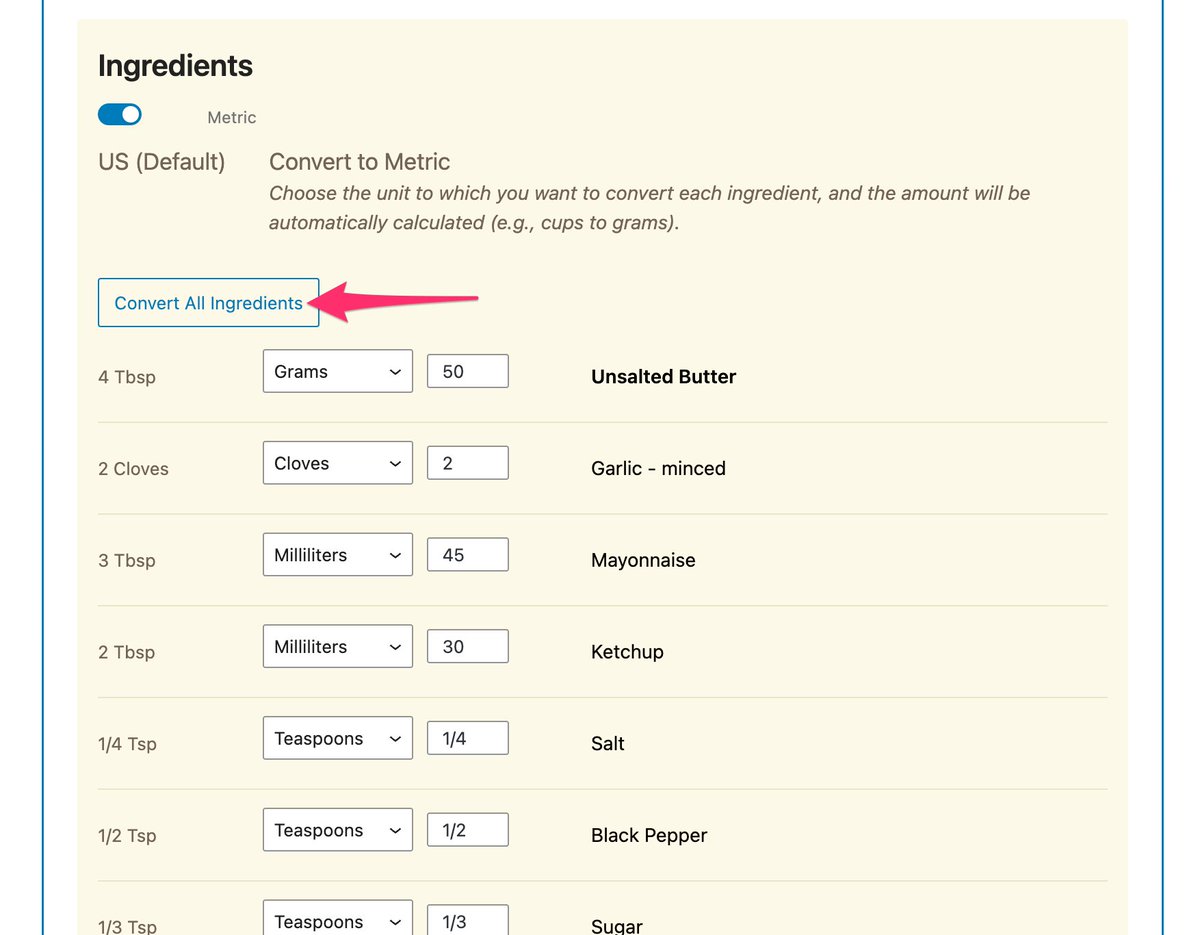
We've added a button in the Unit Conversion feature to convert all ingredients at once! Now it's much easier to convert your recipes and you don't have to do it manually for each ingredient.
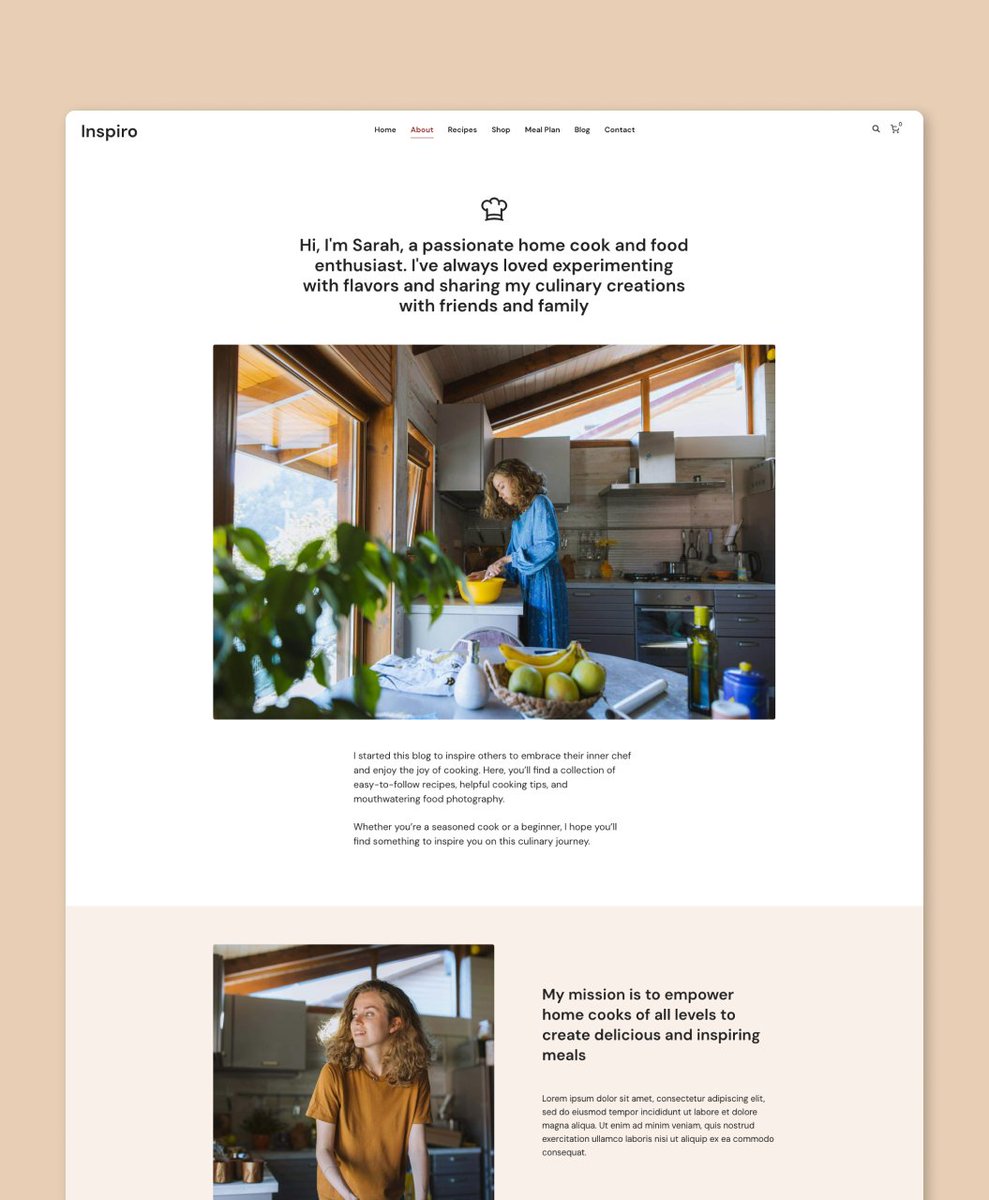
Introducing the new Inspiro Recipe Demo! 🍴
✨ Flexible layouts with @elemntor
✨ Easy setup & customization
✨ Displays recipes neatly with @recipeblock
The perfect template to share your recipes & build a foodie community! 👨🍳
Check it here:
https://t.co/aFRmpeyKJs
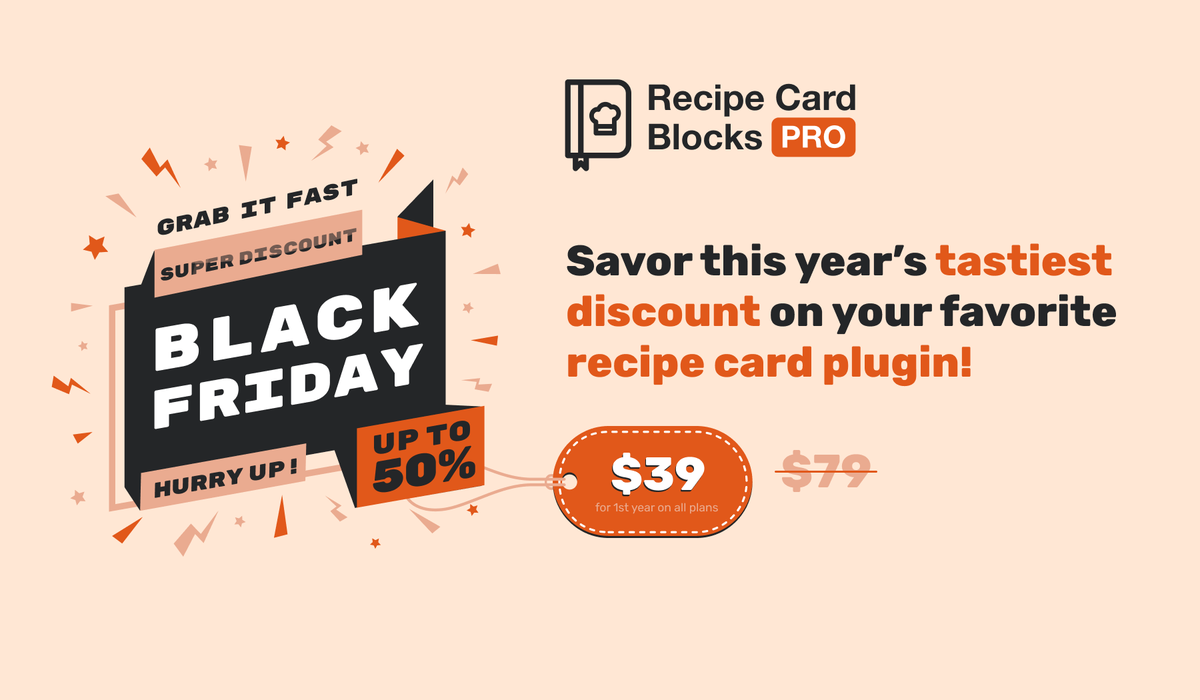
📢 Get 50% OFF Recipe Card Blocks PRO!
Create and display beautiful #recipes on #WordPress with features loved by food bloggers.
Get this unprecedented deal 👇
https://t.co/WgN97wNLBA
🍴 50% OFF Recipe Card Blocks PRO!
Take your #foodblog to the next level with beautiful #recipes, #SEO tools, and #AI recipe generation—starting at just $39!
Get the deal👉 https://t.co/WgN97wNLBA
#WordPress#BlackFriday
🍳 Crafting clear and engaging #recipes is key to sharing your culinary creations.
Our guide helps you write recipes that stand out and delight your audience! 👇
https://t.co/MY8sBpZCR5
🍽️ Share your culinary skills and grow your audience by creating your own #recipe#website!
Our guide covers everything from setup to design and promotion.
Check it out 👇
https://t.co/yNf2Ge4Ili