I created a bunch of #PowerAutomate actions to make building flows faster and easier! If I missed something you think should be included, let me know!
https://t.co/4vIsinrItZ
Ever wondered whether it's possible to reuse the #MSTeams follow-up button as a solution for automated Approval reminders via #PowerAutomate? You don't have to wonder anymore!
#PowerPlatform#PowerAddicts
https://t.co/zUqa4IdwV0
How about using #PowerAutomate as a web server? So many possibilities using the techniques I demonstrate in this video. Let me know if you come up with any clever ideas!
https://t.co/SEIXqGI5Vy
📢 New blog: Share attendance after online meeting 🗓️ via a #PowerAutomate flow, https://t.co/tE2Ceau3Qt
Steps
✅ Retrieve onlineMeetingId #GraphAPI
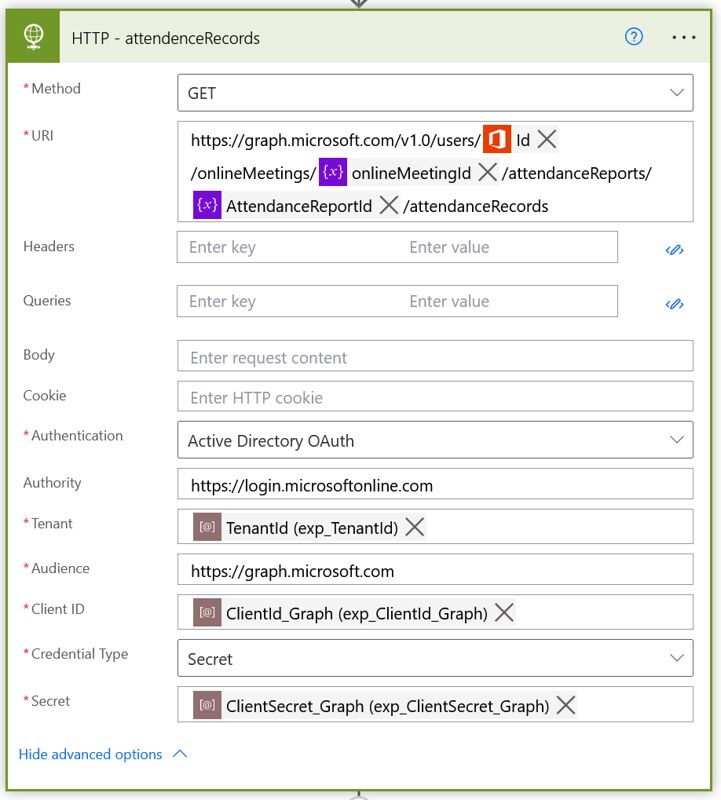
✅ Retrieve AttendanceRecords #GraphAPI
✅ Share via Send an Email (v2)
Added bonus
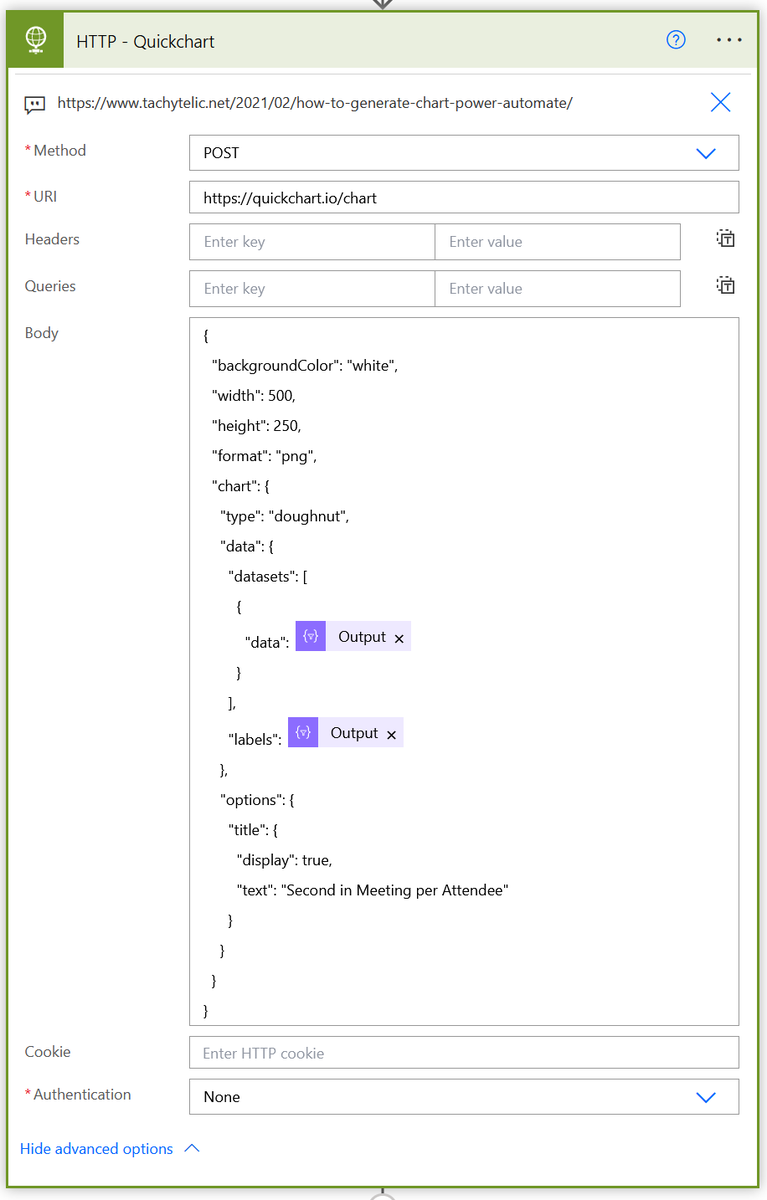
✅ Present it in a Doughnut 🍩 chart
Are you building a manually started #PowerAutomate flow? And did you consider the permissions it'll need? Can the users access all the resources or shall it use another account? https://t.co/uUQ0GU1ThE
#PowerPlatform#MicrosoftFlow#PowerAddicts
@omelo_olga I never did that, but I guess it should be possible with some HTTP request. Try looking for HTTP requests to download file without Power Automate, that might give you some hint.
New #PowerApps Book 📕
I wrote a book with 50+ pages of coding rules, guidelines and best practices I use everyday to create #PowerApps Canvas apps 😀
Download the PDF version for FREE 👇
🔗 https://t.co/mKahgB8aho