One Router. One Switch. One AP. Smarter Networking.
Deploy business networks faster with Vigor2136 Series Firmware V5.3.8.
The new MQTT-based VigorSwitch Provisioning automates switch deployment and simplifies centralized management, helping IT teams streamline deployment and reduce manual configuration.
Pair Vigor2136, PQ2300xb, and VigorAP1070C to build a high-performance, scalable business network.
Why it matters
• Automated VigorSwitch provisioning
• Centralized device management
• Faster deployment with less manual configuration
• Easy to scale for growing networks
• Ideal for SMBs, MSPs, and system integrators
One Ecosystem. Faster Deployment. Smarter Management.
#DrayTek #Vigor2136 #PQ2300xb #VigorAP1070C #VigorSwitch #FirmwareUpdate #MQTT #NetworkManagement #WiFi7
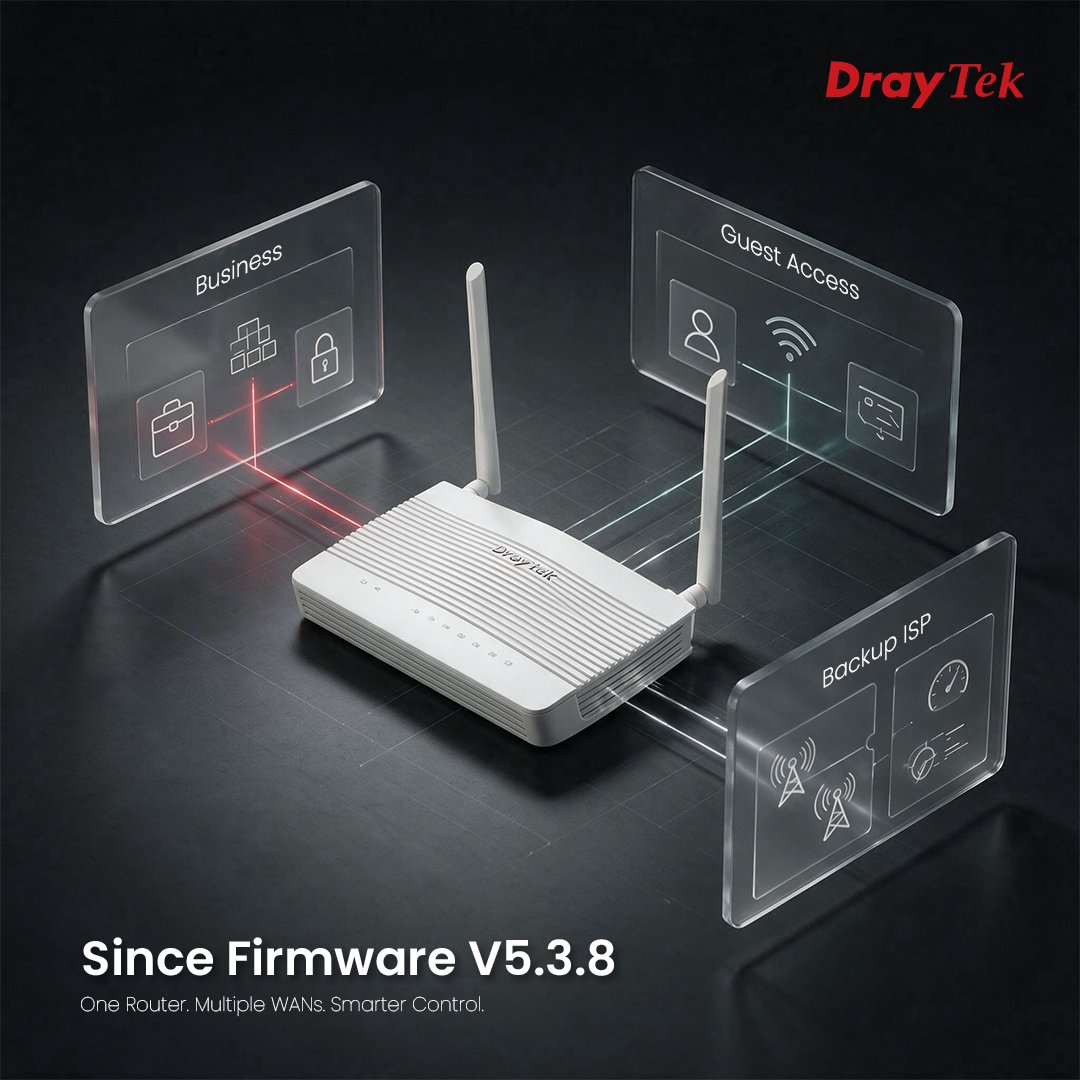
One Router. Multiple WANs. Smarter Control.
With Vigor2136 Series Firmware V5.3.8, you can now assign different Content Filtering policies to each WAN connection.
Whether separating business traffic, guest access, or dedicated ISP links, Vigor2136 gives you the flexibility to secure every connection with the right policy.
Highlights
Per-WAN content filtering
Flexible access control
Smarter multi-WAN management
One Router. Smarter Control.
#DrayTek #Vigor2136 #FirmwareUpdate #ContentFiltering #MultiWAN #NetworkSecurity #SMB #Cybersecurity
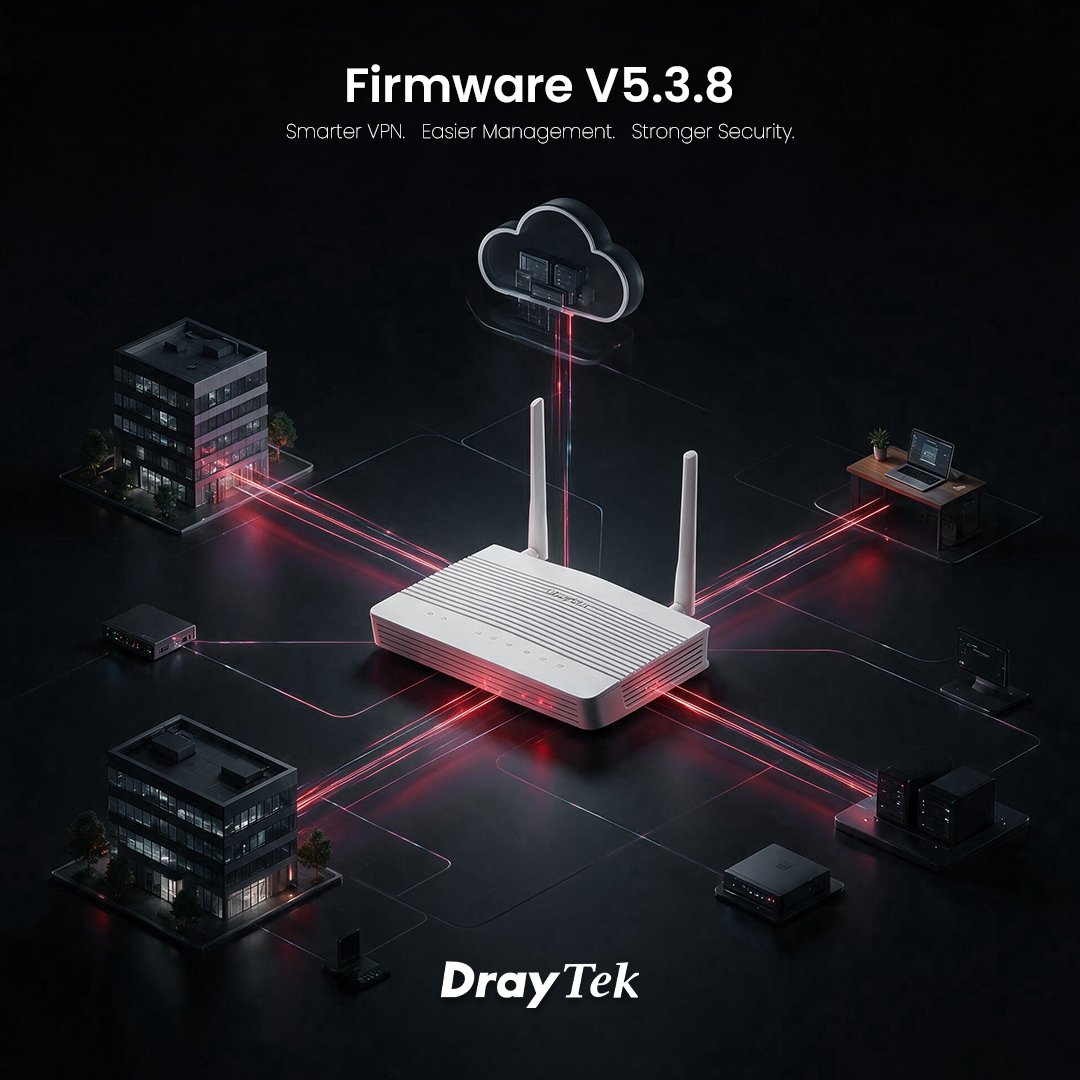
Firmware V5.3.8: Smarter VPN. Easier Management. Stronger Security.
The latest Vigor2136 Series Firmware V5.3.8 introduces new capabilities that simplify deployment, improve remote management, and strengthen network security.
Highlights:
📍Simplified VPN deployment with VPN Matcher
📍Easier multi-site integration with VPN Network Translation
📍Better remote user visibility with Teleworker VPN IP Overview
📍More flexible Content Filtering by WAN interface
📍MQTT provisioning for scalable device management
📍WLAN security updates addressing published vulnerabilities
Designed to help SI, MSP, and CLEC partners deploy faster, manage smarter, and secure more.
Learn more in the Release Notes.
#DrayTek #Vigor2136 #FirmwareUpdate #VPN #NetworkSecurity #MSP #CLEC #SystemIntegrator
.ALL, .RST or .SFW? Which firmware file should you choose?
Not all DrayTek firmware files are the same.
Legacy Firmware Format
📍.ALL – Standard firmware upgrade.
📍.RST – Firmware upgrade with a factory reset.
Examples: Vigor2862, Vigor2927, VigorAP 903.
Secure Firmware Format
📍.SFW – Secure Firmware with a digital signature for a standard firmware upgrade.
📍Rename .SFW to .rst – Performs a firmware upgrade with a factory reset. Many newer platforms no longer provide a separate .RST file.
Examples: Vigor2867, Vigor2928, Vigor2136, VigorAP 1070C, VigorSwitch PX2060, and Vigor3912S.
Quick Guide
📍Standard upgrade → .ALL (Legacy) or .SFW (Secure)
📍Factory reset + upgrade → .RST (Legacy) or Rename .SFW to .rst (Secure)
Learn more in our Knowledge Base.
#DrayTek #Firmware #Networking #VigorRouter #VigorSwitch #VigorAP #CyberSecurity
One AI Agent Isn't Enough Anymore.
The future belongs to teams of AI agents.
Sales. IT. Security. Operations.
Each needs secure access to enterprise resources across distributed environments.
DrayTek Vigor routers provide encrypted VPN connectivity between headquarters, branch offices, remote users, and private cloud-building the trusted network foundation that Agentic AI depends on.
Built for today's networks. Ready for the AI era.
#AgenticAI #EnterpriseAI #EasyVPN #VPN #ZeroTrust #DrayTek
Before AI Can Act, It Must Connect Securely
Imagine an AI agent that can:
• Access your ERP system
• Retrieve documents from your NAS
• Query your CRM database
• Connect to branch office systems
• Trigger workflows across remote sites
AI agents can only deliver results when they have secure, reliable access to enterprise resources.
That's where DrayTek EasyVPN comes in.
EasyVPN securely connects users, branch offices, and private resources-providing the trusted network foundation that AI-powered workflows depend on.
Building the trusted network foundation for the AI era.
#AgenticAI #EnterpriseAI #EasyVPN #VPN #ZeroTrust #DrayTek
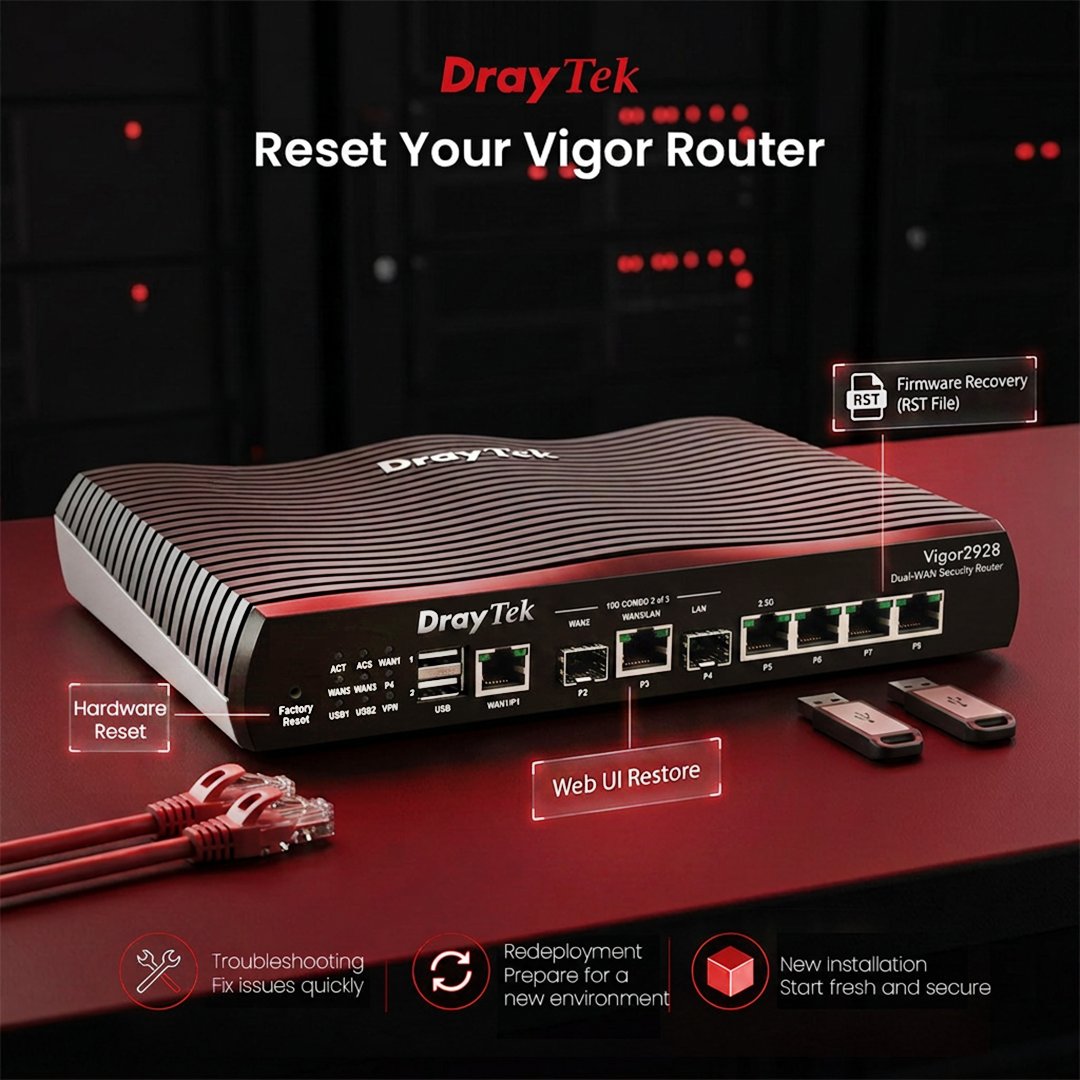
Need to reset your DrayTek Vigor router?
There are three easy ways to restore your router to its factory default settings:
• Hardware Reset – Press the reset button for a quick restore.
• Web UI – Go to System Maintenance → System Reboot and select Reset Configuration.
• RST Firmware – Upgrade using an .rst firmware file for a complete factory reset.
DrayOS 5 Tip: Simply rename the standard firmware file (e.g. .sfw) to .rst before performing the firmware upgrade.
Reminder: Always back up your configuration before resetting, as a factory reset will erase all settings.
Learn more:
https://t.co/XvYbKfrHKf
#DrayTek #VigorRouter #Networking #ITSupport #NetworkManagement
🚫 Network bottlenecks slowing you down?
For MSPs, IT resellers & high-demand environments, meet the Vigor 2867—multi-gig, multi-WAN performance built for reliability under pressure.
✅ No bottlenecks
✅ Scalable performance
👉 Learn more: https://t.co/7UgC2i8n7g
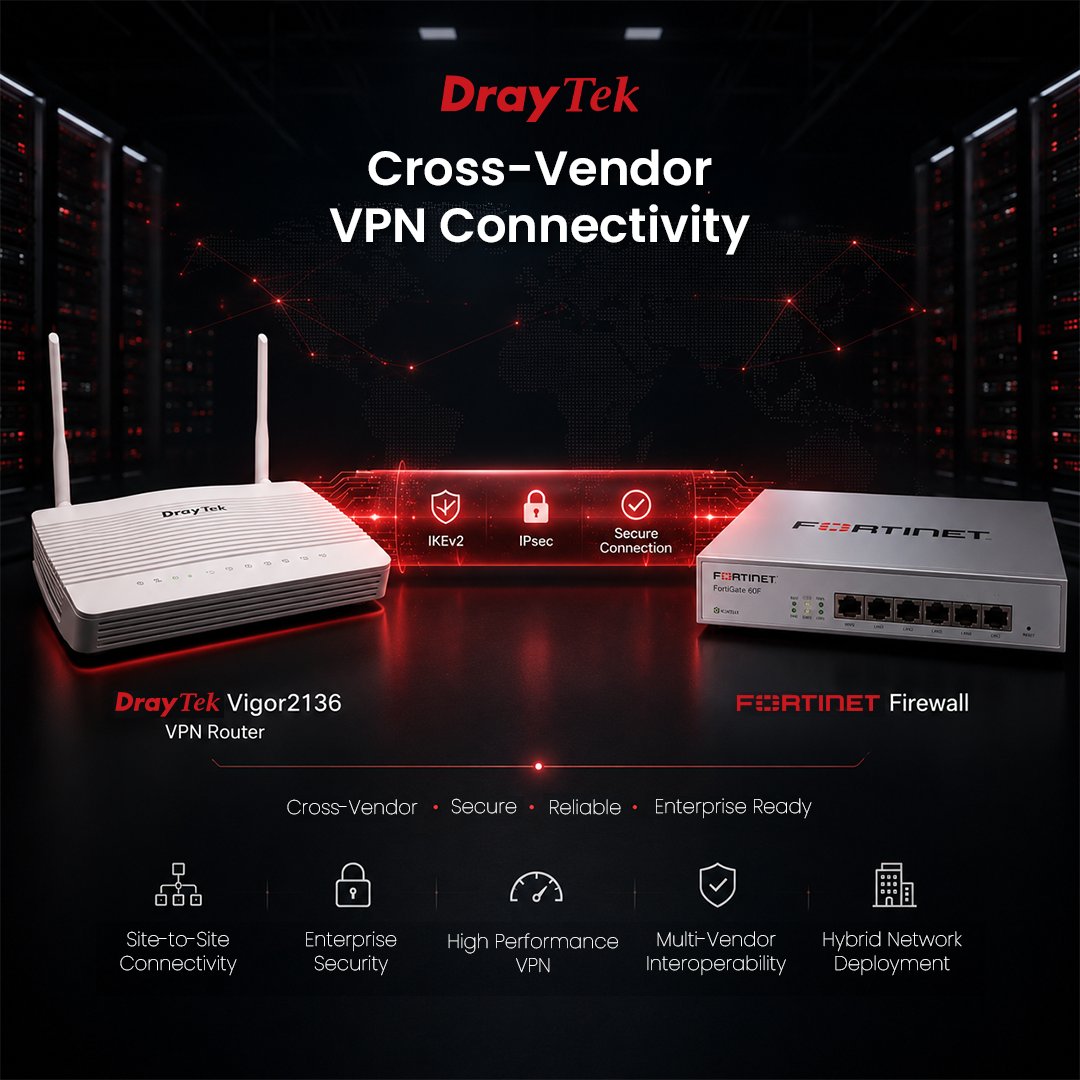
Connecting different network platforms shouldn't be complicated.
Our latest FAQ demonstrates how to establish an IKEv2 IPsec VPN between a DrayTek Vigor Router and a FortiGate firewall, enabling secure site-to-site connectivity across multi-vendor environments.
The guide covers:
• FortiGate and DrayTek configuration
• IKEv2 with Pre-Shared Key authentication
• Phase 1 & Phase 2 settings
• Routing, firewall policies, and VPN verification
Whether you're integrating new and existing infrastructure or deploying hybrid networks, this step-by-step guide helps you get connected quickly.
Read the full FAQ:
https://t.co/jidznzywev
#DrayTek #VPN #IKEv2 #IPsec #FortiGate #CyberSecurity #Networking #SMB