To reuse your #googleForms from last year DO NOT COPY them! Just go to the Responses tab and select "Unlink form" and "Delete all responses." #googleEDU
Before: 🏫
2020: 🏠
After: 🏫⛰️🌲🏝🏠🚗🌵⛺🌑
When school is anywhere, educators & students need powerful tools that work everywhere. Register for our free virtual event, #TheAnywhereSchool, and be the first to learn about what's coming to #GoogleEdu: https://t.co/DSX1F4KgSC
📣 Announcement incoming: we’re joining forces with @clever!
This is a really exciting step on our mission to make learning awesome for educators, students and parents around the world 😃
https://t.co/Wpz7QYoVPq
I love how easy it is to create GIFs with @Screencastify! It makes it simple to include a quick visual aid next to written directions in a slide deck! 😀
📣You asked - we delivered! 🎉
Now, students can see questions and answers on their devices when playing live kahoots! 🥳
Read all about this exciting update⬇️ https://t.co/qfQG1o7dIE
With the latest #ChromeOS update, you can get results in a flash by tapping the Everything Button ⚡ Look up the weather, do some quick math, or get a definition to a word—all without opening up a #Chrome browser or tab. Learn more: https://t.co/WLy2jBhvSo
You can look forward to a refreshed look for #GoogleMeet that will make it easier to present and engage with your class:
🚫 The removal of the “You are now presenting” screen
📌 Pinning multiple video feeds
🧐 Participant names always showing
Learn more: https://t.co/y2xZMcng4U
With #EarthDay approaching, this new #AppliedDigitalSkills lesson will have your students come up with an inspirational Earth Day slogan and then create a one-page website using #GoogleSites. Check out the lesson here ➡️ https://t.co/rjlyAlGBjH #GrowWithGoogle
Ex-cite-ing @googledocs update: we’re making it easier for students to cite films, TV series, TV episodes, and miscellaneous sources in Docs. See how ↓ https://t.co/CVxlbP1agM
Become a productivity pro, inside and outside of the classroom. Take a look at these tips from @GoogleWorkspace to boost your efficiency everywhere you use Google tools ↓ https://t.co/Fl8zjCxqMy
It's here! The toolbar in Screencastify Record is brand new.
With the new toolbar, you can:
🚚 Move the toolbar anywhere on the screen
😍 Add stickers, emojis and shapes
🎆 Use animated fireworks
🎥 Easily stop & start your webcam
Learn more: https://t.co/bu636fg6vN
#Jamboard updates (a thread)! By popular demand, Jamboard version history is finally here. Now, you can easily revert back to a previous version and also check to see who made changes to a Jam and when. Get jamming: https://t.co/NWXnoVuewN #LearningWithGoogle
Explore our new Kids & Families website with resources to help families navigate technology. Guardians can find the latest educational games, info about parental controls, guides to navigate social media & digital well-being, & family-friendly activities. https://t.co/W8IcvNZ4xs
If you're looking for ideas to keep your students engaged during Spring Break, try Interland, #BeInternetAwesome's free online game. Not only is it fun, but it teaches internet safety and #digcit in an engaging & challenging way. Take a look: https://t.co/nNCaphXgEW
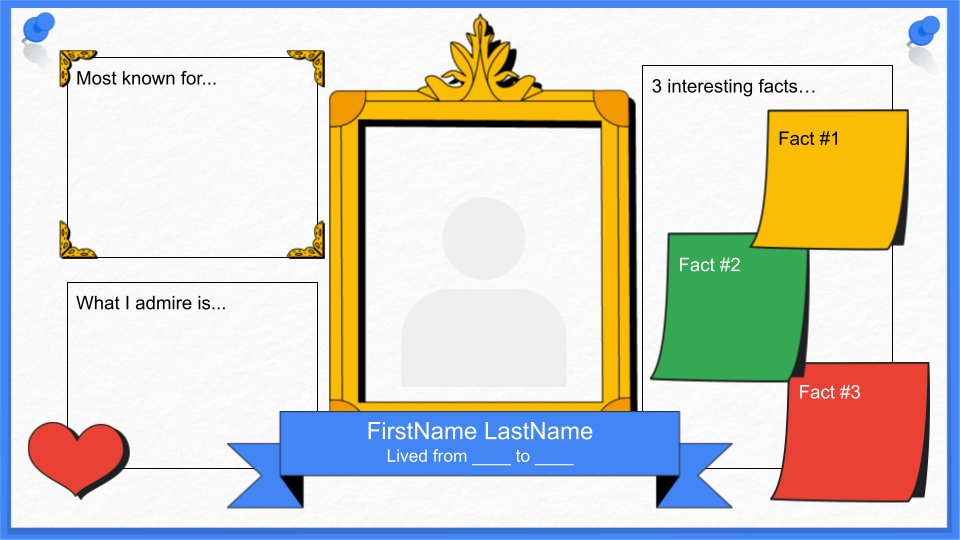
In honor of #InternationalWomensDay, here’s a #GoogleSlides template students can use to research, celebrate, and bring visibility to the achievements of women, all year long. To give it a whirl, click here: https://t.co/zhNCjNhaJa #IWD2021
We’re excited to dance into extra doodling days with all of our K-12 artists! Curtain call for the #DoodleForGoogle contest has been extended to 8:00pm PT on March 5th. Make sure to submit your doodle by the new deadline. Enter here: https://t.co/dESEVBaeA9