Biome v2.3 is out!
👨👨👦👦 Full support for @vuejs, @sveltejs and @astrodotbuild
‼️ New ignore syntax
🌬️ Tailwind v4 support
⌨️ New CLI flags and reporters
https://t.co/WAWAcr7ofW
React Router now has support for React Server Components
We're introducing a more powerful RSC-powered Data Mode that brings most of Framework Mode's features to our lower level library APIs
Surreal™. Menu in Motion.
The concept comes to life — now fully coded & animated.
React + Typescript + Tailwind + Vite + Framer motion
#reactjs#motion#buildinpublic
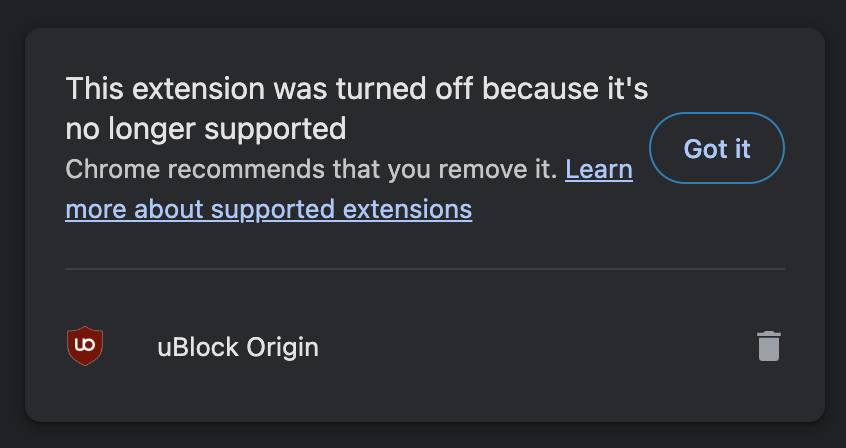
If Chrome just killed your ad blocker, switch to Brave.
Brave’s ad blocking is built into the browser itself so it isn’t affected by the Manifest v3 changes that Google is rolling out.
I see. In that case, I suggest NOT starting with shadcn/ui. Start here instead:
1. Build a simple component with React. Most probably a form.
2. Use the default input and button component. Make it work.
3. Realize the default button doesn’t look that great.
4. Add some Tailwind classes to the button, padding, font size, colors, just enough to make decent.
5. Add a second button, maybe a "Reset" or "Cancel". Style it. Keep building.
6. You'll start seeing a pattern. Repeating classes and props.
7. Move your two buttons to components/ui/button.tsx. Import and use in your form.
8. You now have a reusable button.tsx styled with Tailwind. Keep building.
9. Do the same for input, textarea and so on.
10. You're now building shadcn/ui.
Once you’ve done this, you’ll get it. For your next project, instead of doing the above again, you just run the following. It’s the exact same thing.
> npx shadcn add button input textarea