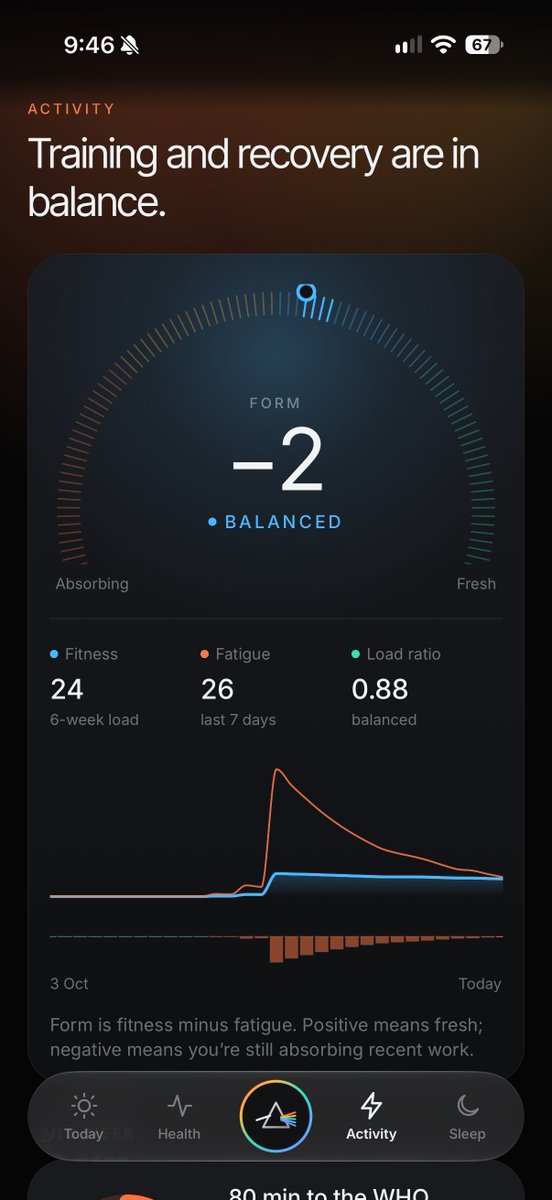
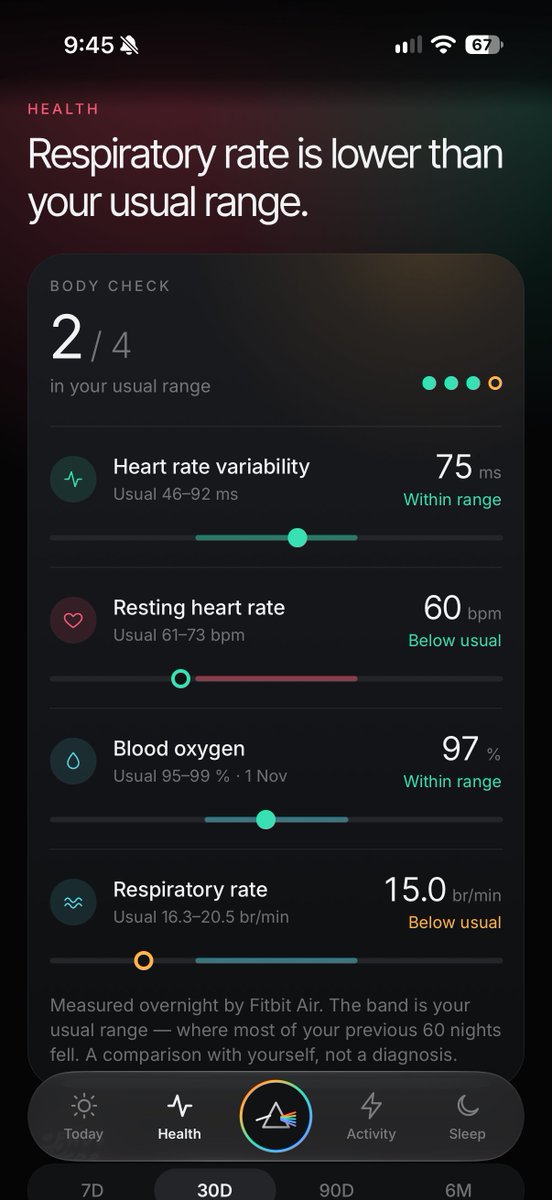
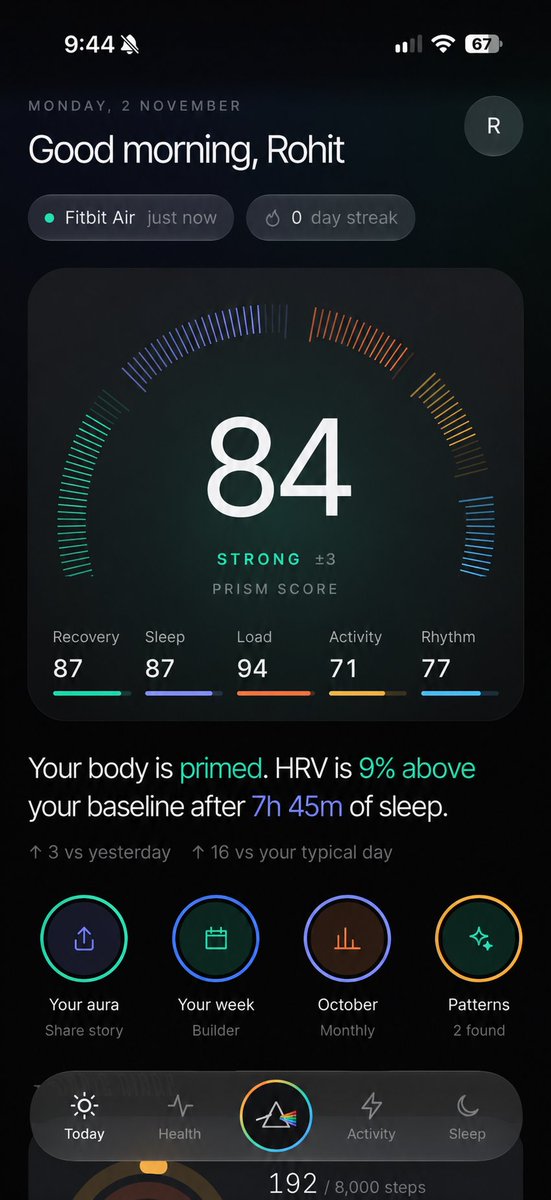
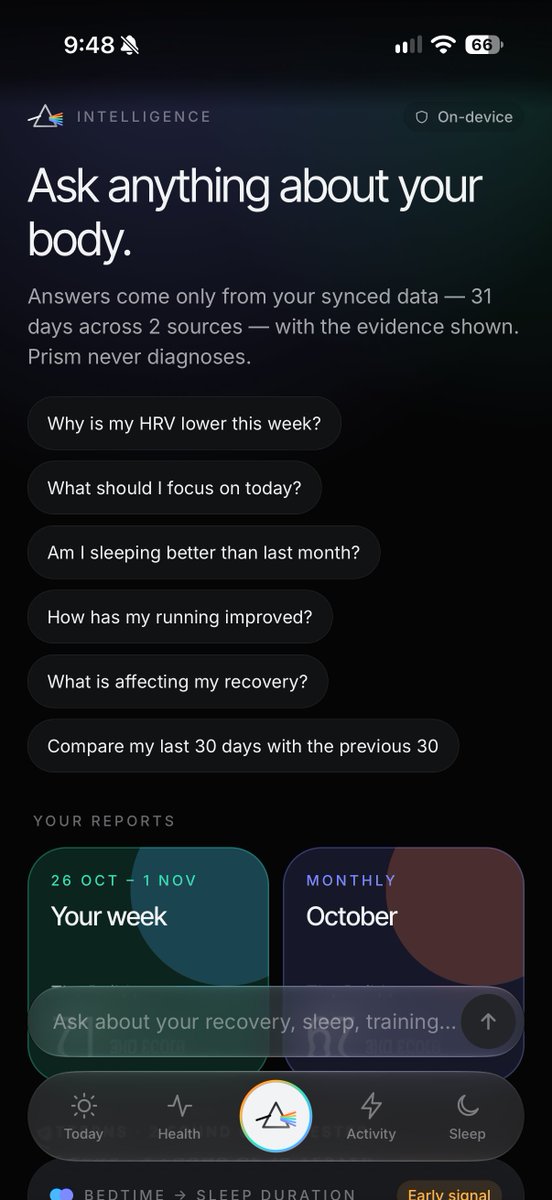
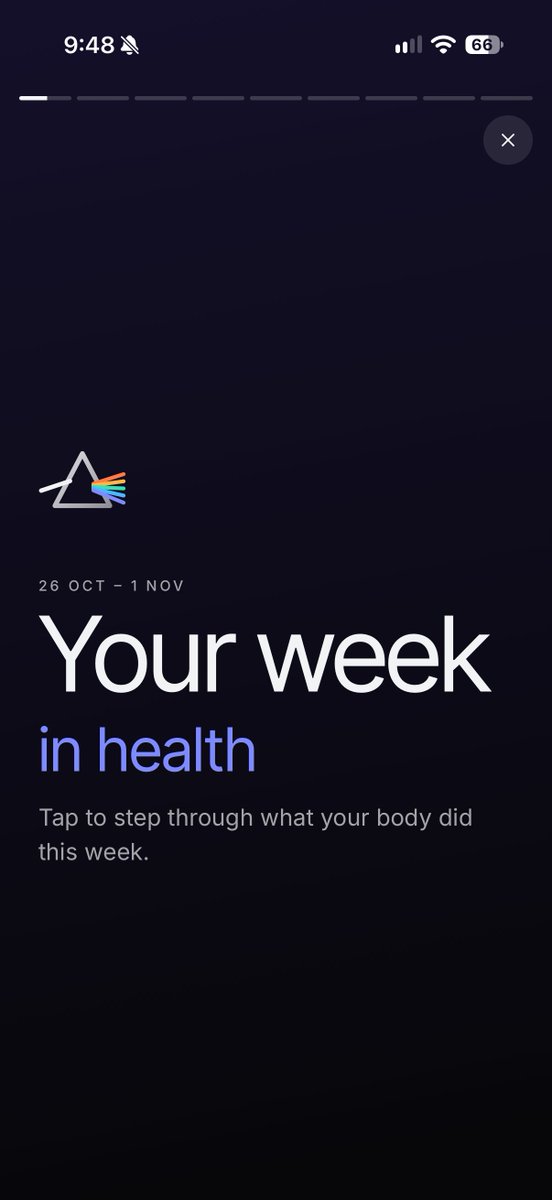
@creativemh Thank you! Not a web app yet. It’s a native iPhone + Android app, and right now it’s running as a test build on my iPhone with my Fitbit Air. Google Health access is in test mode for now!
Here's a quick walkthrough of the app I built in just 5 hours using Claude Code! 🚀
From an idea to a working iOS app connected to my Fitbit data.
Not a developer. Just a Product Designer experimenting with AI.
Here's what 5 hours of building looks like. 👀
The Ramayana Movie website is actually very cool: https://t.co/9b7xXRwTjF
Not sure if it’s official or fan-made.
I definitely won’t watch the movie, but I found the website pretty impressive.
@Manisha27493225 Agreed, that’s the real test. It’s built on Google’s new Health API, since the old Fitbit one is shutting down. It has 99 automated tests and a mock built from Google’s docs. If one data type breaks, the rest keeps syncing, and the app shows what’s missing instead of guessing.
@tirupathipodugu Thanks Tiru! It’s crazy how these AI tools are completely changing the game for designers right now. Never thought I’d be able to spin up a working connected app this quickly haha.
@KyleWang1087922 Hey Kyle! The default health app's UI wasn't great and had no way to share progress. My friends agreed, so I built this to let people share their fitness 'aura' with a beautifully designed, social interface. ✨
@ai_insigh789 What I have understood so far is that your first master prompt matters most. That is where you add everything, assign a role to the AI, and state all the features you want! Once this is done, the other parts are pretty simple, I think!
Got bored with my Fitbit app. So I built my own. 😂
I'm a Product Designer, not a developer. I barely know how to code.
Used Claude Code and spent just 5 hours building a working iOS fitness app connected to my Fitbit/Google Health data.
No Figma prototype. An actual app running on my iPhone!
Sometimes all you need is a problem worth solving and the right AI tools.
Sharing some screenshots. Thoughts? 👀
#BuildInPublic#ClaudeCode
Celebrating small wins is hardwired into "Achieve," our goal-tracking sample app.
We wanted the simple act of checking off a task to feel like a celebration. Instead of the standard #Material ripple, we used Styles to drop in a custom, high-contrast completion animation—specifically, a brand-colored ring that expands and fades on tap, paired with a subtle pressed-state gradient.
It lets us focus entirely on polishing those custom, rewarding micro-interactions while Material handles the foundation.
#GoogleDesign #MaterialDesign #JetpackCompose #AndroidDev #UXDesign #InteractionDesign
Most viral trends dominate attention for 24–72 hours and fade from public memory within 1–2 weeks, unless reinforced by continued media coverage.
They know about this!