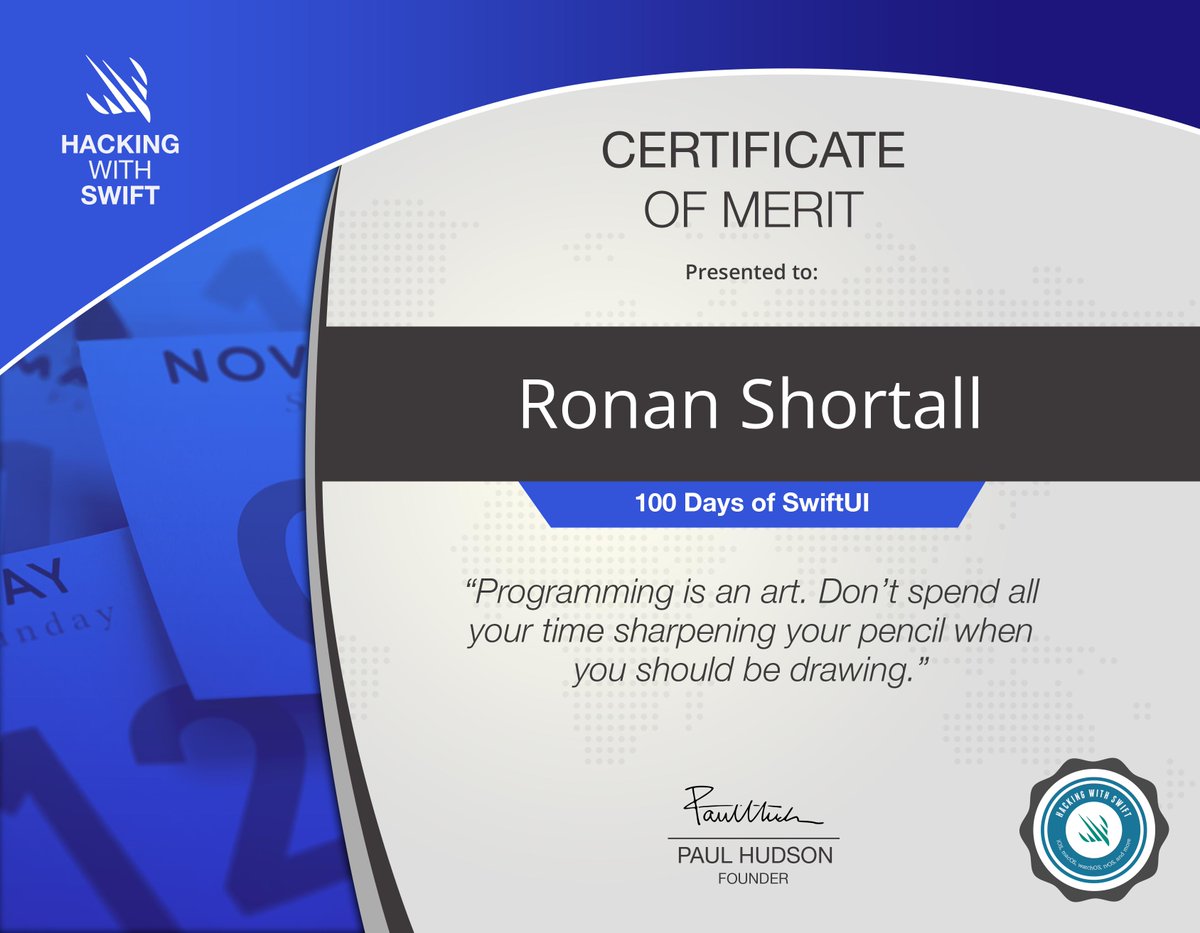
Day 100 of #100DaysOfSwiftUI.
Final Exam time, and I luckily passed! 😅🥳
Thank you @twostraws for an amazing course! Though after a good rest I probably should to go back to the start of it and refresh myself on everything I've already forgotten..🤪
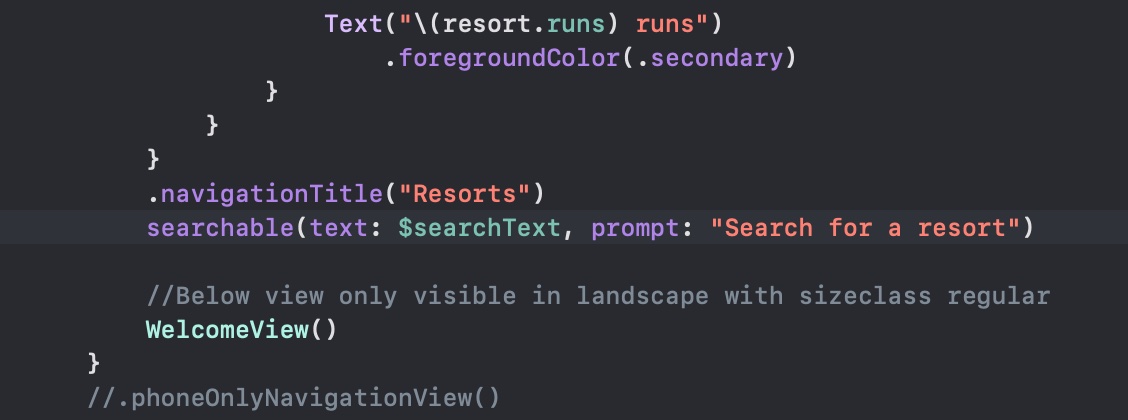
Also, I'm a little worried the below compiled without a dot in front of 'searchable'. The app was freezing when launched and it took a while to find the issue! Anybody any idea why that should still compile?
Day 97 of #100DaysOfSwiftUI.
Putting those previous pieces together for the first version of the SnowSkeeker app. I'm still not sure I like the way iPad presents the detail view immediately 🤔
Day 96 of #100DaysOfSwiftUI.
Lots of nice bits and pieces to learn: More on NavigationView and sheets, Group to switch on size classes, and searchable views 🙇
Being ill for the last couple of weeks, and with all that's going on in the world now, I've really lost the motivation to do much #SwiftUI study. I'm sooo close to the end of the #100DaysOfSwiftUI though, I really want to make an effort this weekend 💪
Whenever I need a self-esteem boost I send my mom a screenshot of my VSCode with the most basic HTML file, maybe throw in a terminal window with like an ls -l command or smth, and she will not believe how clever I am, and can I continue my fake life in peace.
Day 95 of #100DaysOfSwiftUI. Challenge Day "Dice" app. Showing dice numbers and loading/saving was ok, I don't think I really did a great job with accessibility though. And definitely no fancy 3d effects..
This lesson is giving me a little more motivation to go back and fix my flash card app, Kana Kards (https://t.co/m1No9rPLBW), that I slaved over to get working in Xamarin Forms. SwiftUI would be a lot smoother I'm sure
Day 90 of #100DaysOfSwiftUI. Finished the #Flashzilla project, which combines lots of gestures, timers, haptics, accessibility and other stuff. Only 10 days to go 😵💫