@KahanuTulu29083@Pilgrim0007@AndreasBaader19@aviationbrk@Boeing I hope Boeing gives you an award of recognition or the president of yours gives you a pat on the back for damaging Airbus planes idiot.
Also, whether it's Boeing's fault or not, too many incidents will only make people start asking questions and that's what Boeing is facing.
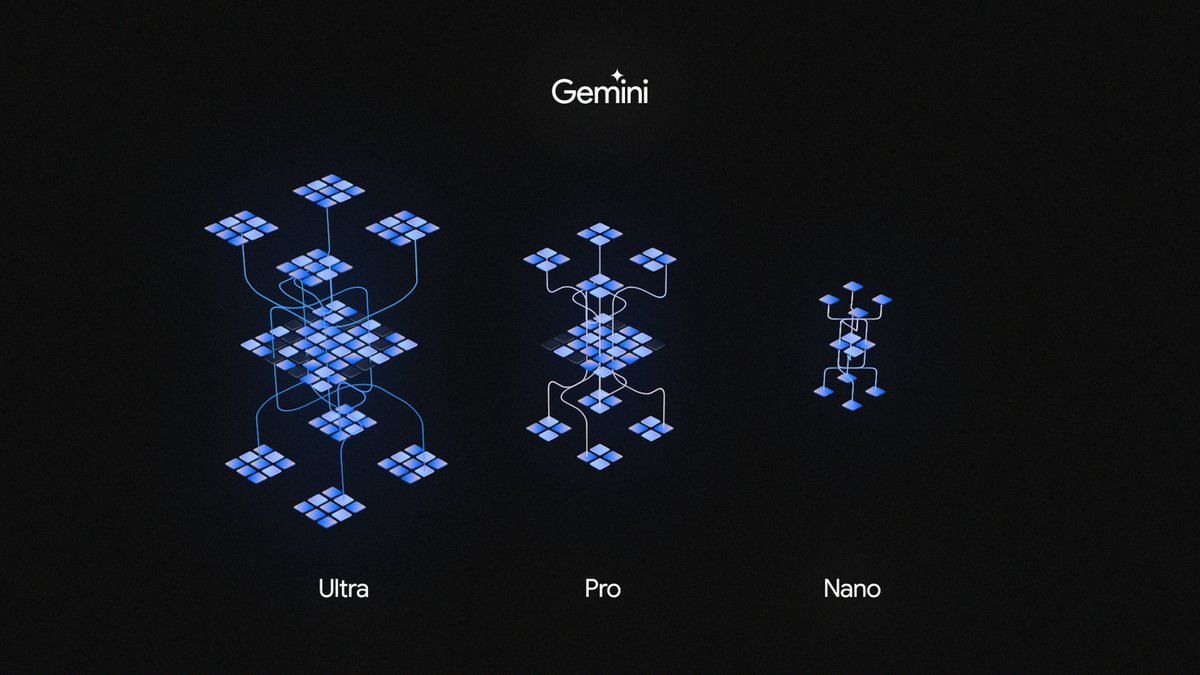
Google just revealed Gemini and will directly integrate the AI into Google apps.
The GPT-4 competitor comes in 3 models — Ultra, Pro, and Nano.
Here's a thread of EVERYTHING you need to know:
The iOS 17.2 beta is preparing to allow sideloading apps, according to @9to5mac 😳
This would allow users to install 3rd-party app stores for the first time…but it could weaken overall iPhone security.
Sideloading will likely launch first in the EU because of a new law there.
Happy birthday to us 🎉🎂 Thank you to #TeamAndroid for 15 awesome years of innovation and community 💚 We're celebrating with a trip down memory lane with some of our Android fam #HBDAndroid → https://t.co/ehG9gjiXB0
Last week, Spain postponed an EU vote on #chatcontrol. Banning encryption is a dangerous move, putting European #cybersecurity at grave risk.
This new regulation could open the door to a mass #surveillance regime and force companies to break their #encryption. 🧵 (1/2)
Announcing PQXDH! The first step in post-quantum resistance for the Signal Protocol, PQXDH protects your Signal calls & chats from potential future threats of breakthroughs in quantum computing. And it's already rolling out to Signal clients everywhere.
https://t.co/feHqLXGJBE
If you're still using @LastPass (🤞you aren't), this looks like a good time to switch to a fully end-to-end encrypted password manager like #ProtonPass.
For background on the #LastPass#databreach and its consequences, check our blog: https://t.co/vgjQm9mkYG.
#cryptocurrency
WordPad has shipped as part of Windows for almost 28 years, first debuting with Windows 95. Today, Microsoft has announced that it will be deprecating and removing WordPad from a future release of the OS. It's a sad day indeed.
Godspeed, WordPad. https://t.co/Le64Wjbl6I
Free charging station
Flipper Zero is connected to Android and recognized as HID device (keyboard) that launches a Rubber Ducky script to download, install, and launch Metasploit payload
How this method works and prevent getting hacked is explained here: https://t.co/XAaZGo0WMG
The #FBI recommends not using free charging stations in public places. Bad actors have figured out ways to use public USB ports to introduce malware onto phones and other devices. Carry your own charger and use an electrical outlet instead. Read more here: https://t.co/Z1QoVNoXTm
Absolutely blown away by the response to my post about WarpShare!
It goes to show that:
a) Apple-related posts are popular
b) People REALLY want better cross-device file sharing services.
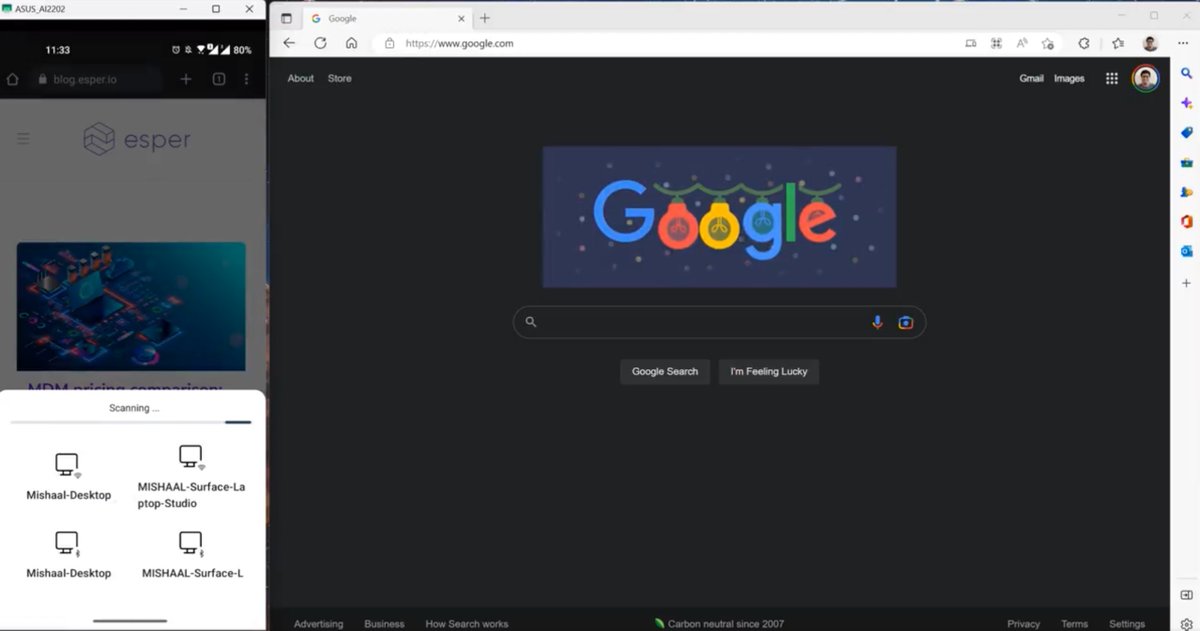
With that in mind, here's a round-up of other Android --> PC file-sharing apps (links in the reply):
1) Android --> macOS:
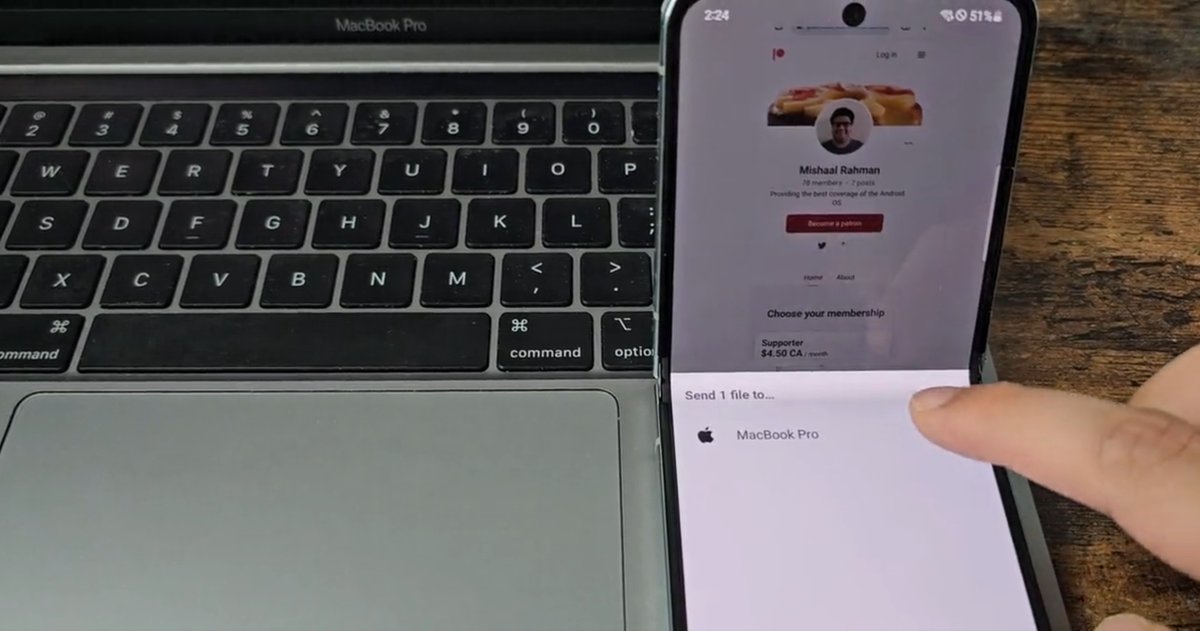
* WarpShare. This app uses Apple's AirDrop protocol, so you don't have to install anything on your Mac (you do need to set AirDrop discoverability to "everyone" though). You do have to install the WarpShare app on your phone, though, and then select it from the share sheet when sharing file(s). Does not support receiving files on Android.
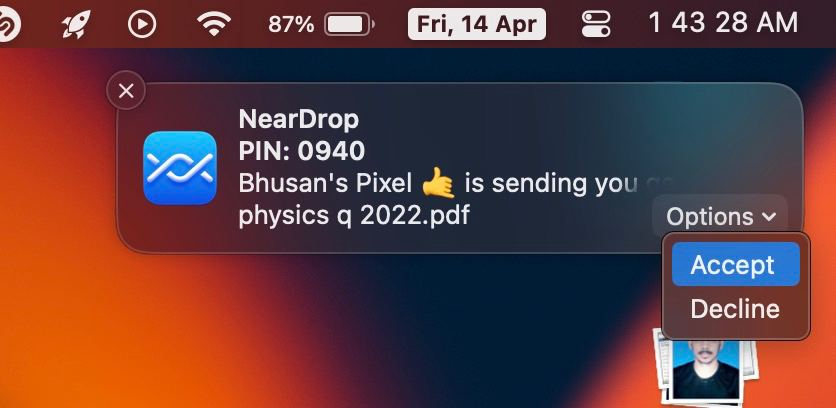
* NearDrop. This app uses Google's Nearby protocol, so you don't have to install anything on most Android phones since Nearby is built into Google Play Services. You do, however, have to install an app on your Mac in order to make it appear in the Nearby Share menu on your phone. Also does not support receiving files on Android.
2) Android --> Windows:
* Nearby Share from Google: An official app made by Google that uses Google's Nearby protocol, so you don't have to install anything on your Android phone. You do, however, have to install the program on your Windows PC. Sending/receiving files works extremely quickly.
* Nearby Sharing Windows 10/11: This app supports Microsoft's Nearby Sharing protocol so you don't have to install a program on your Windows PC. You do, however, need to install the app on your Android phone. Receiving files works, albeit very slowly as it's over Bluetooth.
3) Android --> Linux
There are no apps (yet) that support Microsoft, Google, or Apple's wireless file sharing protocols, though one developer is attempting to port NearDrop to Linux. That project, CrossDrop, is still a WIP, though.
Otherwise, KDE Connect is a good option. Requires installing an app on your phone and PC, though.
-----
I am well aware that there are a LOT of other file sharing apps/services out there, some of which don't even require an app as they're PWAs. However, I made this thread mainly to highlight the few options that are compatible with one of Microsoft, Google, or Apple's wireless file sharing protocols.
It's really a shame that all 3 companies have their own file transfer protocols that are all incompatible with one another, even though they're all based on Bluetooth/WiFi LAN/WiFi Direct communications under-the-hood. Microsoft has Nearby Sharing, Google has Nearby, and Apple has AirDrop.
I'm not really sure who even uses Microsoft's, but Apple's is very widely used and Google is slowly catching up. Apple, however, has no incentive to support other platforms. Google, to their credit, open sourced its Nearby library and is even pushing its inclusion into AOSP so Android phone makers can build Nearby compatibility into their own file transfer services (eg. Samsung's Quick Share).
Google has published a blog post about recent and upcoming changes in ART (Android Runtime). These include new core language features for developers, major app startup improvements, and more. Here's a summary👇
ART provides the runtime and core APIs that "all apps and most OS services rely on." As Google explains, both Java and Kotlin code are compiled down to bytecode that's executed by ART.
By making ART a Mainline module in Android 12, Google made this core OS component updatable through Google Play System Updates instead of through OTA updates that your OEM or carrier have to push out.
This lets Google:
* Roll out runtime and compiler optimizations that lead to better performance
* Push out upstream OpenJDK fixes more quickly
* Issue runtime and compiler security fixes faster
* Deliver new OpenJDK core language features (ART 13 delivered OpenJDK 11 features; ART 14 will bring OpenJDK 17 features)
One recent change in Android 14 is the refactoring of the interface between the Package Manager and ART. This refactoring "moves the OS boundary from the ART dex2oat command line to a well-defined interface that enables future optimizations, such as fine-grained control over the compilation mode."
Starting in Android 14, OEMs can customize on-device AOT compilation for apps through system properties and APIs. Basically opening up A/B testing of compilation.
A couple of other points worth highlighting:
* On select Android 13+ devices that support the Android Virtualization Framework (like the Pixel 6 and Pixel 7 series), secure compilation of bootclasspath and system server JARs happens while the device is idle rather than on first reboot after an ART update, saving up to 20 seconds of boot time.
* Upcoming ART releases are tested every day by compiling over 18 million APKs (!) and running app compatibility tests as well as startup, performance, and memory benchmarks on a variety of Android devices.
* Runtime and compiler optimizations in the ART 13 update "delivered real-world app start-up improvements of up to 30% on some devices."
* ART 14 will be released "in the coming months" to compatible devices. ART 14 includes OpenJDK 17 support and new compiler and runtime optimizations.
---
Latest ARTwork on hundreds of millions of devices: https://t.co/qUEAShwUMK
ART module page: https://t.co/B1WkUA0Zz2
ART Service Configuration (new in Android 14): https://t.co/B4yhimjEwJ