Check out our new Quick Tips✨video tutorial to learn how to build event-based AI prompts, connect them to your data, and generate dynamic responses using merge fields, attachments, and scheduled triggers: https://t.co/X9jVJTMbrW
#NoCode
Check out our new Quick Tips✨video tutorial to learn how to securely sync data between Ruly and Google Sheets using Zapier Access settings to control exactly which fields are exposed in your integrations: https://t.co/ORsI2POKhh
#NoCode
Check out our new Quick Tips✨video tutorial to learn how to learn how to build smarter automations and keep your data in sync: https://t.co/sTJ8MNk194
#NoCode
Check out our new Quick Tips✨video tutorial to learn how to configure polling rules, connect APIs, map JSON data, and automate workflows: https://t.co/t6nh69BPQj
#NoCode
Check out our new Quick Tips✨video tutorial to learn how to create Polling Rules in Ruly to process data asynchronously, schedule background tasks, and handle updates from internal or external databases ⚡: https://t.co/86nXPbzuji
#NoCode
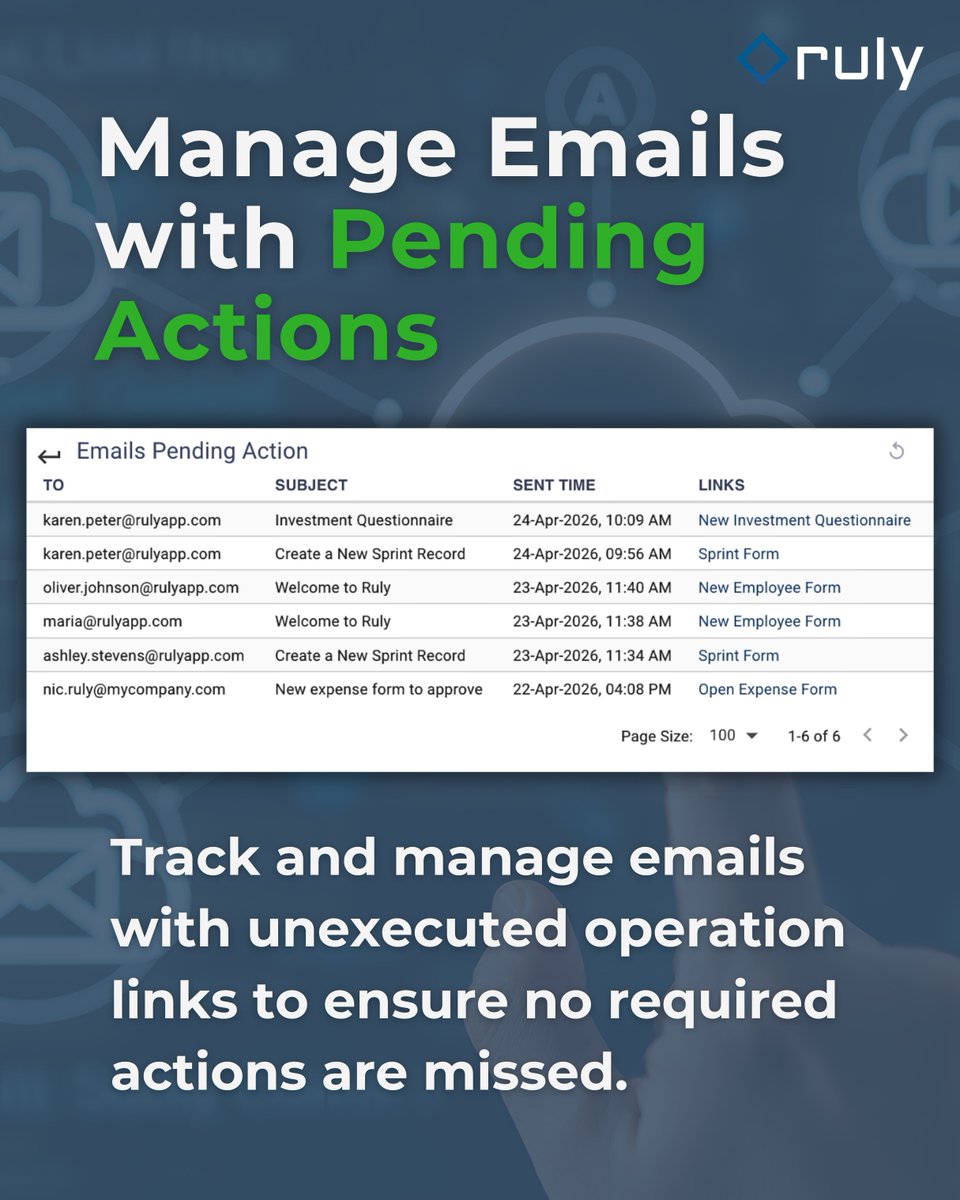
Check out our new Quick Tips✨video tutorial to learn how to build an Emails Pending Action view in Ruly to surface emails with operation links that haven’t been executed yet: https://t.co/ui9RqYColr
#NoCode
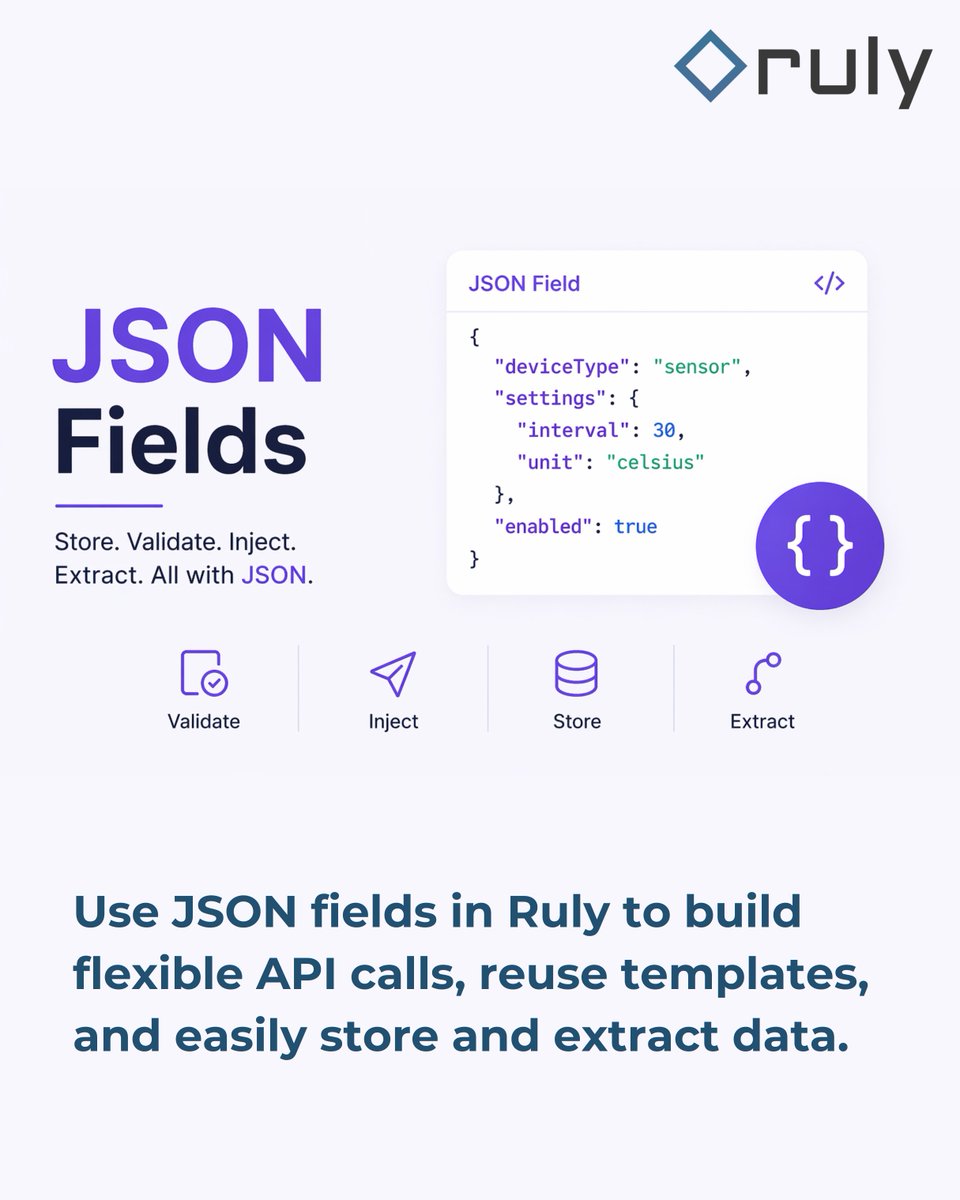
Check out our new Quick Tips✨video tutorial to learn how JSON fields in Ruly let you reuse templates, validate your data, and extract exactly what you need from API responses: https://t.co/jms5gUYZhg
#NoCode
Check out our new Quick Tips✨video tutorial to learn how to safely promote your app changes using export/import in Ruly: https://t.co/UZ6QWBi46p
#NoCode
Check out our new Quick Tips✨video tutorial to learn how to use Alerts to keep users informed, and Tasks to drive action in Ruly: https://t.co/nNvDVjew4C
#NoCode
Check out our new Quick Tips✨video tutorial to learn how to switch between dashboard views faster and keep everything organized with tabs: https://t.co/SgwDSXz0Fe
#NoCode
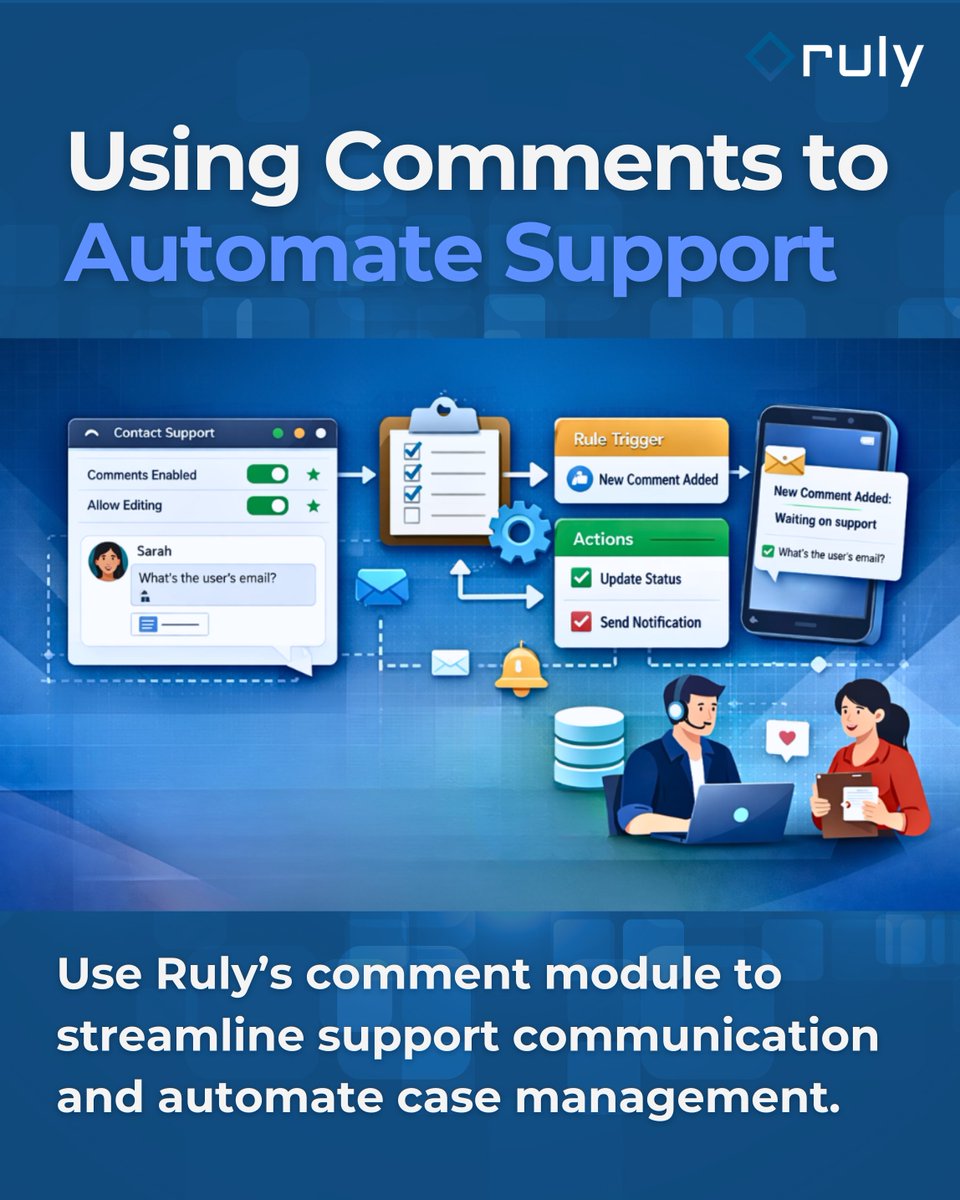
Check out our new Quick Tips✨video tutorial to learn how to use the comments module to centralize communication, update case statuses automatically, and trigger email notifications: https://t.co/rhFz3ixUVn
#NoCode
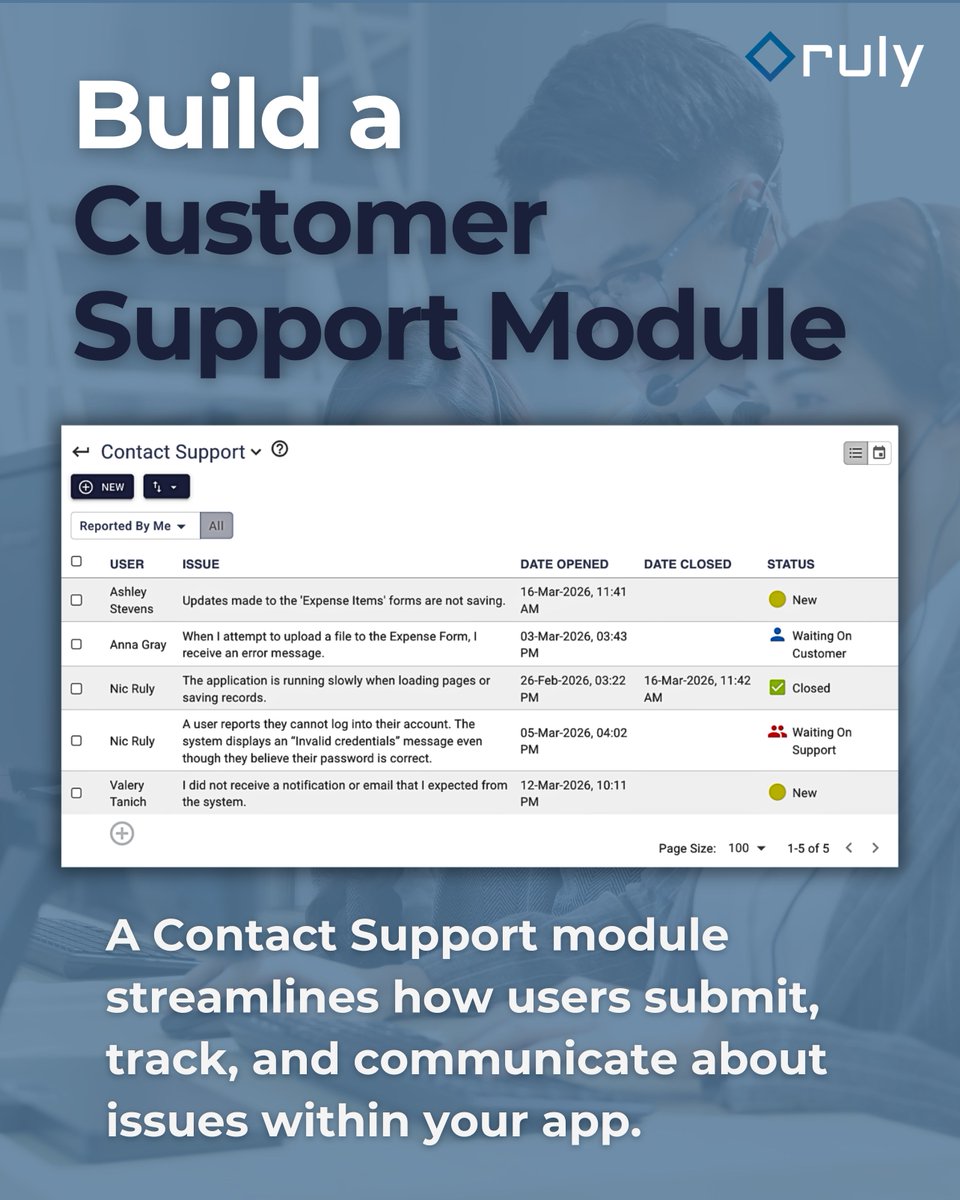
Check out our new Quick Tips✨video tutorial to learn how to build a Contact Support module in your app to let users report issues, and share feedback: https://t.co/cFQBQBAy9m
#NoCode
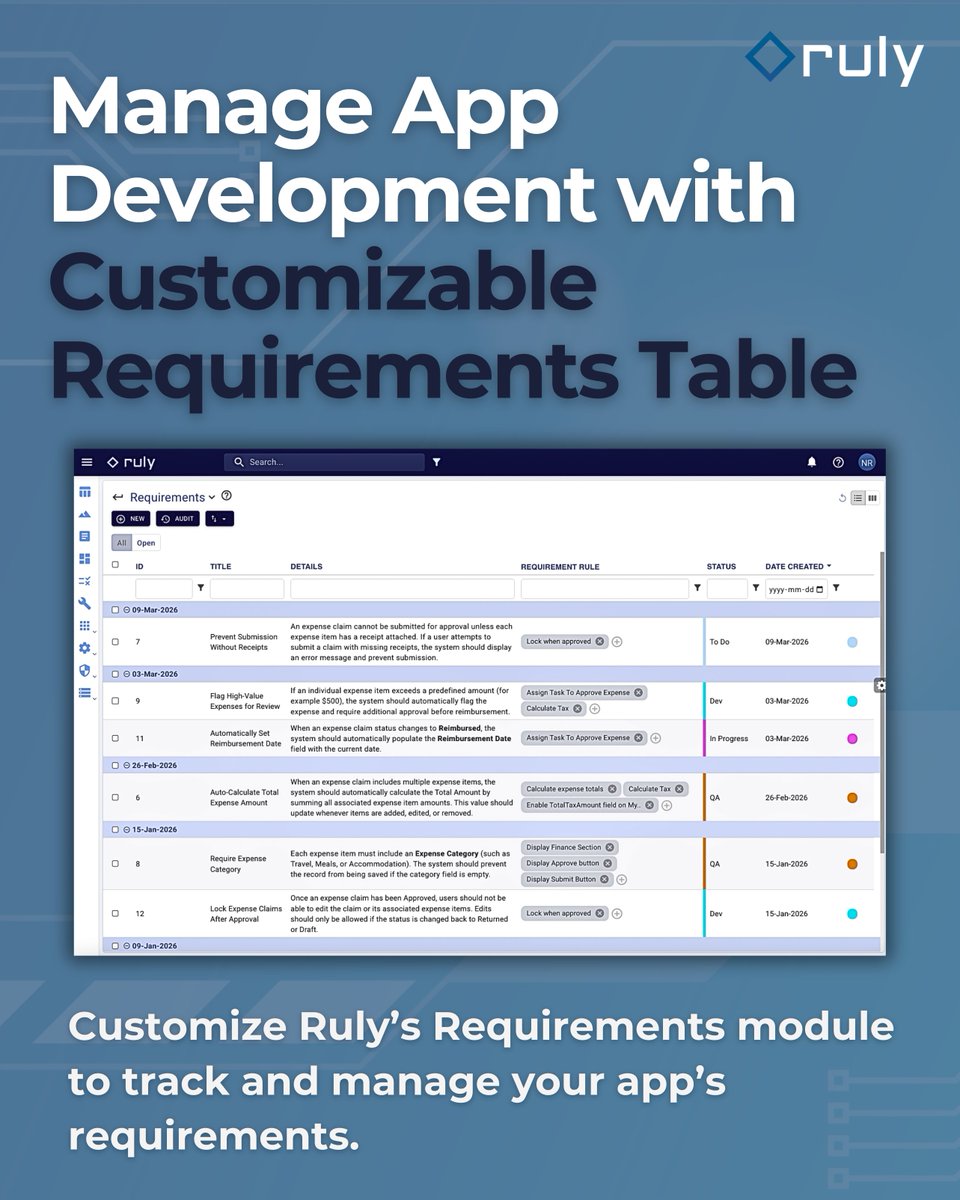
Check out our new Quick Tips✨video tutorial to learn how to use and customize Ruly’s built-in Requirements module to manage your workflow: https://t.co/AFsWPz5LP6
#NoCode
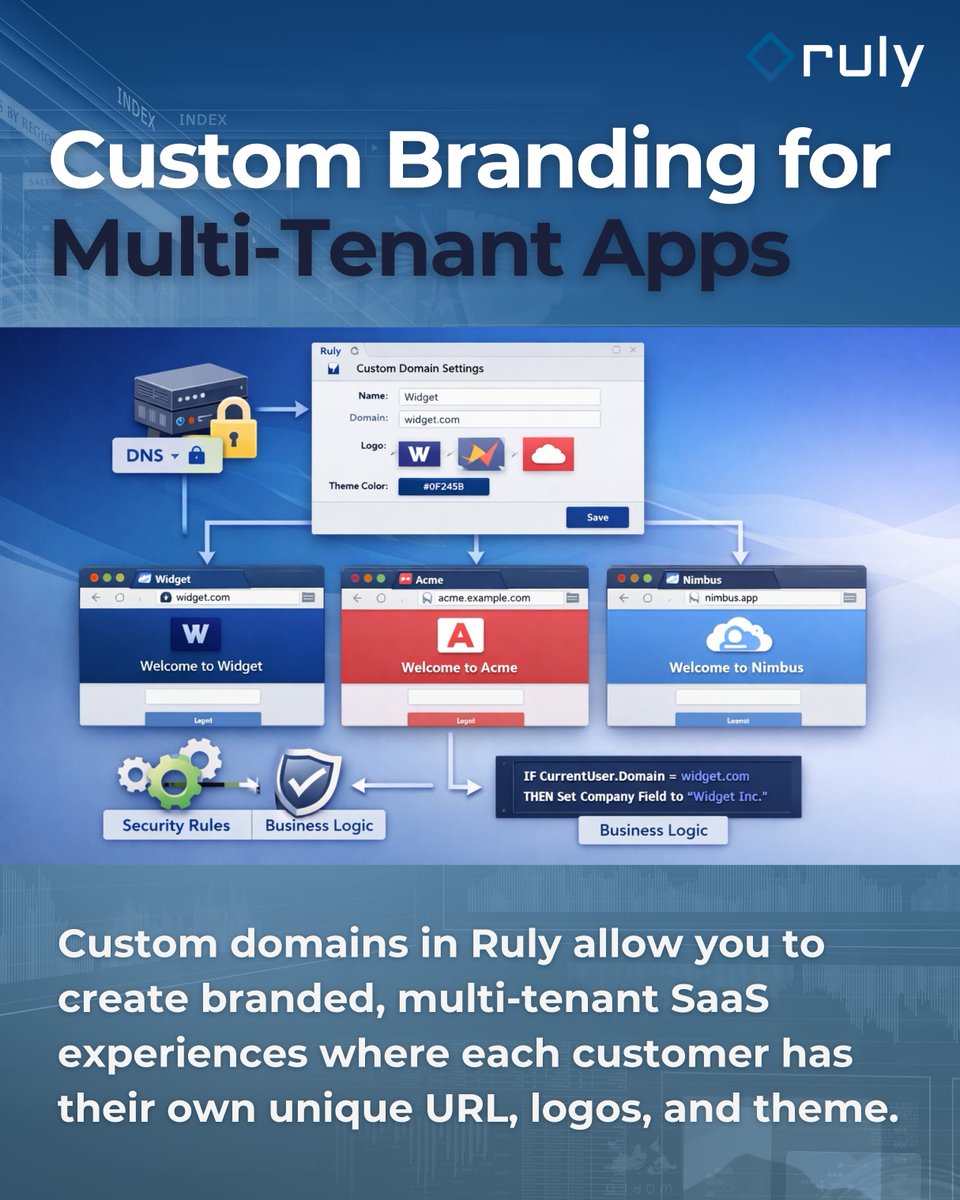
Check out our new Quick Tips✨video tutorial to learn how to add custom domains in Ruly so each tenant can have their own unique URL, logos, and theme: https://t.co/TDsPNbrXBN
#NoCode
Check out our new Quick Tips✨video tutorial to learn how to add sublists directly inside form sections—so your users can see and manage linked records without switching views: https://t.co/dIaCf9OKlw
#NoCode
Check out our new Quick Tips✨video tutorial to learn how linked table fields in Ruly can be displayed as tiles and maps to make selecting related records faster and more intuitive: https://t.co/zoB88X3gWq
#NoCode
Check out our new Quick Tips✨video tutorial to learn how Scheduled Rules in Ruly help you automate recurring tasks and run workflows on a schedule: https://t.co/M8VZvBCBjh
#NoCode
Check out our new Quick Tips✨video tutorial to learn how to dynamically hide or disable sidebar menu items in Ruly using visibility rules: https://t.co/MC3EwOQz7w
#NoCode
Check out our new Quick Tips✨video tutorial to learn how to add buttons to Ruly indicators so you can open forms, review data, and send emails — all with a single click: https://t.co/xdMrZQID5m
#NoCode