Turn a text prompt into a cinematic still, then into a moving video clip. Describe the scene, generate the still, add a motion prompt, and get a clip. Built in Runchat. Try this example yourself on https://t.co/9uXQh9mNwv.
Describe a piece of furniture and get back a spinnable 3D model. This generates a clean product shot from your prompt, then turns it into a full textured 3D mesh you can light and drop into a scene. Built in Runchat. Try it on https://t.co/9uXQh9mNwv.
I suspect that most agents are like children. Their developers love making them, but they kind of annoy everyone else.
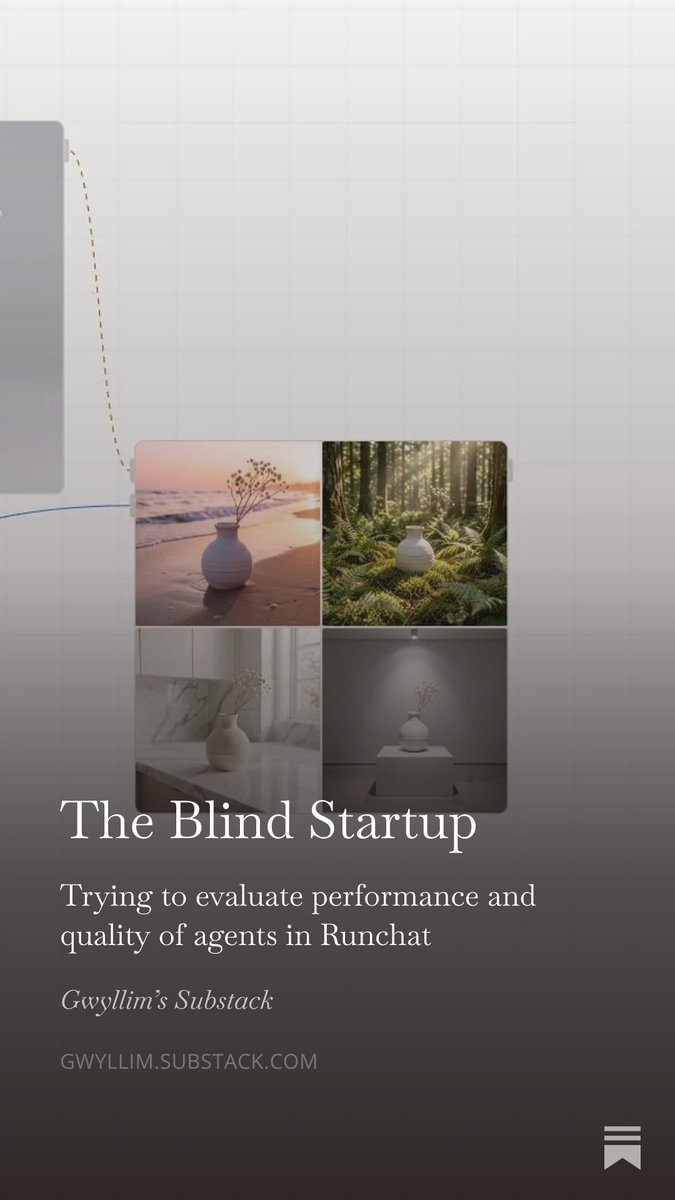
I've written a post about how we're trying to avoid the Blind Startup: rapidly iterating on agents without any idea of whether they are actually useful or not.
Place furniture into any room and render it into a finished scene. Generate the pieces, rough out where they go on the canvas, and the model composites it with matched lighting and perspective. Built in Runchat. Try this example yourself on https://t.co/9uXQh9mNwv.
Turn a rough CAD screenshot into a photoreal render. Add one reference photo for the materials, palette and light, and the model matches it while keeping your exact geometry. Built in Runchat. Try this example yourself on https://t.co/9uXQh9mNwv.
Turn one model into consistent renders from every angle, with the same materials and lighting across all of them. Built in Runchat. Workflow linked in bio.
Describe a structure in plain English, watch Rhino build it. The Runchat agent writes the script and runs it in your viewport. No Python, no Grasshopper. Full scripting playlist: https://t.co/fWssw1x27P
Two new tutorials added to the Runchat for Rhino playlist. Now 8 videos covering the plugin, rendering with references, 3D model generation, and texture generation. All recorded inside Rhino. https://t.co/jqlvGSyMlf
The Runchat Foundations playlist is live. 16 tutorials covering nodes, models, the chat agent, and tool publishing. Each one around five minutes. Rhino and Grasshopper series up next.
Part 2: Rhino model on Google Earth 3D tiles to realistic site render in one generation using RunchatPart 2: Rhino model on Google Earth 3D tiles to realistic site render in one generation using Runchat.
EExperimental curves in Rhino to rendered concepts in a few minutes. Flow field lines along geometry, screenshot into Runchat, prompt for different styles.
Built a site placement tool in Runchat that uses the same 3D geometry as Google Earth. Export a GLB from Rhino, drop it in, place your design on site.
Try it: https://t.co/4QzgqgSQuy
Teaching these techniques in a workshop with McNeel Europe April 21-23: https://t.co/RroLZC3g0j
Generate textured 3D models from 2D images.
Use Hunyuan3D in Runchat to create 3D outputs from a single reference. Export textured models directly into Rhino or SketchUp using our free plugins. Bridge the gap between generative AI and CAD.
#Runchat@SketchUp@McNeelEurope
Streamline landscaping design variations with AI.
Input your site into Runchat to visualize new pathways and species variations using Gemini. Beyond visualization, you can generate site plans and automate plant costing via web-search agents.
#Runchat#LandscapeArchitecture
Navigate Runchat faster with the Search Widget.
Hit "Tab" to instantly find models, assets, or templates. Filter for specific tools or access your recent node history without digging through menus. Keep the focus on your design process.
#Runchat#Productivity#UX#DesignTech
Precise control over generative edits.
Runchat makes specific adjustments easy. Use the Sketch Tool for manual guidance or paste external images directly into your scene to resize and reposition. Granular control for professional-grade results.
#Runchat#DesignControl#AIArt
Explore design variations through style blending.
The Reimagine tool uses AI agents to analyze image inputs and generate descriptive prompts. Systematically blend different aesthetics on one canvas to move from a single reference to a broad range of options.
#Runchat#AI
Enhance generation resolution and fidelity.
When a design requires higher detail for presentation, use Runchat’s upscaling tools. Connect an upscale model to your output to generate high-resolution versions of your work without leaving the canvas.
#Runchat#AI#DesignWorkflow
Never lose a generation again.
Manage your workflow history directly in the Runchat editor. Use the Node History tool to review previous assets, search across all workflows, and preview videos by hovering. Keep your design iterations organized.
#Runchat#Workflow#DesignTools