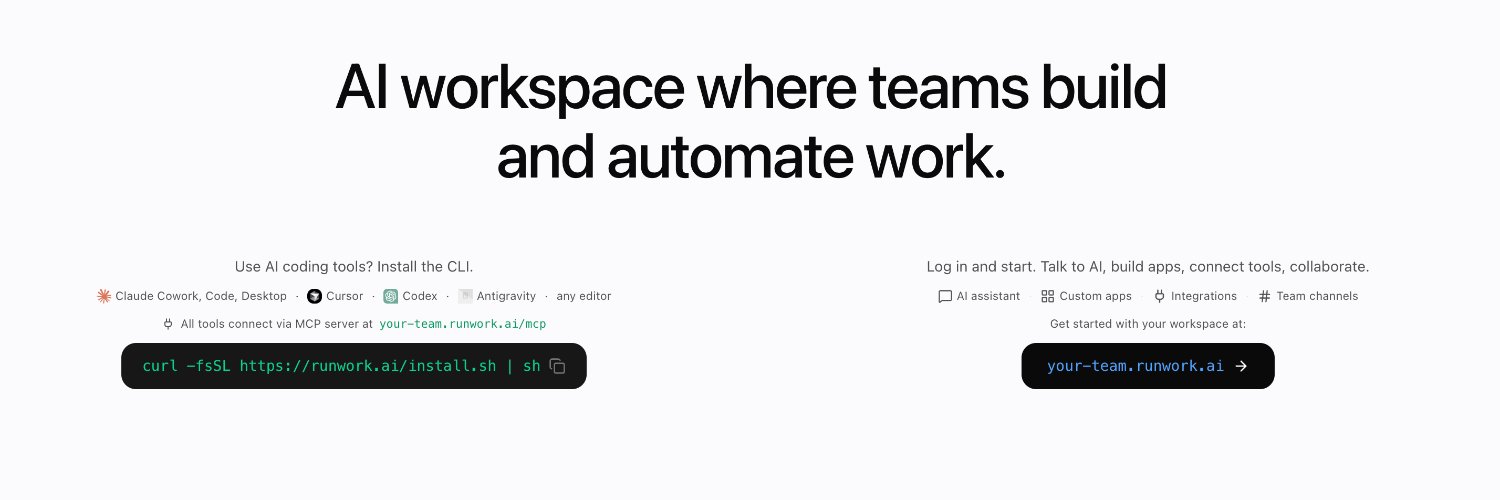
Runwork DESKTOP arrived! It comes with our CLI built in, and together they do a lot.
Once it's running across your team, it coordinates all your local AI agents and gives them (and your teammates) a shared computer. Agents auto-sync skills, build and deploy apps no-code, and your company's AI tools get installed and configured for everyone.
I love this latest update. I think the whole thing is becoming more and more clear.
It's a 9-post thread with screenshots, take a look and let me know of any feedback! 😎
Next: really really simplify two things:
- the team manager setting up their team and monitoring/maintenance
- the teammate experience end to end
the journeys already work and are used, but we're going to make sure a teammate who has no idea about AI can feel more comfortable today and get their hands dirty next week.
that's the infra layer: you and your AIs get every building block you need at work, usable from Claude Code/Desktop, ChatGPT/Codex, or baked into your own product.
we're having a lot of fun building this, hope you like the new navigation. take a look here: https://t.co/2MtPu4xVOo and tell us what to improve 👇
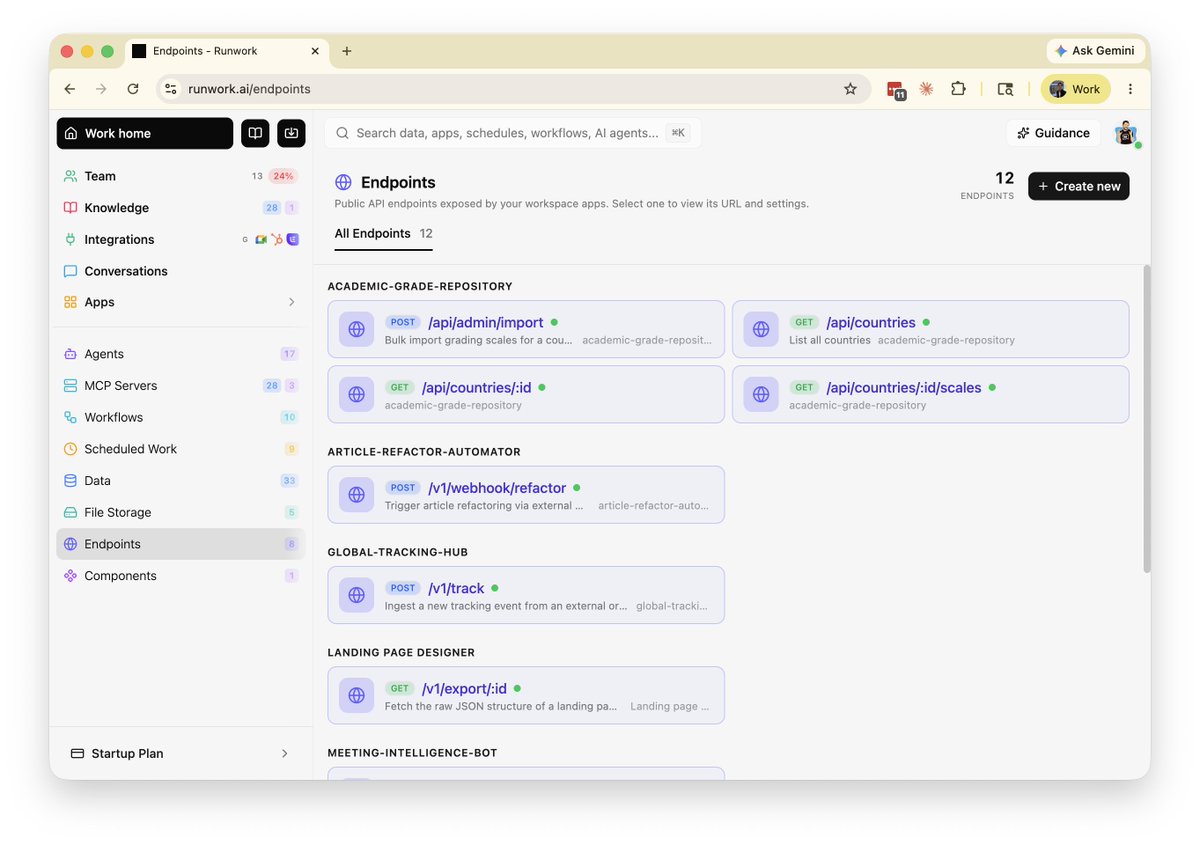
okay okay, we reorganized the dashboard. your agents, workflows, schedules, data, files, webhooks, now much easier to find and manage.
quick tour of every new infrastructure page 👇
and finally, Endpoints: a structured way to open your vibe-built things to the world.
public or authenticated, expose your apps / workflows / data as a webhook, an AI workflow API, whatever external systems need.
New feature: Share and Resume any conversation from your AI, with anyone with any agent. Simply ask your agent to share it with some email address, works with everywhere Runwork is (Claude Code/Desktop, Codex, web chats...)
Update your Runwork Desktop now! v0.9.1 is out.
Coming soon: handover your AI conversations with your teammates! Cross-users/agents/platforms.
I love how much Runwork's shared platform and Desktop/CLI apps enable for teams!
Skills are automatically enabled in any local agent (Claude Desktop, Claude Code, Codex, Cline etc...), can be accessed with a slash / command.
Give it a try: https://t.co/lAvvKEBYL7
Knowledge and skills for teams: NEW
Runwork Desktop (and Runwork CLI) now automatically syncs skills and encourages local AIs to save skills and keep them updated.
New Knowledge dashboard lets you create and monitor your skills, and integrates with https://t.co/lgnQVdw2fX to access 91+K skills!
Launch continues: Team Dashboard
Teams get a whole AI-work dashboard! You can see who is stuck at which phase. Who is just chatting with their AI, and who started exploring integrations and automations? What can you do to continuously improve AI-work among team members? Who is sharing their knowledge?
Track usage of chats, integrations, automations, skills; building automations, deploying tools, creating new knowledge...
Runwork DESKTOP arrived! It comes with our CLI built in, and together they do a lot.
Once it's running across your team, it coordinates all your local AI agents and gives them (and your teammates) a shared computer. Agents auto-sync skills, build and deploy apps no-code, and your company's AI tools get installed and configured for everyone.
Runwork Desktop app really completed a big chunk of the picture for us, to solve what teams need to become AI-native. Take a look at our new homepage and try the Desktop app: https://t.co/KRvRqwY0tn