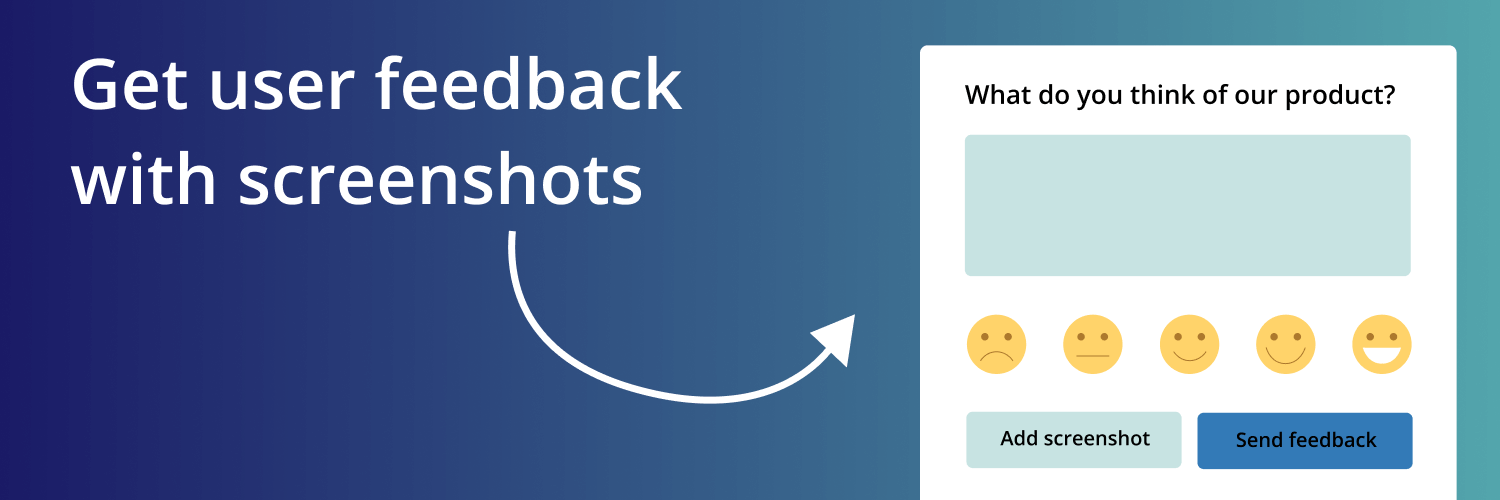
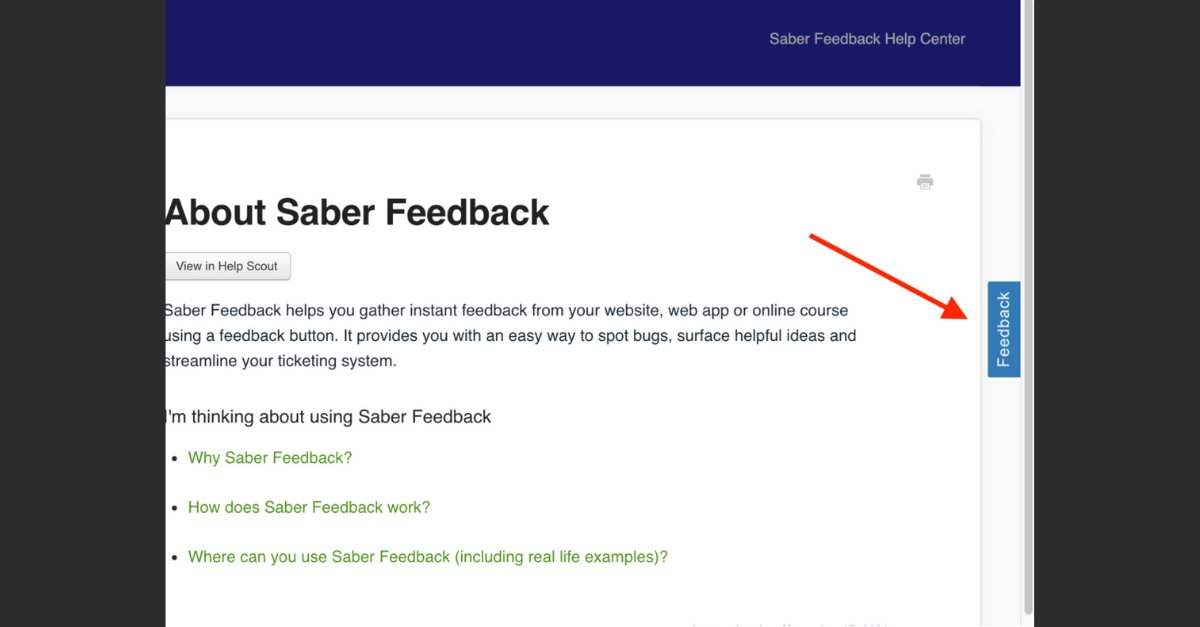
Saber Feedback lets your users send feedback with a screenshot. We think the screenshot feature is awesome.
We've made this short demo to show you how it works.
Saber Feedback uses geolocation to determine where each feedback report came from. We've made this more accurate.
We were hosting the geolocation database on our server and updating it monthly.
We now do live location detection via @ipinfoio's API for higher accuracy.
NPS measures the loyalty of a company’s customers.
It takes the form of one question:
“How likely is it that you would recommend [Company X/Product Y/Service Z] to a friend or colleague?”
Interested in setting up your own NPS survey?
Learn more here:
https://t.co/sR57ixGEo7
4. Performance testing
• See how the site behaves as you increase its workload (also beyond intended).
• Analyze response to an excessive data volume.
• Test how the site handles an excessive amount of users.
↓
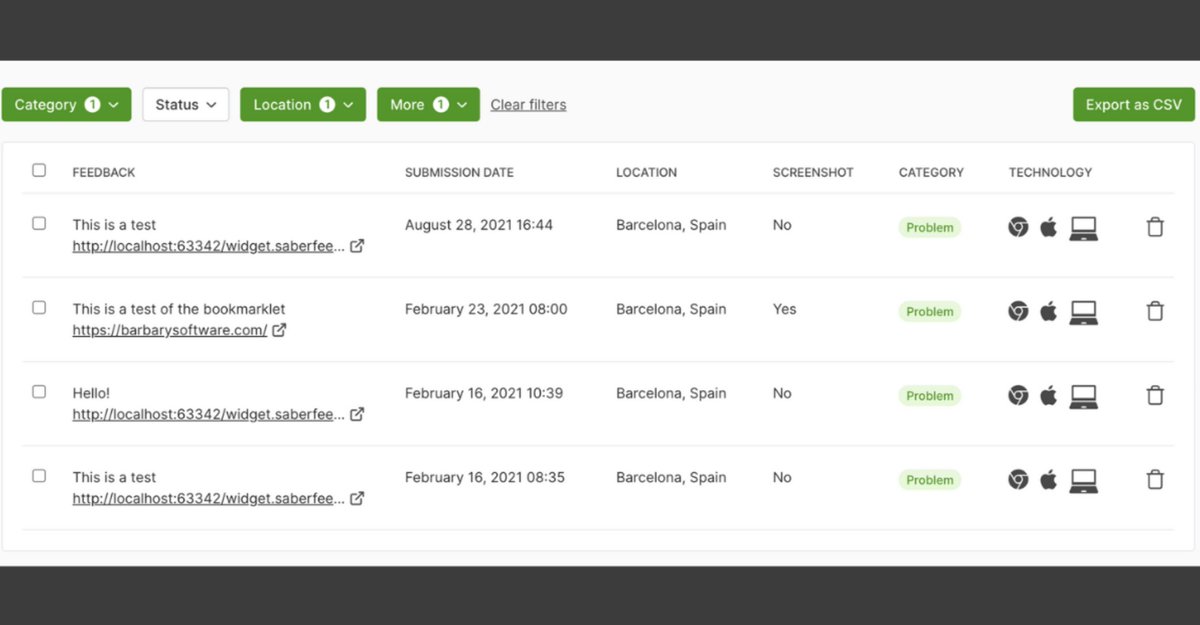
The filter bar makes it easy to find feedback based on category, location, browser, OS, and more.
You can find the filter bar right above your list of feedback reports.
7 ways to use customer feedback:
• Improve your customer experience
• Get ideas for new features
• Motivate your team
• Add social proof to your website
• Measure customer satisfaction
• Improve customer retention
• Use it as a possibility to upsell
What else?
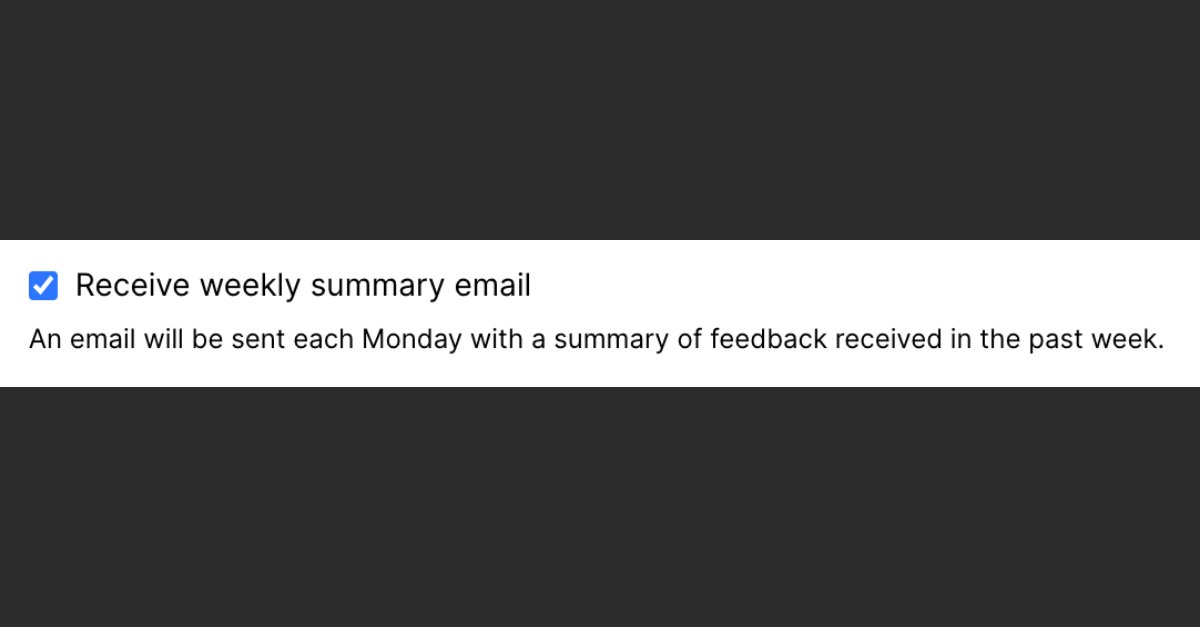
You can get a weekly summary of all the feedback your form has received during the last week:
• Go to your Saber Feedback dashboard
• Select the relevant form
• Click on Configure -> Settings
• Tick the box "Receive weekly summary email"
Did you know that Saber Feedback integrates with your favorite collaboration tools, such as @Jira, @trello, @asana, and many others?
Skip the hassle and get your feedback automatically to the tool of your choice.
Read how to do it here:
https://t.co/iOoKu6AwCs
Saber Feedback’s free trial is now 30 days!
If you only got to test out a 10-day free trial before, we’re offering a chance to get a new 30-day free trial.
Just send an email to [email protected] and we'll set it up for you.
Each January Saber Feedback’s owner Steve reflects on how the product and the company have evolved in the last year.
Here’s a summary of what we accomplished in 2021:
https://t.co/z05MtkkUfz
Installing Saber Feedback is lightning-fast.
Just log in to your account, click ‘Install’ from the dashboard and copy the code snippet to your clipboard.
Then paste to your website’s ‘head’-section.
And you’re done!
Maybe it’s time to start collecting usability feedback for your website.
With Saber Feedback you'll literally be up and running in minutes.
Try it today:
https://t.co/HBt2Zg5N8C