🚀 Stop Paying Monthly for SaaS! Instead of Tella or Screen Studio, try https://t.co/GI6uUUqFyO or ScreenCharm—one-time payment, lifetime access! @screenrunapp@screencharm#buildinpublic
For those asking how he recorded his screen, he used screenstudio for Mac and it's subsription based.
An alternative is @screenrunapp, and it is usable on both Mac and Windows. You can also take and edit your videos from your browser. Awesome stuff
This is following feedback from users (especially students who consume lots of YouTube but didn't want to pay per minute). Now @ldenoue offers a life-time unlimited instant YouTube transcripts for only $4.99 (cheaper than coffee for the Bay Area☕️)
Scribe Pro is now on GumRoad as a lifetime deal for only $4.99 to be on par with the iOS app. Grab your unlimited YouTube transcripts now 🎁https://t.co/lk97i7XvU3
This new AI-voice engine lets you create really beautiful and automatic videos. I just entered some text, clicked 3 places and created this mp4 video. Of course you adjust the position of the zooms in the timeline a bit.
Experience the best AI-voices with the new Kokoro models. All voices are created right in your browser, as everything else with ScreenRun so no data ever leaves your computer. Thanks @xenovacom for your lib https://t.co/5V8Z4LEEmr
New subtitle font that stands out "Carter One" for your new year videos. We're working on automatic zooms using content motion. Stay tuned, 2025 is going to be amazing 🚀 Thank you all (8,400 users) for generating over 40,000 videos
Many of you requested smooth cursors in ScreenRun, so your videos look even more engaging. Now you can if you record with our free companion app for macOS.
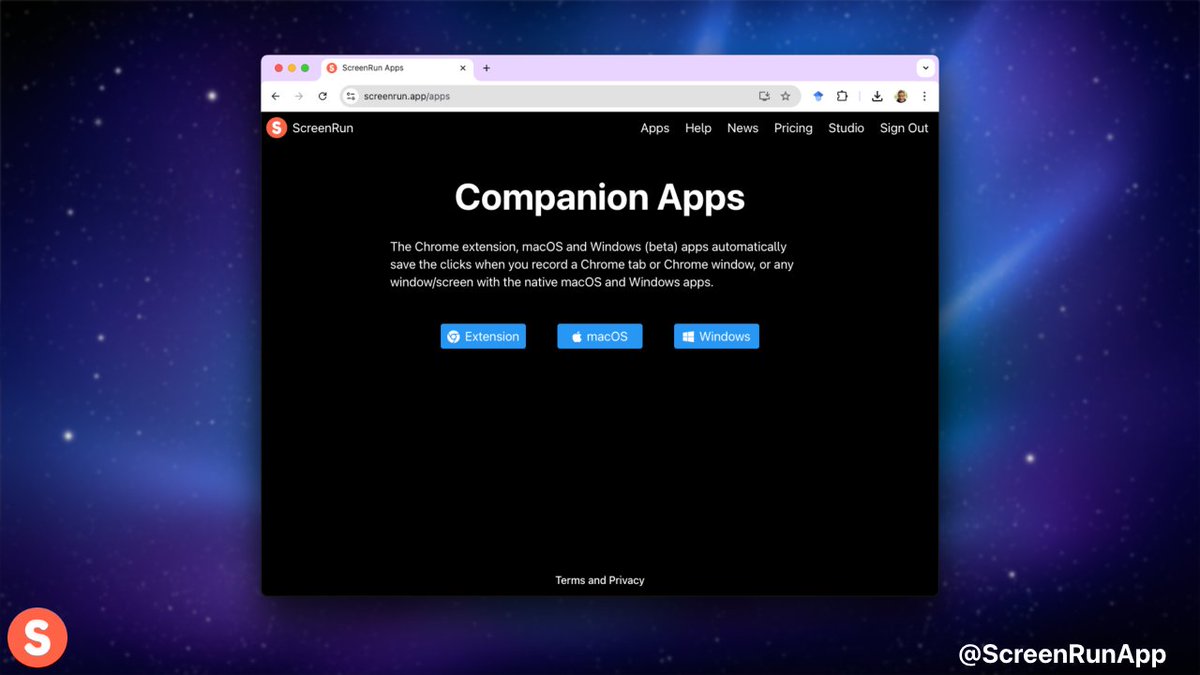
@sprintzdigital Open the app and the icon will appear in your taskbar. Open it to configure your key shortcuts. Then record screen/window/region and drag and drop the video file in screenrun web: your clicks will become zooms
@sprintzdigital You should definitely be fine. What you could try is drag and drop a 10 minutes video onto the web UI and export as mp4. It’ll give you an idea of how long it would take to export. 720p should be really fast and 1080p ok but higher would be slower than realtime I think