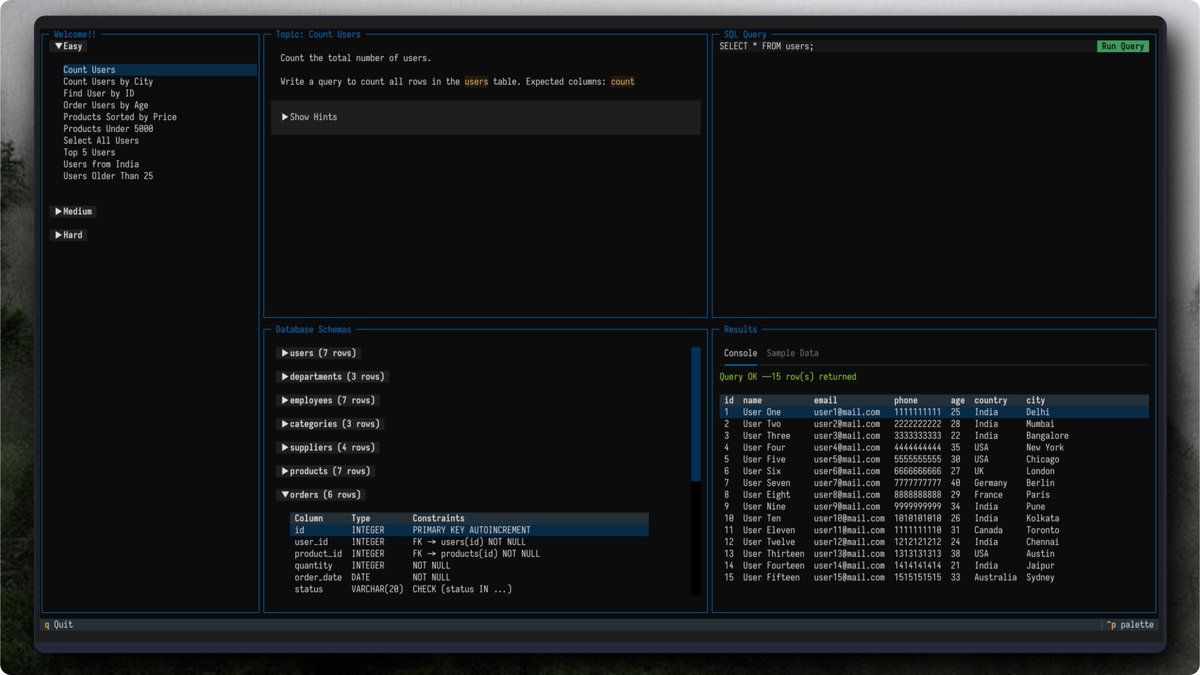
Most product screenshots are boring.
Flat.
Static.
Forgettable.
Screenshot Studio is officially live and it changes that.
Formerly @stageeart. Completely rebuilt from the ground up.
What started as a simple screenshot editor is now a browser-based studio for screenshots, animated visuals, and export-ready videos.
No signup.
No watermarks.
No artificial limits.
New in 2.0:
- A faster core and rebuilt UI.
- A real timeline editor with tracks + playhead.
- 20+ animation presets with keyframes and easing.
- MP4, WebM, GIF export.
- Hardware-accelerated encoding with WebCodecs (FFmpeg fallback).
- High-res exports up to 5x.
- Unlimited undo/redo.
Drag. Drop. Animate. Export.
All in the browser.
Proud to share it’s been selected for the Vercel OSS Program. Huge thanks to the @vercel team and @rauchg for supporting the project.
If you’re shipping products and still posting static screenshots, you’re leaving attention on the table.
Stage is gone.
Screenshot Studio is here.
try now link in the comments.
Really pleased to announce two new maintainers for @screenshotstdio 🎉
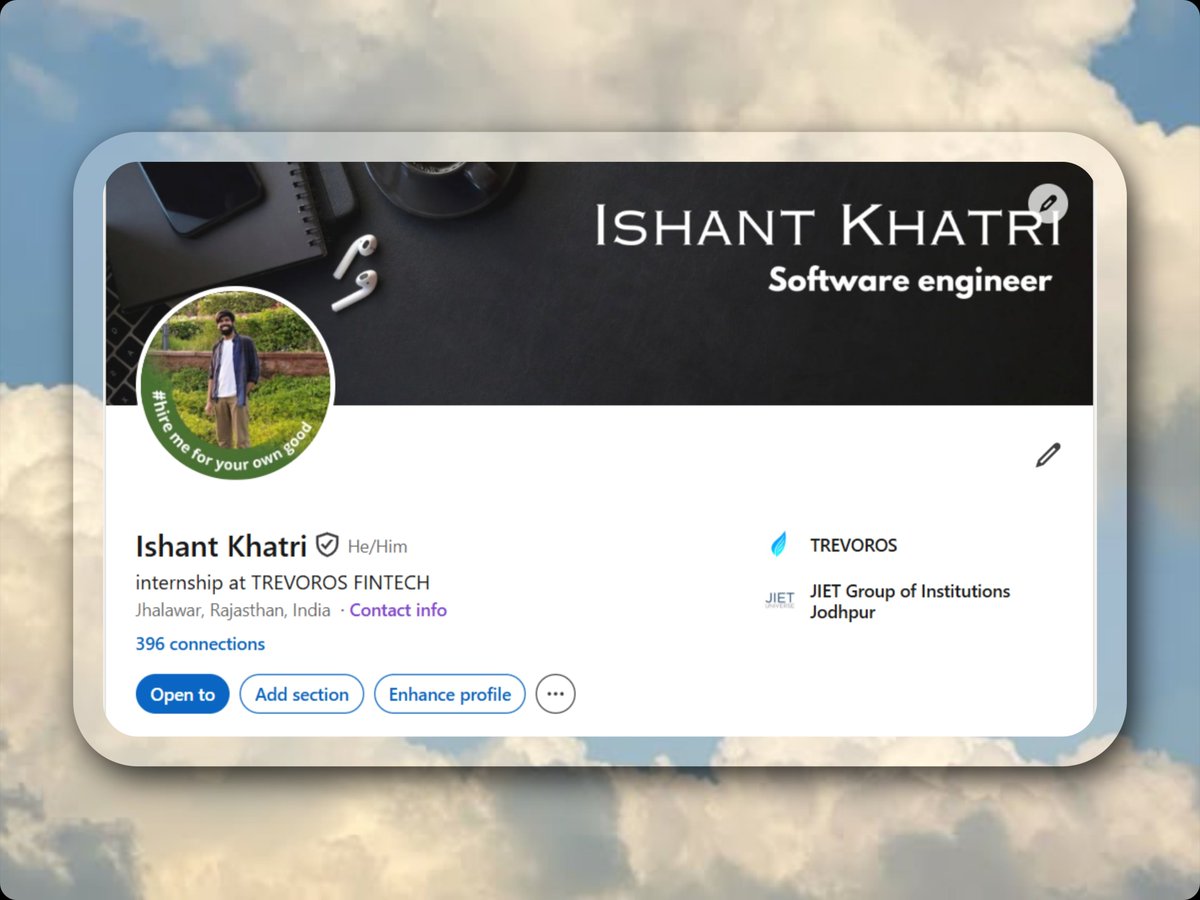
.@aniketrawat00 (SDE Intern at Intervue) and .@sushantstwt (Engineer at Devfolio) will be the primary maintainers of the repo going forward.
Excited for what's ahead! 🚀
i woke up unemployed and choose to do this.
bro @screenshotstdio i heard of it long ago but i used it first time now, a really handy product. love it ❤️
I would like to thank @anmol16_ for making mapcn it really improved the aesthetic of the site...@code_kartik for making @screenshotstdio it really saved alot of time with promo images❤️🔥
screenshot studio just shipped four tools that replace your entire design workflow
tweet screenshots paste a tweet URL. light or dark theme. auto-renders the avatar, metrics, media, verified badge. hit add. done
your tweet lives 48 hours on the timeline. the screenshot lives forever in every feed on every platform
code snippets
20 languages. 20 themes. 10 monospace fonts. line numbers. macOS window bar. font size. border radius. all adjustable
paste your code. it syntax-highlights instantly. export a clean image that people actually stop scrolling to read
a wall of monospace text gets skipped. a styled snippet gets shared
overlay layers
upload your own images or pick from built-in 3D assets. drag, resize, rotate directly on canvas. control opacity, blur, flip. send layers in front or behind your main image
every layer is independent. reorder, hide, delete. full depth control
a flat screenshot tells half the story. layers tell the rest
annotation tools
arrows. curved arrows. lines. rectangles. circles. blur regions
12 colors. adjustable stroke width. click and drag to draw. select to edit. blur anything you need to hide
the difference between showing your screen and teaching from your screen is one arrow
free. browser-based. no signup. no watermark
https://t.co/n9C3OZSXkr
2 hours of editing. Huge launch impact 💥
Made a nostalgic promo for @screenshotstudio📹
2 hours of work → 2 min timelapse
Tools I used:
→ Premiere Pro for editing
→ https://t.co/sXqlShrKAo for screen records
→ ElevenLabs for voiceover
You don’t need fancy editing. Just learn a few small tricks and your launch video will look way better.
Will launch video editing series soon💪
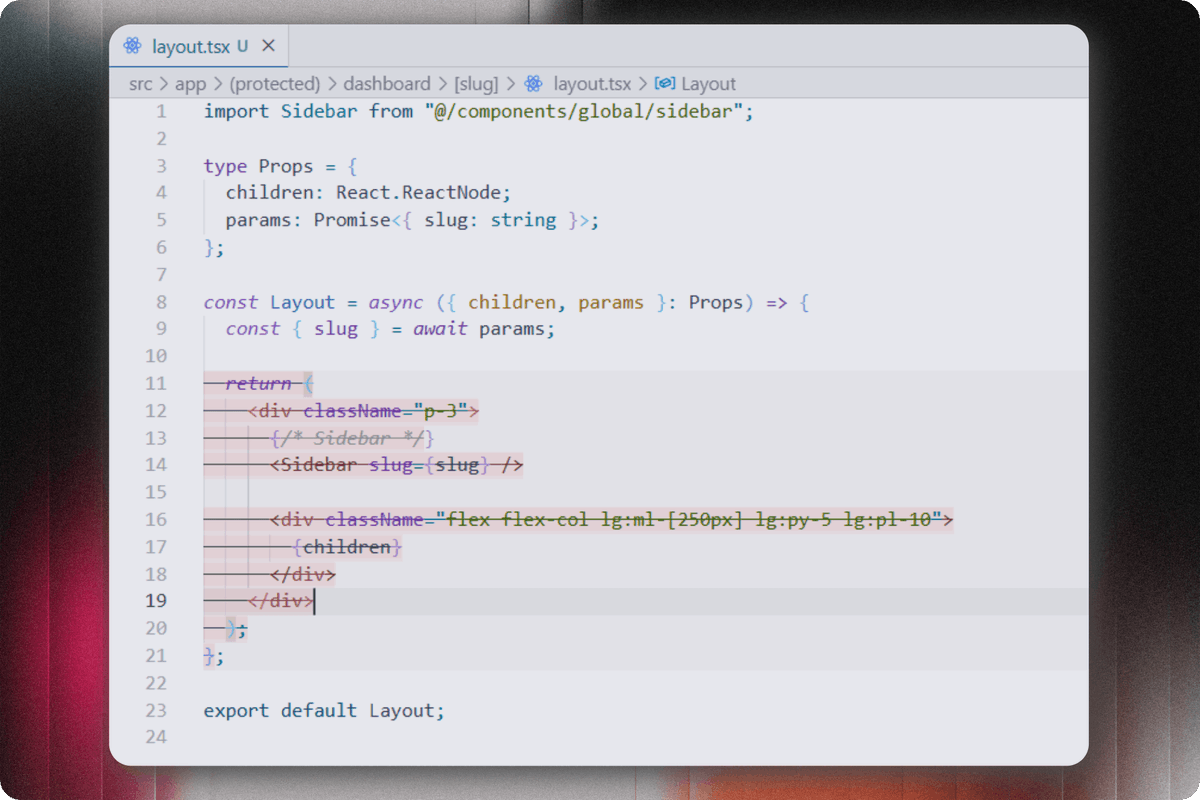
Why does @antigravity show me this delete suggestion in every file instead of code suggestions?
Is anyone facing this problem or know a way to solve it?
By the way great product @screenshotstdio by @code_kartik
Tried this screenshot tool recently and didn’t realize how much of a difference it makes.
Simple, clean, and makes screenshots look way better.
Definitely using it going forward.
@code_kartik@screenshotstdio#devtools
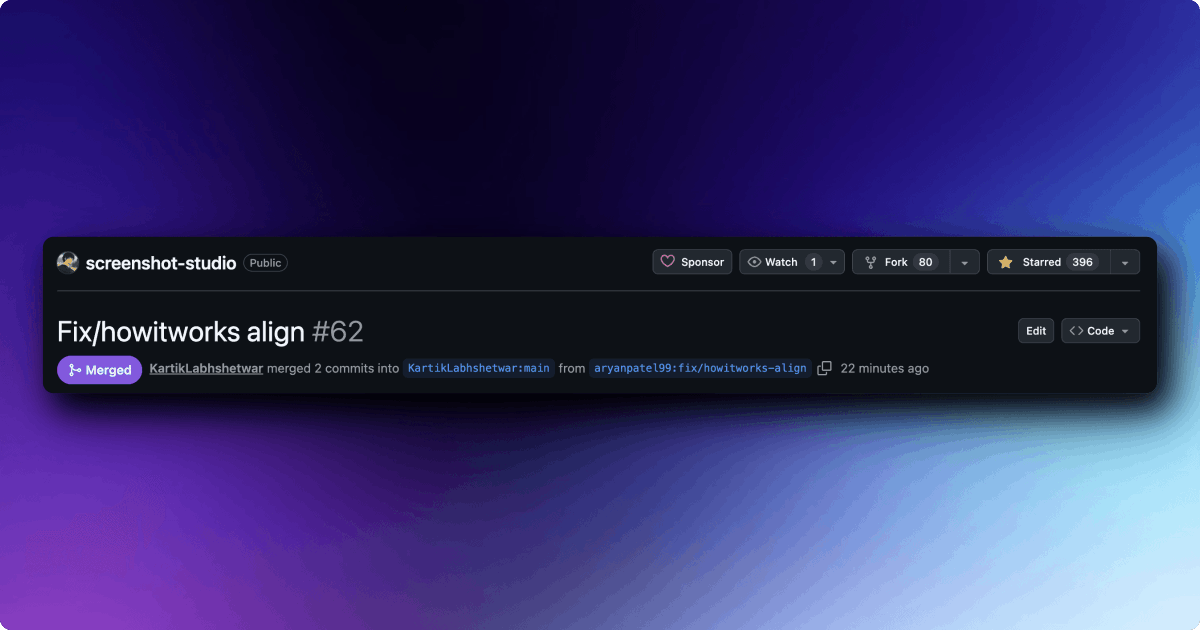
Shipped my first contribution to @screenshotstdio 🔥
Small PR, but I really enjoyed contributing and learning through the process.
Thanks @code_kartik for the quick review 🙌