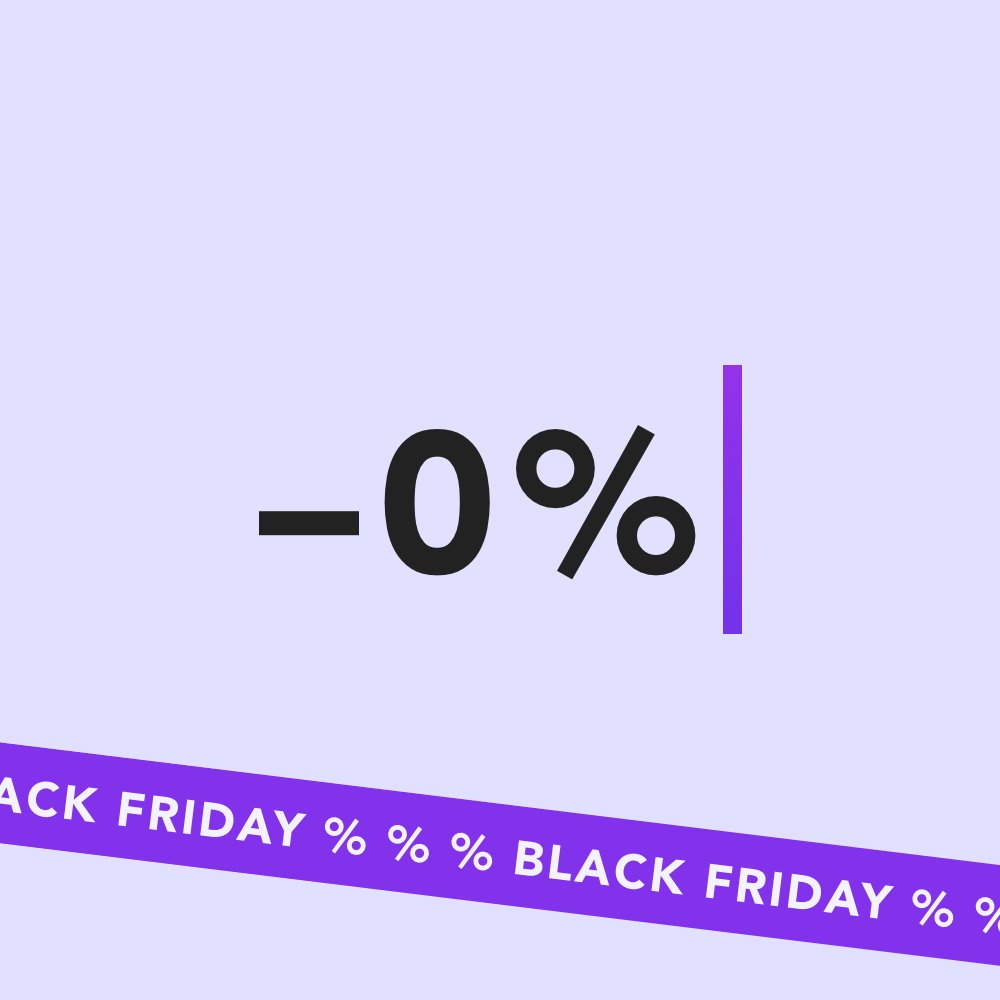
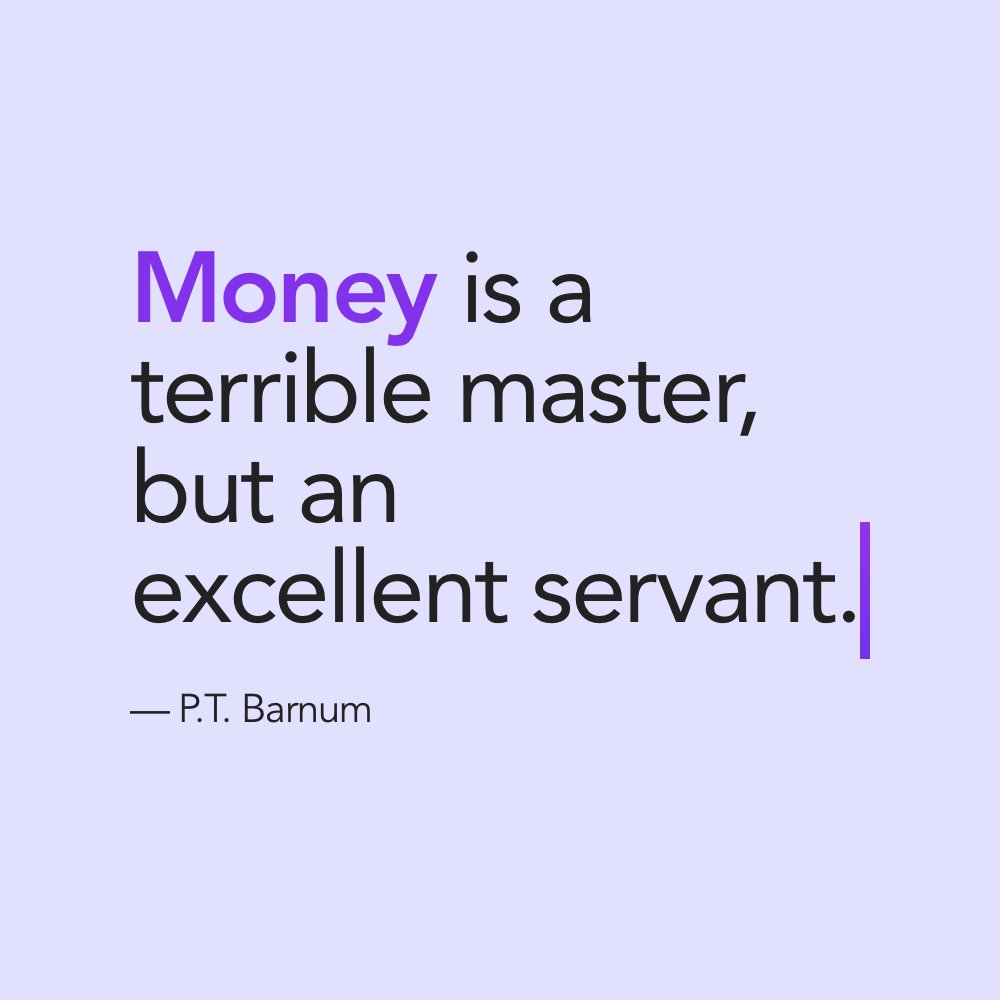
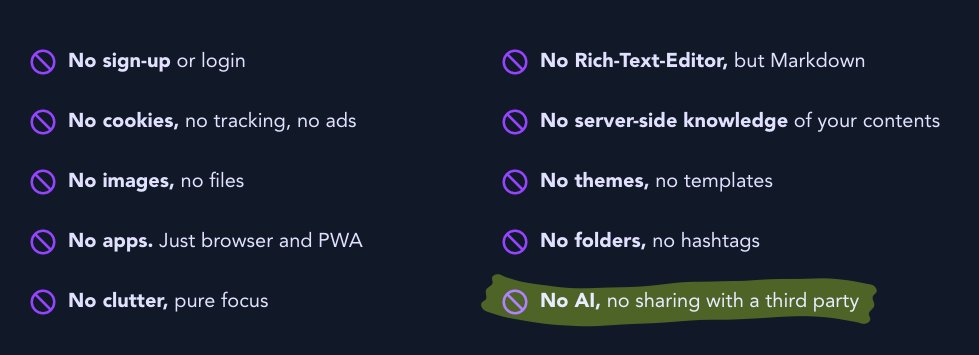
It’s Black Friday! Use scrutch for free all week long (just like every other week). And if you want to support the development of the next release, take advantage of our exclusive 0 % discount. Today only: https://t.co/uEPi0D82QV #itsonly3dollarsanyway
Dear friend of focused writing,
Have you ever considered paying for scrutch? It’s voluntary. It’s affordable. There are options. Even a one-time “donation” if you’re afraid of subscriptions.
Think about it and have a look: https://t.co/uEPi0D82QV
Have an inspiring day!
If the print button at https://t.co/NYIHXLW7cW produces a blank page, you’re most likely on a Chromium based browser!? This is a known bug in Chromium. Hit Ctrl+P (Windows) or Cmd+P (Mac) and the print preview should render correctly. Even better: Switch to @firefox! 🤪
scrutch got some carefully refined looks and a new logo. We also dropped some rather silly decisions. Like naming texts inside scrutch ‘Scrutches’. From here on out, ‘scrutch’ is the app and a text is called … ‘text’. Now off to continue working on even more mind-blowing stuff.
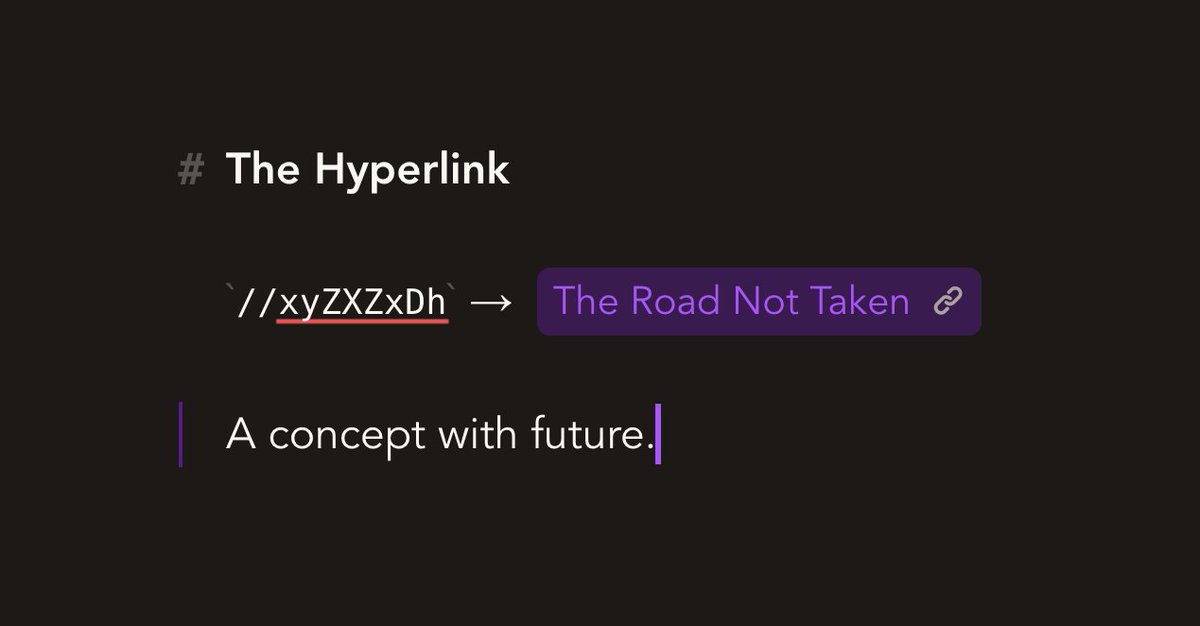
Ever heard of “Hyperlinks”? A concept to jump from one web page to another. Prepend slugs with double slashes // or paste a https://t.co/NYIHXMdI4u URL and forth comes a shiny widget. Useful to split longer texts into multiple linked Scrutches. One may call this “Web 1.0”.
You’re now able to save each of your Scrutches as *.txt file. E.g., to continue editing in an offline editor. Far-fetched. But admittedly, there are good ones. Ctrl+S or Cmd+S are your friends. There’s also a button for this, if you’re of the sporty type.
Here’s a sneak peek at one of the major additions coming with the next release. Thanks for the feature request, @capacle! More details will follow soon.
How do I format texts? Are there mobile apps of https://t.co/dScygAVP3I? Is it open-source? Do you have a girlfriend? — We added some (hopefully useful) answers to our FAQs: https://t.co/xUQdhmf1Yf
Last minor update in 2021: We’ve dramatically increased search performance and accelerated the overall UX. Try it https://t.co/NYIHXLW7cW. A bunch of subtle but powerful features planned for 2022. Thanks for being a follower and happy new year! 🥳
@quoing Thank you for your kind words. There are no plans on providing an on-prem solution as of now. However, we’re working on encapsulating all of the encryption and network related stuff and releasing that to provide more transparency, at least.
Did you know, https://t.co/dScygBdpVg works offline, too? A copy of your Scrutches is always stored locally on your device. The app will sync your changes, once connectivity is there again.
https://t.co/dScygBdpVg is a focussed, yet powerful writing tool. And most people like to write with a keyboard. And guess what? https://t.co/dScygBdpVg can be used without a mouse by just using shortcuts. #implicit https://t.co/DAMYlVN4Jr