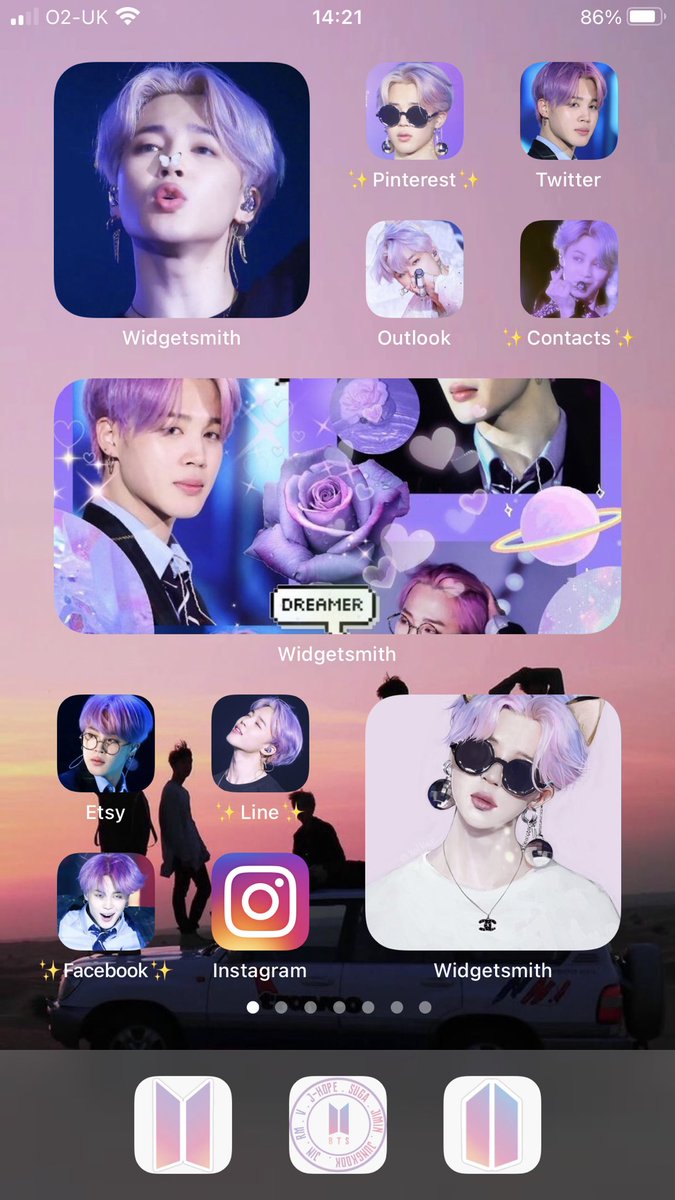
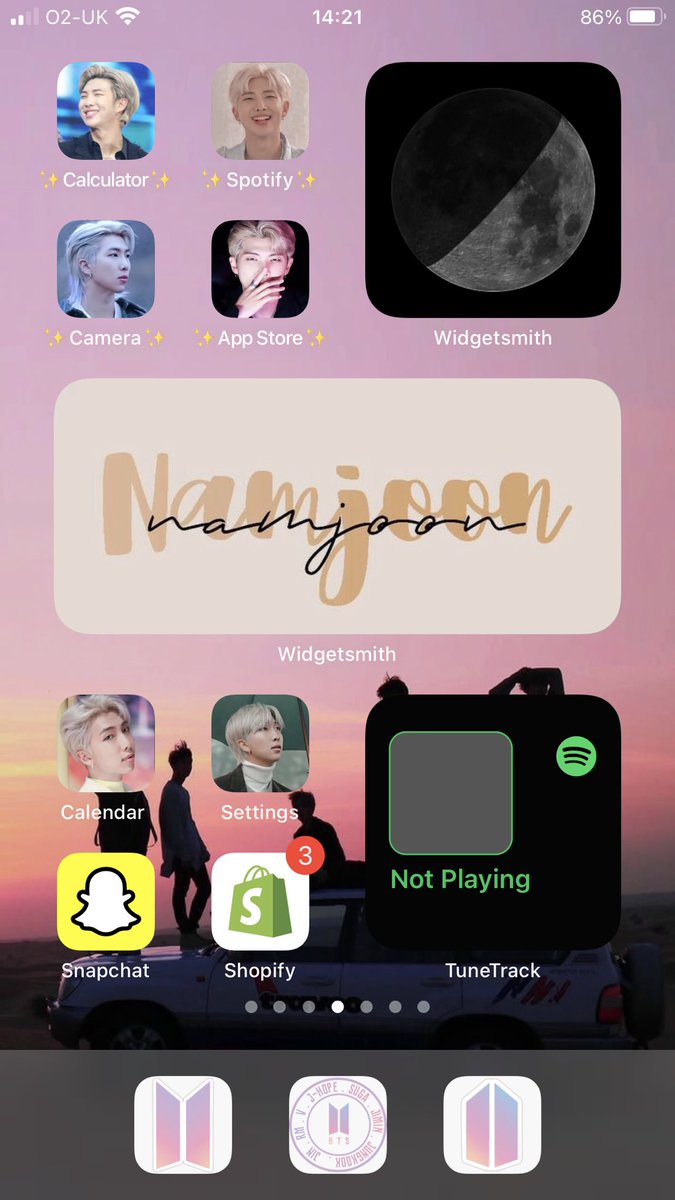
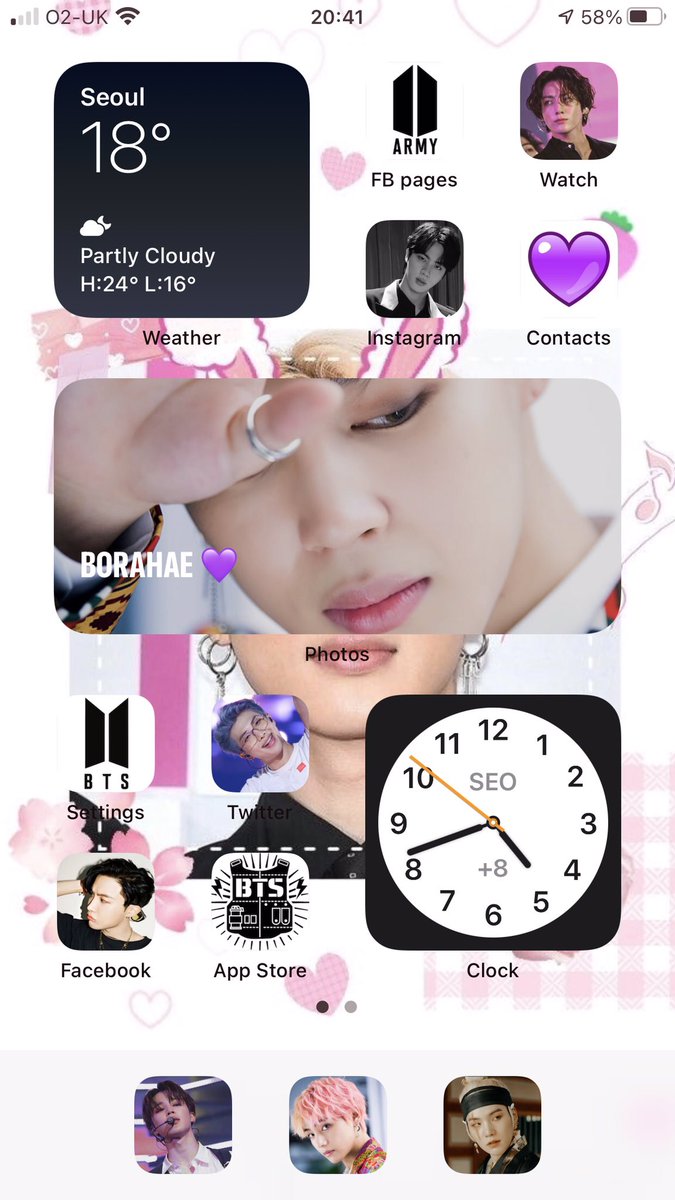
@kpopgir38688058@bts_bighit Unfortunately it is random, I dont have many photos as my iPhone is my second phone. This article might help though https://t.co/TMgEtivkx2
Shortcuts > add > new short cut, add action > select scripting (grey x) > open app > choose > tap the 3 dots top left > name the shortcut name > add to home screen > change "new shortcut" to your chosen file name> tap the box next to it and choose photo then press add 😊