Look like Microsoft just doubled down on its controversial “Recall” feature. Microsoft has confirmed that Windows 11 users will not be able to uninstall the “Recall” feature. Recall, part of the Copilot+ suite announced in May, automatically captures screenshots of user activity on the operating system including sensitive information such as passwords or financial data
> ...browsers are forbidden from revoking trust in these keys without government permission.
https://t.co/6BxqS3Tpyp
@EU_Commission can you explain how we can still put "democracy" and "EU" together?
Hi, my name is Theo Fleury. As a Canadian citizen, I am disgusted that our Prime Minister would give a standing ovation to a Nazi. Please join me in demanding that Trudeau & Freeland resign. #TrudeauMustGo#TrudeauResign
Canadians need an apology from all 338 MPs.
Yesterday I posted my thoughts on @googlechrome 's
Web Environment Integrity proposal https://t.co/jv5nySYx1D, but I know some people would rather read a thread than 7000 words.
Google has just updated its 2FA Authenticator app and added a much-needed feature: the ability to sync secrets across devices.
TL;DR: Don't turn it on.
The new update allows users to sign in with their Google Account and sync 2FA secrets across their iOS and Android devices.
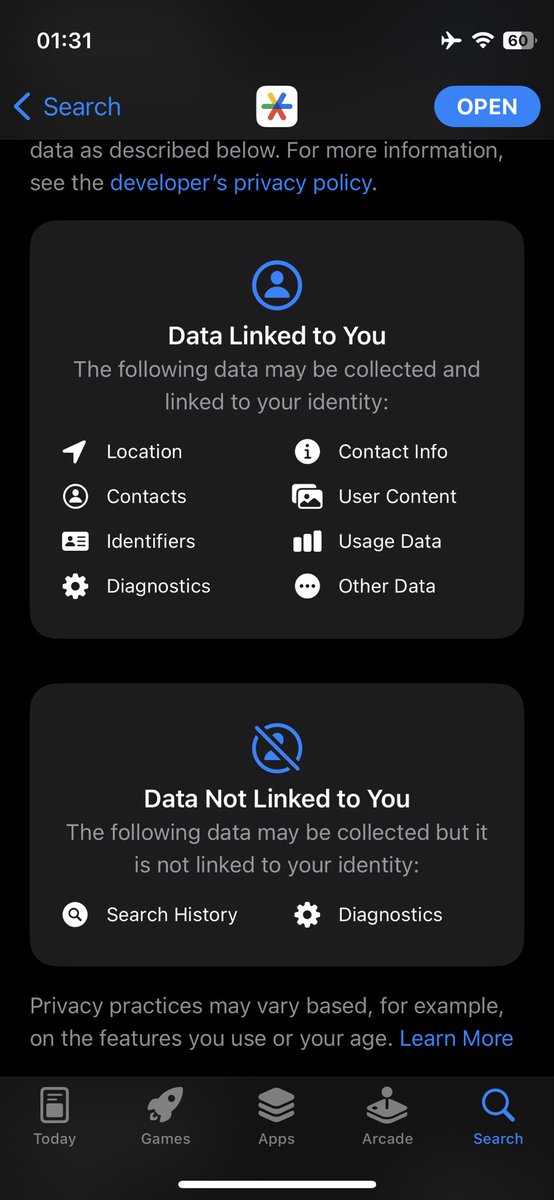
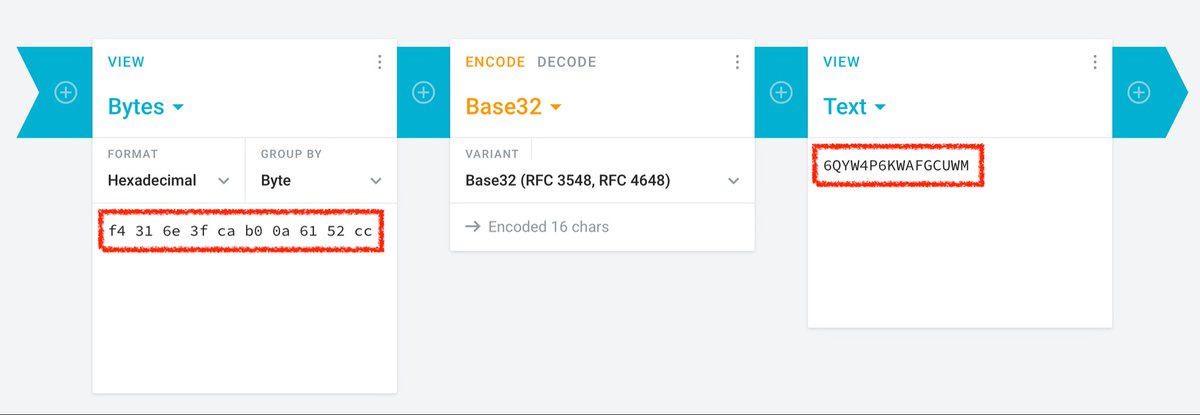
We analyzed the network traffic when the app syncs the secrets, and it turns out the traffic is not end-to-end encrypted. As shown in the screenshots, this means that Google can see the secrets, likely even while they’re stored on their servers. There is no option to add a passphrase to protect the secrets, to make them accessible only by the user.
Why is this bad?
Every 2FA QR code contains a secret, or a seed, that’s used to generate the one-time codes. If someone else knows the secret, they can generate the same one-time codes and defeat 2FA protections. So, if there’s ever a data breach or if someone obtains access to your Google Account, all of your 2FA secrets would be compromised.
Also, 2FA QR codes typically contain other information such as account name and the name of the service (e.g. Twitter, Amazon, etc). Since Google can see all this data, it knows which online services you use, and could potentially use this information for personalized ads.
Surprisingly, Google data exports do not include the 2FA secrets that are stored in the user's Google Account. We downloaded all the data associated with the Google account we used, and we found no traces of the 2FA secrets.
The bottom line: although syncing 2FA secrets across devices is convenient, it comes at the expense of your privacy. Fortunately, Google Authenticator still offers the option to use the app without signing in or syncing secrets. We recommend using the app without the new syncing feature for now.
#Privacy #Cybersecurity #InfoSec #2FA #Google #Security
I hacked into a @Bing CMS that allowed me to alter search results and take over millions of @Office365 accounts.
How did I do it? Well, it all started with a simple click in @Azure… 👀
This is the story of #BingBang 🧵⬇️