Shader is a weekly email on AI in design work.
The latest news, how designers are handling the change, what's being built, and where the work is headed. A handful of picks from hundreds of things read.
Sign up for free at https://t.co/XTNcQ9uiOM
Most in-product assistants open a chat window and keep talking.
Quiet flips that default. The research prototype sits inside the UI you are already using, stays silent while you work, and only moves when you hesitate. Then it answers by pointing, drawing, or doing, and steps aside.
Six rules to pressure-test your own agent chrome:
- Respect the flow
- Step in at hesitation
- Enter small
- Form follows information
- Act only when asked
- One question at a time
Open the demo, force a hesitation, and watch which rule fires.
https://t.co/PDHTsmcYu8
When an agent asks to delete a table, a generic OK dialog trains people to click through on reflex.
SureUI's ToolApproval matches the confirmation gesture to that risk. Hold for high-risk moves. Click-again or undo for lighter ones. The control wires into the AI SDK tool-approval flow and installs like any other shadcn component.
Try one:
npx shadcn@latest add @sureui/tool-approval
https://t.co/aXUJSwUWMt
https://t.co/tuCWkK3WO5
When coding agents write the UI, the stack needs a living visual ground beside the written one.
DESIGN.md, skills, and lint catch tokens and components. A live Figma file named in AGENTS.md catches layout, states, and the GUI a frozen plan doc never updates.
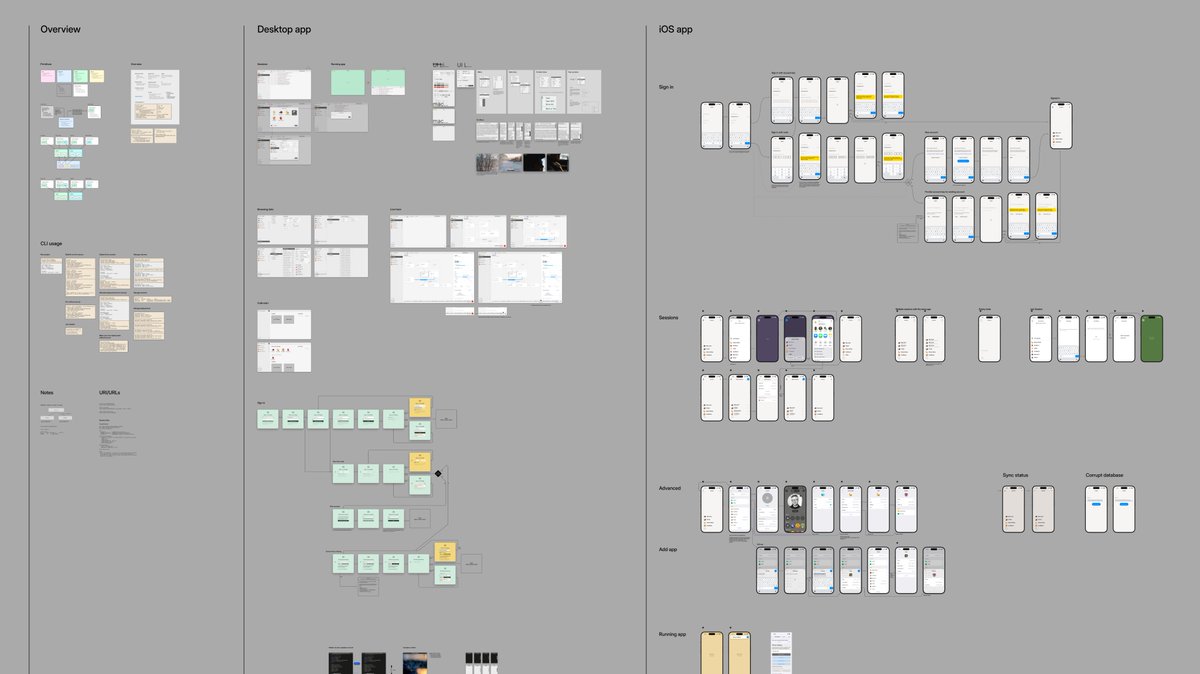
Rasmus Andersson keeps designing in Figma while the bots code. They pull guidance from the file. He asks them to sketch missing UI states back onto new pages, and to draw a schematic when the mechanism is unclear.
Try the loop:
- Name the Figma file in AGENTS.md next to your docs
- Keep designing in the canvas while agents write code
- Ask a bot to add a page for a missing GUI state
- Ask for a schematic when the mechanism is unclear
https://t.co/mUAuw7ca3h
Over the past few weeks I've been spending a lot of time in Figma, working on the next phase of Playbit. Using robots for writing code, Figma feels like the perfect "grounding truth" for software.
In many ways it beats plan & design docs. I just tell the bots (in their AGENTS.md) to look in Figma as well as my docs.
Then, as they go along with their various tasks they look for guidance in my Figma doc, and I just keep working in Figma.
Sometimes I ask a bot to add a page with a GUI sketch (some UI state that's missing) or to draw me a schematic of some mechanism of the implementation.
It would be fascinating to see Figma take a more general step towards software making. Imagine Notion but instead of text it's a high-fidelity 2D canvas.
Claude Design can paint a screen that looks like yours and still invent every component.
A hand-styled Save button with utility classes is not your Button. Approve that mock and someone rebuilds the whole screen in the real system.
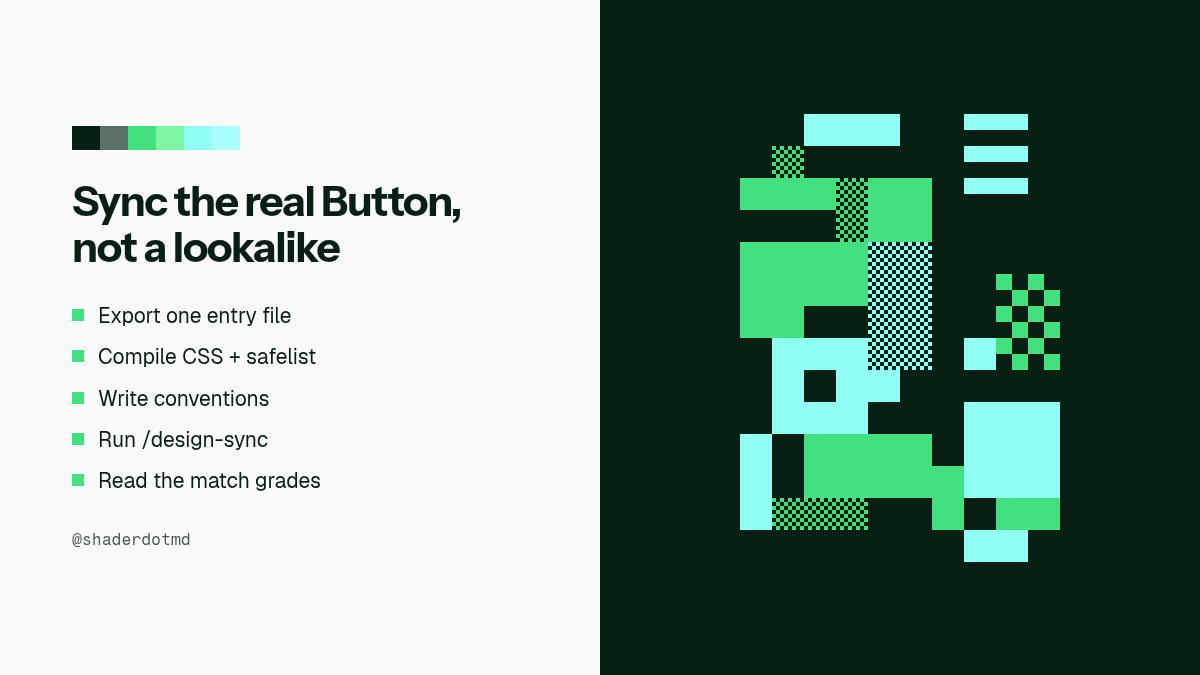
Nitay Neeman's /design-sync path builds a verified mirror of your React design system into Claude Design. Claude then reaches for Card, Button variant, and cn the way your repo already does.
Before you trust the canvas:
- Export components from one entry file
- Compile CSS with layout utilities safelisted
- Write a short conventions file that prefers variants over hand styles
- Run /design-sync and read the match grades
https://t.co/0KfAGI6Kvg
Transition Agent turns UI motion into a scored review pass.
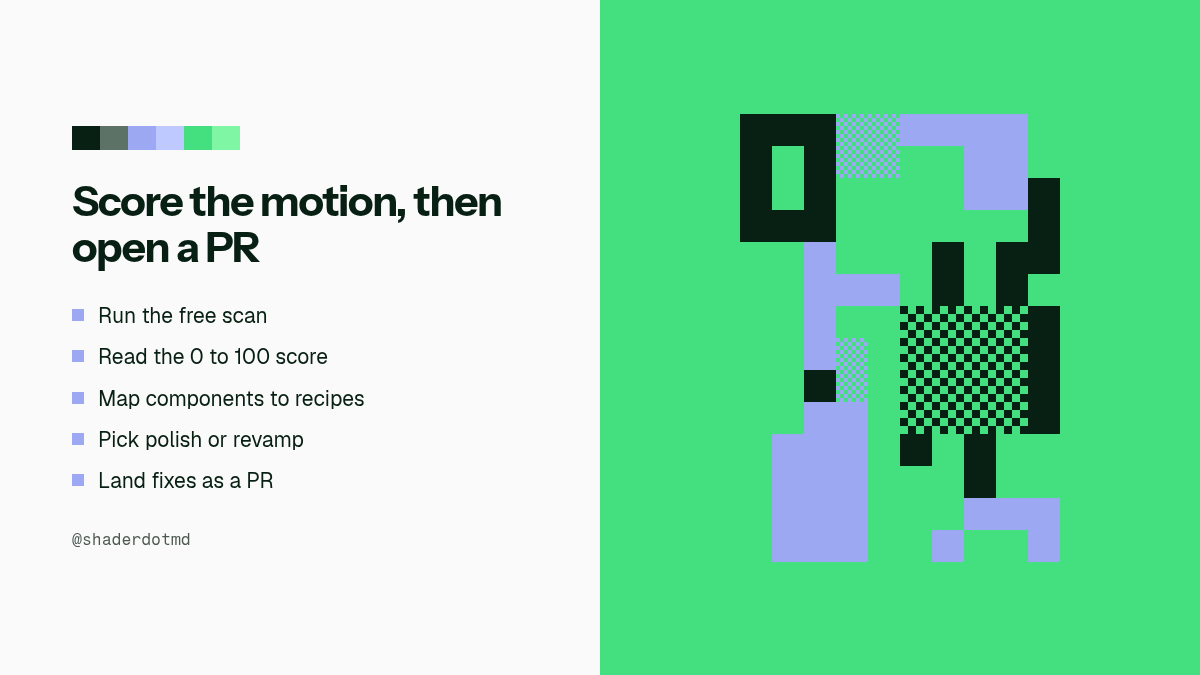
Run the free scan. It maps modals, dropdowns, toasts, and the rest against https://t.co/E9BNFV4VjX recipes, then grades missing, janky, or hand-rolled motion from 0 to 100. Fixes land as a pull request. Never on main.
This is the same shape as craft lint for static UI tells. Vocabulary alone was not enough. The agent that scores and opens a PR is the loop.
Try the scan:
npx transitions-agent@latest
https://t.co/SXALnDpSSN
Claude Design proved an agent can deliver design artifacts. The catch was lock-in: hosted product, Anthropic-only agent, artifacts that stayed inside that canvas.
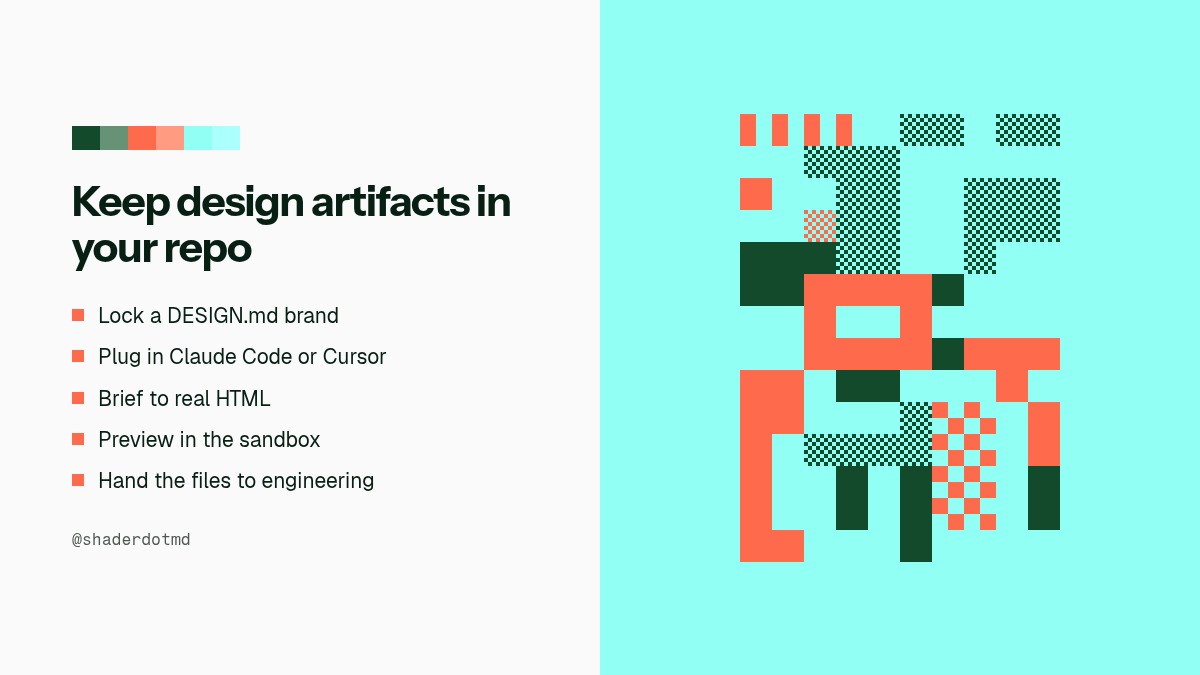
OpenDesign opens the same loop on your laptop. Your coding agent (Claude Code, Codex, Cursor, and others) becomes the design engine. Brand rules live in a DESIGN.md. The output is real HTML and CSS that lands in your project files, ready for the same agent to keep building.
Try it.
Download the desktop app at https://t.co/VSkDQYIrDj
Or wire it into the agent you already use:
curl -fsSL https://t.co/636AKx8bRr | sh -s cursor
https://t.co/A8vItD8Hvx
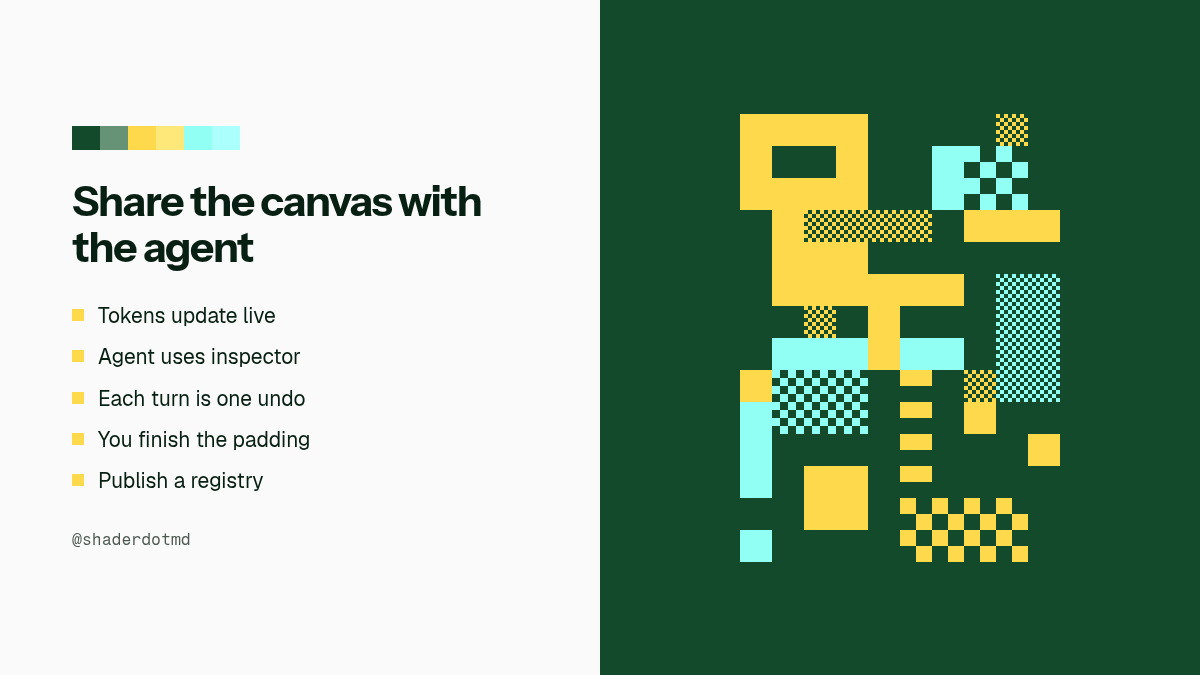
Agents will restyle your tokens. They will not sweat the padding the way you do.
@matsugfx's shadcn/ui Design System Manager puts the system on a shared canvas. Change a color, radius, or font and every component updates in light and dark. An agent tab edits through the same inspector commands, so each turn lands as a normal undo. When it stops, you finish by hand, then publish a registry.
Free local editor. No account to start.
https://t.co/hrBG1z7JB3
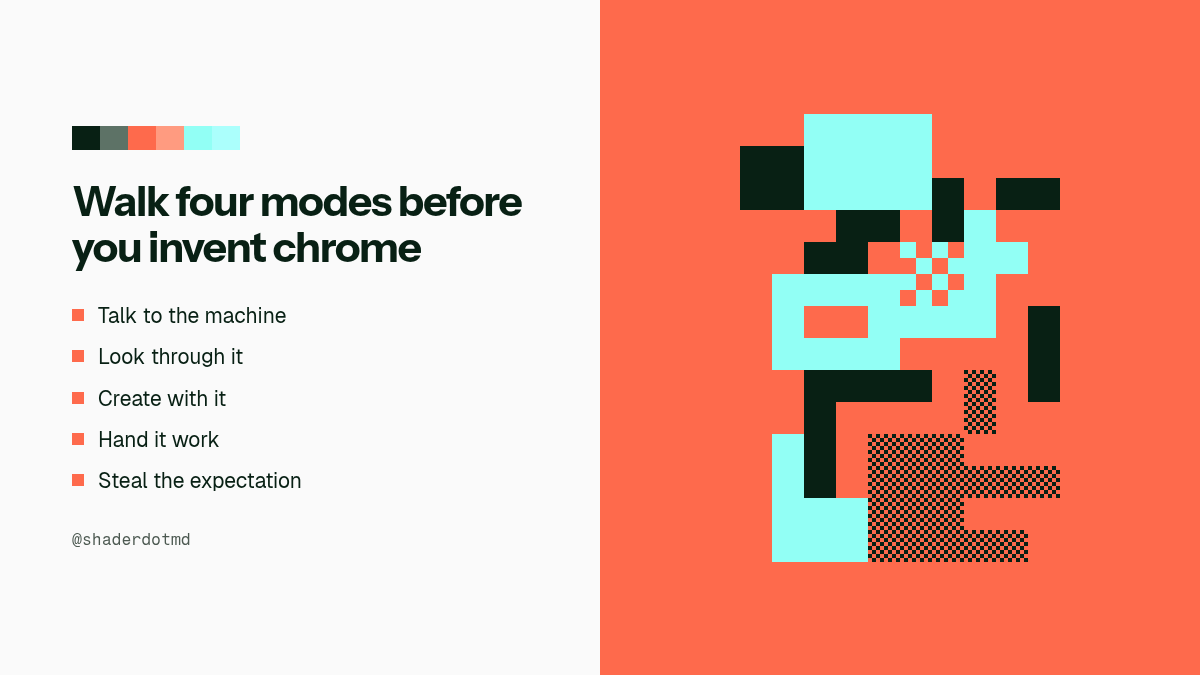
Kyle Jeong's AI Interface Museum is a living visual history of how people learned to talk to, look through, create with, and hand work to machines.
Inventing the next agent chrome is less about skinning a chat box and more about the affordances users already expect from Siri, Google Now, Copilot, or today's agent shells.
Open the collection. Pick one interface from each mode. Write down the expectation it taught, then design the next screen from that list.
https://t.co/oimtGj79hn
Agent Pit Stop is a design system for the moments where agents and humans sync.
Agents run laps on their own. The interface moments that matter are the pit stops: approval, inspection, handoff, recovery. Most agentic writing covers orchestration for ML engineers. Anton Castro covers what the human sees, approves, interrupts, and trusts.
Five argued principles sit under the components: legible thinking, interruptibility, delegation contracts, calibrated trust, and graceful failure. ApprovalGate shows the exact scope and waits. AgentTaskList makes the plan visible. ConfidenceMeter uses coarse bands instead of decimal theater. Each installs into a shadcn project.
Try one:
npx shadcn@latest add https://t.co/oTA4fKsf3O
https://t.co/ivTKJZWARa
Jakub Krehel's skills pack gives coding agents a craft review pass across UI, typography, color, layout, accessibility, and product writing.
better-interface runs those checks together so the agent is not guessing which craft surface still feels off. interface-review walks an uncommitted change, a branch, or a PR and returns findings. break stress-tests a component in every state. variant builds options so you can pick one.
Install once, then ask the agent to review the screen it just shipped.
npx skills add jakubkrehel/skills
https://t.co/wlpKzjoyyF
Anthropic's Opus 5.5 prompting guide says a vague "avoid a generic look" line mostly swaps one AI default for another.
Name the patterns instead. Their example ban list covers cream or off-white backgrounds, italic accent words in headlines, numbered 01/02/03 section labels, monospace labels, and pill-shaped buttons.
Paste that list into your frontend prompt. Check what the model picked instead, then extend the list and ask again.
https://t.co/Bq2Yz0I1gb
Atlassian shipped @atlaskit/ads-cli so coding agents can pull design system context from the terminal.
Not every coding agent has an MCP client configured. An agent with a shell can search components, tokens, icons, and accessibility guidance with one command. The skill, MCP server, and CLI all read the same structured content, so nothing drifts.
They benchmarked the CLI against MCP on real front-end tasks. Sessions finished about 8% faster, agents burned about 8% fewer tokens, and CLI usage passed MCP by 60%. The skill now reaches for the CLI first.
Transcripts mattered more than the dashboard. Agents sometimes ignored carefully written instructions and read source files instead.
Try it:
npx @atlaskit/ads-cli search button
https://t.co/TwMBobEzgE
Paul Jun (Ramp) argues that brand guidelines can describe the brand but cannot participate in the work.
At Ramp, anyone can @-mention an agent in Slack, attach a doc, and get a near-final deck back in HTML, PDF, and PowerPoint. Artists set the layouts and the quality bar. Builders turn those decisions into components, agents, and evals so the request queue stops eating the creative team.
Taste remains human. Repetition becomes software.
https://t.co/Fxphx5oJEg
Reladraw is an open-source diagram language where you decide where things go.
Mermaid and Graphviz place boxes for you. https://t.co/TEZQy5i4EH makes you click every coordinate. Reladraw sits between those: a text file with relative placement (below, right of, level with), then SVG out.
Install the agent skill so coding agents can use it instead of rewriting https://t.co/TEZQy5i4EH XML.
npx skills add reladraw/reladraw
https://t.co/jSk001u2ac
hereticpleb lists ten visual tells of AI-slop UI.
Purple gradients on everything. Pulsing badges that never turn off. Finger-nail cards. Inter or JetBrains Mono by default. Glassmorphism. Taglines that smell like the prompt that wrote them.
Run the list before shipping vibe-coded defaults.
https://t.co/2cNcW0ULuo
Diagram Design is an open-source agent skill that draws editorial diagrams as self-contained HTML and SVG.
You ask for an architecture sketch, a user journey, or a flywheel. It matches your brand from a site URL, keeps density low, then skips the generic Mermaid boxes agents default to.
/plugin marketplace add cathrynlavery/diagram-design
https://t.co/N8aSOxeX0t
matchcn is an open-source MCP server that helps coding agents find existing shadcn-format UI components instead of inventing new ones.
You describe the UI in plain English. It searches 4,578 components across 14 registries, ranks them on tags like category, motion, density, and interaction, then returns the original registry install command with match reasons.
npx -y matchcn
https://t.co/FWsrzrw91Z
Mlola UI is an open-source component system for AI-native products.
One theme spec drives color, radius, shadow, and spring. The engine proves AA contrast before a pairing ships. The CLI copies that source into your project. Coding agents get mlola.agents.md plus an MCP server so they cannot invent classes that do not exist.
npx mlola-ui init
npx mlola-ui add button card input
https://t.co/ynNmg7uW8w
tablekit is an open-source data table built for design systems and agentic prototyping.
Agents describe the table in a strict JSON schema so invented props fail validation. One-line presets map tokens to shadcn/ui, Material 3, Carbon, and Radix, with DTCG tokens for Figma. Install with npm or the shadcn CLI, and point an agent at the project's llms.txt.
npx shadcn@latest add https://t.co/syCi6tlaBS
https://t.co/njINY3K9ve