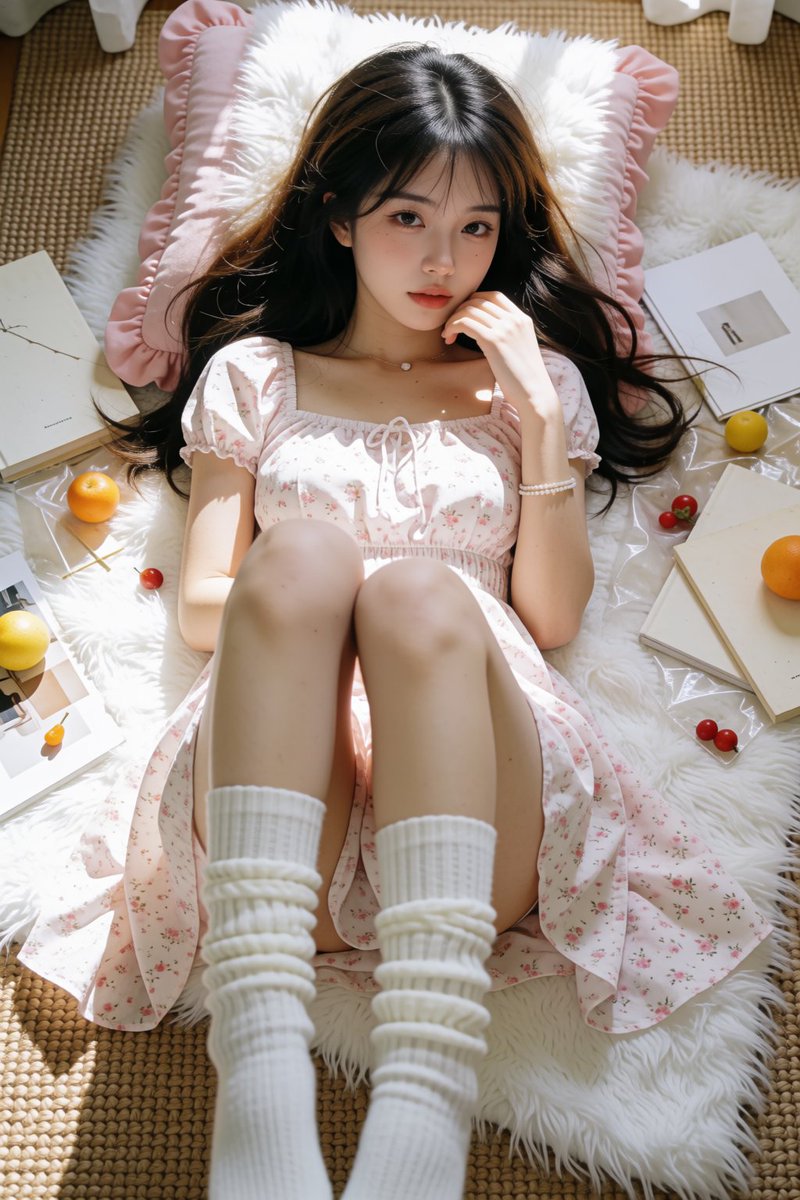
KREA2 being open source is almost unfair.
Straight 4K output, structured image generation, and the image quality is ridiculously good.
At this point, open source is no longer knocking on the door — it’s kicking it down.
More references ≠ better results.
Less is more. The real trick is good images and proper tagging — not feeding your GPU a pile of chaos and hoping it becomes art.
Krea2 LoRA test: around 60 images, 2,000 steps, trained with AI-Toolkit.
For Natasha, I used image2 to generate multiple angles, then used a reference-image node to keep the character consistent with much less manual fixing.
Now just waiting for Krea2 + ControlNet. That combo could be scary good.
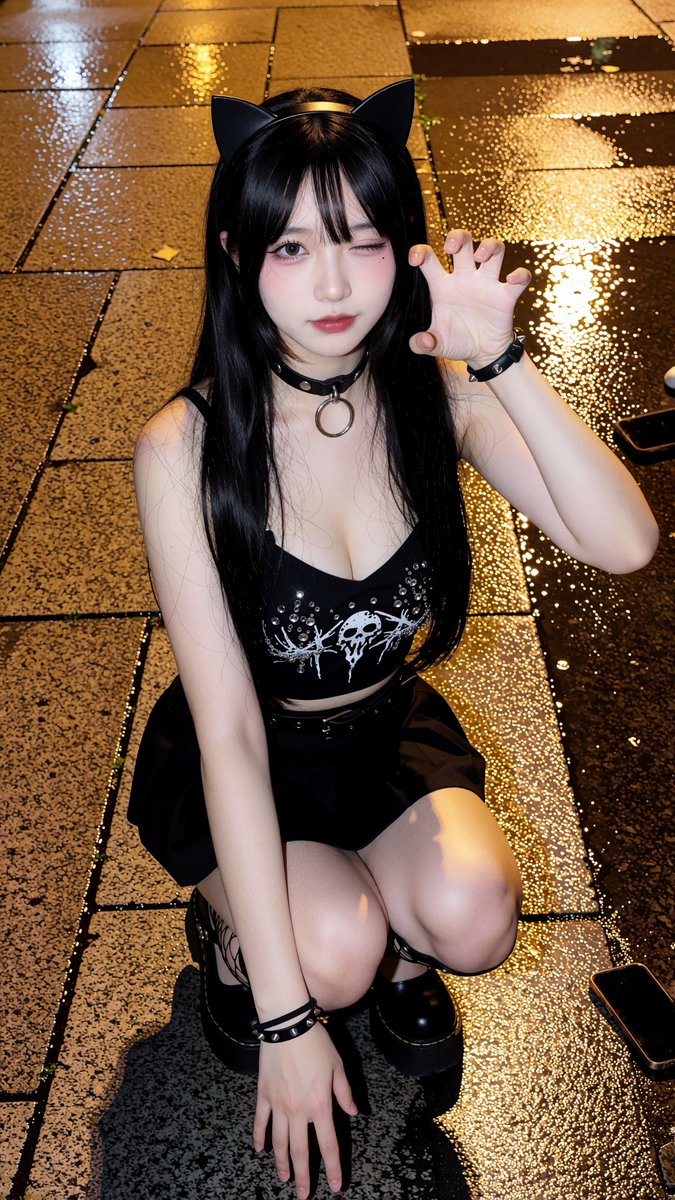
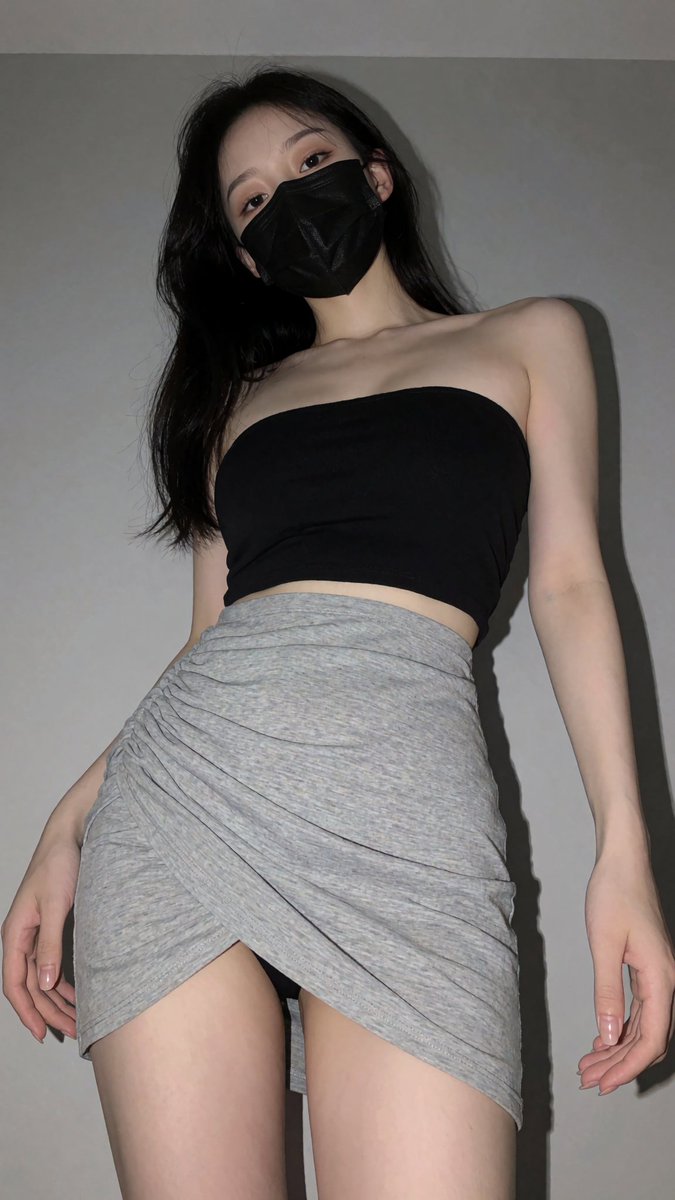
Today’s recommended node is an extended version of yesterday’s workflow.(Reference views: left side, right side, and a front low-angle shot.)
When you want to generate a similar image and adjust the angle, sure, you can try describing it with prompts. But with this node, you can adjust what you see in a much more visual and intuitive way.
Of course, since KREA2 doesn’t actually have true image-editing capability, this is still mainly useful for controlling angles during image generation — but for that, it’s honestly pretty handy.
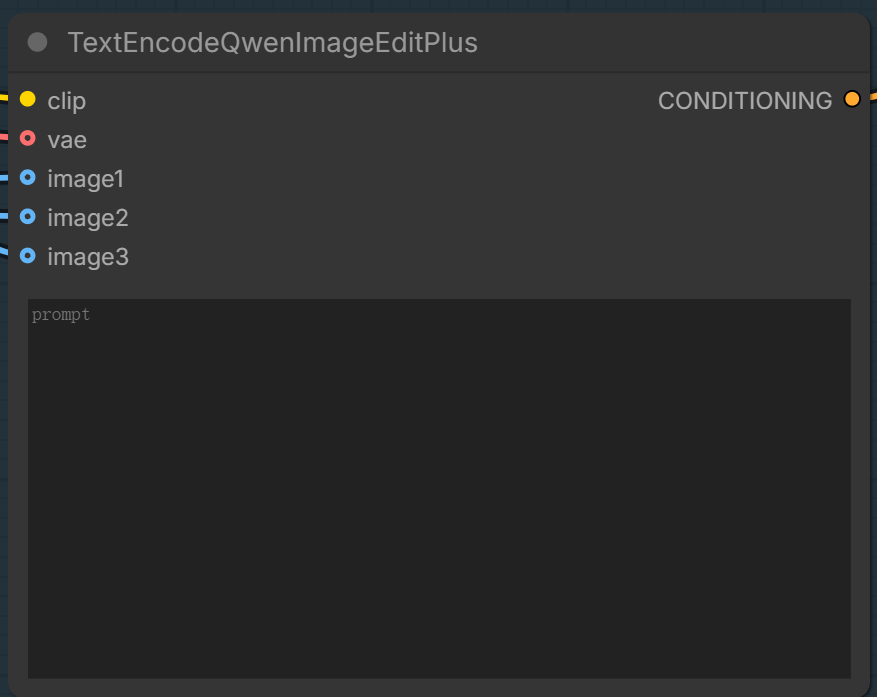
Check the reference node graph, and if you have any questions, feel free to leave a comment.
Connect the image to the node, then feed it into the positive conditioning. No prompt needed, no negative prompt either — it can generate a similar image directly from the picture.
Want to get an equally gorgeous image with Krea2?
You just need to add one text box — with image-to-image, you can generate a nearly identical picture with ease.
Single Event Details