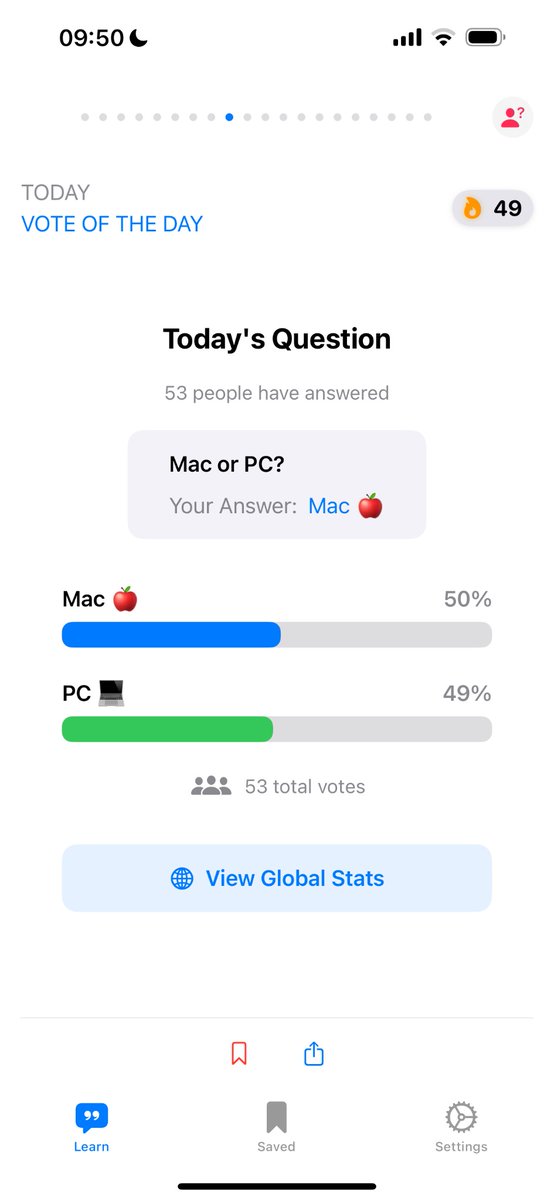
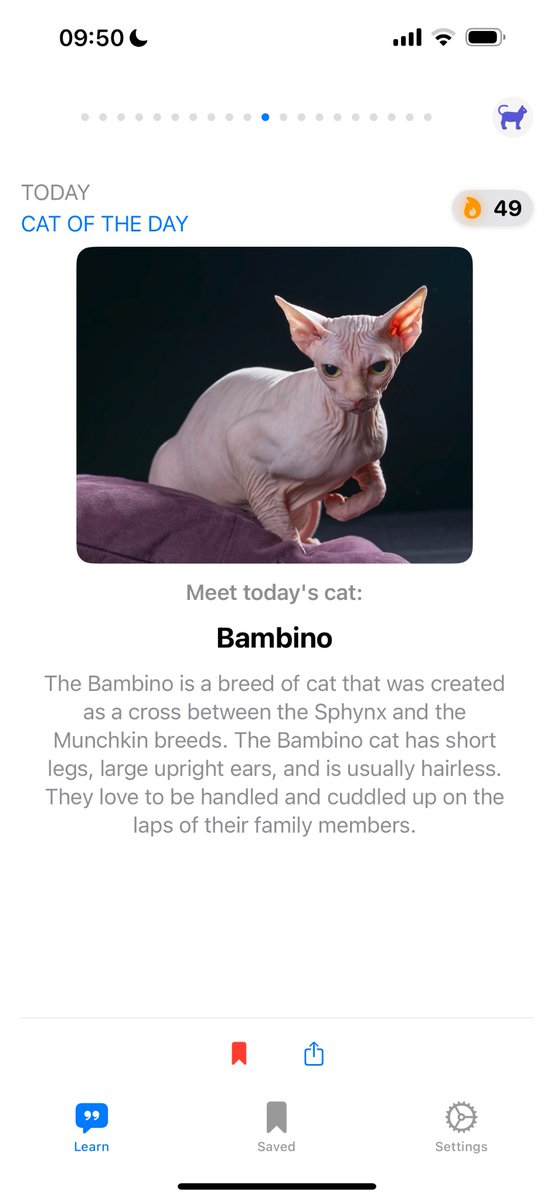
Absolutely speechless! Thank you!!!
I loved every minute #buildinpublic across countries, parks, dog shows, cat islands and famous London bridges!
#shipaton it’s been real!
@TailosiveTech I figured you might be looking for good Duo apps to cover – my app Personal Best is fully ready now with a TestFlight out: check out https://t.co/V6lUNbfChd if you'd like to see more 🙇♂️
@mspoonauer I figured you might be looking for good Duo apps – my app Personal Best is fully ready now with a TestFlight out: check out gpb https://t.co/V6lUNbf4rF if you'd like to see more 🙇♂️
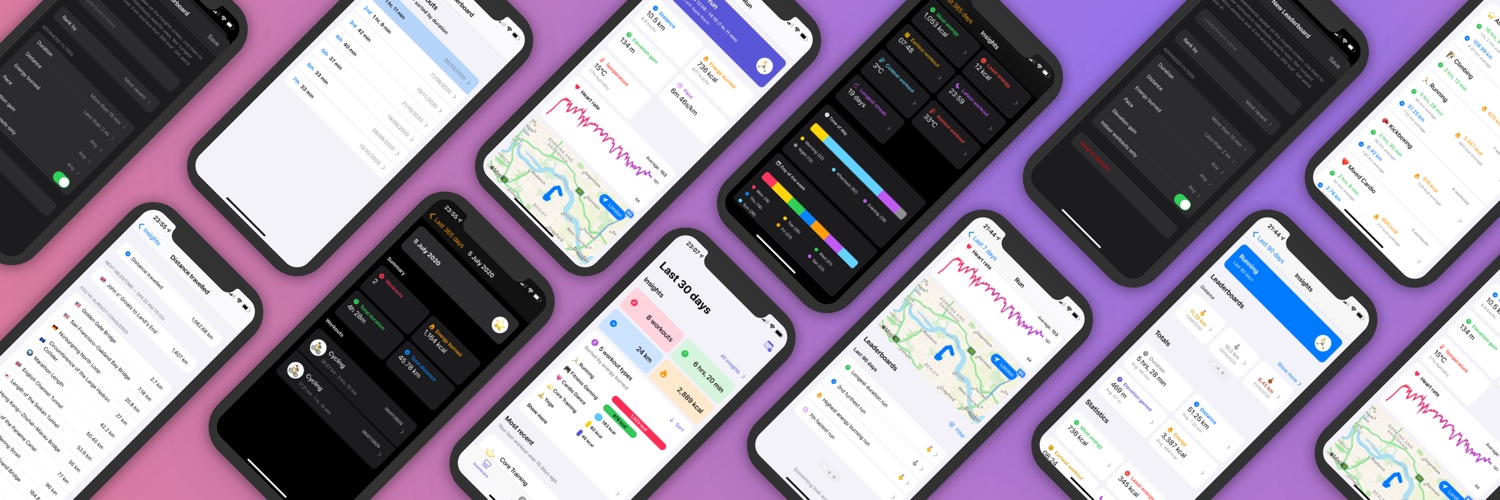
@nandoprince93 My app Personal Best will be ready on day 1! I've put together a dedicated page with screenshots and recordings: https://t.co/V6lUNbfChd
Something a bit more concrete on what I've been working on. https://t.co/V9EViMvnTA
As I polish the product to launch in coming weeks, your feedback on the web presence for it is more than welcome.
#buildinpublic#indiedev
I bet you know about safeAreaInset, but have you ever used safeAreaBar? It applies iOS 26’s scroll edge effect, fixing potential readability issues as @shauneba describes.
Curated in this week's #swiftleeweekly https://t.co/LhfDFmrqDp
“With only several brittle hacks and a bunch of custom work, we made something as good as just using native tech!”
(No shade intended on the author, but everything has a cost, and this is a lot of work to do something you could just get for free with SwiftUI)
We built this onboarding flow in React Native that feels better than most native apps
Here’s how we did it:
① Patched react-native-screens for a custom transition
② Button and stepper are rendered on top of the stack
③ Synced button state across screens via context
The button and header are positioned absolutely above the stack. When a screen focuses, it updates the shared button state (text, disabled state) via context
The hardest part is keeping the keyboard open during screen transitions. We solved it with hidden TextInputs that get focused programmatically before navigating
The result: one button flows across every screen and surfs the keyboard
In this article, @shauneba discussed enhancing the accessibility by fully supporting Dynamic Type and different other techniques. From ScrollViews to modern SwiftUI features.
https://t.co/MS02Y3d7tD
@JordanMorgan10 It doesn’t always appear if you have the app installed already - I’ve had the same thing happen with my apps before. Congrats on the feature!
@tnorthcutt I'm just investigating this atm – would you mind sending me the workout details via email? If you view the workout then at the bottom of the screen there's a button that says 'report data issue', you can send it to me