Why are health checks and monitoring so important?
If something breaks in your application, you want to know immediately.
Health checks shorten the feedback loop when something goes wrong.
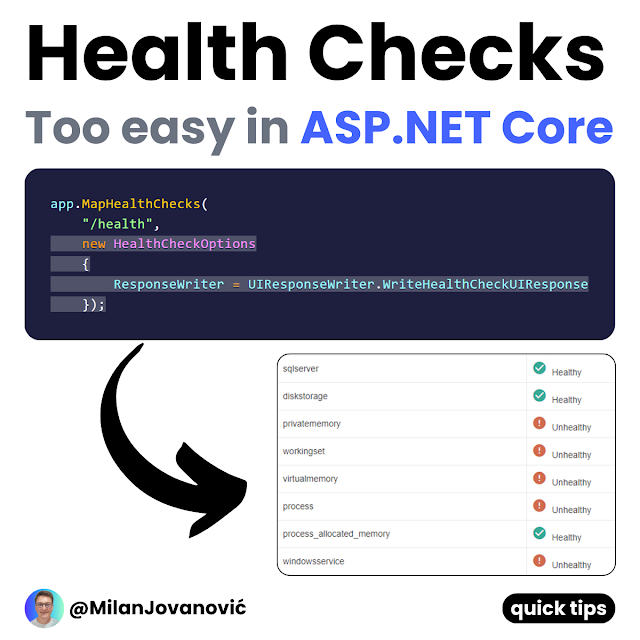
Health checks in ASP .NET Core:
- Implement IHealthCheck
- Custom checks are easy
- Pre-built checks available
- Customizable health response
Here's how to start using Health Checks: https://t.co/IW3BBo6kje
P.S. If you liked this, consider joining The .NET Weekly - my newsletter with 35,000+ engineers that teaches you how to improve at .NET and software architecture.
Join 35,000+ engineers here → https://t.co/2kGSP2ufoa
What is a developer's worst nightmare?
You get an alert on Friday that the feature you just released crashed the system.
Now, you have to scramble for hours to fix the issue.
But it doesn't have to be like this.
You can use feature flags to control which features are enabled.
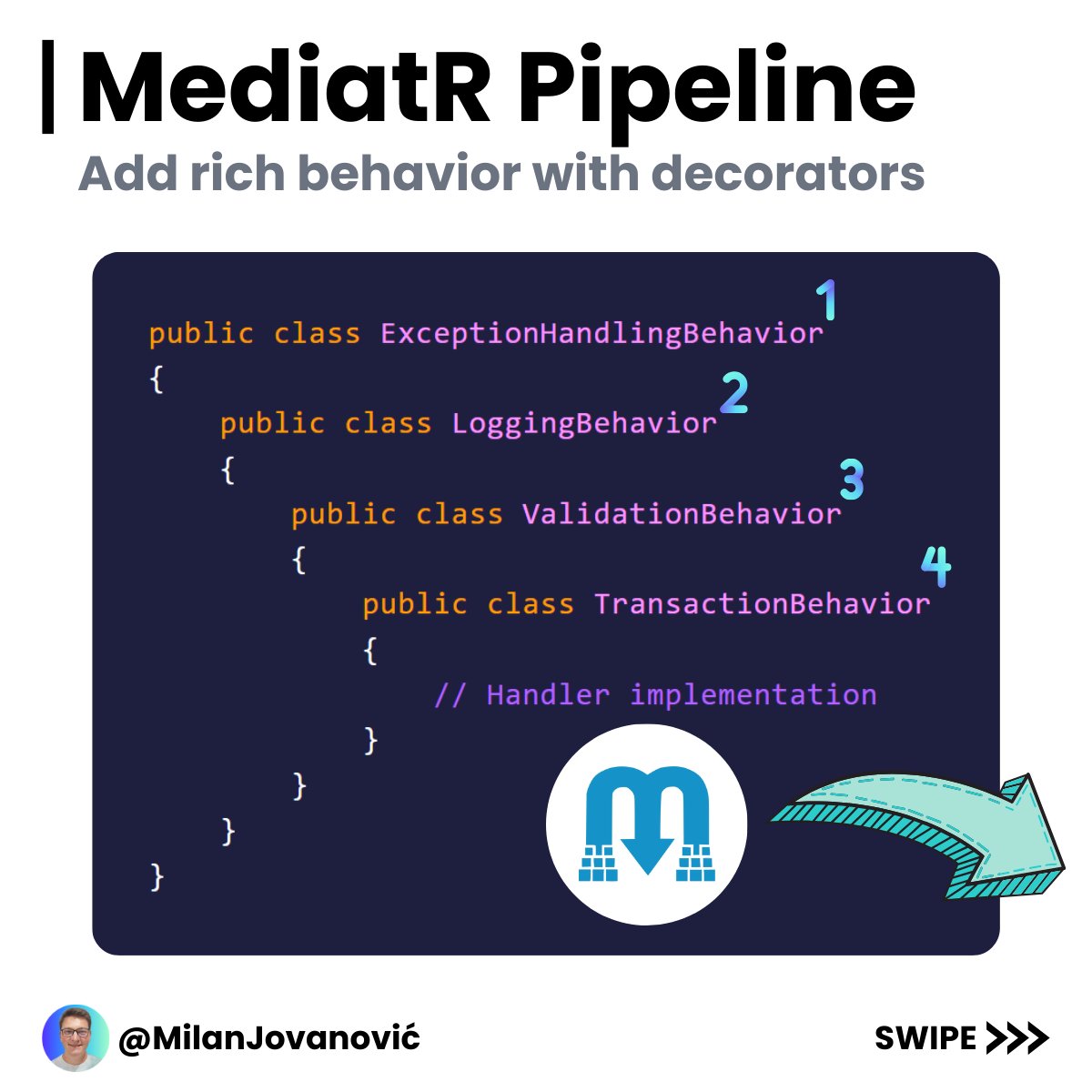
Do you know how the MediatR 𝗿𝗲𝗾𝘂𝗲𝘀𝘁 𝗽𝗶𝗽𝗲𝗹𝗶𝗻𝗲 works?
It can be a game-changer for your application.
Each request sent using MediatR goes through a custom request pipeline.
This gives you the power to define custom behavior before or after each request.
This is similar to how ASP .NET Core middleware works.
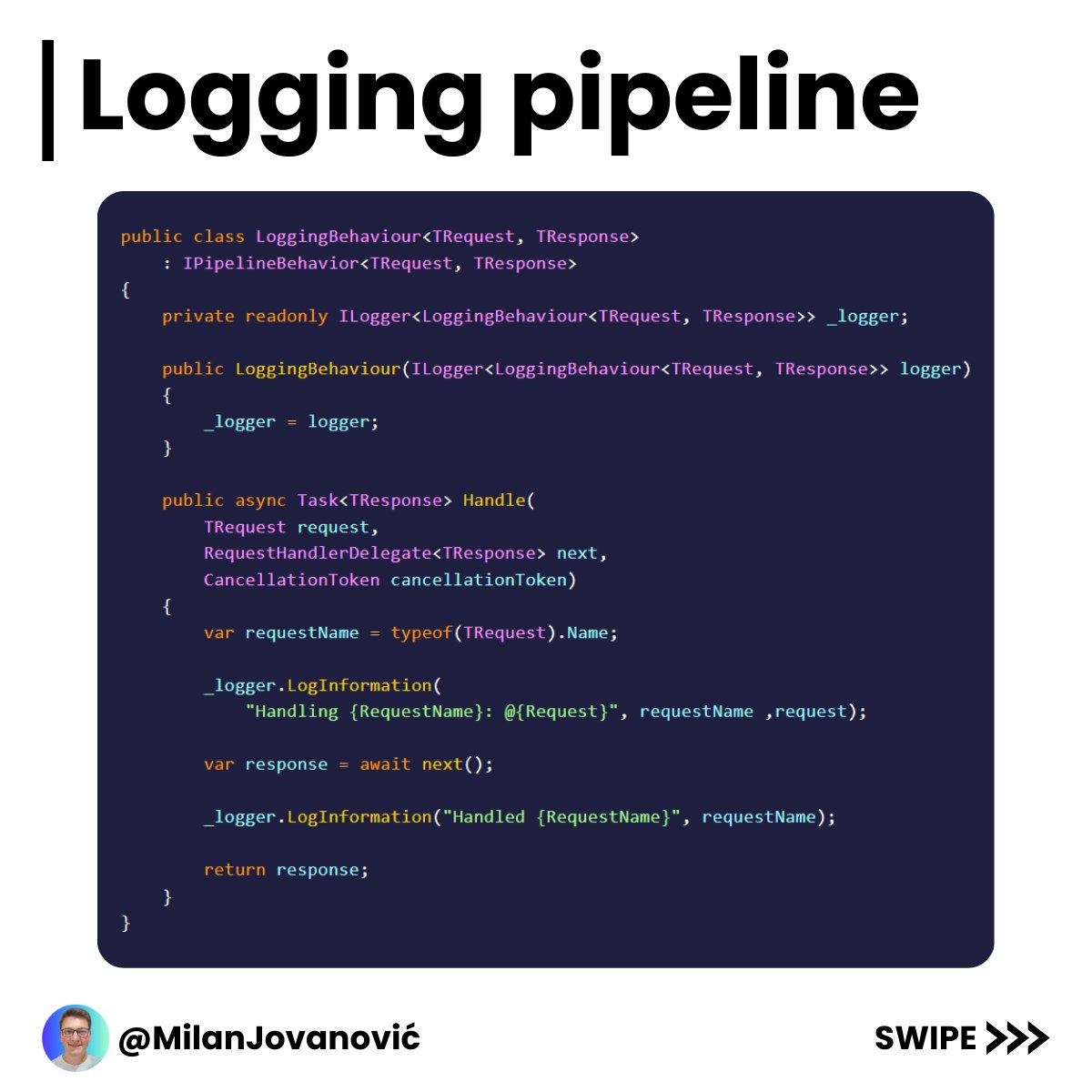
You create a class implementing the IPipelineBehavior interface and register it with MediatR.
A few things I used pipeline behaviors for:
- Logging
- Validation
- Transactions
- Exception handling
- Performance measurements
So, you can implement any cross-cutting concern using this approach.
It's essential to configure the pipelines in the specific order you want them to run.
Otherwise, you will get unexpected behavior.
I think MediatR pipelines are very versatile and allow you to define rich behavior around requests.
P.S. If you liked this, consider joining The .NET Weekly - my newsletter with 29,000+ engineers that teaches you how to improve at .NET and software architecture.
Subscribe here → https://t.co/S3OBDGSLNl
Are you using the MediatR library in your applications?
Feature flags in .NET allow you to wrap application features in a conditional statement.
You can then toggle the feature on or off in runtime to control which features are enabled.
Feature flags are useful for:
- Trunk-based development
- Phased rollouts
- A/B testing
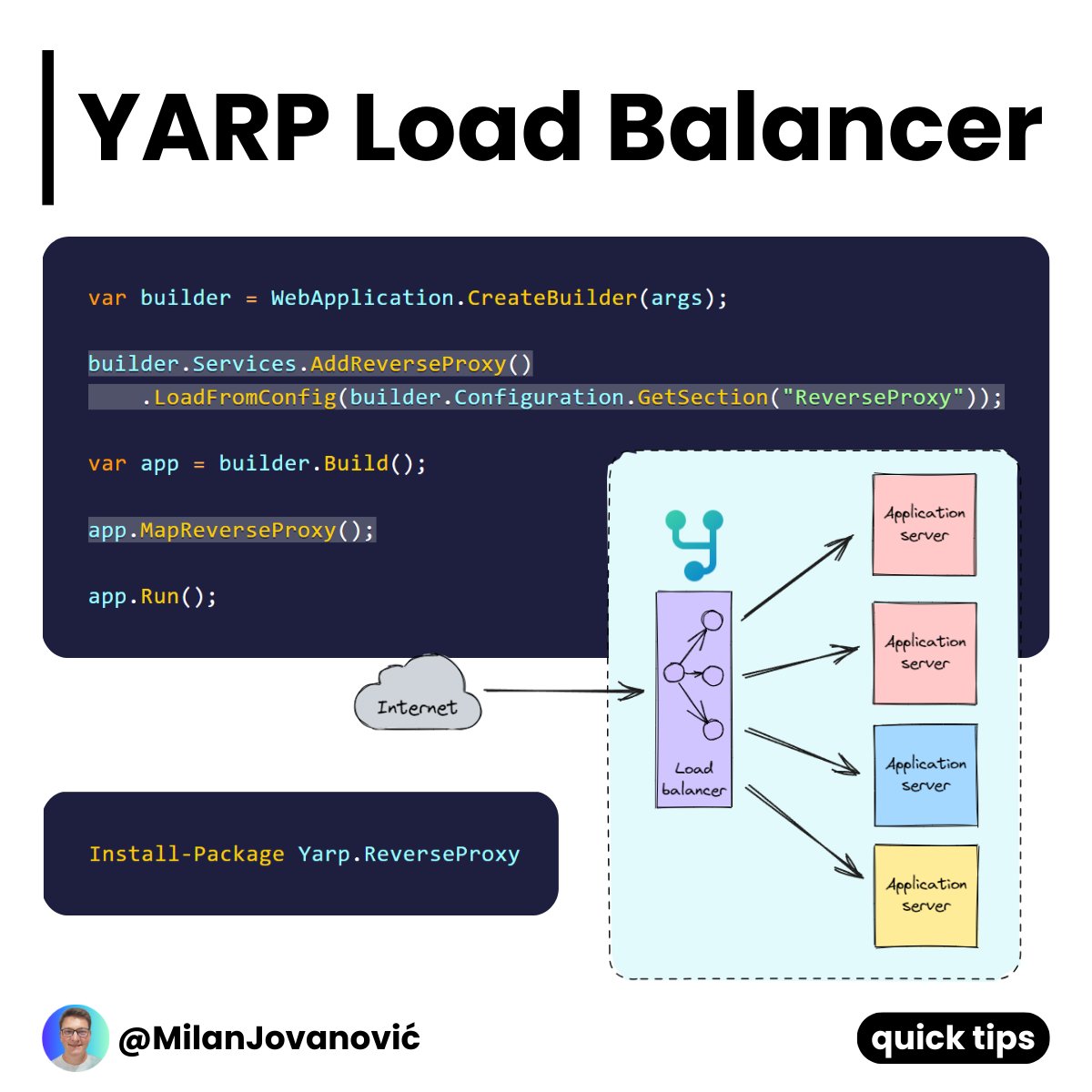
Do you want to horizontally scale your API?
You'll need a Load Balancer.
And in the .NET world - you can use YARP.
It's a reverse proxy built with .NET.
You can set up YARP with 3 lines of code and some JSON configuration.
And you're ready to start serving requests.
Security headers are essential for safeguarding your #dotNET web apps and websites.
If you’re looking into effective security practices, take a look at this @ThePracticalDev article. It just may help you configure your application’s security settings, https://t.co/EHQmtt9cpp
With the introduction of new, cross-platform options in #dotNETCore, we’re focusing our investments on new capabilities in Microsoft Power BI. Here's how to integrate #PowerBI reporting into your .NET apps: https://t.co/3Fn7AISTaZ
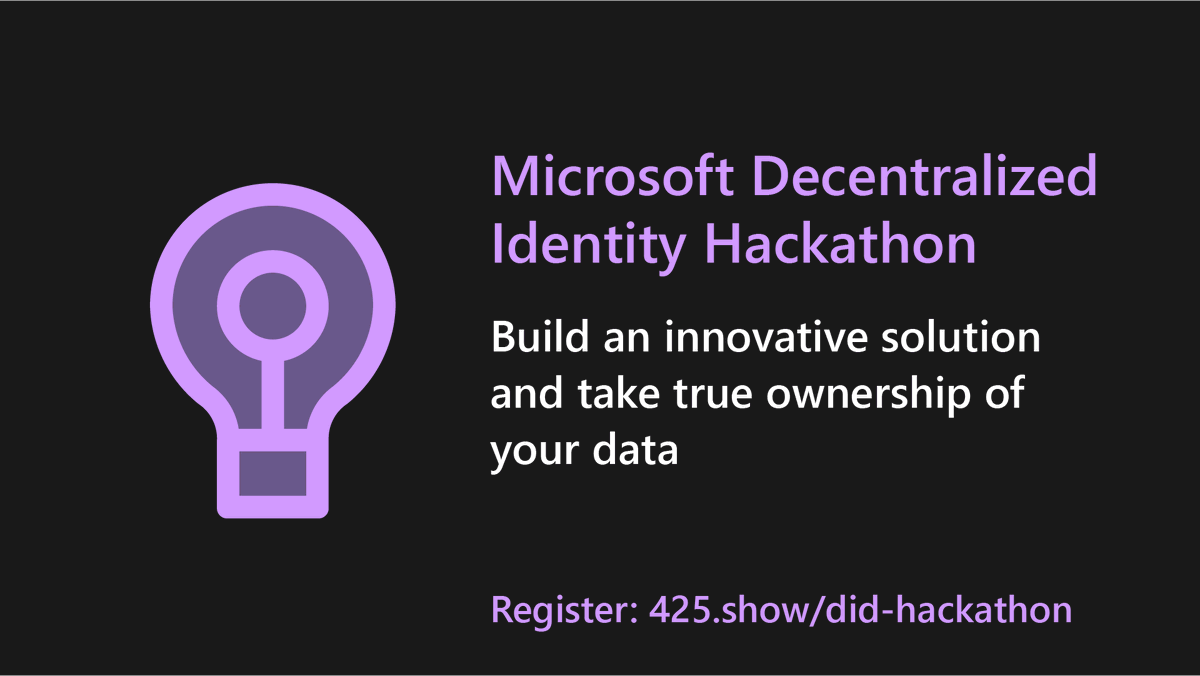
The future of identity as we see it...
Learn to use #dotNET 6 and Microsoft's Decentralized Identity service to issue and verify Verifiable Credentials.
👉 sample: https://t.co/601Etf2iKa
👉 try it: https://t.co/lNQjooUsKp
Register ➡️ https://t.co/GmTdBHzqUP
In this today's #ASPNET Community Stand-up session, @MJRousos shows us how to successfully move to #ASPNETCore, including best practices around adjusting startup code paths, re-using controllers and views, migrating HTTP modules, and more. 📽️ https://t.co/acyIsugLIi
What is DAPR, and why do you want it?
.NET Rocks talks to @paulyuki99 about how DAPR helps glue all the messaging, security, logging, and other services together to make microservices work together.
👂 in: https://t.co/zivqwo77Aq
...demos, demos, and more demos on how to implement strong authorization with only a few lines of code - in today's #dotNETConf session replay, we join @ChristosMatskas to learn how to build secure minimal APIs with .NET 6 and Microsoft Identity. 📽️ https://t.co/13MzOvM3Q2