@beckerman_maik can be added with PL/SQL API quite easily APEX_UTIL.RESET_PW for reset via Mail | APEX_UTIL.RESET_PASSWORD for direct password changes
https://t.co/gfdDCMLChK
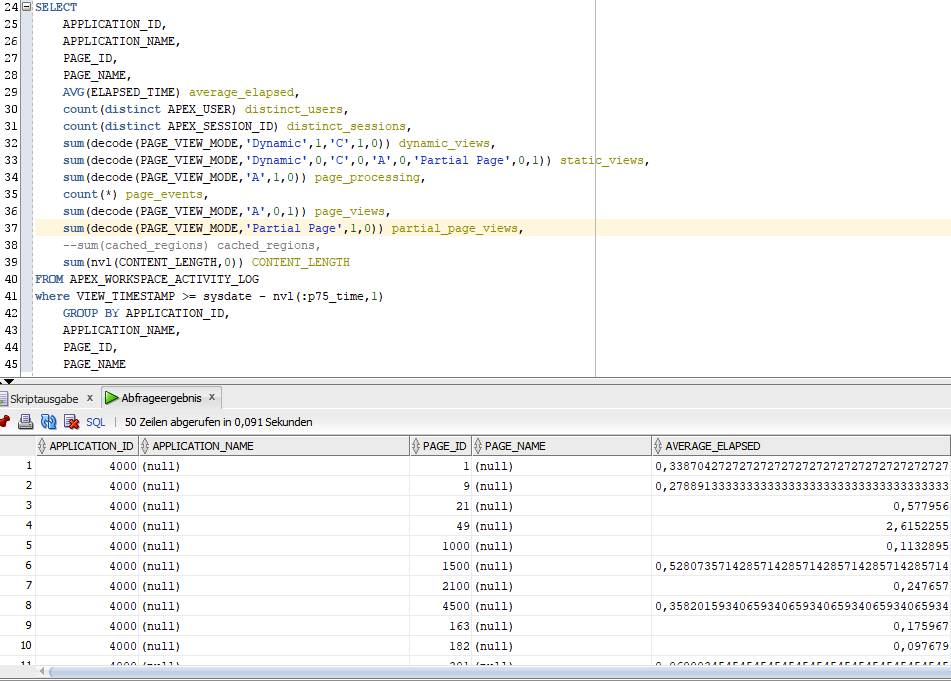
@JonDixonUS not sure about PAGE_VIEW_MODE "C" and "A", D should be "Dynamic" and P most likely "Partial Page", pasted the snippet here: https://t.co/4MK0MxGFnl
@JonDixonUS that monitoring report or almost all of them can also be rebuild with APEX views (https://t.co/tb7qAZNzdH) The one shown here is the internal WWV_FLOW_ACTIVITY_LOG which should match to APEX_WORKSPACE_ACTIVITY_LOG
@Thanhtu88Tu while this works for the current APEX version there is a certain risk that IG structure is going to change in the future and this jQuery is going to fail then. I would suggest to stick with the standard way of adding buttons demonstrated in sample app "Sample Interactive Grids"
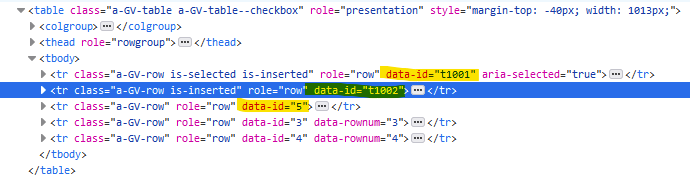
@m_raoul@HunterEndymion IG is utilizing html table for rendering. every row within that table requires its unique data-id. IG puts your PK into this data-id, so for any new row it utilizes t1001...t1002 instead
TLDR; don't use ROWID
Hopefully you didn't take the shortcut, choosing "Use ROWID as key", in your APEX apps. And hopefully you have avoided composite primary keys. Turns out a single PK column with a system-generated value saves you a lot of trouble. 👈
#orclapex#plsql
@JochenZehe@orclapex absolutely, in that case you would have to add a new span though as none is generated by #orclapex
Please find a working example here:
https://t.co/PIkuQKqip7
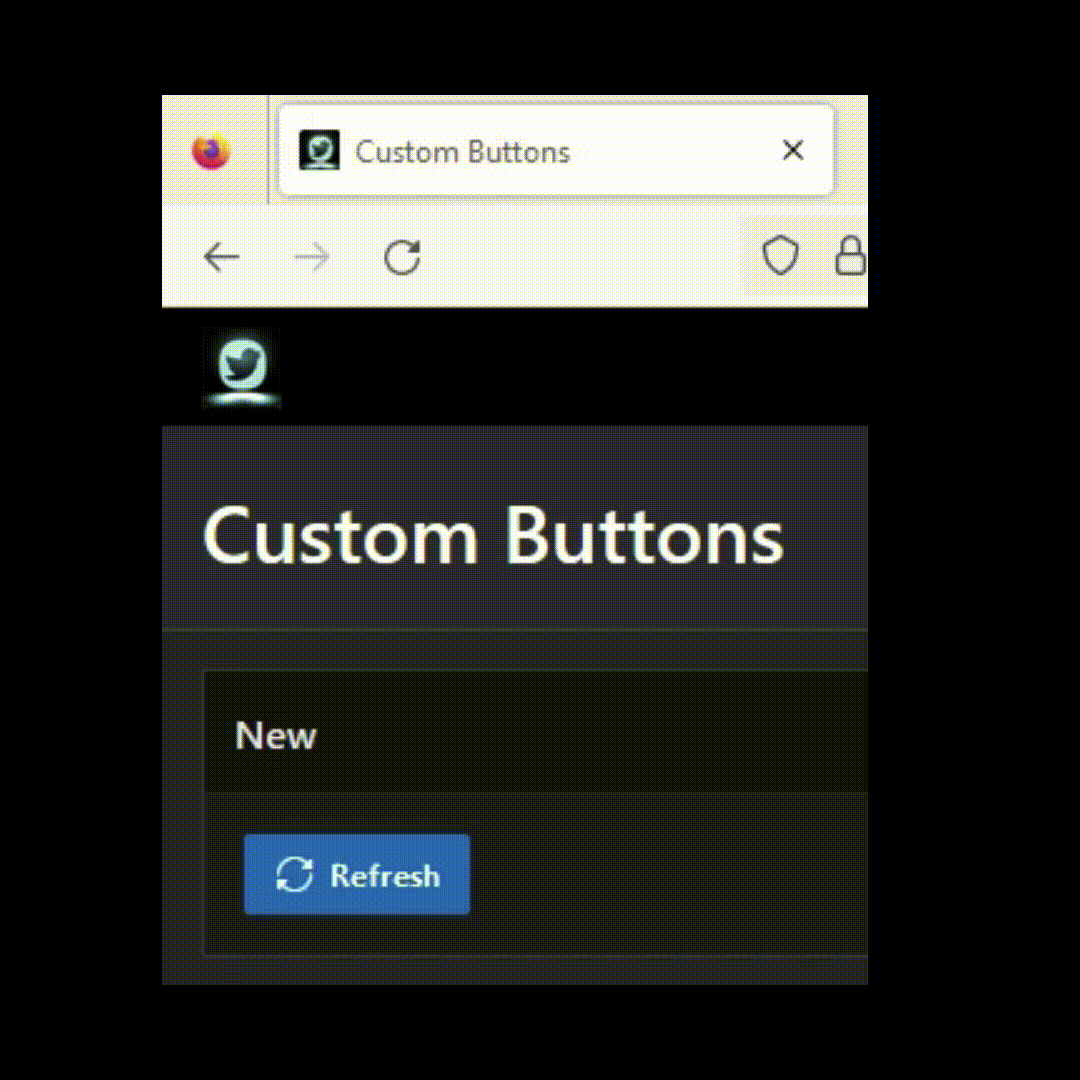
@JochenZehe@orclapex while we don't have this declaratively you can do this pretty easily by adding an animation class to your button after clicking it and removing it once your action has completed.
@mortenbraten need to add one more to the list, since I'm really looking forward to that one:
- Name any True/False Actions within a DynamicAction (prior to APEX22.2 it showed action type as Name before, corresponding feature requests: https://t.co/h05jKNHU5G
https://t.co/A5odNEa0Hi)
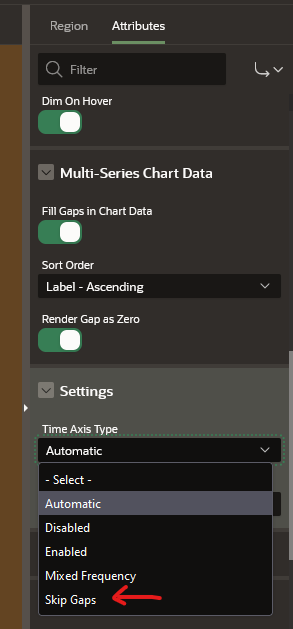
@raftrevisan JET Charts doesn't like gaps for time axis. There should be 2 ways to handle this:
a) make sure to have entries for every series for each month (generate entries with value 0 if req.)
b) Chart Region -> Attr. -> Settings -> Time Axis Type change from Automatic to -> Skip Gaps
this seems to be a more common issue, since there are also 3 posts in Cloud Customer Connect regarding the same issue
https://t.co/6D93Dv2QNQ
https://t.co/iIYQJwlp9W
https://t.co/4JT4XfAeCr
@joelkallman@ASQLBarista is this a known issue for APEX in Always Free ADW?
@matthias_range direct links for apps/builder/workspace won't work either unfortunately. Instance was created in March, but restarted this week after inactivity.
SQL Developer Web with ADMIN or APEX Schema works fine though