Day 25 of #100DaysOfCode. Yesterday I completed writing a set of custom "skins" for Rainmeter with gauge displays for CPU, Memory and disk usage, and file counts/sizes for some key folders.
Day 24 of #100DaysOfCode. On Wednesday, I moved on to something different: I started to learn about Rainmeter scripting, and how to create custom skins on my Windows desktop.
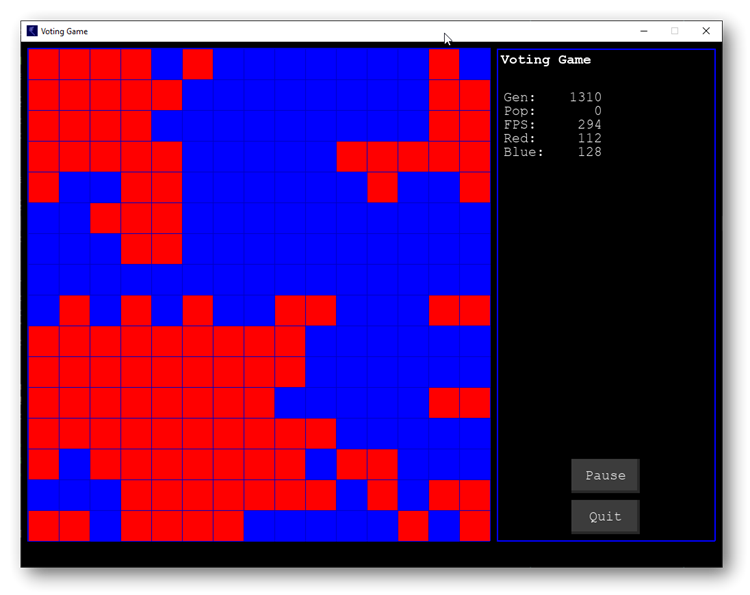
Day 23 of #100DaysOfCode. I've been too busy coding and not tweeted for several days. Here's what I've been up to: On Tuesday I adapted my previous code to create a Voting Game cellular automata (from an old 1985 Scientific American article). #Simulation#Python#Pygame
Day 22 of #100DaysOfCode. Refactored my program, split Grid class and reusable functions into a separate module. Replaced several if/elif sections with dicts, and installed the radon code quality tool to check and reduce Cyclomatric Complexity. #Simulation#Python#Pygame (1/2)
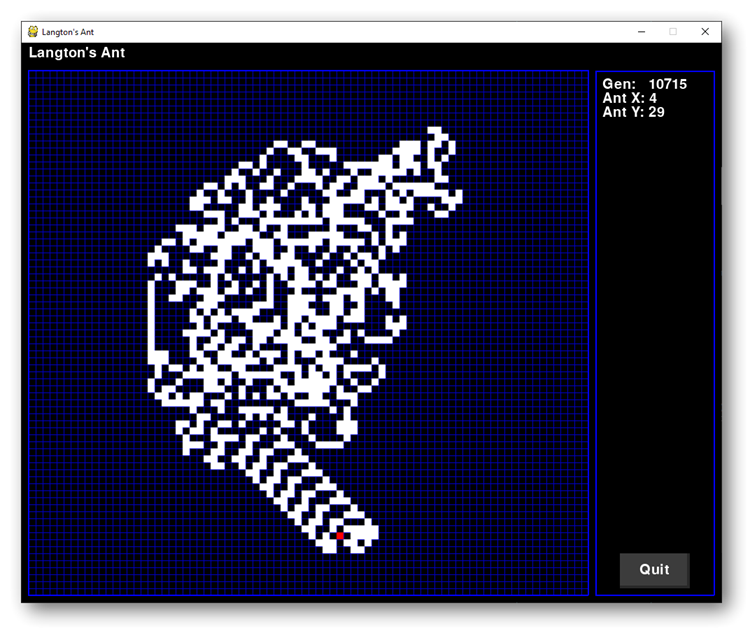
Day 21 of #100DaysOfCode - Added out of bounds check, pause button and window icon to my Langton's Ant simulation. Updated source code on GitHub: https://t.co/NzBUe2p7Cp #Simulation#Python#Pygame
Day 18 of #100DaysOfCode - I took a break and enjoyed the weekend weather for a few days, now back to working on Pygame buttons and the Tetronimo game from Chapter 7 of "Making Games with Python & Pygame" #Python#Pygame
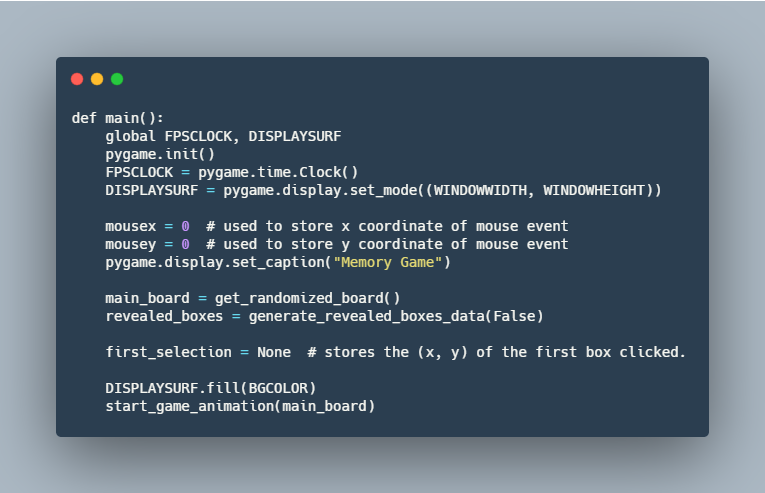
Day 17 of #100DaysOfCode - on Saturday I worked on the Tetronimo game from Chapter 7 of "Making Games with Python & Pygame", adding onscreen buttons in addition to the existing keyboard control. #Python#Pygame
Day 16 of #100DaysOfCode - last Friday I completed porting the Slide Puzzle game to my Android tablet - it's very slow!! Side by side speed comparison below #Python#Pygame#Pydroid3
Day 14 of #100DaysOfCode - ported the https://t.co/xI22Pr4eXK game from "Making Games with Python & Pygame" by @AlSweigart to #Pydroid3 on my #Android tablet (with added moves counter, sound effects and a Quit button) #Python#Pygame
Day 13 of #100DaysOfCode - discovered that pygame_sdl2 on Android is missing basic Pygame drawing functions such as pygame.draw.ellipse - took hours of debugging to discover this #Python#Pygame#Pydroid
Day 12 of #100DaysOfCode - refactored https://t.co/xI22Pr4eXK program from "Marking Games with Python & Pygame". Tried (and failed … so far) to get it working with pygame_sdl2 on my Android tablet #Python#Pygame#Pydroid
Day 11 of #100DaysOfCode - Yesterday I continued reading Chapter 3 "Marking Games with Python & Pygame" (https://t.co/PX3XZtqDnv, working on modifying the MemoryPuzzle program listed in the book #Python#Pygame
Day 10 of #100DaysOfCode - read through Chapters 1 and 2 of Making Games with Python & Pygame (https://t.co/PX3XZtqDnv), familiarized myself with the game loop, pygame events, drawing functions and the Surface class. #Python#Pygame
Day 9 of #100DaysOfCode - continued working on my blog configuration, created a @ShareX workflow to quickly add correctly sized screenshots to my @github pages blog. https://t.co/ETIbx29GZF
Solved a nagging blog editing problem by getting Markdown documents to appear correctly in Notepad++. Get the details on my blog https://t.co/HLyNUpqFNI
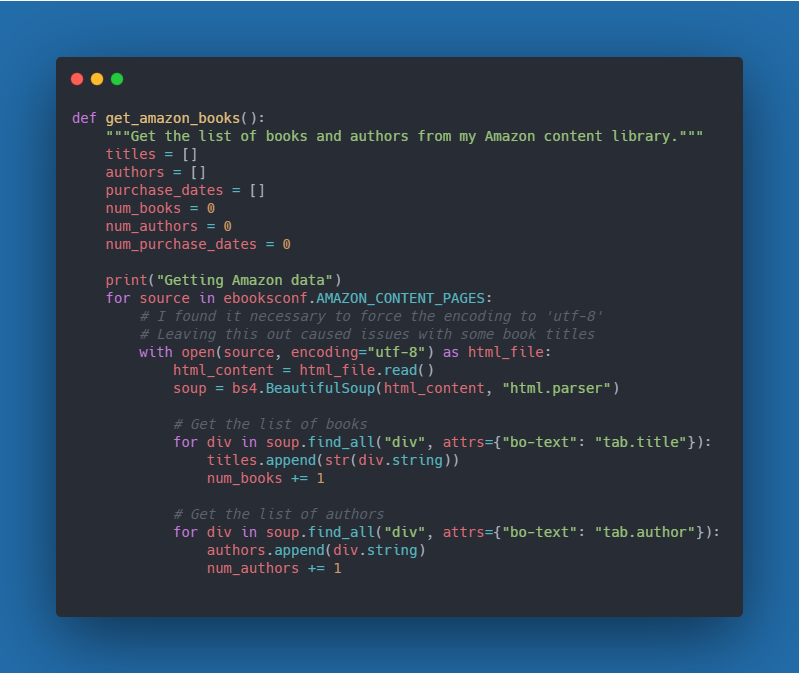
Day 8 of #100DaysOfCode - completed a set of useful functions in Python to track and sync my eBook library across Amazon, Calibre and Airtable #Calibre#Airtable#Python https://t.co/QD9zeMZFTu