5th Grade Teacher, LEC Digital Educator, enthusiastic tech tinkerer (w/varying degrees of success- if you aren't failing you aren't trying), Oster Elementary
First time I’ve been watching @survivorcbs and I want a tidal wave to wash away all the annoying contestants they’ve lead with in the first 30 minutes and replace them with a new cast. Hoping I get less annoyed and feeling like the kid that went to exile was lucky.
Year 2 of using @wewillwrite_com with my 5th graders. By far the best apps I've implemented with my class in the past few years. Crazy high engagement and the kids beg to do it has been a few days between sessions. If you haven't tried it you should.
Google for Edu definitely made a splash at ISTE. But I have concerns about moves it's making with Gemini.
You can learn all about the news they released at ISTE here (link below).
Of course, with big tech companies and edtech startups, you have to cut through the hype to get to hard truths.
Here’s one that I haven’t seen discussed enough …
Google is putting Gemini, its large language model assistant, in the hands of students of all ages. That will extend to NotebookLM in coming months.
It feels a bit like letting kids out to recess on the playground without supervision.
An excerpt from their release:
The Gemini app is now available to students of all ages and as a core Workspace service, and in the coming months we’re making NotebookLM available to students of all ages while using their Google Workspace for Education accounts to help them study and better understand their class materials.
AI startups like SchoolAI, MagicSchool, Brisk Teaching, and others offer something that Google does not. (I’ve looked and looked and can’t seem to find it.)
Monitoring.
A place where teachers can monitor the conversations that students are having with AI chatbots in real time.
>> They include granular line-by-line transcripts of student conversations with AI.
>> They summarize student conversations into insights that teachers can see at a glance in their teacher dashboards.
>> They flag student interactions that might be inappropriate or harmful so the teacher can follow up immediately.
Google doesn’t appear to have this at the teacher level. It’s available at the admin level — and Google boasts about how it helps districts come into legal compliance with their admin access.
But let’s be honest. The admin isn’t going to spend their days monitoring student interactions with AI line by line.
Even if Google flags dangerous student interactions with AI, there are several layers of communication (and even some physical distance) that need to be crossed before it gets back to the student.
When the teacher doesn’t have direct access to the students’ AI interactions, they miss out on insights AI can provide them about the student interactions — what students struggle with, what interests students are showing, etc.
That’s valuable data for teachers to have — especially if it’s instantaneous.
You know that Google has seen their competitors’ products. This is an intentional decision not to include that feature.
If you're going to turn on Gemini for students, there are tons of ethical and AI literacy implications. Tread cautiously.
Free AI Teacher Playbook! I wish I would’ve had this when I first started teaching (even tho it didn’t exist yet 😂)! #teachers#chatgpt#aiteacherplaybook
📱 Are smartphones making students more anxious & distracted?
Teen anxiety & depression have skyrocketed, & social media may be to blame. Should schools go phone-free?
🎧 Listen: https://t.co/hxYk7lJj4o #EdTech#DigitalWellness#phonefreeschools#edchat#teachers#k12
Calorie counting is a pain in the ass.
Yes, it works.
But it’s annoying and time-consuming.
Here’s the exact blueprint I’d use to drop 30 lbs of stubborn fat (WITHOUT counting calories):
1. STOP eating 3 hours before bed
WOW! Google Sides Drag to Background - Teacher Tech
🙀 this is one of my favorite updates! It saves me so much time.
Simple and easy to use!!
https://t.co/V809o21R5q
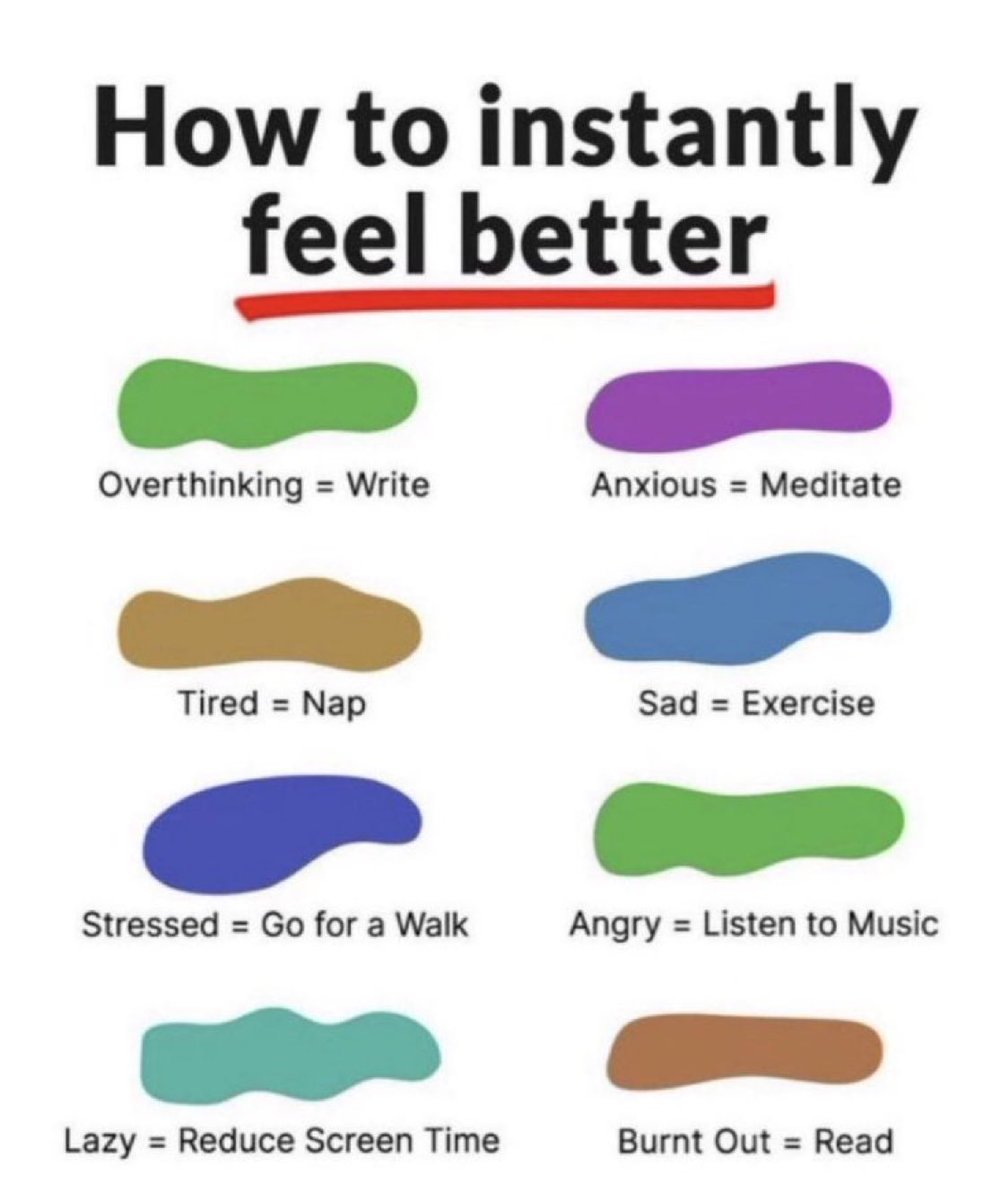
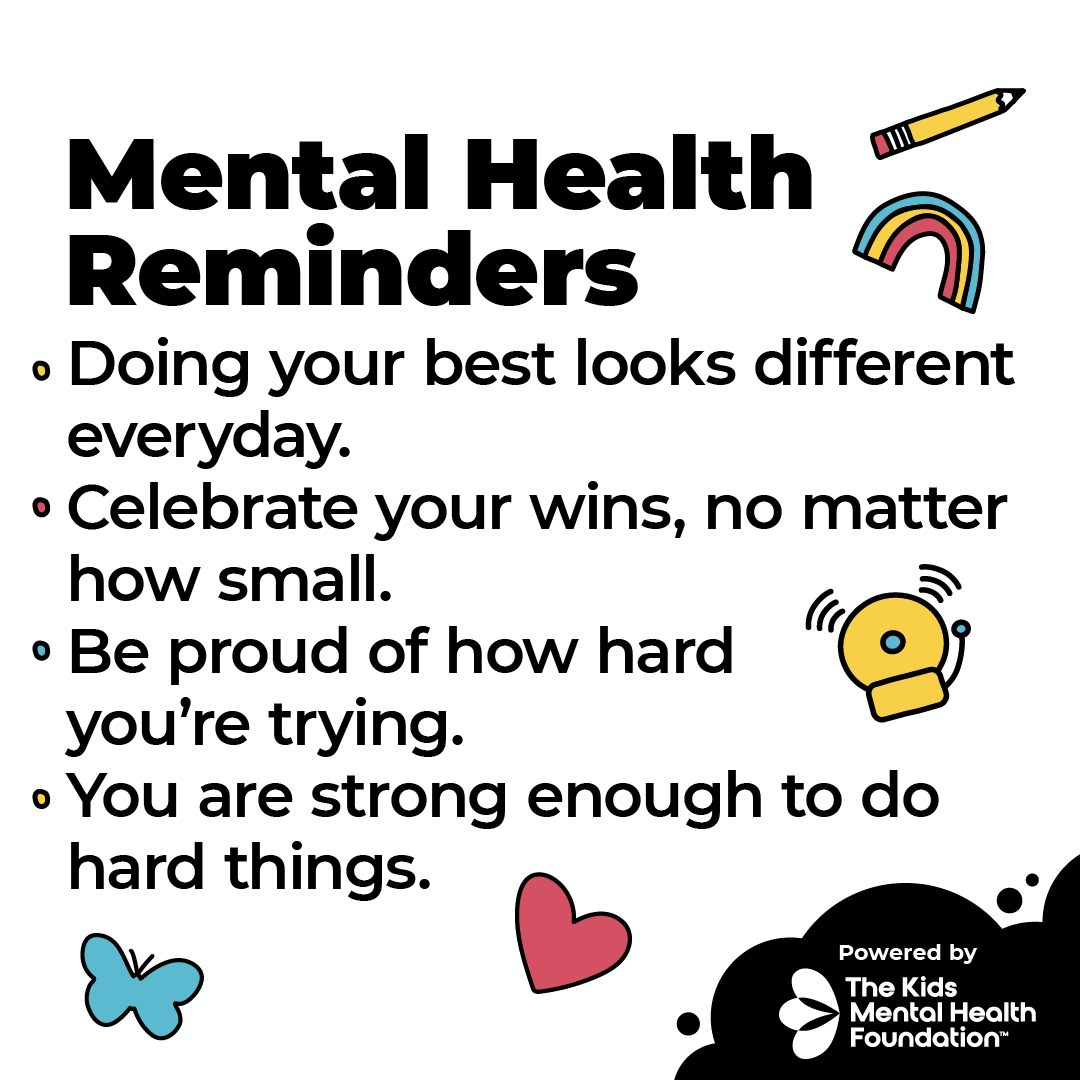
No matter the season, YOUR MENTAL HEALTH MATTERS! 👏🏽
Find free #mentalhealth activities in the Mooderators channel on GoNoodle Powered by @KidsMHF. Check out the channel here: https://t.co/vRL26qHKa9
Tired of your boring email signature? Spice it up with these tips and tricks to make it stand out! Say goodbye to dull and hello to fabulous! ✨
https://t.co/J6AnzmalMR @drbruceellis#techtips#edadmin#edutwitter
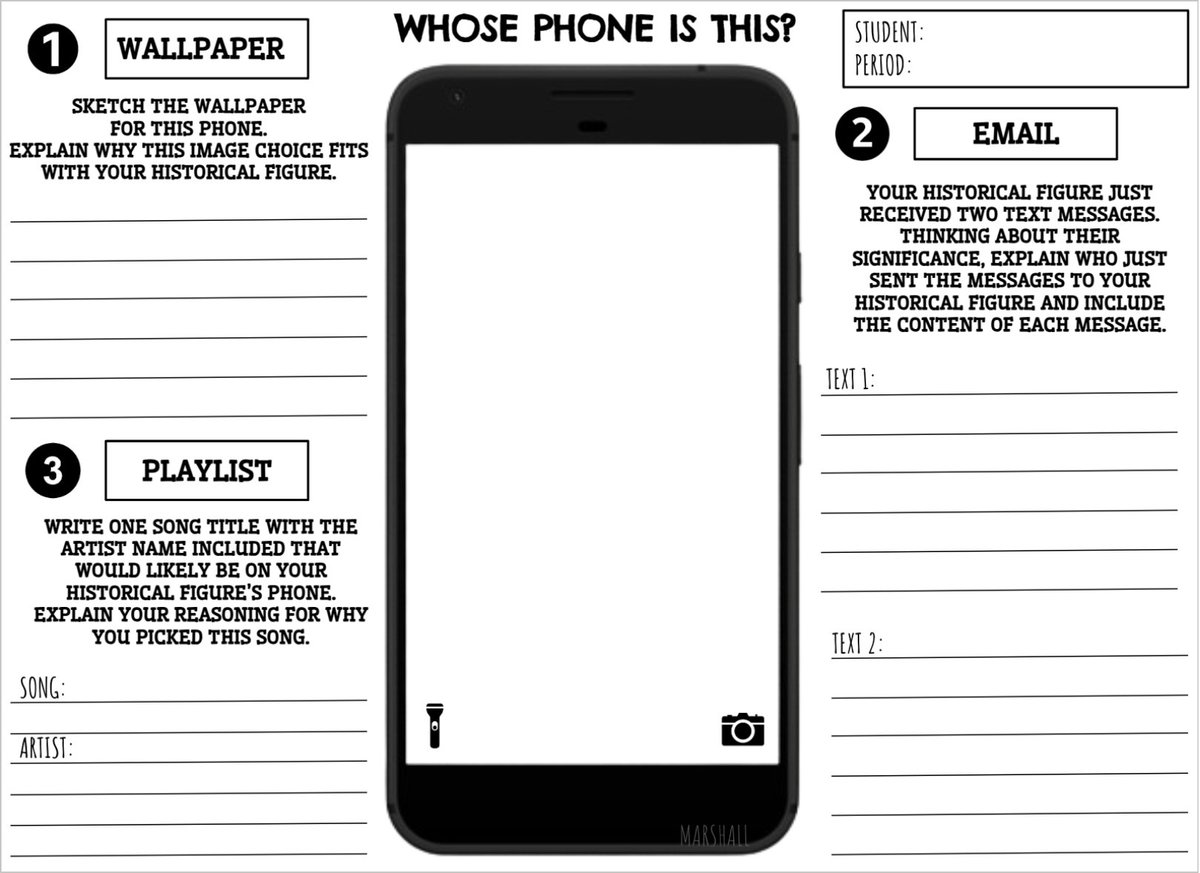
Who's Phone Is This? Challenge Accepted and
✅ DONE
Generic template created - use either electronically or PDF for anything! ENJOY! https://t.co/465C9Fg0Fz @socialstudiestx@FISDsocstudies @Lisa_Teach_7
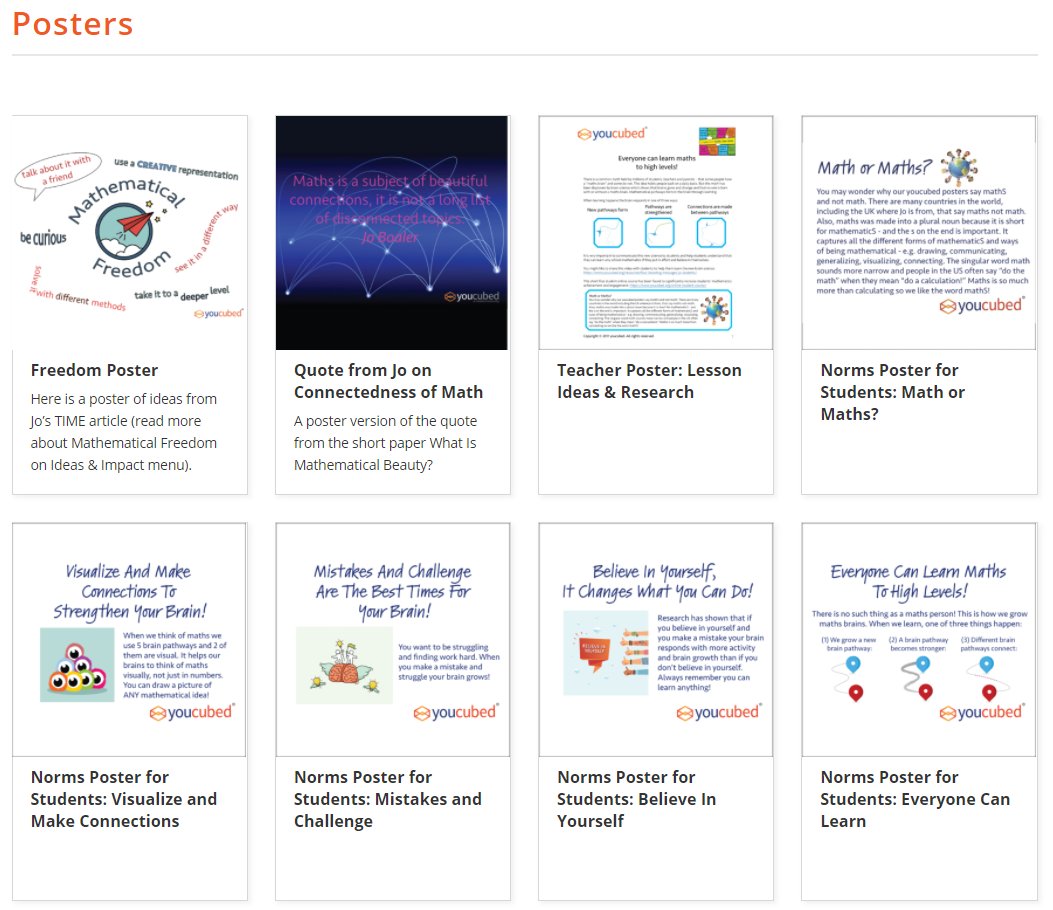
Are you looking for some growth mindset posters you can print out and hang up in your room? Then check out these free resources from @joboaler and @chaoskeeper11 at @YouCubedOrg: https://t.co/zdb83b09v0 #iteachmath
I love giving students brain breaks but honestly never really thought much about differentiating them. This discusses several different types of brain breaks and why and when to offer them. Love this and can’t wait to try some next week.
https://t.co/6as9TFwvgt via @edutopia
Using the built in teleprompter in Flip can make all the difference for any Flip presentation, creation, or response! 🤩
••• ➡️ Teleprompter
🌟 Pro Tip: Increase/Decrease the font size + adjust the scroll speed 🎚️
💖 #FlipForAll
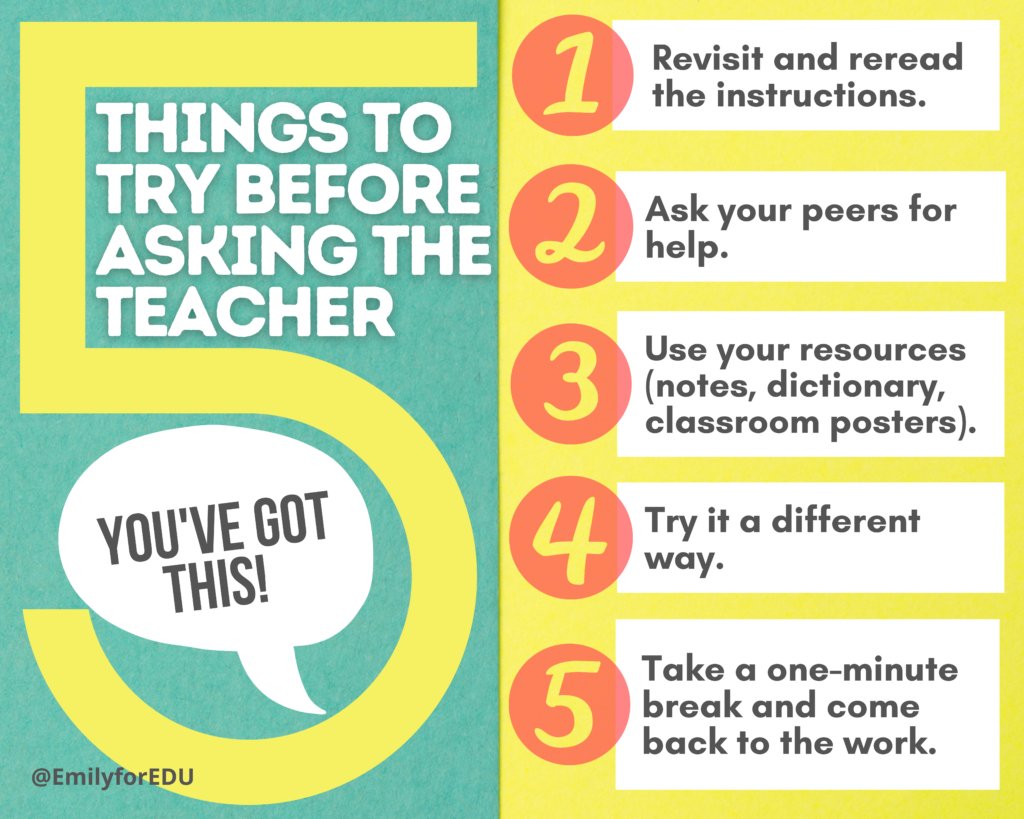
Looking for ways to prevent unnecessary interruptions, foster classroom community, and empower students to problem solve? Here are five ideas.
https://t.co/N42Dvf47Yp @emilyforedu#elemchat#teachertwitter