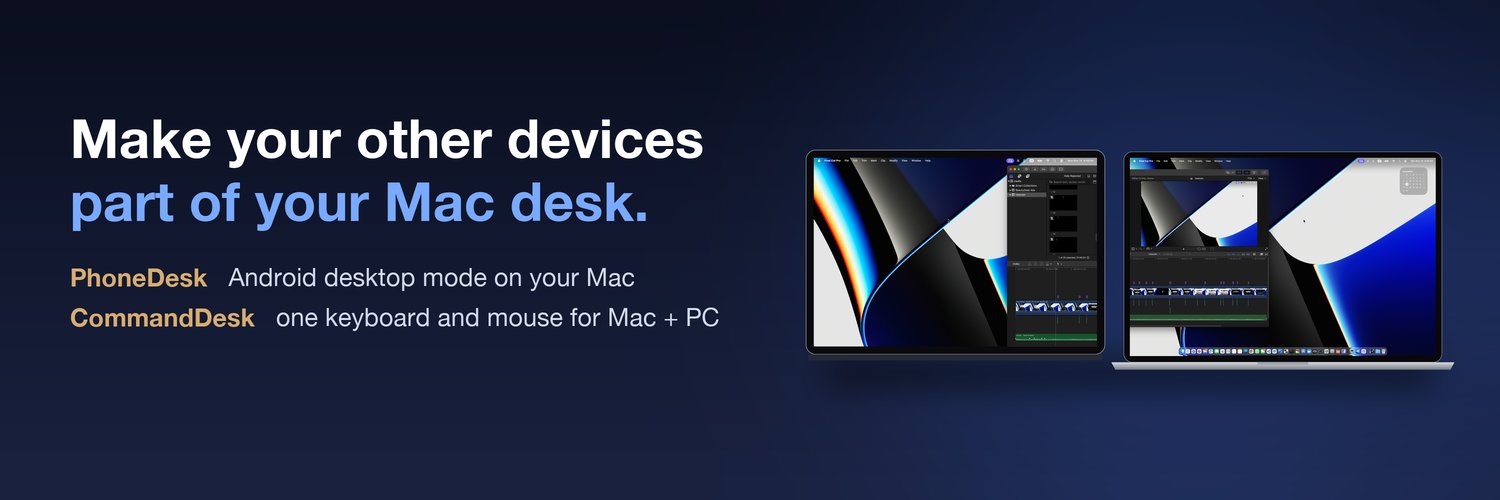
Mac apps that make your other devices part of your desk. PhoneDesk: Android desktop mode on your Mac. CommandDesk: one keyboard and mouse for Mac + PC.
@edankwan Same wall here. What helped me: hold a GNOME idle inhibitor while connected so the session never locks in the first place. Doesn't save you after a reboot though, that login screen still wants a real keyboard.
@uts5501 Nice. What did you use for the edge-crossing on the Mac side? Getting the cursor to leave the screen cleanly took me ages (I made CommandDesk for the same itch).
@ExoticSpice101 Agree it can't replace a Mac. Where it shines for me is the other way round: the phone's desktop mode in a window on the Mac, so the Android apps sit next to the Mac ones instead of on a separate monitor.
@KypeITsolutions For #3, plugging the Samsung into the Mac and browsing the gallery like a folder fixes most of it. I built a Mac app for exactly that (PhoneDesk), so I'm biased, but even the free route (Google Photos web) beats Android File Transfer.
@Prayag12B If your phone can plug in by USB or join the same Wi-Fi: I make PhoneDesk, a Mac menu bar app that opens your Android's files in a Finder-style window and shows the phone on your Mac screen. Full disclosure, it's mine. Happy to answer anything.
CommandDesk is live on Product Hunt today.
Use your Mac's keyboard and mouse on a Windows or Ubuntu PC, turn the PC into a second screen for your Mac, and copy and paste files both ways. $19 once, free PC app.
Feedback welcome: https://t.co/BqtHiICUi1
We are Launching PhoneDesk on product hunt today please come check it out and show your support. PhoneDesk is a MacOs App that let you use Android Desktop Mode and Samsung Dex directly on your Mac Devices. you can even extend your Mac Display to android https://t.co/ZgsLTf2LvI