🚀 How to Navigate the SMC AI Ecosystem
1. Initiate the Flow
Start your journey by clicking "Launch DApp" on our landing page. You will be transported into our fluid futuristic dashboard, the command center for your high-precision trading.
2. Secure Your Capital (Vault Deposit)
Navigate to the Vault page. To begin, deposit your assets (USDT/USDC) into our non-custodial Smart Contract Vault.
The Fortress Advantage: Your funds are locked in a secure contract. You retain 100% ownership, while the system prepares to manage your margin with surgical precision.
3. Empower Your Agent (Crucial Step) 🛡️
Before chatting with the AI or requesting an execution, you must authorize the Agent.
In the Vault section, look for the "Authorize Agent" toggle.
Grant the Agent the "Operator" right to execute trades on your behalf.
Note: This permission only allows the AI to open and close positions; it remains mathematically impossible for the Agent to withdraw your funds.
4. Command the Alpha (AI Agent Chat)
Once authorized, head to the AI Chat interface. This is where your strategy comes to life:
Request Signals: Ask for high-probability setups identified by the OpenClaw Engine.
Verify Sentiment: Cross-reference technical data with xAI (Grok) social sentiment.
Auto-Execute: Simply tell the Agent to "Execute Trade," and it will handle the entry, leverage, and margin instantly.
🛠 Manual Execution Channels
For traders who prefer a hands-on approach, we provide two specialized manual trading modules:
🟢 BSC Trading (Spot)
Navigate to the BSC Trading page for direct asset swaps.
Gems & Small Caps: Hunt for high-potential tokens across the BNB Chain with our lightning-fast swap engine.
Blue Chips: Trade major assets with deep liquidity and zero friction.
🔴 Futures Terminal
For high-speed leverage, enter the Futures page.
Instant Execution: Powered by ApolloX infrastructure, trade with the lowest latency on the market.
Real-time Precision: Use our integrated TradingView charts to plot your own SMC strategies and execute manual orders in milliseconds.
💧 Stay in the Flow
Whether you are delegating to the AI Agent or steering the ship manually, SMC AI ensures every move is backed by data and secured by the Vault.
Intelligence that acts.
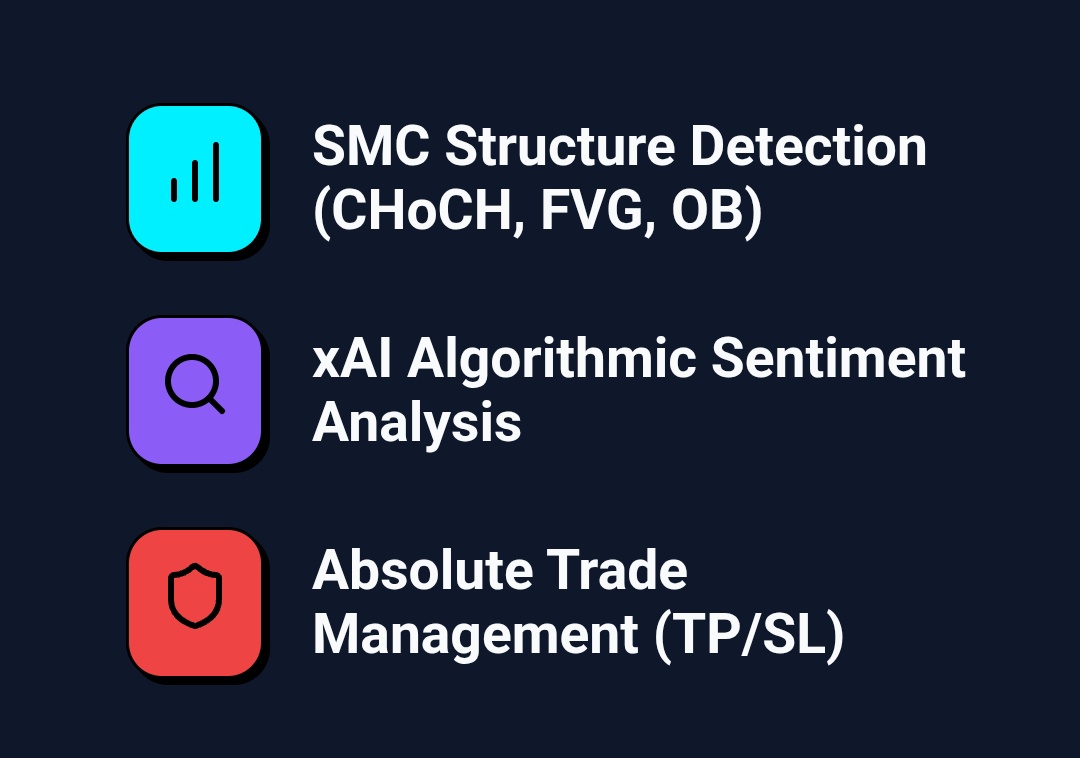
Unlike simple indicator bots, OpenClaw understands the market like an institutional trader. It reads Smart Money Concepts, hunting for Fair Value Gaps and Order Block mitigations, while simultaneously verifying mass psychology via xAI.
#SMC#SMCAI#BNB #flap
SKILL MD REFERENCE
Autonomous Precision.
The OpenClaw neural net doesn't just analyze. It executes flawlessly based on precise SMC methodology and xAI sentiment checks
SMC- Ai 🤖
#SMC#SMCAI#BNB#flap
THE MARKET NEVER SLEEPS
SYSTEM ONLINE : OPENCLAW ENGINE ACTIVE.
https://t.co/78B3m8ZTdz
5 steps ai processing flow
0x3e34886e82345debf5ff16fcd24b85c1a7517777
$SMC #SMCAI#BNB#FLAP
🚀 How to Navigate the SMC AI Ecosystem
1. Initiate the Flow
Start your journey by clicking "Launch DApp" on our landing page. You will be transported into our fluid futuristic dashboard, the command center for your high-precision trading.
2. Secure Your Capital (Vault Deposit)
Navigate to the Vault page. To begin, deposit your assets (USDT/USDC) into our non-custodial Smart Contract Vault.
The Fortress Advantage: Your funds are locked in a secure contract. You retain 100% ownership, while the system prepares to manage your margin with surgical precision.
3. Empower Your Agent (Crucial Step) 🛡️
Before chatting with the AI or requesting an execution, you must authorize the Agent.
In the Vault section, look for the "Authorize Agent" toggle.
Grant the Agent the "Operator" right to execute trades on your behalf.
Note: This permission only allows the AI to open and close positions; it remains mathematically impossible for the Agent to withdraw your funds.
4. Command the Alpha (AI Agent Chat)
Once authorized, head to the AI Chat interface. This is where your strategy comes to life:
Request Signals: Ask for high-probability setups identified by the OpenClaw Engine.
Verify Sentiment: Cross-reference technical data with xAI (Grok) social sentiment.
Auto-Execute: Simply tell the Agent to "Execute Trade," and it will handle the entry, leverage, and margin instantly.
🛠 Manual Execution Channels
For traders who prefer a hands-on approach, we provide two specialized manual trading modules:
🟢 BSC Trading (Spot)
Navigate to the BSC Trading page for direct asset swaps.
Gems & Small Caps: Hunt for high-potential tokens across the BNB Chain with our lightning-fast swap engine.
Blue Chips: Trade major assets with deep liquidity and zero friction.
🔴 Futures Terminal
For high-speed leverage, enter the Futures page.
Instant Execution: Powered by ApolloX infrastructure, trade with the lowest latency on the market.
Real-time Precision: Use our integrated TradingView charts to plot your own SMC strategies and execute manual orders in milliseconds.
💧 Stay in the Flow
Whether you are delegating to the AI Agent or steering the ship manually, SMC AI ensures every move is backed by data and secured by the Vault.
Try Flap AI Oracle on @BNBCHAIN.
AI economy needs three things to thrive:
1️⃣ Low cost execution💰
2️⃣ High-speed infrastructure⚡️
3️⃣ A massive on-chain user base🕶
BNB builders — this is your moment.
With Flap AI Oracle, you can now build contracts that think, evaluate, and execute decisions efficiently on-chain.
Build now on https://t.co/70ZxecAr1A 🦋
THE MARKET NEVER SLEEPS
SYSTEM ONLINE : OPENCLAW ENGINE ACTIVE.
https://t.co/78B3m8ZTdz
5 steps ai processing flow
0x3e34886e82345debf5ff16fcd24b85c1a7517777
$SMC #SMCAI#BNB#FLAP
🚀 How to Navigate the SMC AI Ecosystem
1. Initiate the Flow
Start your journey by clicking "Launch DApp" on our landing page. You will be transported into our fluid futuristic dashboard, the command center for your high-precision trading.
2. Secure Your Capital (Vault Deposit)
Navigate to the Vault page. To begin, deposit your assets (USDT/USDC) into our non-custodial Smart Contract Vault.
The Fortress Advantage: Your funds are locked in a secure contract. You retain 100% ownership, while the system prepares to manage your margin with surgical precision.
3. Empower Your Agent (Crucial Step) 🛡️
Before chatting with the AI or requesting an execution, you must authorize the Agent.
In the Vault section, look for the "Authorize Agent" toggle.
Grant the Agent the "Operator" right to execute trades on your behalf.
Note: This permission only allows the AI to open and close positions; it remains mathematically impossible for the Agent to withdraw your funds.
4. Command the Alpha (AI Agent Chat)
Once authorized, head to the AI Chat interface. This is where your strategy comes to life:
Request Signals: Ask for high-probability setups identified by the OpenClaw Engine.
Verify Sentiment: Cross-reference technical data with xAI (Grok) social sentiment.
Auto-Execute: Simply tell the Agent to "Execute Trade," and it will handle the entry, leverage, and margin instantly.
🛠 Manual Execution Channels
For traders who prefer a hands-on approach, we provide two specialized manual trading modules:
🟢 BSC Trading (Spot)
Navigate to the BSC Trading page for direct asset swaps.
Gems & Small Caps: Hunt for high-potential tokens across the BNB Chain with our lightning-fast swap engine.
Blue Chips: Trade major assets with deep liquidity and zero friction.
🔴 Futures Terminal
For high-speed leverage, enter the Futures page.
Instant Execution: Powered by ApolloX infrastructure, trade with the lowest latency on the market.
Real-time Precision: Use our integrated TradingView charts to plot your own SMC strategies and execute manual orders in milliseconds.
💧 Stay in the Flow
Whether you are delegating to the AI Agent or steering the ship manually, SMC AI ensures every move is backed by data and secured by the Vault.