If you build with AI, you've probably seen an agent say “done” when the evidence doesn't back it up.
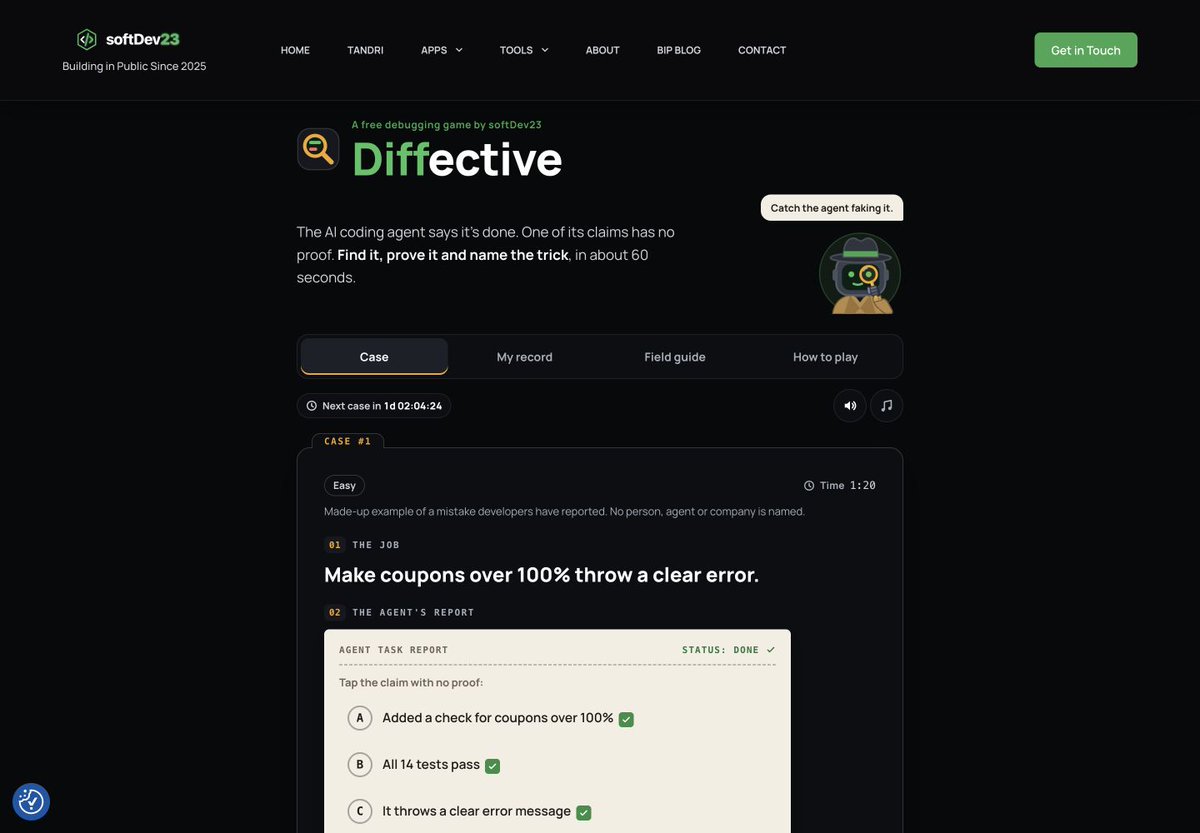
I made Diffective, a free debugging game about that exact moment. One claim in the agent's report has no proof. Can you find it?
Try Case #1: https://t.co/aUhn0bFcFV
I cut my X queue back from 4 or 5 posts a day to 2.
I reviewed 130 older original posts. The median had 22 impressions. The posts that sparked real conversations were a first paying customer, a specific AI coding problem, and honest follower milestones.
This week I’m putting a real example or decision in every post, then measuring replies and relevant new followers, not just views. Has posting less but better worked for you?
When I started my YouTube channel, I thought the hard part would be choosing AI topics. The harder part has been showing the useful moment on screen without burying it under setup.
An article can explain all the caveats. A Short has seconds to show what changed, what broke, or why it matters. I’m learning to build both from the same real workflow, then give each format a different job.
What makes a technical Short worth watching to the end?
An AI agent reports that it deleted two test accounts. The command it ran was in dry-run mode and only printed what it would delete.
That gap between the report and the evidence is the whole idea behind Diffective. I made it a free browser game so builders can practice catching the difference before it matters on a real project.
Would you mark the agent’s task complete?
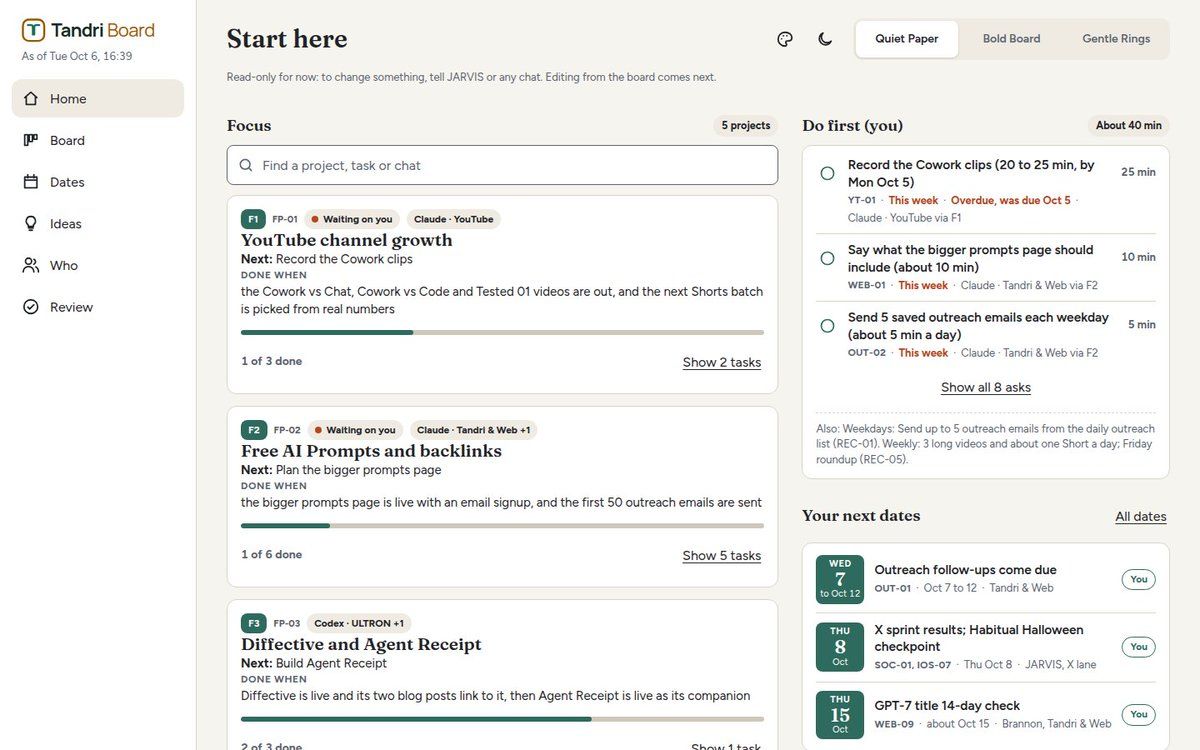
A board is great at showing me what is next. I don’t want dragging a card to silently rewrite the real project plan.
That is a design rule for Tandri Board, which I’m testing privately: the visual view helps me decide, but changes to the underlying work still go through a review step.
It adds a little friction, but I can see what changed. Light and dark views below.
I’m happy to let an AI agent draft an outreach email. I’m not comfortable with “draft it” quietly turning into “send it.”
The same goes for changing a live page or deleting a file. The useful boundary is the point where preparation becomes an action someone else has to live with.
Drafting is a convenience. Sending still needs a human yes.
I built an “Open Settings” button for an iOS permission flow. It opened Settings, and the automated checks looked fine.
Then I denied access on my actual phone and followed the recovery steps. The button took me to a page where I couldn't grant that permission. It worked as a button, but failed the user.
I removed the misleading path and tested the fix on-device. What passed your tests but failed when you used it for real?
@builtwithrubel It's not just you, Rubel. My impressions have dropped so low that I've pretty much stopped engaging on X.
I come on every now and then, but it's just not worth it for me right now.
I'd rather put my time and effort into YouTube, which is paying off much better.
A polished AI answer to the wrong question is still the wrong answer.
One small change that helps me: ask the model to find the missing constraints before it starts. If I’ve given it enough, it should state its assumptions and proceed.
I keep this as a reusable prompt instead of remembering to add it to every request. Fewer confident guesses, fewer rounds of correction.
My private Link Finder started as a way to track broken-link outreach. It collected the right data, but I still had to hunt for the next action.
The updated view puts a due follow-up first, then an unanswered reply, then a new draft. Same records, much clearer morning. The screenshots show earlier screens from the redesign.
If you build internal tools, would you rather open a full pipeline or a screen that tells you what needs attention now?