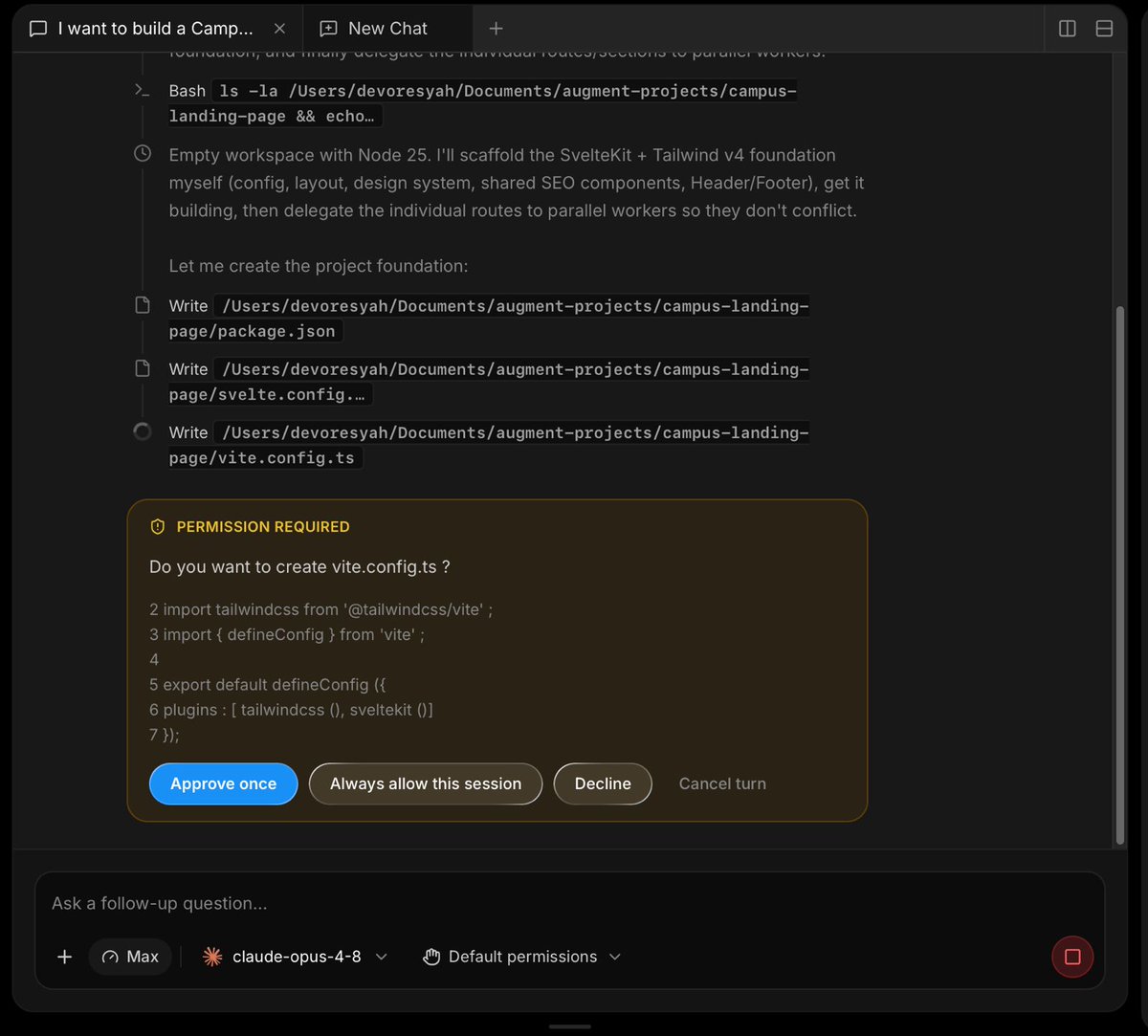
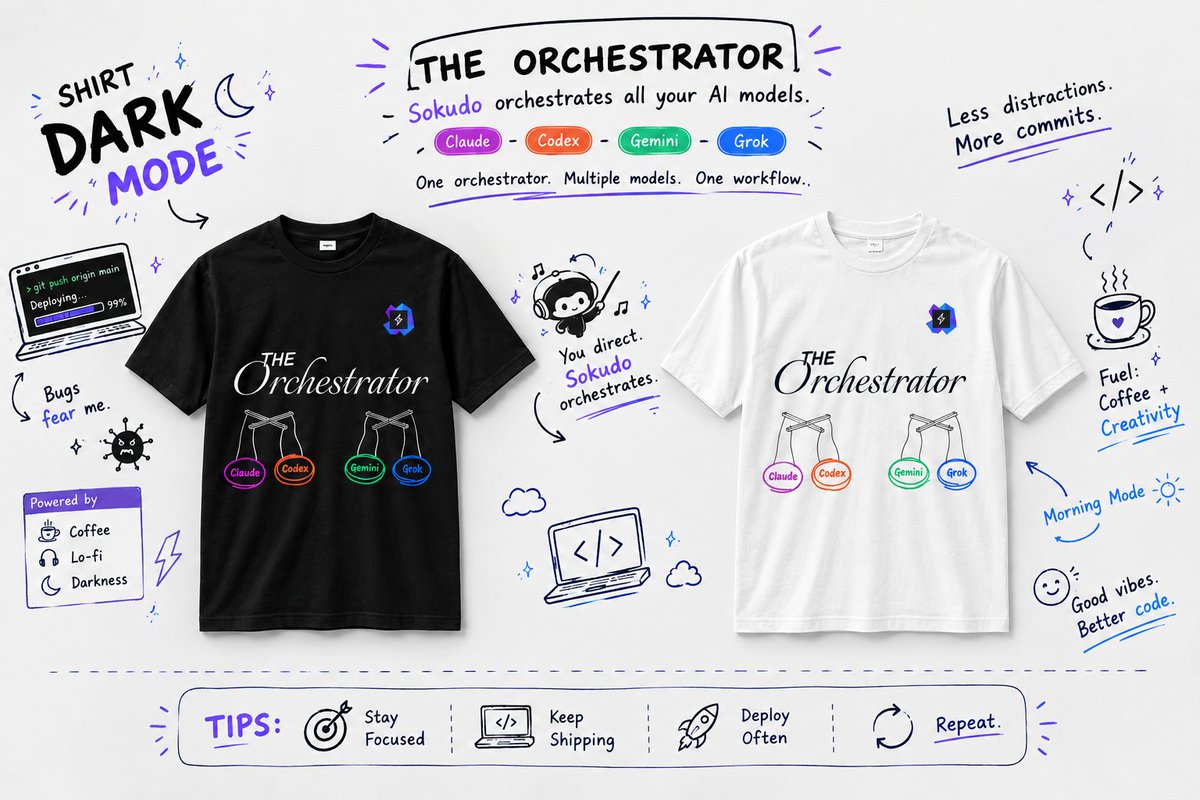
Today, Sokudo IDE has reached 1,1k+ users. We also released a new big update ~!
Sokudo IDE v0.15.0 is out 🚀
🧠 Jev AI by TypeSafe is integrated into Sokudo — a fast decision model that handles the small calls (routing, what context a turn needs, queue vs. steer) so your coding agent stays on the work. Bring your own API key
🔑 No key, no change — without a TypeSafe key Sokudo behaves exactly as before
📋 Kanban grows up: columns page as you scroll, a new List view with sortable, groupable, inline-editable rows, plus priority, attachments and web links on every ticket
🪜 Sub-tasks, Jira-sty
🥧 Pi joins as the seventh coding agent CLI — sign in with your own pi, including OpenRouter, GitHub Copilot and your own gateways
🪟 Windows on ARM gets a native arm64 build
🐧 Arch Linux (pacman) and Fedora / RHEL 10+ (.rpm) packages join .deb and AppImage
🔍 LSP servers are lazy now — they start only when a file is opened or changed, not for the whole workspace at launch
🩺 After an agent's turn, the language servers check exactly the files it changed and hand any errors back before the work is called done
🕒 Chat messages are placed by the moment they belong to — a long-running reply lands under its question, not at the bottom
⌨️ Ctrl+V pastes and Ctrl+C copies in the built-in terminal on Windows and Linux; Cmd+W / Ctrl+W closes the tab in focus, never the window
🛡️ Swarm reliability: worktrees are never lost or overwritten, reviewer verdicts survive late failures, and interrupted workers leave an honest card behind
🐛 Bug fixes and stability improvements across chat, agent runs, Docker and app startup
Read more details at https://t.co/96BqT9nKji
Try it now ~!
https://t.co/AU9eQwhNgQ
v0.14.7 is Live ~!
Highlight:
- New Canvas Presentation, ask your fav ai models to create and build a presentation for you
- LSP Server, save token cost just for using tool call linting. You can see what's the problem on your code
- Muse CLI, now you can use your Meta subscription via muse cli in Sokudo IDE
For more details visit https://t.co/L3K2g9Cuzo
now you can set visibility of your published design canvas. this will ensure your design concept keep private, secure, and not indexed by the search engine bot crawlers.
Available from v0.12.0
proudly present, CANVAS.
now you can design inside Sokudo IDE Canvas using your favorite AI Model and publish the design preview through your @Cloudflare account. Share the preview design with your friends, family, and your clients.
once the design is good, start developing your project using your own design.
Available at v0.10.0 (Beta)
Network logs have been an important aspect for web developers. The developer must be able to see the network logs that happen when developing a website. So, we can understand and find the root cause of some API errors.
Now, in Sokudo IDE, you can see the network logs as you would in a traditional browser. Not only that, but you can also mention every network log to the chat so your favorite AI can have a precise context.
Available on v0.9.0 (Beta)
Join the waitlist now at https://t.co/d8dncNo9js
What's new in Sokudo v0.8.0 Beta?
- Self-improvement Harness Engineering, now all your AI agents will create a Knowledge Base & Rules for your workspace
- Support Grok CLI, now you can connect with your X subscription
- Remote SSH Manager, manage your VPS instance easily with end-to-end encryption
- Orchestrator on Build mode, now you can use agent orchestrator feature without using spec-driven development in the Plan mode
- Sandbox permission, now you can set it to Default permission