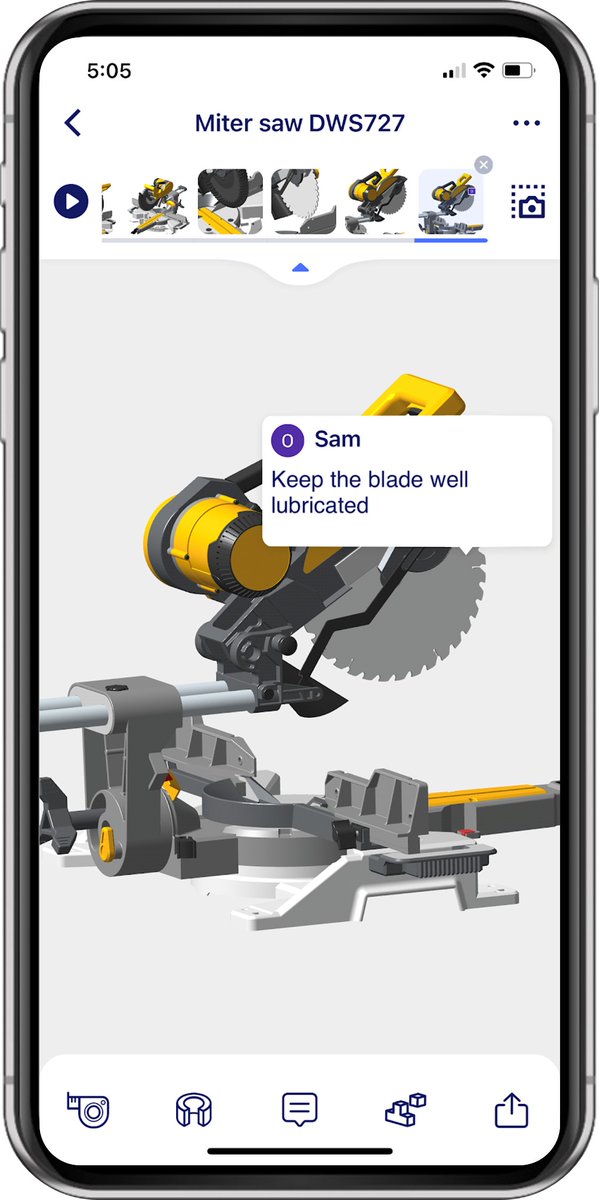
Big news! SolidInsight has powerfully landed on the Windows system.
SolidInsight: Reliable CAD viewing & collaboration. Access and work anytime, anywhere.
SolidInsight Page:https://t.co/MJyt9ZUc2r
App Store:https://t.co/5NGCrD8P4r
Google Play:https://t.co/oV1VgytZno
Gain key insights such as diameters and center distances for informed decisions in the FREE #SolidInsight App. https://t.co/KBSPis1cs1. Collaborate on designs without CAD format worries
Save time and effort to identify components and retrieve views in the FREE #SolidInsight App.
https://t.co/KBSPis1cs1. Collaborate on designs without CAD format worries.
How to import your own designs into SolidInsight? Easy, just sign in on a browser and select local files. Of course, even easier on a computer 😄https://t.co/dC7viNE3Hf
In only minutes, how to build and share a product story using SolidInsight? Show and hide component, and capture and re-sequence views. Then get a web link to easily share with others😄https://t.co/KBSPis0ECt
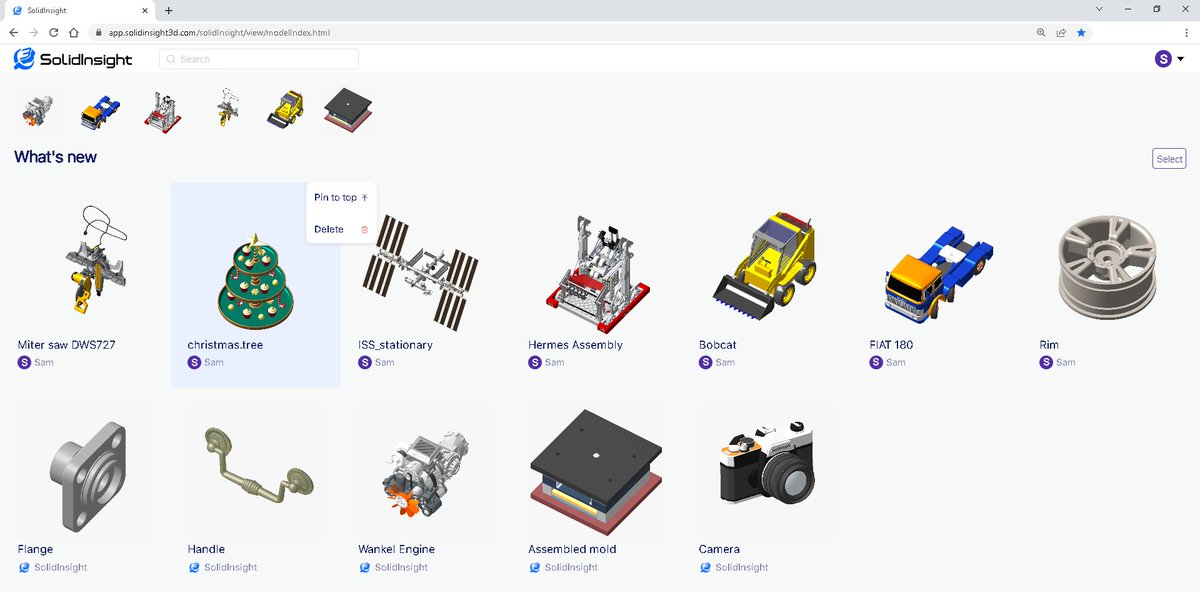
Sign up and sign in to manage your designs on the FREE #SolidInsight web portal 😄
https://t.co/KBSPis0ECt
Collaborate on designs without format worries.
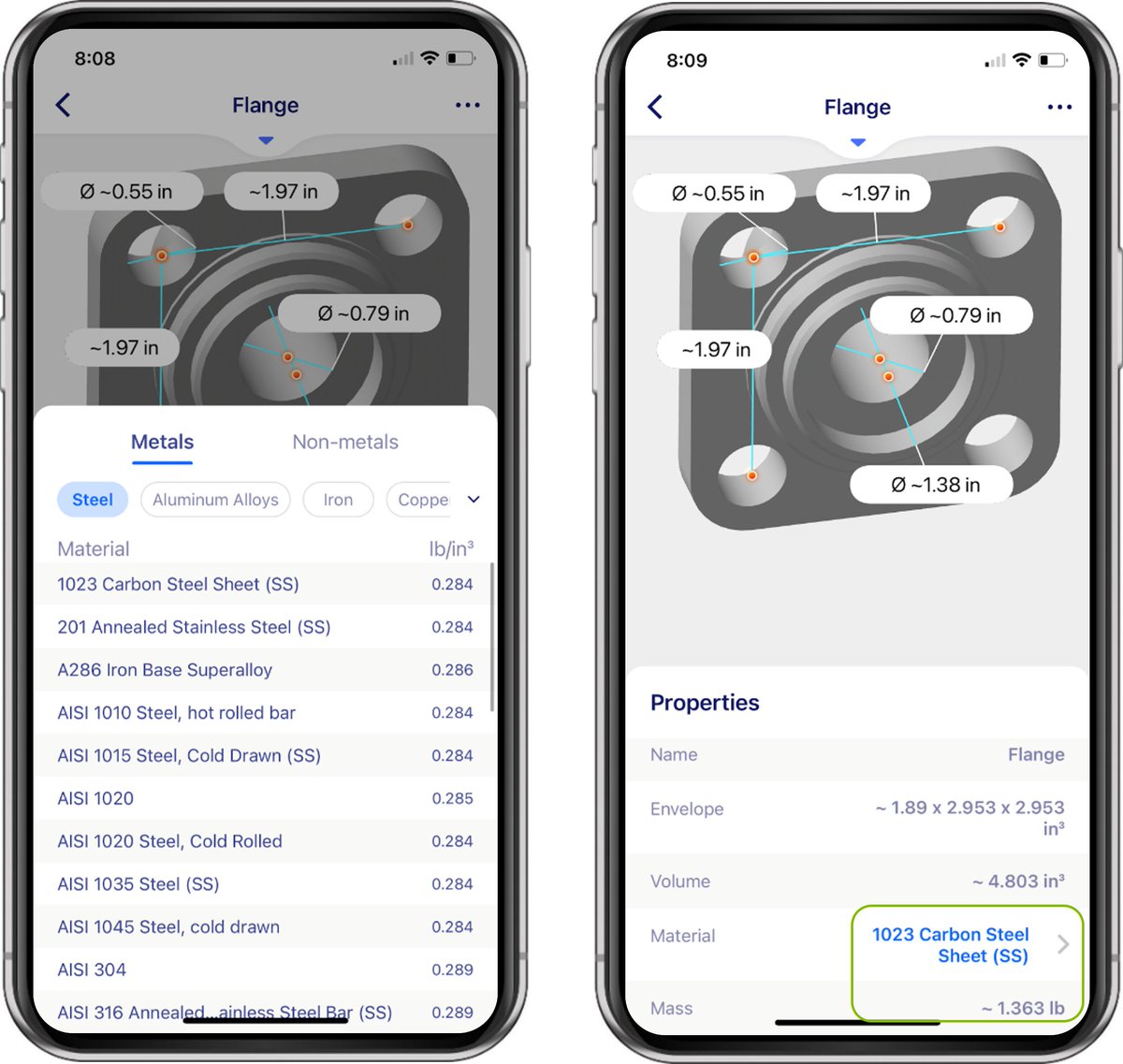
New in #solidinsight 4.2: Estimate mass properties by assigning material densities. As we know, mass properties are a major driver of costs 😄https://t.co/KBSPis0ECt
Collaborate on designs without format worries.
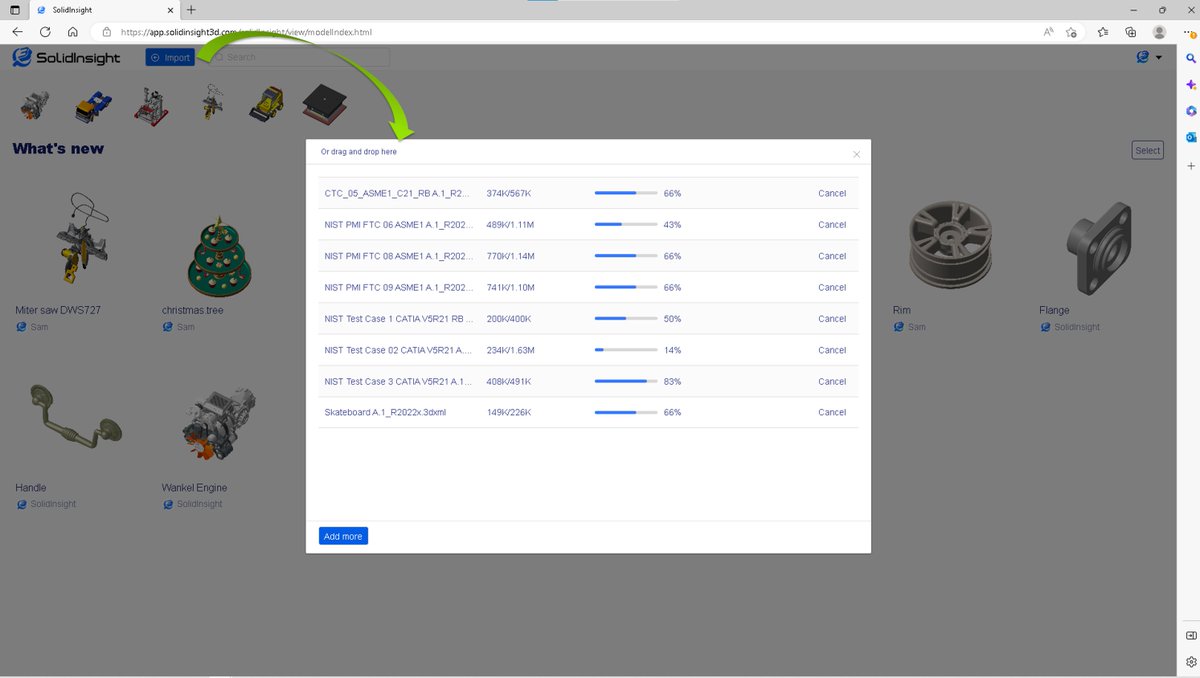
Import multiple designs on a browser from PC or Phone in the FREE #SolidInsight web portal.
https://t.co/KBSPis0ECt
Collaborate on designs without format worries.