⏳ Windows 95 became available to the general public 27 years ago– talk about a moment in time!
Many features from this launch, such as the Start menu and the taskbar, have since become key components of Windows operating systems.
🆕 Out with the old, in with the new! If you're ready to upgrade to #Windows11, we've put together this helpful guide, including minimum system requirements, reviews, and details about this new operating system: https://t.co/c2MGA3SnLC
#SolveiQ#TechBlog#PCTips#TechTips
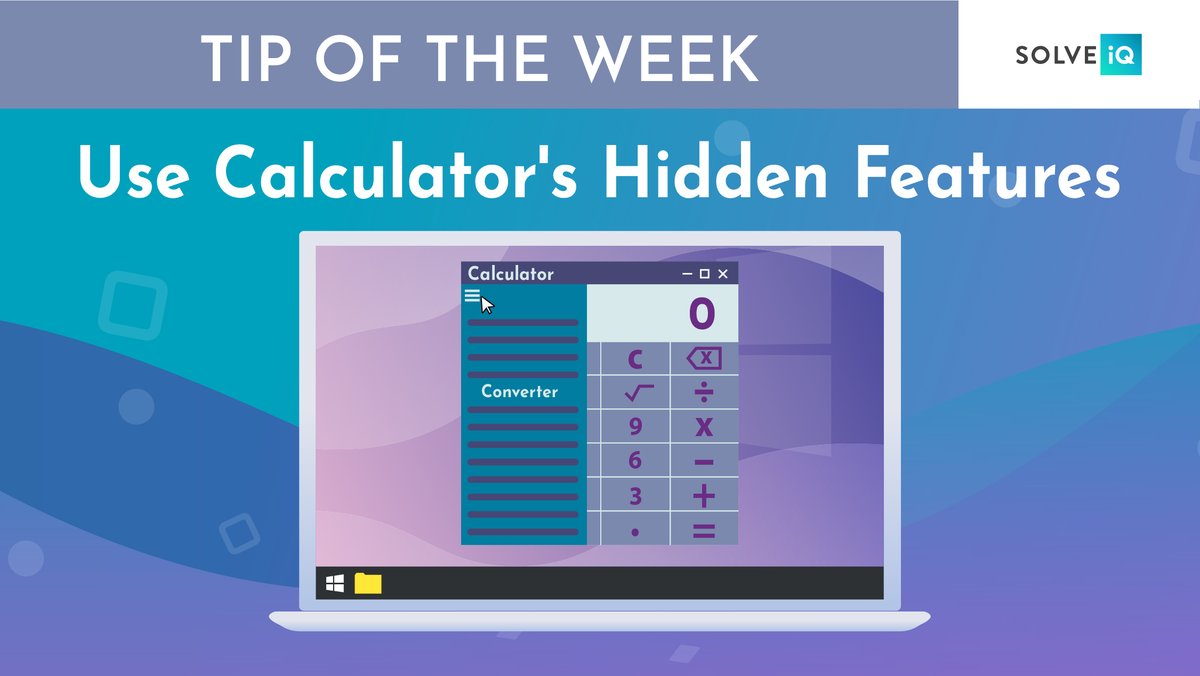
➗ The calculator app on Windows is often overlooked, but did you know that it has hidden features?
🗓 For example, you can calculate the time between two dates and convert most units of measurement like time, energy, temperature, mass, and currencies.
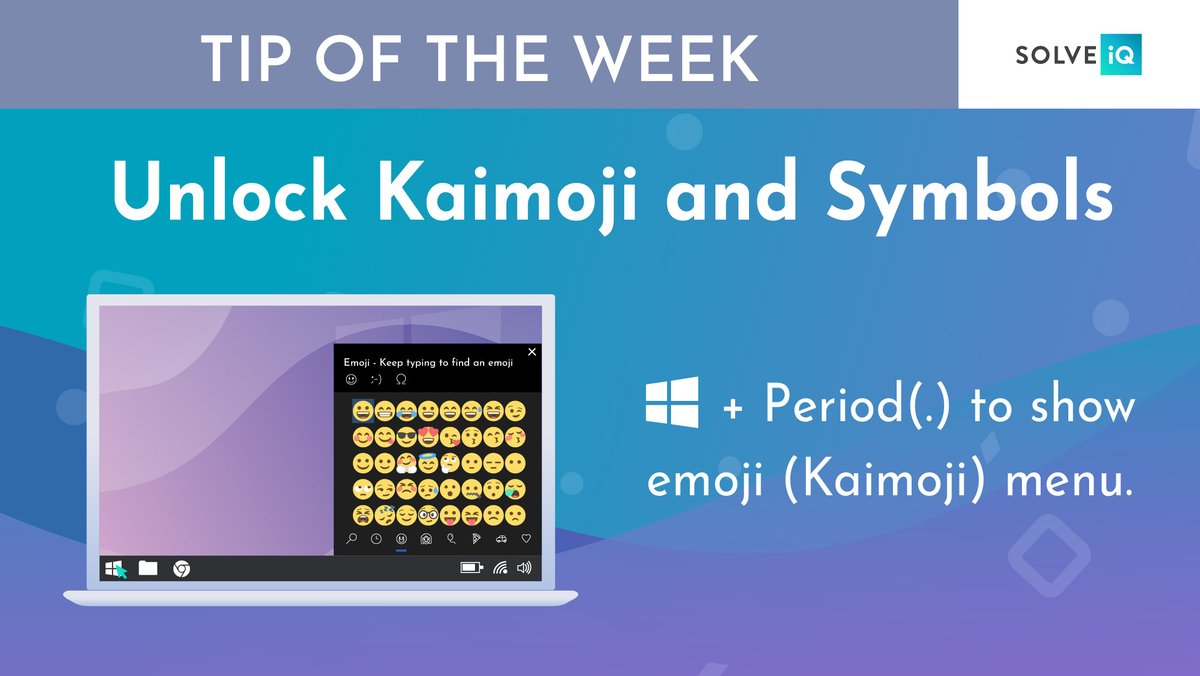
😉 Here's a shortcut to pop up your PC's kaimoji keyboard.
Hit the Windows button + Period(.) and an expanded menu of emoji ("Kaimoji") characters will appear along with a variety of other symbols.
Make sure to share this tip with an emoji-loving friend.
Solve iQ's experts are always determined to get to the bottom of your tech issue.
✅ 98% first-time resolution rate
💬 Speak or chat to an expert in no time
⭐️ Excellent @TrustPilot ratings
Experience fast, award-winning service with Solve iQ!
🔒 The first line of defense against phishing and malware attacks is preparation– you have to be informed in order to protect yourself.
That's why we've prepared this guide to malicious websites so you can fight online attacks. Read more here: https://t.co/HtVFY9Tdfc
✂️ Did you know you can cut multiple items at once and paste them across other devices?
Go to Settings > System > Clipboard to activate this feature and to sign in to your Microsoft account for cross-device usage. You can view recent clippings by pressing Windows button + V.
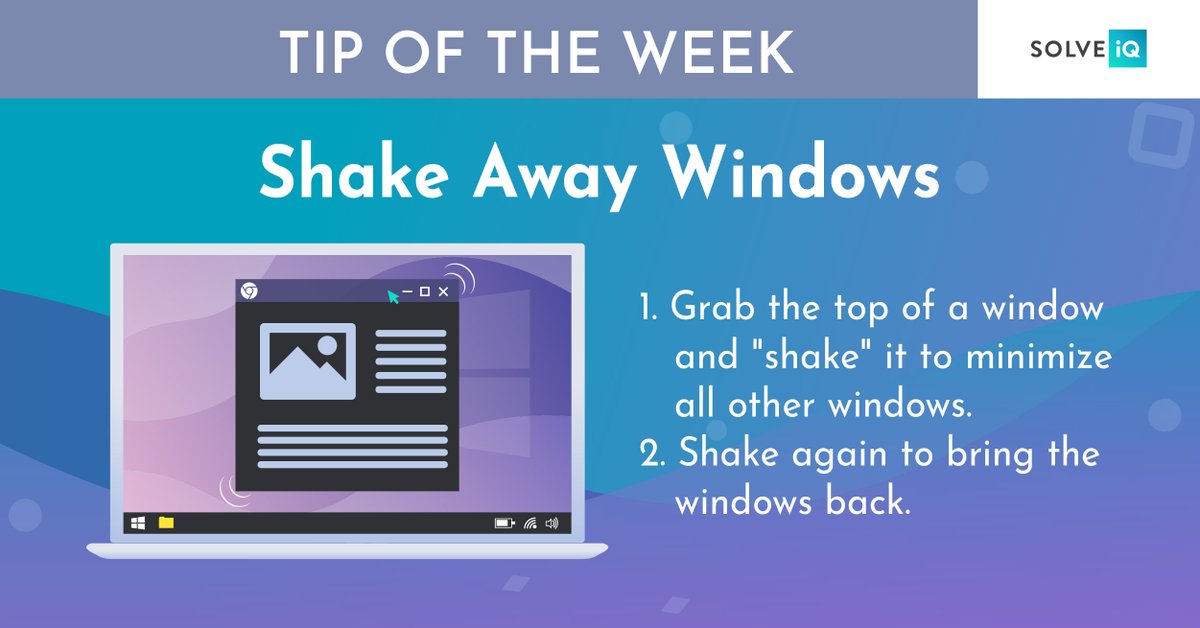
💻 If you have a screen full of windows, you can clear the clutter by grabbing the top of the window you want to keep and "shaking" it to minimize the others.
If you want to bring back all the windows, shake again!
We use our devices for hours every day, online safety should be top of mind.
With Solve iQ, rest assured that you and your family will enjoy:
✅ Cleaner, safer internet
✅ Stronger software defenses
✅ High-performance security and protection
✅ Enhanced online privacy
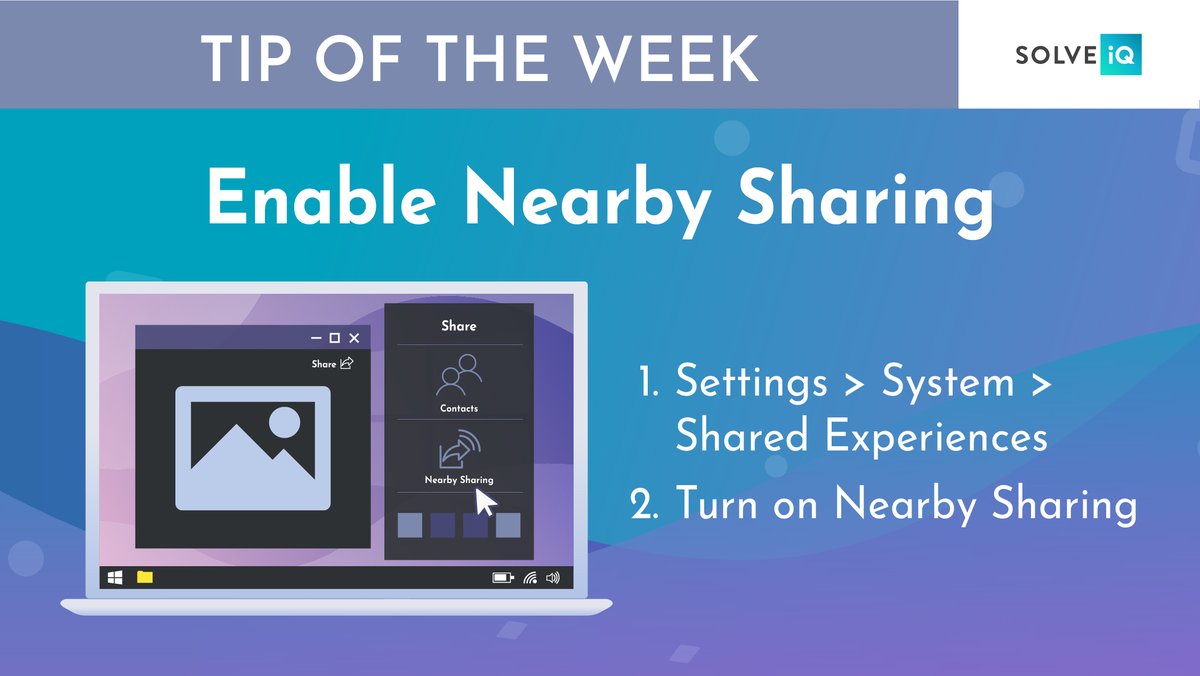
➡️ Use this tip to share files directly with nearby devices in the same way Apple's AirDrop works.
Click the Share icon on the top part of your doc or photo toolbar to open the panel. Then click Turn On Nearby Sharing to send files.
Save and share this tip with a friend!
Solve iQ users said goodbye to interrupted web browsing a long time ago. With Solve iQ you can:
✅ Block most ads on websites
✅ Browse the internet faster
✅ Make it harder to track you online
✅ Protect your privacy
Say hello to a smoother browsing experience with Solve iQ.
🕹 On this day 38 years ago, Alexey Pajitnov completed the first playable version of a little game featuring falling tetrominoes: Tetris.
Almost 40 years later, this game continues to be enjoyed by newer generations. #SolveiQ#TechHistory#Tetris#Gaming#Arcade#VintageGames
⚠️ If you often find yourself distracted by notification pop ups on your PC, try turning on Focus Assist to get greater control over the notifications that pop up on your PC
Activate at certain times, only let specific notifications through, or work under specific conditions!
📧 Scams are getting a little out of hand aren't they?
That's why we've put together this quick, easy guide on how to identify and them. Take notes– you may have to put some of these tips to use soon!
https://t.co/FTxsWvXsbJ
❌ Scams and malicious emails are an annoying part of the online experience. That's why you need optimized protection from Solve iQ that automatically blocks attacks on your PC.
Visit https://t.co/YW7fIvOx8M today to experience enhanced security and protection.
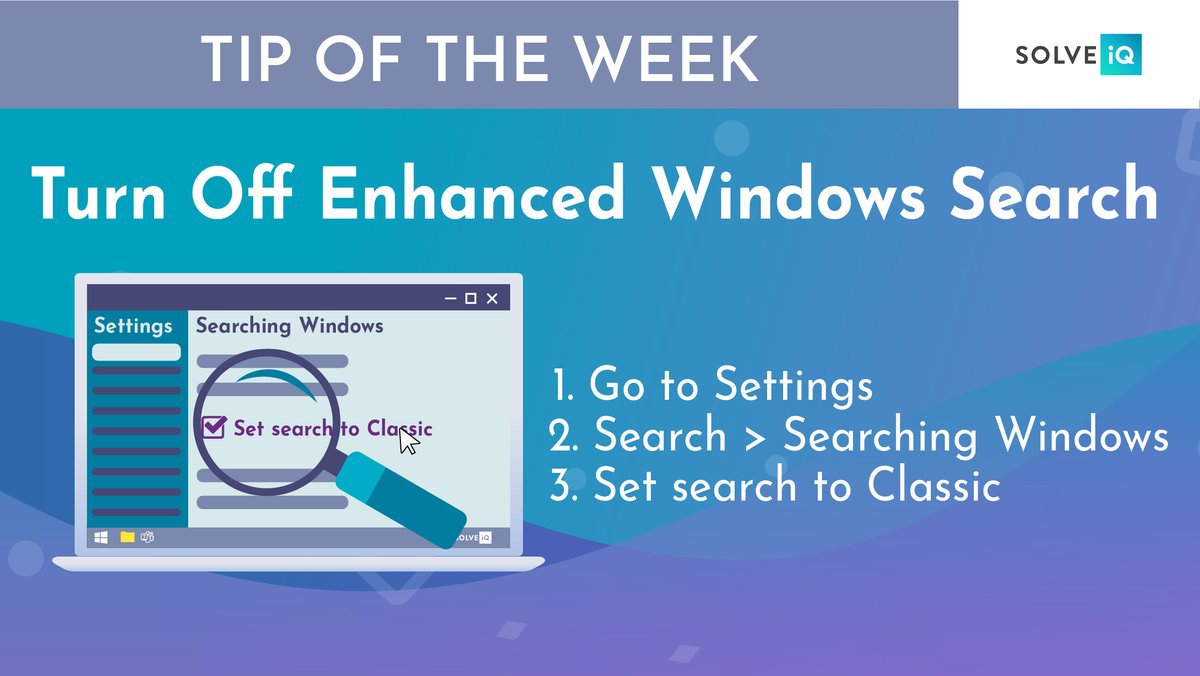
🔎 If searches are taking too long on your PC, it might be because you are using Enhanced search. When Enhanced Windows Search is on, you PC indexes your whole computer, which can take longer and uses more power.
Learn how Solve iQ can help experience your PC's full potential!