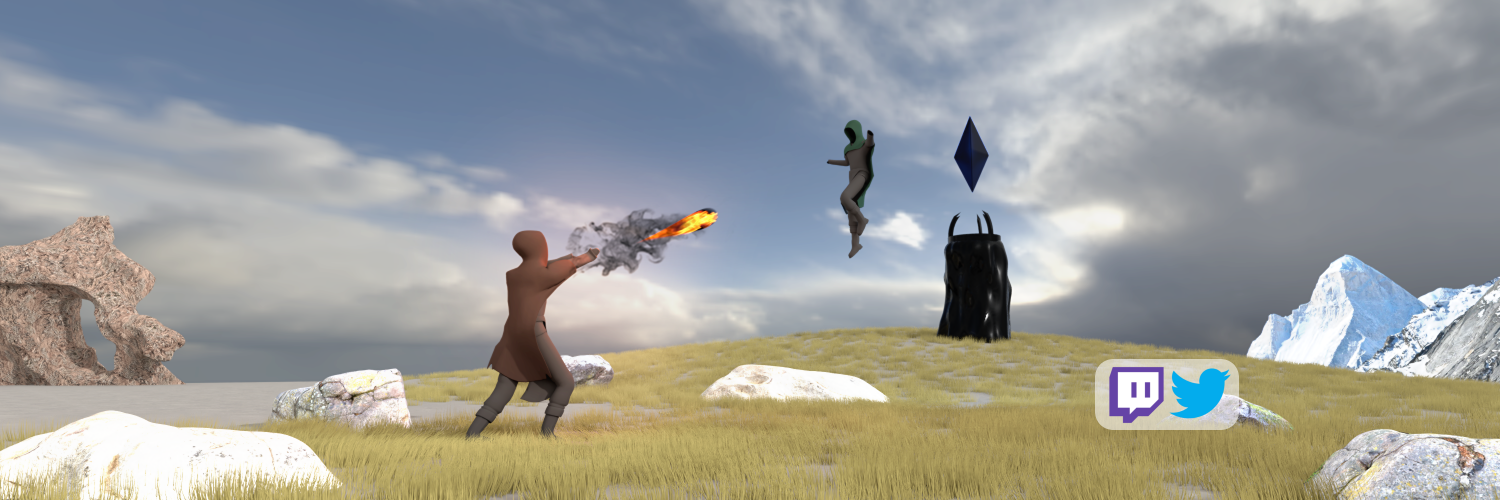
Finally uploaded the final game project, developed for my studies at the University of Applied Sciences Technikum Wien, to https://t.co/ZogHStkCJk! 🎉🎉🎉
We are also finalizing the spell visuals. This spell is called "Fist of Fury". The higher the drop, the more damage it causes. Let us know what you think!
We're currently working hard towards our final deadline. Newest addition: our characters now have a short intro animation! #gamedev#indiegamedev#madewithunity
Thanks to all our lovely testers. Your feedback is very important to us. We learned a lot about the things that worked and even more about the things that didn't
There is an easy way to debug frame-by-frame situations. Debug.Break() pauses the application and with Ctrl+Alt+P / Alt+Cmd+P you can step through. Very handy to take a closer look at collisions and other physics stuff
#unitytips#gamedev#unity#unity3d
#unity You can use [ContextMenu("Some Text")] to expose methods in the inspector. This can be very useful to test certain methods during runtime or to use scripts in the editor. For example: filling some random values #unitytips
Here's a super quick tip for #unitytips
When your UI is getting in the way, you can hide it in the scene view. You can also lock it, so you don't accidentally click or change it. #unity