#DuBoisChallenge2022@ajstarks @aldatavizguy
The #DuBoisChallenge2022 will last 10 weeks. The goal is to recreate W.E.B. Du Bois data visualizations with a modern tool. Datasets and rules can be found here -> https://t.co/zTLl40OnCr
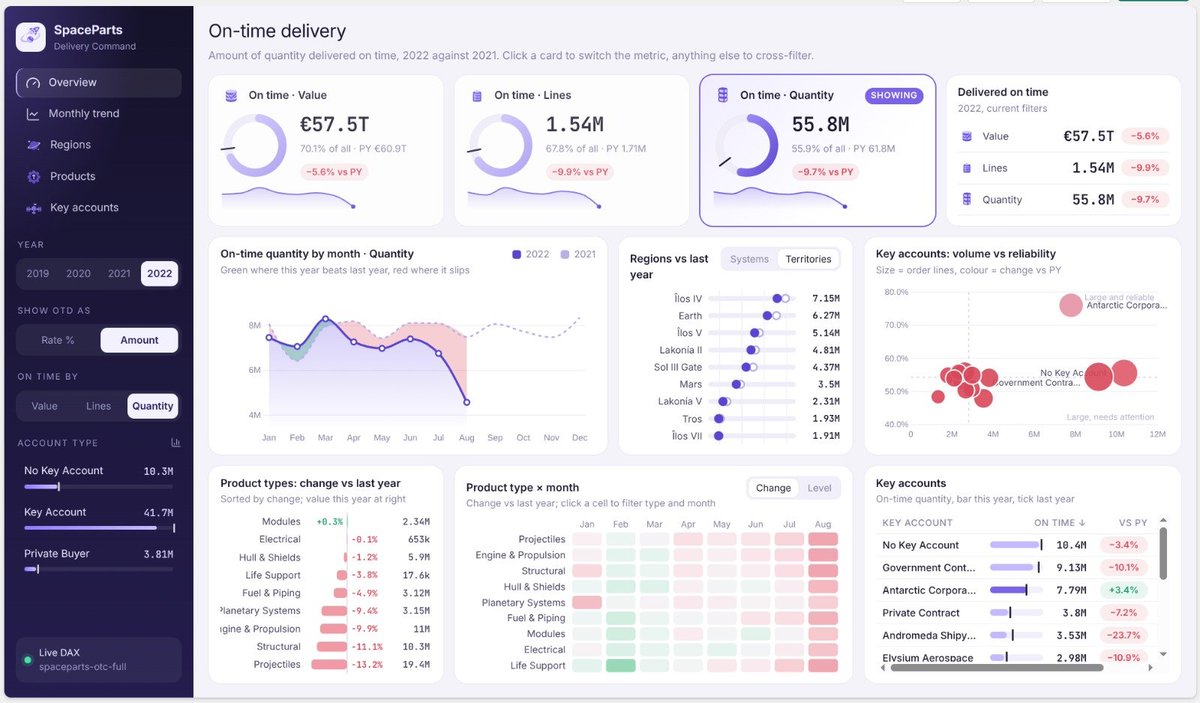
It takes minutes to make a dashboard that looks like this. Literally, ~10 minutes on my phone as I walked to an appointment.
Does it look nice? Idk - few too many decorations and typical AI design shibboleths. Here's a better question: who cares?
Is it useful? Is it valuable? Is it correct?
What matters most in this age of AI is whether you are making the right thing for the right people and scenario.
Is your training budget tight right now but you want your team to get real-world learning? I got you!
The #Nashville Microsoft Community Day is next week (FRIDAY!) & you can really make a difference in your team's success. https://t.co/XPpGyigHFB
Introducing New Skills Friday! 🎉 (think New Music Friday, but for your data career.)
Where you can press play and head into the weekend with new tricks, new insights, and smarter ways to sharpen your data skills. Every Friday, we'll serve up a curated lineup designed to keep your skills in tune and your knowledge on repeat.
This week's featured playlist: Upping Your DAX Game 🚀
Ready to level up? Press play and start learning. 👇
https://t.co/b4V5izU1mG
#dax
#powerbi
#microsoftfabric
#guyinacube
Cube Classics: How to Nail Your Power BI Report Layout with Figma
Beautiful Power BI reports don’t happen by accident and in this video Sekou Tyler walks through how to use Figma to create pixel‑perfect wireframes that guide your visuals, spacing, and storytelling.
🎥 Watch Now: https://t.co/rkADrwsGMI
#powerbi
#guyinacube
@AnnUJackson I’ve been in power bi/ai world this year and getting back to the tableau side. Trying to understand xml and what stuff can be automated.
It’s wild out here! 🤖